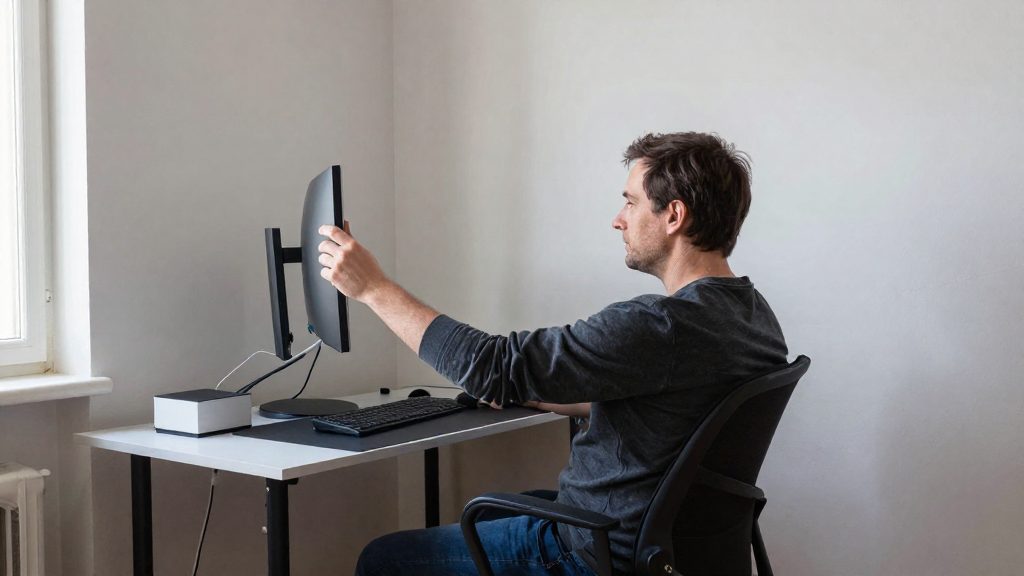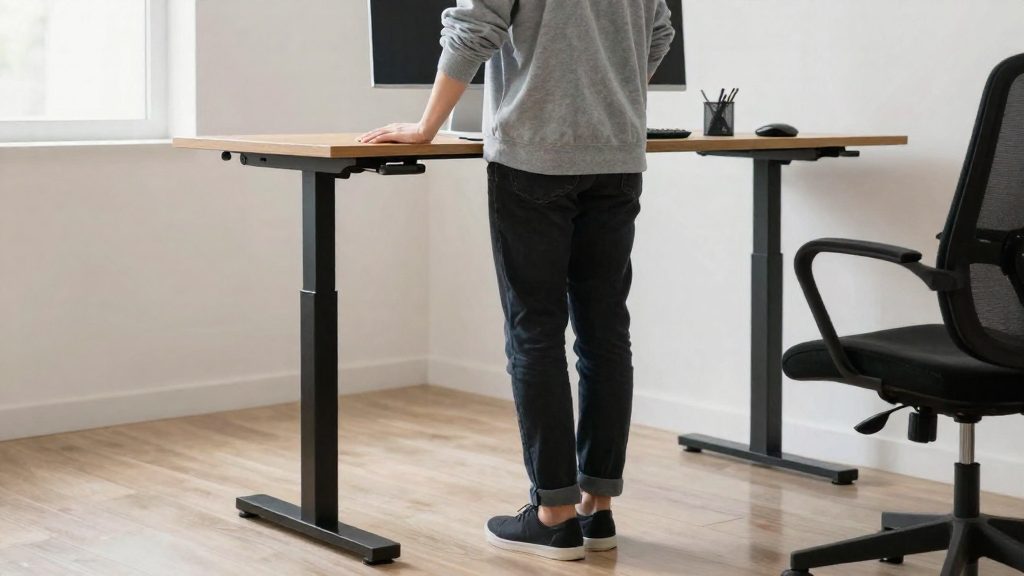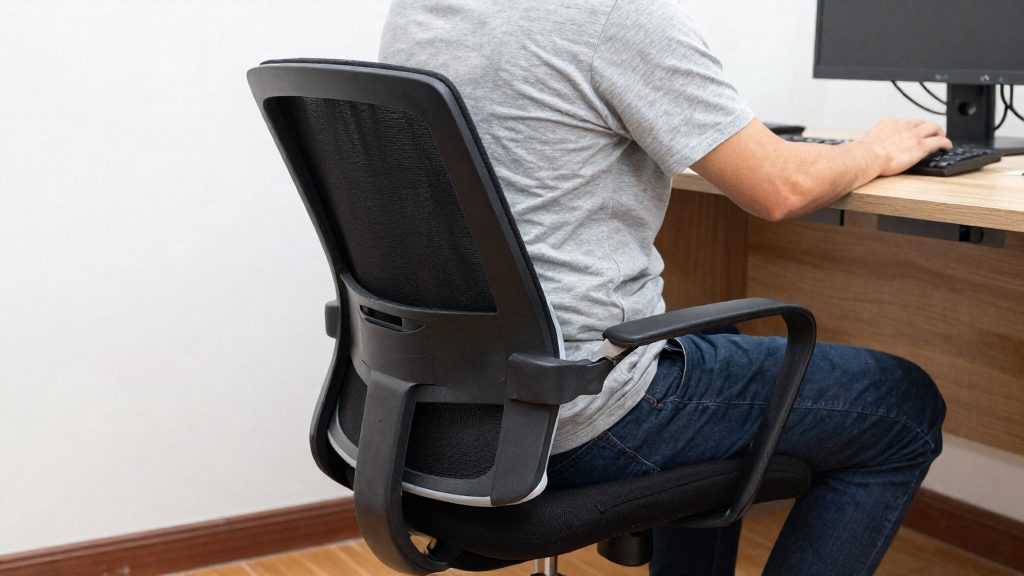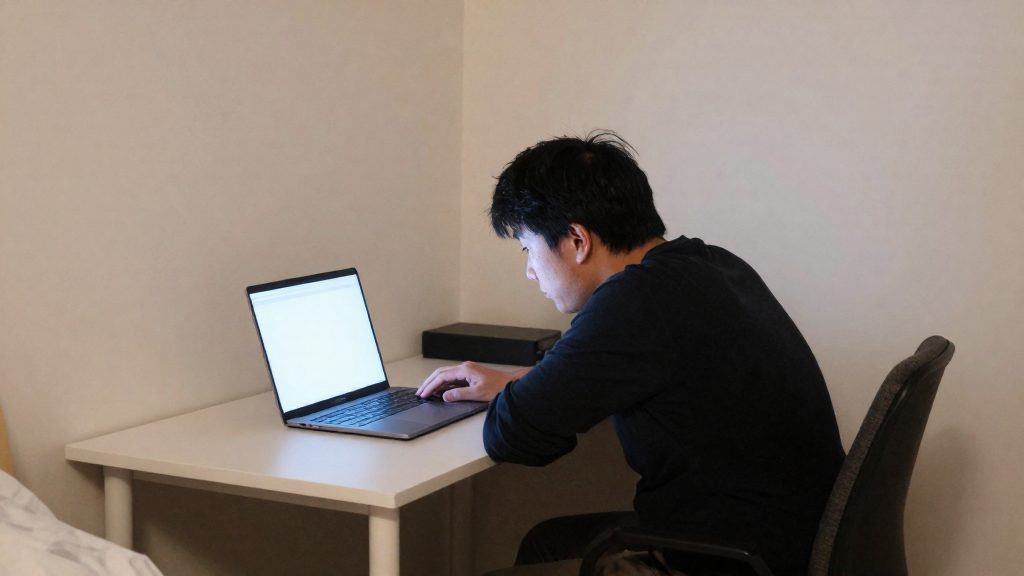
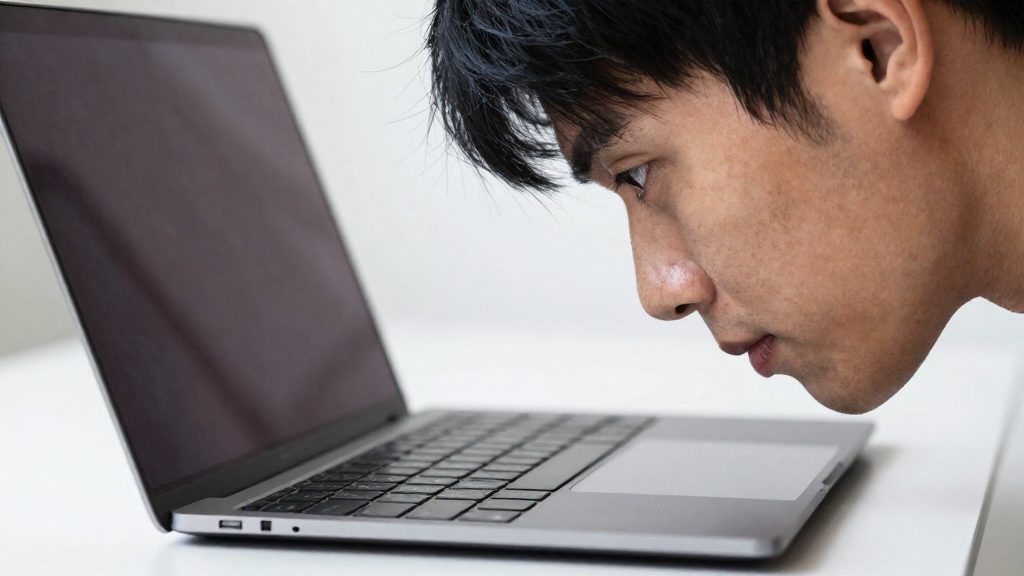
Forward head posture at a laptop is when the head moves ahead of the shoulders to bring the screen into view. According to ScienceDaily and San Francisco State University (2019-01-04), tilting the head forward at 45° raises the effective load on the neck muscles from about 12 pounds in an upright posture to about 45 pounds. The neck acts as a lever, so the further forward the head moves, the greater the strain.
Why does the head move forward in front of a laptop?
The head moves forward when the screen sits lower or farther away than the eyes can comfortably reach, so the neck bends to read the text. A laptop’s built-in screen is hinged to its keyboard base, so its height and distance cannot be adjusted independently. Using it flat on a desk often places the display below eye height.
The Canadian Centre for Occupational Health and Safety (CCOHS, 2022-11-29) recommends placing the monitor at eye height or slightly lower, about 15° below horizontal. It also notes that a screen set too high causes more discomfort than one set a little too low, and that neck and shoulder pain are common complaints among computer users.
| Head position | Approximate effective load on neck muscles |
|---|---|
| Upright | About 12 pounds |
| Tilted forward at 45° | About 45 pounds |
The strain is also visible in the muscles. An electromyography study of 12 students found increased tension in the trapezius when the head was forward. In a separate test reported in the journal Biofeedback, 98% of 125 students reported head, neck, or eye pain after 30 seconds of a clenched neck. This was a short test, so it does not show what happens in everyday laptop use.
What the Neck Actually Endures
According to the Canadian Centre for Occupational Health and Safety (CCOHS, 2022-11-29), neck and shoulder pain is a common complaint among computer users. The CCOHS links part of this to monitor placement: a screen set too high, for example on top of the computer case, can cause neck and shoulder problems over time. The same source notes that a screen placed slightly too low causes less discomfort than one placed too high.
Head position drives much of the load. Research from San Francisco State University, reported by ScienceDaily (2019-01-04), compared an upright head with a head tilted forward at 45°:
| Head position | Effective load on neck muscles |
|---|---|
| Upright | about 12 pounds |
| Tilted forward at 45° | about 45 pounds |
In the forward position, the neck acts as a lever, and the muscles that support it carry this increased load.
The same research measured muscle activity. Electromyography on 12 students showed increased tension in the trapezius, the large muscle running from the neck to the shoulders, when the head was forward. In a separate test, 98% of 125 students reported pain in the head, neck, or eyes after 30 seconds of clenching the neck. The study was published in the journal Biofeedback.
To counter forward head position, the researchers advise aligning the head over the neck and deliberately checking your posture until the habit becomes automatic. They also recommend enlarging the text rather than leaning toward the screen, wearing computer glasses, or placing the screen on a stand at eye level.
Screen height: the CCOHS benchmarks
According to the Canadian Centre for Occupational Health and Safety (CCOHS, 2022), the top of the monitor should sit at eye level or slightly below it, with the screen tilted about 15° below horizontal. CCOHS notes that a screen placed too high causes more discomfort than one set slightly too low. For a laptop, this usually means raising the device on a stand and using a separate keyboard and mouse, since the built-in screen cannot be lowered independently of the keyboard.
Recommended setup
| Parameter | CCOHS guidance (2022) |
|---|---|
| Top of screen | At eye level or slightly lower |
| Screen angle | About 15° below horizontal |
| Starting viewing distance | One arm’s length, adjusted for each person |
| Text too small to read | Enlarge the font rather than moving closer |
How to set the height
- Sit with your back supported and your feet flat on the floor.
- Start at about one arm’s length from the screen, then adjust the distance to suit you.
- Raise or lower the laptop until the top of the screen is at eye level or slightly lower.
- Check the position. The screen should sit about 15° below your horizontal line of sight, as CCOHS describes.
Why a high screen loads the neck
CCOHS reports that neck and shoulder pain are common complaints among computer users. A monitor placed too high, for example on top of the computer case, can cause neck and shoulder problems over time.
The effect of head position is measured in pounds. According to ScienceDaily, citing San Francisco State University (2019), the effective load on the neck muscles changes as follows:
| Head position | Effective load on neck muscles |
|---|---|
| Upright | About 12 pounds |
| Tilted forward at 45° | About 45 pounds |
At 45°, the neck works as a lever, which explains why the same head weight produces a much larger load.
Study findings on forward head posture
In the same San Francisco State University study (2019), electromyography on 12 students showed increased trapezius muscle tension in the forward head posture. In a separate test, 98% of 125 students reported pain in the head, neck, or eyes after 30 seconds of clenching the neck. The study was published in the journal Biofeedback.
The researchers advise aligning the head over the neck and deliberately noticing when the head drifts forward. They also suggest enlarging the font, using computer glasses, or placing the computer on a stand at eye level.
How to set up a laptop at your desk?
A laptop placed flat on a desk puts its screen too low and forces the head to tilt forward. To avoid this, raise the screen to eye level or slightly below, keep the head aligned over the neck, and use a separate keyboard and mouse. The Canadian Centre for Occupational Health and Safety (CCOHS, 2022-11-29) recommends that the monitor sit at eye level or slightly lower, about 15 degrees below the horizontal line of sight.
| Setup element | Guideline | Source |
|---|---|---|
| Screen height | At eye level or slightly lower, about 15° below horizontal | CCOHS (2022-11-29) |
| Viewing distance | Starting point is one arm’s length, adjusted per person | CCOHS (2022-11-29) |
| Text size | Enlarge the font rather than move closer to the screen | CCOHS (2022-11-29) |
Setup steps
- Raise the screen. Place the laptop on a stand or elevated support so the top edge of the screen is near eye level.
- Check your line of sight. Look straight ahead: the top of the screen should be at eye level or slightly lower.
- Set the distance. Sit at about one arm’s length from the screen.
- Adjust text size. If text is hard to read, increase the font size instead of leaning in.
- Separate the input devices. Use an external keyboard and mouse so the screen can stay raised while your arms remain close to your body.
- Keep the head over the neck. Avoid letting the head drift forward toward the screen.
Why forward head position matters
According to a San Francisco State University study reported by ScienceDaily (2019-01-04), a head tilted forward at 45° increases the load on neck muscles from about 12 pounds in an upright posture to about 45 pounds, because the neck acts as a lever. Electromyography on 12 students showed increased trapezius muscle tension in the forward head position. The researchers advised aligning the head over the neck, deliberately noticing when the head drifts forward, and using a raised computer at eye level. The official sources consulted do not specify how long a laptop should be used per session in this position.

External keyboard and mouse
A laptop used alone ties the screen and the keyboard together. Used alone and flat on a desk, a laptop ties the screen and the keyboard together, so the screen sits too low and the head tilts forward. Raising the display is only comfortable if the keyboard is separate. The ScienceDaily / San Francisco State University study (2019-01-04) reports that a head tilted forward at 45° raises the load on the neck muscles from about 12 pounds to about 45 pounds, because the neck acts as a lever. An external keyboard and a separate mouse let you apply the principle of separating input from display: the screen goes on a stand at eye level, while the keyboard and mouse stay at a lower height where your arms can rest.
To set this up:
- Place the laptop on a stand so that the top of the screen sits at eye level. The Canadian Centre for Occupational Health and Safety (CCOHS, 2022-11-29) recommends this height for monitors, and the researchers advise the same for laptops.
- Put the external keyboard in front of you at a lower height than the raised screen, close enough that you do not lean toward the display while typing.
- Set the mouse beside the keyboard, at the same height, so that you do not reach sideways for long periods.
- Keep your forearms and wrists supported, with the shoulders relaxed rather than raised.
Correcting your posture day to day
Corriger la tête projetée vers l’avant commence par le réglage de l’écran, avant même de travailler sur le cou. Le Canadian Centre for Occupational Health and Safety (CCOHS, 2022-11-29) recommande un moniteur à hauteur des yeux ou légèrement plus bas, et signale que les douleurs au cou et aux épaules sont des plaintes courantes chez les utilisateurs d’ordinateur. Le tableau suivant regroupe les réglages recommandés.
Régler le poste de travail
| Réglage | Recommandation | Source |
|---|---|---|
| Hauteur de l’écran | À hauteur des yeux ou légèrement plus bas, environ 15° sous l’horizontale | CCOHS (2022-11-29) |
| Distance de visionnement | Point de départ : la longueur d’un bras, à ajuster selon la personne | CCOHS (2022-11-29) |
| Taille du texte | Agrandir la police plutôt que rapprocher l’écran | CCOHS (2022-11-29) |
| Ordinateur portable | Placer l’appareil sur un support à hauteur des yeux | ScienceDaily / San Francisco State University (2019-01-04) |
Un écran placé trop haut, par exemple sur le boîtier de l’ordinateur, provoque davantage d’inconfort qu’un écran légèrement trop bas (CCOHS, 2022-11-29).
Mesurer l’effet de la position
Selon ScienceDaily / San Francisco State University (2019-01-04), la charge effective sur les muscles du cou augmente nettement lorsque la tête s’incline vers l’avant :
| Position de la tête | Charge effective sur les muscles du cou |
|---|---|
| Tête droite | environ 12 livres |
| Tête projetée vers l’avant à 45° | environ 45 livres |
Le cou agit alors comme un levier, ce qui explique l’intérêt de corriger la position dès qu’elle s’installe.
Étapes pour corriger la position
- Aligner la tête au-dessus du cou. Les chercheurs conseillent cet alignement comme position de référence.
- Repérer la position tête avancée. Vérifiez régulièrement que vos oreilles sont alignées avec vos épaules. Les chercheurs recommandent de le faire volontairement pour s’en défaire.
- Ajuster le texte avant la distance. Agrandissez la police plutôt que de vous pencher vers l’écran.
- Consider computer glasses, which the researchers also suggest. An eye care professional can advise you based on your situation.
Stretches and breaks: what to do?
The most direct way to reduce head forward posture is to correct the setup, not only to stretch afterward. According to the Canadian Centre for Occupational Health and Safety (CCOHS, 2022-11-29), the monitor should sit at eye level or slightly lower, about 15° below horizontal. A screen placed too high causes more discomfort than one placed a little too low. The starting viewing distance is one arm’s length, adjusted for each person. If text is hard to read, enlarge the font rather than moving closer to the screen.
| Element | Recommended position (CCOHS, 2022-11-29) |
|---|---|
| Screen height | At eye level or slightly lower |
| Screen tilt | About 15° below horizontal |
| Viewing distance | Starting point: one arm’s length |
| Text size | Increase the font if text is difficult to read |
The load on the neck increases quickly with forward tilt. According to ScienceDaily / San Francisco State University (2019-01-04), with the head tilted forward at 45°, the effective load on the neck muscles rises from about 12 pounds in an upright posture to about 45 pounds, because the neck acts as a lever. The same source reports increased trapezius tension in a small electromyography study of 12 students.
Researchers advise two habits from the same source:
- Align the head over the neck during each work session.
- Notice forward head position deliberately, then return the head to alignment.
The official sources consulted do not specify a recommended break interval or a specific stretch routine, so this section does not give timed exercises. If neck or shoulder pain persists or gets worse, or if you feel numbness, tingling or weakness in an arm, stop the activity that provokes it and consult a health professional promptly. Practical steps to reduce forward head posture at the desk:
- Raise the laptop on a stand so the top of the screen reaches eye level.
- Enlarge the font instead of leaning toward the screen.
- Sit back so the head returns over the neck.
- Changing position and moving briefly is a general suggestion, not a CCOHS recommendation. Then check your alignment before resuming work.
Frequently asked questions
How can I tell if my head sits too far forward at my laptop?
Look straight ahead and check whether your gaze lands on the top of the screen at eye level or slightly below it. If your chin reaches toward the display or your head sits ahead of your shoulders, you may have forward head posture, and the San Francisco State University researchers advise checking for it deliberately during work.
Is a laptop stand enough, or do I need a separate keyboard?
A stand raises the whole laptop, so the keys rise with the screen and can move out of comfortable reach. An external keyboard and mouse let you set the screen height at eye level on its own, while you place the keyboard where your forearms can rest.
When should you see a health professional about neck pain?
Consult a health professional promptly if neck or shoulder pain persists or gets worse, or if you notice numbness, tingling or weakness in an arm. Stop the activity that causes the symptoms until you have been assessed.