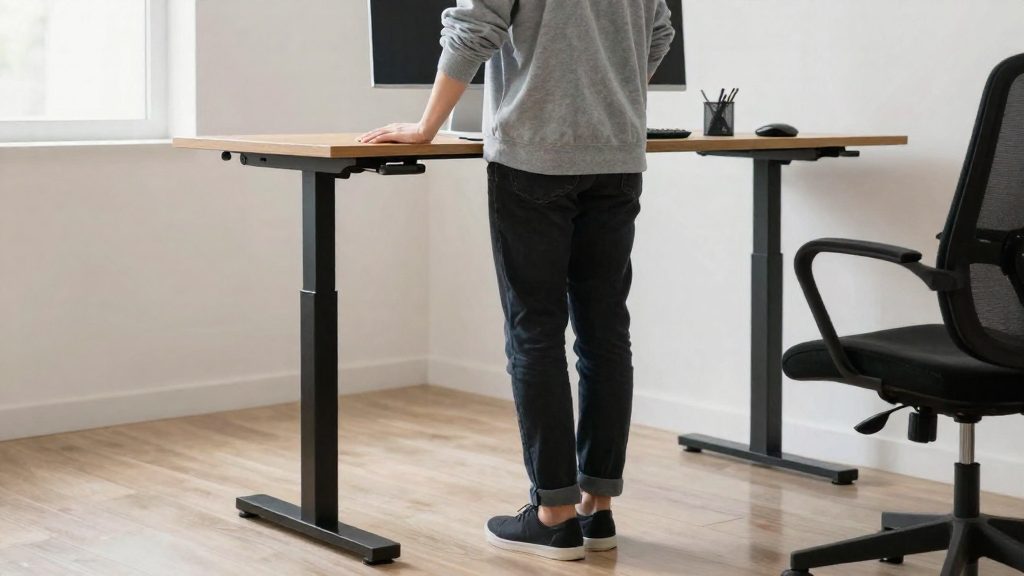
A sit-stand desk, often called a standing desk, lets home workers change position during the day instead of holding one posture for hours. According to CCOHS (2026), the main reason to alternate is to avoid prolonged static working postures.
Why use a standing desk at home?
Why alternating postures matters
Holding one static posture for a full working day is the pattern that CCOHS advises avoiding. For home workers, CCOHS recommends building stretching into the daily routine and taking a 5 to 10 minute break every hour to stand, walk and stretch, according to Canadian Occupational Safety (2020). These breaks are separate from changing the desk height: they move the body away from the screen altogether.
Where sit-stand desks fall short
A sit-stand desk does not solve posture problems on its own. The limitations are:
- Cost: CCOHS lists cost as a drawback of sit-stand desks, and the official sources consulted do not give a price range.
- Excess standing: CCOHS notes that standing too long can lead to foot, knee, hip and back problems. Moving the desk up does not remove this risk.
- Drift back to sitting: some users gradually return to sitting most of the time, so the desk’s presence does not guarantee more movement.
- Blocked adjustment: cables, storage and layout should not prevent the desk from moving. A desk that cannot be adjusted freely is effectively a fixed desk.
Health risks from excess standing
CCOHS identifies four areas at risk when standing is prolonged:
| Body area | Risk identified by CCOHS |
|---|---|
| Feet | Problems linked to standing too long |
| Knees | Problems linked to standing too long |
| Hips | Problems linked to standing too long |
| Back | Problems linked to standing too long |
Because the risk comes from duration rather than from standing itself, the practical goal is variation: alternating positions within the day, not replacing sitting with continuous standing.
How high should the desk be?
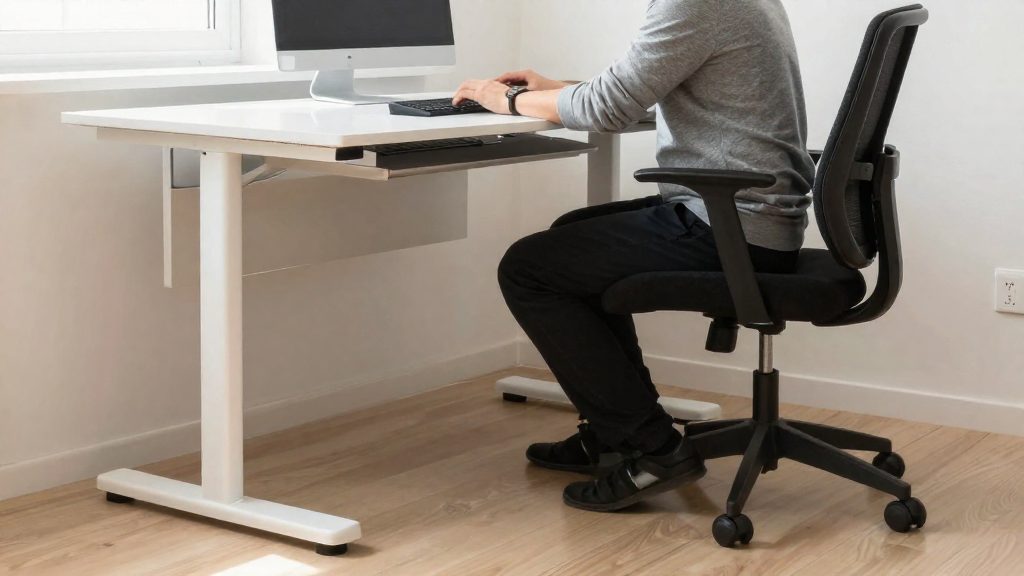
The reference point for a sit/stand desk is the seated arm position. According to CCOHS (2026), you should set the platform so your arms sit as they would when you are seated, with your elbows close to your body and bent at about 90 degrees. Because this method ties the setting to your own arm position rather than to a fixed height, it works with different body sizes and chairs.
To apply it:
- Sit in your usual chair, at your usual distance from the desk.
- Let your upper arms hang naturally beside your torso, with your elbows close to your body.
- Bend your elbows to about 90 degrees and rest your forearms on the work surface.
- Raise or lower the platform until the surface sits at that level, so your forearms rest without lifting your shoulders or reaching forward.
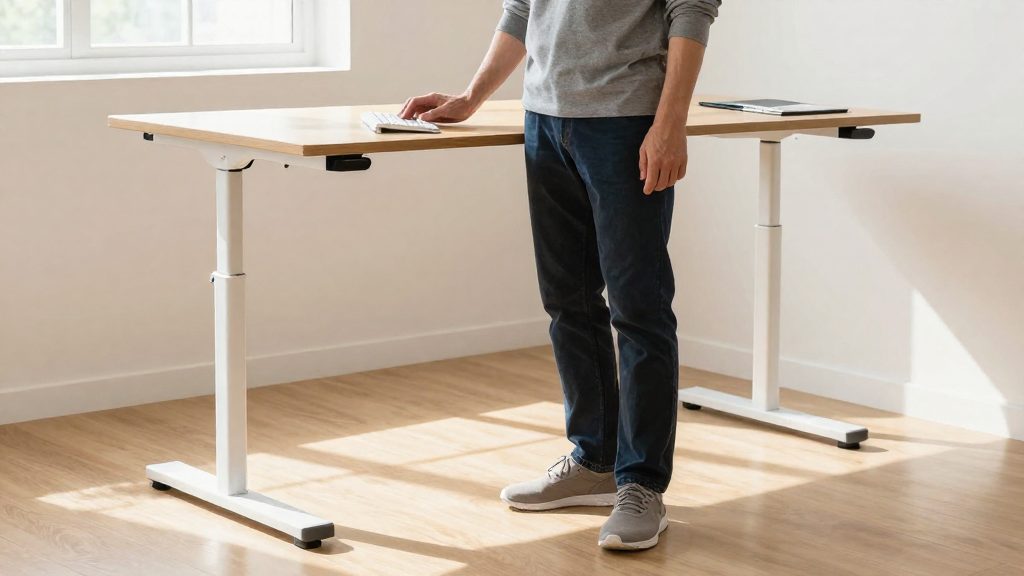
The platform height is based on the seated arm position: elbows close to the body and bent at about 90 degrees. The official sources consulted do not specify a separate standing height, so when you stand, apply the same arm position. When you stand, check that your elbows still stay close to your body and that your arms are not pulled up or reaching down. If they are not, adjust the platform until your elbows are again close to your body and bent at about 90 degrees.
Where do the monitor, keyboard and mouse go?
Set the desk height from your arm position first, then check the monitor, because the screen position determines where your head and eyes sit. According to CCOHS (2026), the top of the monitor should be at or slightly below eye level. This means you look slightly down at the screen rather than up, and the guideline applies whether you are seated or standing.
The viewing angle is the downward angle, measured from horizontal, that your eyes travel to see the screen. CCOHS sets a different permitted range for each posture:
| Posture | Permitted viewing angle (measured below horizontal) |
|---|---|
| Seated | Horizontal to 30° below |
| Standing | Horizontal to 35° below |
The two ranges differ, so a monitor height that suits seated work may need a small adjustment when you stand. After each change of posture, check that the top edge still sits at or slightly below eye level and that the viewing angle falls within the range for that posture.
Position the keyboard and mouse as you would when sitting. CCOHS advises keeping the hands, wrists and forearms straight and roughly parallel to the floor, which means avoiding bending the wrist upward or downward while typing or clicking. The same alignment applies when standing. After you switch positions, check again that your hands, wrists and forearms are still straight and roughly parallel to the floor.
How often should you switch between sitting and standing?
According to CCOHS (2026-10-20), there is no single schedule for a sit-stand desk. Recommended timing varies, and the guidance is to alternate positions as needed. The two reference patterns are sitting for one hour and standing for five minutes, or switching every 20 to 60 minutes.
| Reference point | Timing described by CCOHS |
|---|---|
| Example ratio | 1 hour sitting, 5 minutes standing |
| Switching interval | Every 20 to 60 minutes |
The 1-hour and 5-minute ratio is one example, not a fixed rule. Pick an interval within the 20 to 60 minute range and keep it for several working days before adjusting it. A timer on your phone or computer makes the switch happen without relying on memory. Record each switch during the first week to confirm that you are changing position as planned.
The main risk is drift back to mostly sitting. Standing periods then get shorter or are skipped, and the desk functions as a conventional seated workstation. Because the benefit depends on changing position, a desk used mostly in one position no longer serves that purpose. Check your pattern at the end of each week and compare it with the interval you chose.
Footwear, mat and footrest
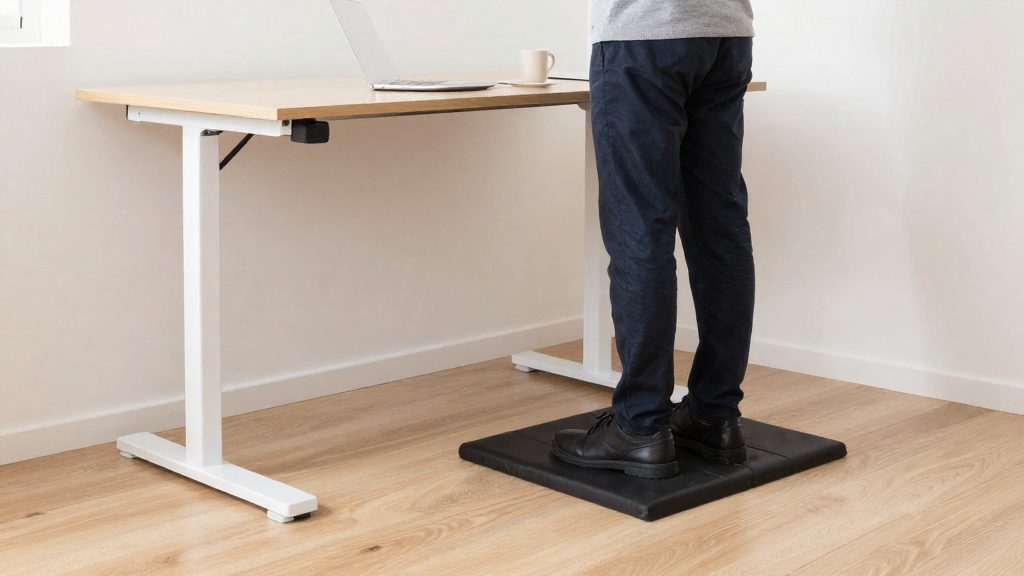
Standing at a sit/stand desk is only sustainable when the floor-level setup supports the body. According to CCOHS (2026-10-20), three elements help: supportive footwear, an anti-fatigue mat under the standing area, and a footrest or regular weight shifting from leg to leg to vary your posture.
| Element | What it does | Practical check |
|---|---|---|
| Supportive footwear | Gives the feet a stable base while standing | Wear it every time you stand at the desk, not only for short periods |
| Anti-fatigue mat | Adds cushioning under the standing area | Place it where you actually stand, and confirm it sits flat |
| Footrest | Lets you rest one foot at a time and change posture | Position it so you can alternate feet without reaching or leaning |
Shoes come first. Slippers and socks offer little structured support, so use closed shoes with a stable sole when you stand for extended periods at home.
The anti-fatigue mat is the second element. CCOHS recommends considering one, but the official sources consulted do not specify dimensions, materials or thickness, so judge the choice by how it feels and how it fits your space. Before buying, measure the area where you stand. Then check that the mat does not obstruct the desk’s height adjustment or the chair’s movement.
Varying your posture is the third element. Use the footrest to rest one foot, then switch to the other. Without a footrest, shift your weight from leg to leg. This small movement changes how load is distributed and reduces the time you hold a single stance.
Common mistakes to avoid
Most problems with a sit-stand desk come from how it is installed and used. Two habits cancel out its benefits: setups that restrict the desk’s movement, and treating the desk as a replacement for movement breaks.
Cables, storage and layout that block adjustments
A desk that cannot move freely offers little of the intended benefit. In practice:
- Leave cable slack so that power and monitor cables reach the highest and lowest desk positions without pulling on plugs or the frame.
- Keep drawers, filing cabinets, printers and bins out of the desk’s travel path, and clear the floor under the platform.
- Check that the height controller remains reachable from both a seated and a standing position.
- Re-check the cable route after moving the desk or changing equipment, since a new device can introduce a new obstruction.
Treating the desk as a substitute for breaks
A sit-stand desk changes your posture but does not replace movement. CCOHS advises breaks away from the computer, so keep the hourly stand, walk and stretch breaks even when you alternate desk positions.
Stretching and movement breaks
Hourly micro-breaks
Set a recurring reminder at the top of each hour. When it sounds, stop typing and:
- Stand up from your chair.
- Walk for a few minutes, for example to another part of the home.
- Perform a few gentle stretches for the neck, shoulders, arms and back before returning to your work.
Stretching built into the routine
Attach stretches to moments that already occur in your day, such as the start of the workday, the end of a batch of emails, or the hourly break. Keep movements slow and controlled, and stop any stretch that causes pain.
Full breaks away from the screen
CCOHS also advises breaks away from the screen, meaning you stop looking at the monitor and do something else. Moving to another room or walking through the home are practical options. A break that only involves shifting position in your chair keeps your attention on the same screen.
Frequently asked questions
How high should I set my standing desk?
Adjust the platform so your elbows stay close to your body and your elbow angle is about 90 degrees. The top of your monitor should sit at or slightly below eye level, with the viewing angle between horizontal and 35° below when standing. The official sources consulted do not give a separate standing height.
How often should I switch between sitting and standing?
Recommended timing varies, from sitting for 1 hour and standing for 5 minutes to switching every 20 to 60 minutes. According to CCOHS (2026), the key is to alternate positions as needed rather than follow one fixed schedule.
What should I use to stand comfortably at the desk?
Wear supportive footwear and consider an anti-fatigue mat, according to CCOHS (2026). Use a footrest, or shift your weight from one leg to the other, to vary your standing posture.