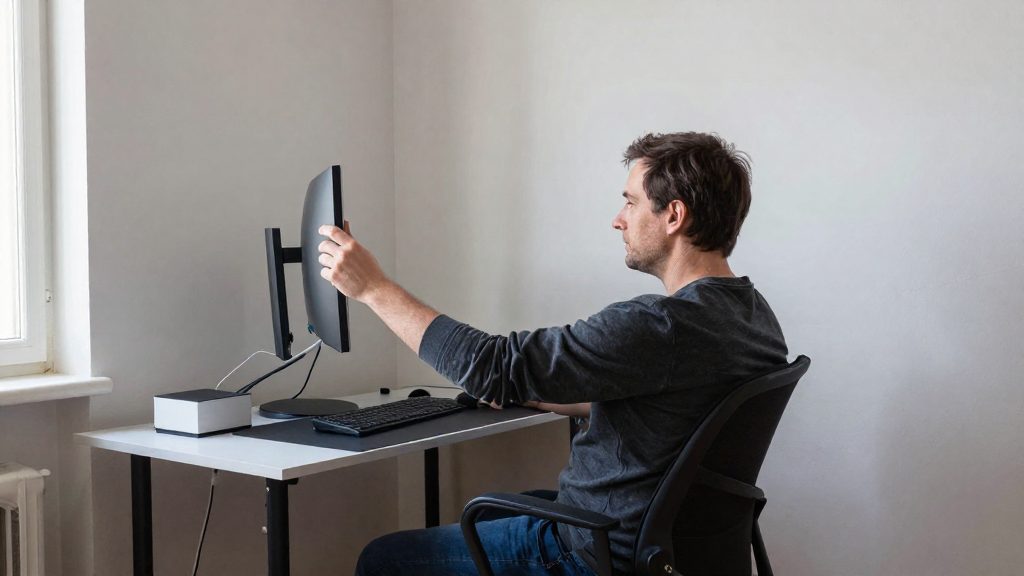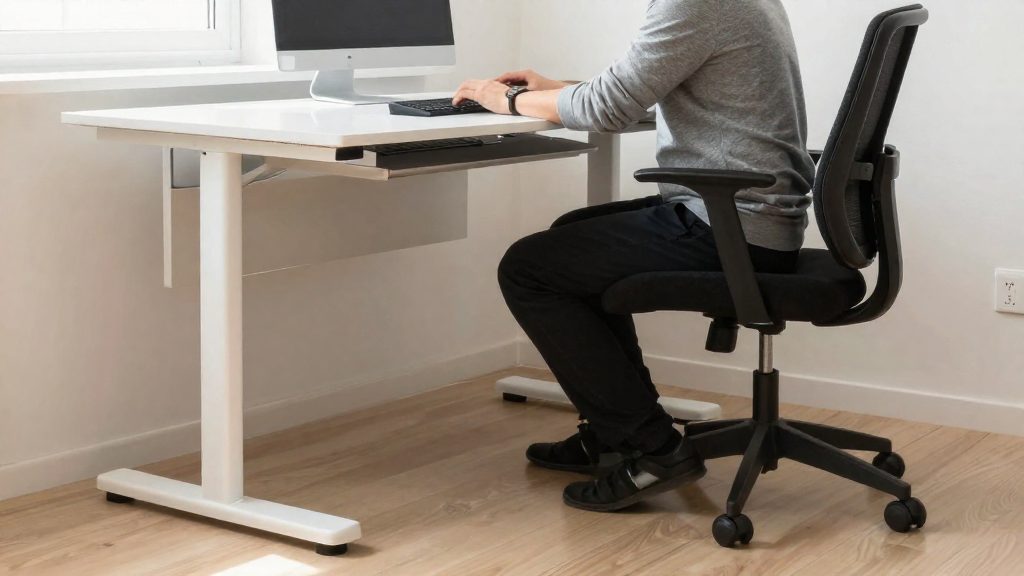
For sitting at a sit/stand desk, the official sources consulted do not give a numeric desk height in centimetres or inches. CCOHS (2022) defines the target by body position instead: the work surface should be approximately at standing elbow height, with the arms in the same position as when sitting. Elbow angle, wrist alignment, thigh angle and monitor line then show whether a given height suits you.
How to check your joint positions when sitting
Use the table below to check each joint and the screen against the CCOHS reference positions.
| Body part | Target position | Source |
|---|---|---|
| Elbows | Close to the body, bent at about 90° (sit/stand desk) or between 90° and 120° (seated work) | CCOHS (2022, 2024) |
| Hands, wrists, forearms | Straight and roughly parallel to the floor | CCOHS (2022) |
| Thighs | Roughly horizontal | CCOHS (2024) |
| Soles of the feet | Flat on the floor, at about 90° to the lower legs | CCOHS (2024) |
| Monitor line of sight | Between horizontal and 30° below horizontal | CCOHS (2022) |
How to set the height
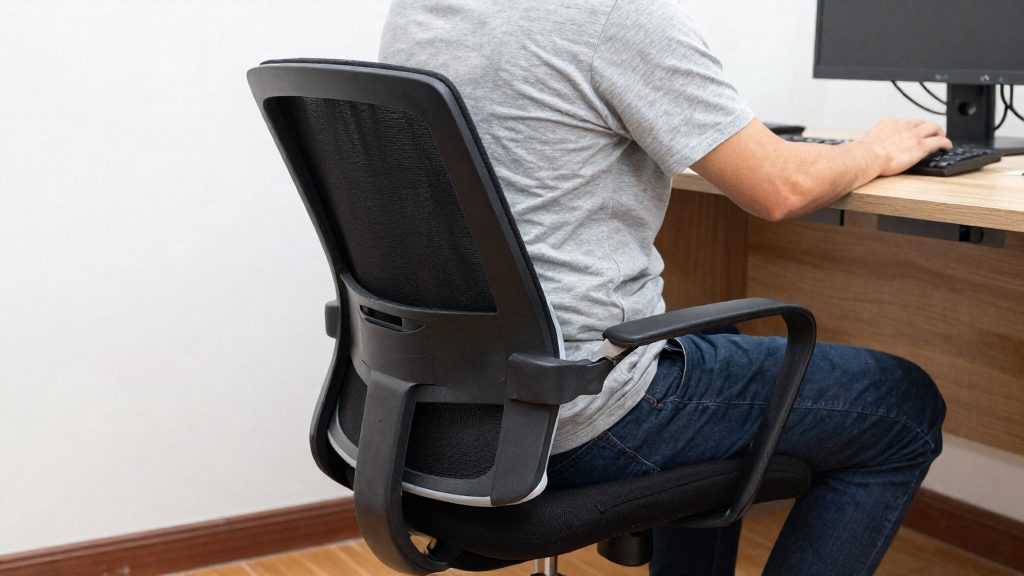
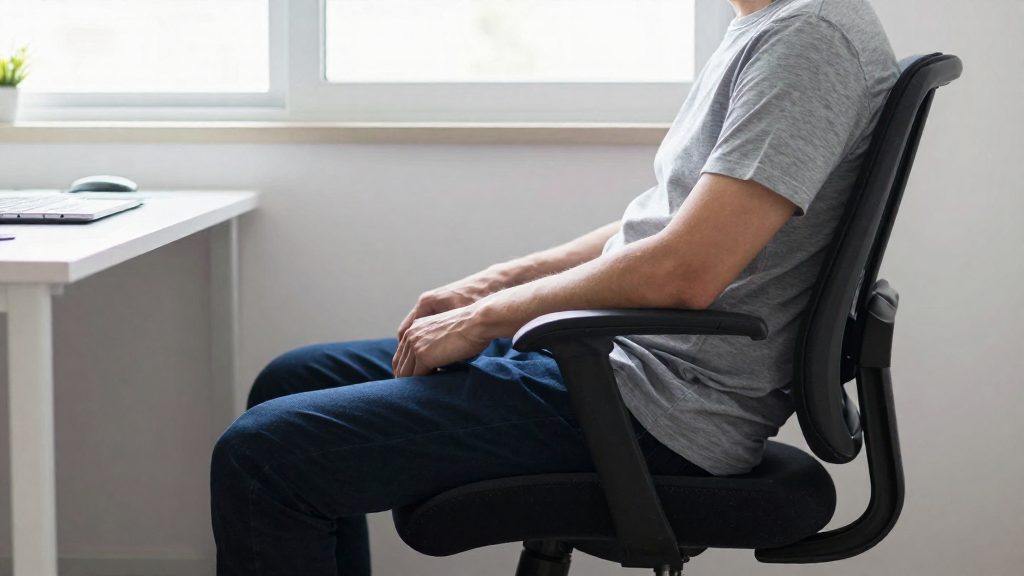
- Sit with your back supported and adjust the chair so your thighs are roughly horizontal.
-
- Raise or lower the work surface until your elbows sit close to your body and bend at about 90° (sit/stand desk, CCOHS 2022). For seated work in general, CCOHS (2024) gives 90° to 120°.
- Check that your forearms and wrists are straight and roughly parallel to the floor.
- Confirm that your feet rest flat on the floor, at about 90° to your lower legs.
- Position the monitor so your line of sight falls between horizontal and 30° below horizontal.
Repeat steps 2 and 3 after any change to the chair, because the chair height changes the elbow angle at a fixed desk height.
Footrest when the chair is high
Monitor line when standing
When you stand, the CCOHS reference for the monitor line of sight widens to between horizontal and 35° below horizontal (CCOHS, 2022). The screen can therefore sit slightly lower than in seated work, while the elbow and wrist positions stay the same as in the table above.
What desk height for standing?
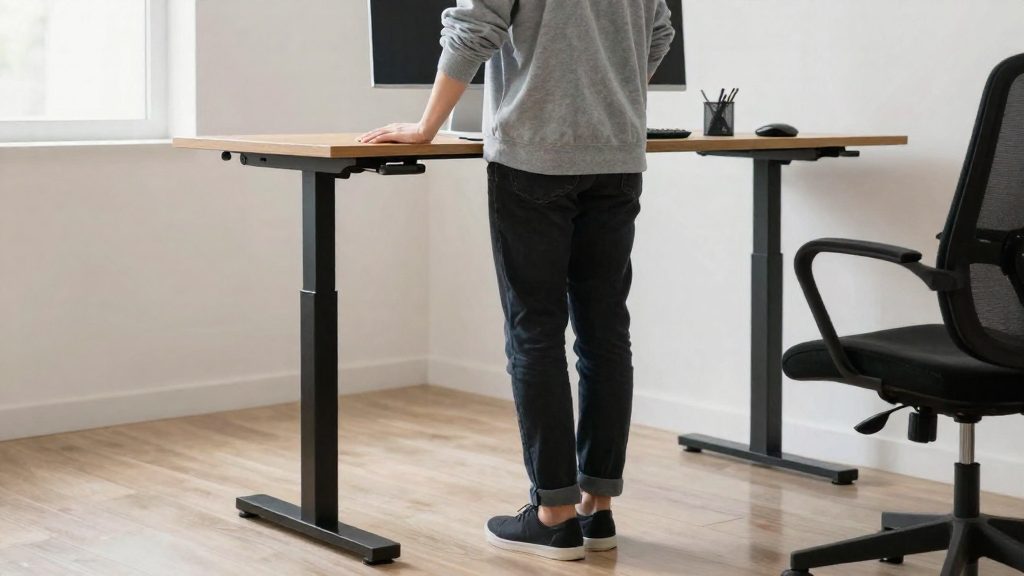
The work surface of a sit/stand desk should sit at approximately standing elbow height, with your arms in the same position as when you sit. According to CCOHS (2022), the official source does not give a numeric height, so set the desk by posture rather than by a measurement. Stand upright with your shoulders relaxed, bend your elbows to about 90° and check that the work surface meets them, with your forearms and wrists straight and roughly parallel to the floor. The desk is at the right height when your elbows stay close to your body.
Once you are standing, check these three points:
- Elbows: close to the body and bent at about 90 degrees.
- Wrists and forearms: straight and roughly parallel to the floor while typing.
- Monitor: positioned so that your line of sight falls between horizontal and 35° below horizontal.
The same checks apply when you sit. The monitor target differs, and the elbow reference is stated differently: about 90° at a sit/stand desk (CCOHS, 2022) and 90° to 120° for seated work (CCOHS, 2024). In both cases the elbows stay close to the body.
| Setting | Sitting | Standing |
|---|---|---|
| Monitor line of sight | Horizontal to 30° below | Horizontal to 35° below |
| Elbow angle | About 90° at a sit/stand desk (CCOHS, 2022); 90° to 120° for seated work (CCOHS, 2024) | About 90° |
How to measure your elbow height
For a sit/stand desk, CCOHS (2022) states that the work surface should sit at approximately standing elbow height, with your arms in the same position as when you sit. The desk height is therefore set from your standing posture, not from a fixed number. The official sources consulted do not give a numeric height in centimetres or inches, so the method below relies on body position rather than a measurement table.
Use this method to find your standing elbow height:
- Stand upright in the shoes you usually wear at your desk, with your feet hip-width apart and your weight evenly distributed.
- Let your arms hang loosely at your sides, then bend your elbows to about 90 degrees, keeping them close to your body.
- Measure the vertical distance from the floor to the underside of your bent elbow, using a tape measure.
- Check the forearms. Your hands, wrists and forearms should be straight and roughly parallel to the floor, as CCOHS (2022) describes for sit/stand desks.
When you are seated, the same arm position should be reproduced. CCOHS (2024) advises keeping the elbows close to the body and bent between 90° and 120°, with the thighs roughly horizontal and the soles of the feet flat on the floor at about 90° to the lower legs.
| Reference point | Recommended position | Source |
|---|---|---|
| Work surface, standing | Approximately standing elbow height | CCOHS (2022) |
| Elbow angle, sit/stand desk | About 90° | CCOHS (2022) |
| Elbow angle, seated work | Between 90° and 120° | CCOHS (2024) |
| Forearms and wrists | Straight, roughly parallel to the floor | CCOHS (2022) |
Where to place the screen and keyboard?
Screen and keyboard placement at a sit/stand desk must be checked in both positions, because the angles change between sitting and standing. According to CCOHS (2022), the work platform should sit at approximately standing elbow height, with your arms in the same position whether you sit or stand. The official sources consulted do not specify a numeric height, so use your standing elbow as the reference point rather than a fixed measurement.
Monitor position
CCOHS (2022) defines the monitor position by the angle of your line of sight relative to horizontal:
| Position | Line of sight to the monitor |
|---|---|
| Sitting | Between horizontal and 30° below horizontal |
| Standing | Between horizontal and 35° below horizontal |
A screen height within the overlap of both ranges (between horizontal and 30° below horizontal) works in both positions. Check the angle again after each change.
Keyboard and arms
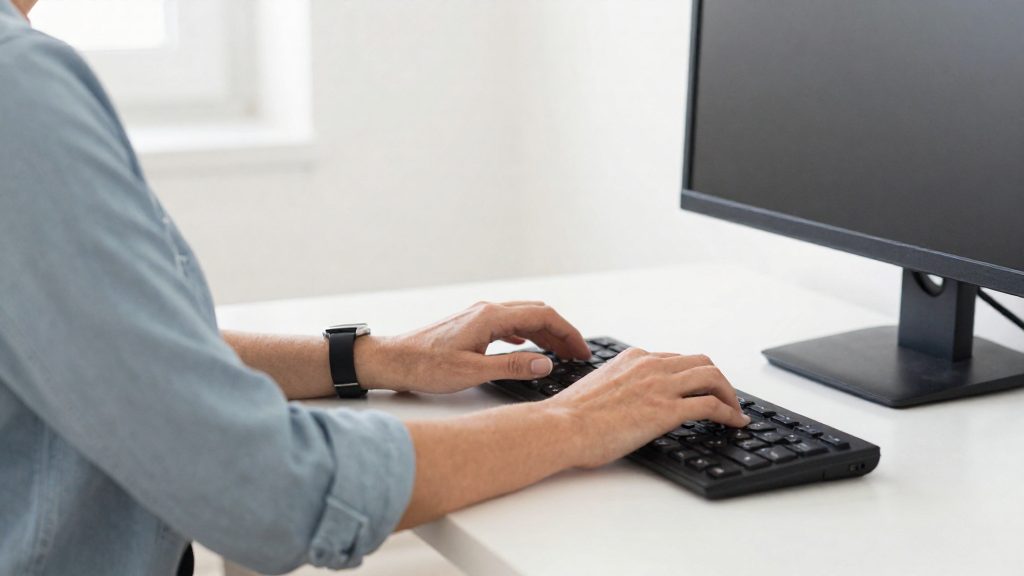
Keep your elbows close to your body. For seated work, CCOHS (2024) gives an elbow angle between 90° and 120°. At a sit/stand desk, CCOHS (2022) recommends about 90° when standing. In both positions, keep your hands, wrists and forearms straight and roughly parallel to the floor, so that your wrists do not bend up or down while typing.
Lower body in seated work
CCOHS (2024) advises that your thighs be roughly horizontal and the soles of your feet flat on the floor, at about 90° to your lower legs. This posture depends on the chair and desk heights working together.
How often should you alternate between sitting and standing?
CCOHS (Canadian Centre for Occupational Health and Safety, 2022-11-30) notes that recommendations on how often to change position vary, so no single interval applies to every worker. The schedules it cites range from sitting for 1 hour and standing for 5 minutes to switching position every 20 to 60 minutes. The two ends of that range reflect different approaches, and the right one depends on how your body responds to a given routine.
| Approach | Reported schedule |
|---|---|
| Long seated block with a short standing period | Sit for 1 hour, then stand for 5 minutes |
| Frequent, shorter changes | Switch position every 20 to 60 minutes |
Applying either approach works best with a few habits:
Set a changeover trigger. Rather than relying on memory, tie each change to a fixed cue, such as a timer, the start of a meeting or the end of a task. Choose one interval from the range above and try it long enough to judge how you feel. If it causes pain or discomfort, change the interval or position rather than continuing, and speak to a health professional if the pain persists.
Adjust before fatigue sets in. If you are new to standing work, start with the shorter interval and extend it gradually. Move sooner if you notice early discomfort in your lower back, legs or feet, rather than waiting for the scheduled change.
Include breaks away from the screen. CCOHS also advises regular breaks away from the computer. A position change does not replace those breaks, so step away from the monitor even when you are already working on your feet.
Which desk to choose for remote work?
When you choose a sit/stand desk for home working, the main reference is the height of the work surface relative to your body. According to CCOHS (Canadian Centre for Occupational Health and Safety, 2022), the work platform should sit at approximately standing elbow height, with your arms in the same position whether you sit or stand. The official source does not give a numeric height, so measure your own standing elbow height and set the desk to that level rather than relying on a catalogue figure.
Desk height is only one part of the setup. Check these three points on any model you consider:
- Elbow and forearm posture: at a sit/stand desk, keep your elbows close to the body, bent at about 90 degrees, with hands, wrists and forearms straight and roughly parallel to the floor (CCOHS, 2022).
- Monitor line of sight: the gaze should fall between horizontal and 30° below horizontal when sitting, and between horizontal and 35° below when standing (CCOHS, 2022). A screen height that meets both ranges works in both positions.
- Seated leg support: for seated work, CCOHS (2024) advises thighs roughly horizontal and soles flat on the floor at about 90° to the lower legs. If your chair is high and the desk cannot be raised, a footrest can help.
| Position check | Sitting | Standing at a sit/stand desk |
|---|---|---|
| Elbow angle | 90° to 120° (CCOHS, 2024) | About 90° (CCOHS, 2022) |
| Monitor line of sight | Horizontal to 30° below (CCOHS, 2022) | Horizontal to 35° below (CCOHS, 2022) |
Recommendations on how often to change position vary. They range from sitting 1 hour and standing 5 minutes to switching every 20 to 60 minutes, and CCOHS (2022) also advises regular breaks away from the computer. Because no single schedule is established, choose a desk whose height can be changed quickly enough for the rhythm you actually follow.
Common setup mistakes to avoid
Most setup errors come from treating desk height as a one-time decision. According to CCOHS (2022), a sit/stand desk’s work surface should sit at approximately standing elbow height, with the arms in the same position whether you sit or stand. A surface that is not re-checked after a change of position can leave the elbows and wrists out of the reference positions. Check the setup in each mode. Because one desk serves both positions, check the setup in each mode rather than assuming a single setting fits both.
The table below lists the most common errors and the position CCOHS describes for each.
| Common error | Correct position | Source |
|---|---|---|
| Elbows held away from the body or straight | Elbows close to the body, bent at about 90 degrees at a sit/stand desk | CCOHS (2022) |
| Wrists bent up or down while typing | Hands, wrists and forearms straight and roughly parallel to the floor | CCOHS (2022) |
| Monitor too high or too low | Line of sight between horizontal and 30° below when sitting, and between horizontal and 35° below when standing | CCOHS (2022) |
| Seated elbows outside the target range | Elbows bent between 90° and 120° when seated | CCOHS (2024) |
| Feet dangling with a high chair | Soles flat on the floor at about 90° to the lower legs, with a footrest if the chair is high and the desk cannot be lowered | CCOHS (2024) |
Monitor placement is a frequent oversight. A screen fixed at one height can fall outside the target range in one of the positions, so the line of sight may change as you move between sitting and standing. Re-check the screen angle after each change in position.
Staying in one position too long is the other common error. Published recommendations vary, from sitting for 1 hour and standing for 5 minutes to switching every 20 to 60 minutes. CCOHS also advises regular breaks away from the computer. The official sources consulted do not establish a single interval that applies to every worker.
Frequently asked questions
Is there a fixed height in centimetres for a sit/stand desk?
The official sources consulted do not give a numeric height in centimetres or inches. According to CCOHS (2022), the work surface should sit at approximately standing elbow height, with the arms in the same position as when seated.
What elbow angle should I aim for at a sit/stand desk compared with a standard seated desk?
For a sit/stand desk, CCOHS (2022) gives about 90° for the elbow angle, with the elbows kept close to the body. For seated work in general, CCOHS (2024) gives a wider range of 90° to 120°, so the sit/stand figure sits at the lower end of that range.
Where should the screen sit when I switch between sitting and standing?
CCOHS (2022) places the line of sight between horizontal and 30° below when seated, and between horizontal and 35° below when standing. The two ranges overlap between horizontal and 30° below, so a screen within that band fits both postures. A screen fixed at one height may fall outside the range in one of them, so check it after each change.