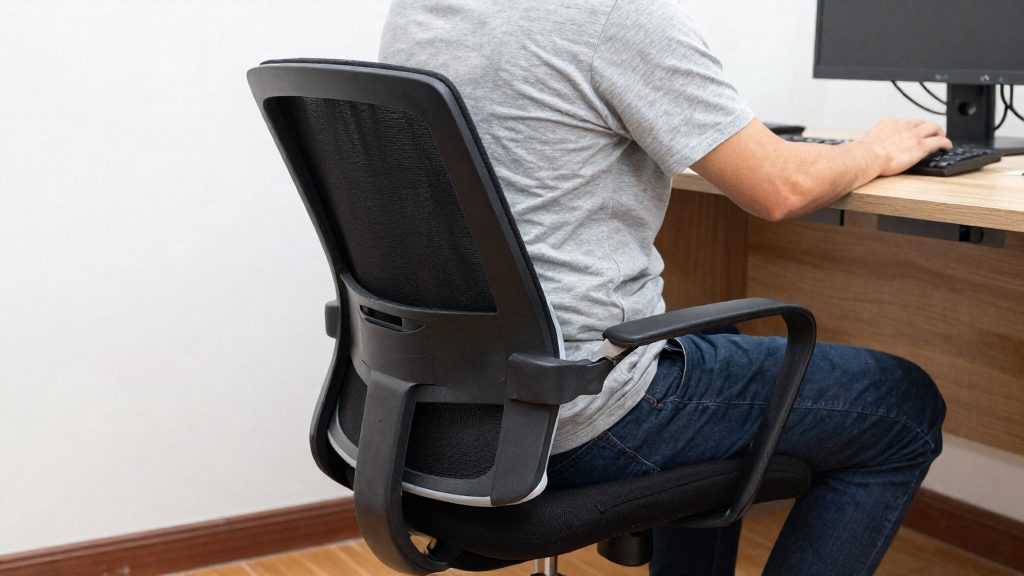
Lumbar support matters at the office because it supports the lower back during long periods of sitting, the posture most desk work requires. According to the Canadian Centre for Occupational Health and Safety (CCOHS, 2021), a chair backrest should be adjustable vertically and front to back, with firm lumbar support that does not create pressure points restricting blood circulation. CCOHS (2022) also advises choosing a chair for seated work with lumbar support and a backrest whose height and tilt can be adjusted.
Lumbar support criteria: built-in support, firmness and seat fit
The first criterion is the lumbar support built into the chair’s backrest. CCOHS (2022) recommends a chair for seated work that includes lumbar support, with backrest height and tilt that can be adjusted. Lumbar support is therefore assessed on the chair itself before any accessory is considered.
The second criterion is firmness. CCOHS (2021) describes the lumbar support as firm and specifies that it should not create pressure points restricting blood circulation. Support that presses into the lower back works against comfortable sitting. The aim is support that holds the lower back without constricting it.
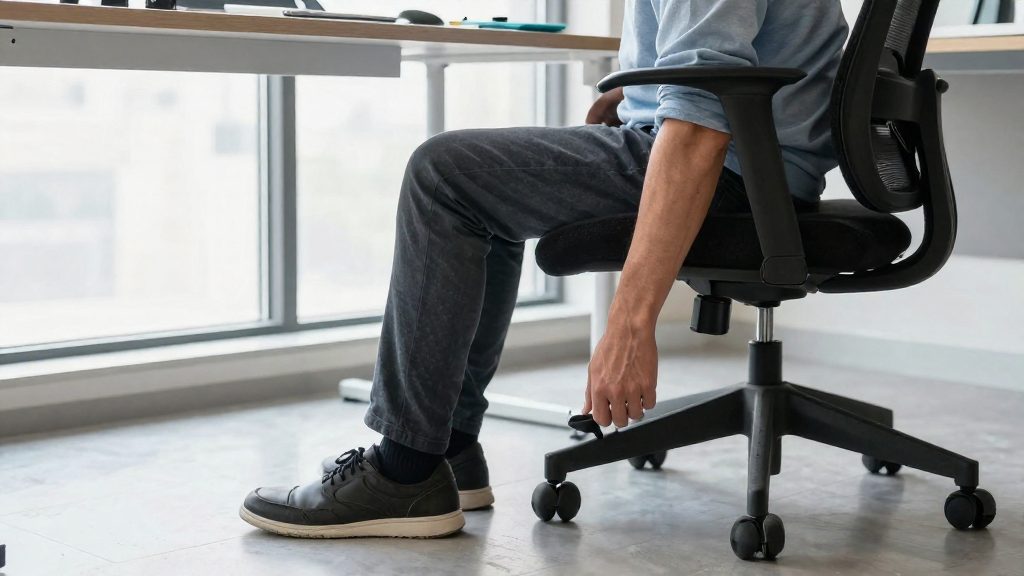
Seat fit determines whether the backrest reaches the lower back at all. CCOHS (2021) states that a seat should suit both the largest and smallest users, with no pressure behind the knees and with the back supported. The recommended seat height is about one quarter of body height, and CCOHS (2021) specifies that it should be adjustable for each user. The seat should therefore be set for the individual before the lumbar position is judged.
To check lumbar support on a chair you already own:
- Set the seat height so that your feet rest flat and the seat does not press behind your knees.
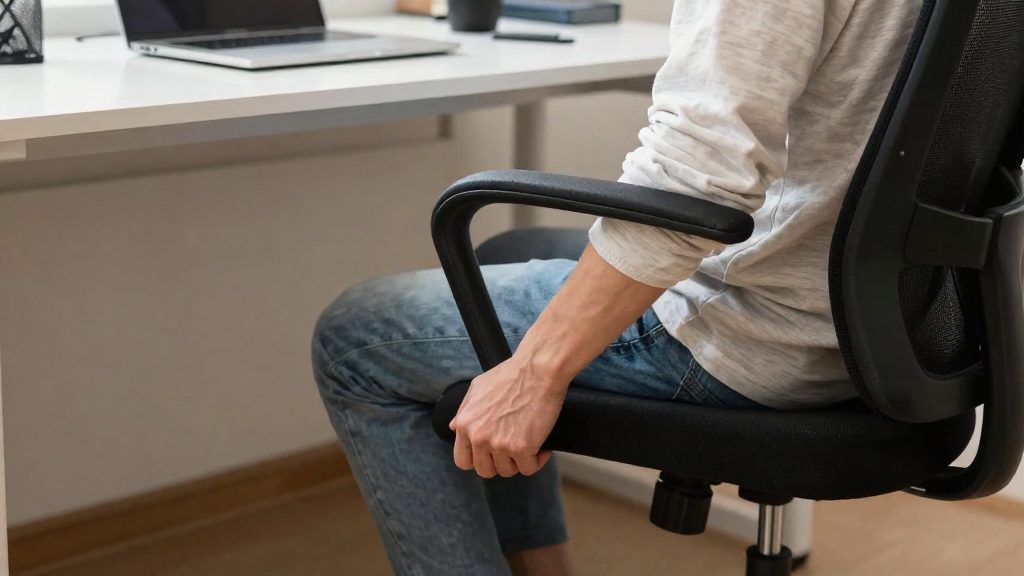
- Adjust the adjustable backrest vertically until the lumbar support sits against the lower back.
- Adjust the backrest front to back, which CCOHS (2021) recommends.
- Confirm that the support is firm and does not restrict circulation in the legs or lower back.

What the CCOHS says about the ergonomic chair
The Canadian Centre for Occupational Health and Safety (CCOHS) recommends a backrest that adjusts both vertically and front to back, with firm lumbar support that does not create pressure points restricting blood flow (CCOHS, 2021). For a lumbar cushion, this means the support should hold the lower back in place without digging into it.
Seat height and adjustability
According to the CCOHS (2021), optimal seat height is about one quarter of body height, and the seat height should be adjustable for each user. A fixed seat height cannot fit both shorter and taller people, so adjustment is the central requirement.
Fit for different body sizes
The CCOHS (2021) states that a seat should suit both the largest and the smallest users. It should avoid pressure behind the knees and keep the back supported. A cushion that makes the seat front too deep or too high can push the user forward and remove back support, so check the seat fit before adding any accessory.
Backrest and lumbar support features
The CCOHS (2022) advises choosing a chair for seated work that has lumbar support and a backrest whose height and tilt are adjustable. These three features work together: the backrest height places the support against the lower spine, and the tilt changes how the pelvis and lower back sit.
| Feature | CCOHS recommendation | Cited publication |
|---|---|---|
| Backrest adjustment | Adjustable vertically and front to back | CCOHS (2021) |
| Lumbar support | Firm, without pressure points that restrict blood flow | CCOHS (2021) |
| Seat height | About one quarter of body height, adjustable per user | CCOHS (2021) |
| Backrest height and tilt | Adjustable, with lumbar support | CCOHS (2022) |
Lumbar cushion or adjustable chair: which to choose?
For desk work, the priority is a chair with lumbar support built into the backrest and adjustable settings. The Canadian Centre for Occupational Health and Safety (CCOHS, 2022) advises choosing a chair whose backrest provides lumbar support and whose backrest height and tilt can be adjusted. A lumbar cushion can supplement a chair that already offers these features, but it does not replace them.
Built-in adjustability is the first thing to check. The CCOHS (2021) recommends a backrest that adjusts vertically and forward and backward, with firm lumbar support that does not create pressure points restricting blood flow. Before buying a cushion, confirm that the chair already offers these adjustments, because a cushion cannot change the backrest’s shape or range.
| Chair feature | What the CCOHS recommends | Cited year |
|---|---|---|
| Backrest adjustment | Adjustable vertically and forward and backward | CCOHS (2021) |
| Lumbar support | Firm, without pressure points that restrict blood flow | CCOHS (2021) |
| Backrest height and tilt | Adjustable | CCOHS (2022) |
| Seat height | Adjustable per user, with an optimal height of about one quarter of body height | CCOHS (2021) |
| Seat fit | Suits the largest and smallest users, with no pressure behind the knees and the back supported | CCOHS (2021) |
The seat fit matters as much as the backrest. The CCOHS (2021) states that the seat should suit users of all sizes, with no pressure behind the knees and the back supported.
To decide between a cushion and a new chair:
- Sit in the chair and adjust the seat height so it matches the recommended proportion of your body height.
- Adjust the backrest height and tilt, then check that the lumbar area is supported.
- If the lumbar support is missing or fixed in an unsuitable position, a cushion may be tested as a temporary measure.
- Stand up and check that the cushion has not moved or altered your seated position.
Foam, gel or inflatable: what the sources do and do not say
The official sources consulted do not specify whether foam, gel or inflatable lumbar cushions give better support, so the choice should rest on how each cushion performs in your chair. The Canadian Centre for Occupational Health and Safety (CCOHS, 2021) recommends a firm lumbar support that does not create pressure points restricting blood flow. Use that criterion to judge any cushion, whatever its material.
Test each cushion before you keep it:
- Position it in the lower back. Sit fully back against the backrest and check that the cushion sits in the lumbar curve, filling the gap without pushing you forward off the backrest.
- Press it with your hand. It should hold its shape and feel firm. A cushion that sinks into a hollow leaves the lower back unsupported.
- Sit for several minutes. Check for hard edges, bunching or localized pressure. Stop using a cushion that creates pressure behind the knees or on the thighs.
- Check that it stays in place. Stand up and sit back down. A cushion that shifts repeatedly keeps moving the support away from the lower back.
A cushion complements the chair; it does not replace its adjustments. The CCOHS (2022) advises choosing a chair with lumbar support and a backrest whose height and tilt are adjustable, so set those first and then add the cushion only if the chair’s own support falls short.
| Criterion | What to check | Reference |
|---|---|---|
| Firmness | The cushion holds its shape under hand pressure (practical check; CCOHS recommends firm support) | CCOHS (2021) |
| Pressure points | No hard edge or bunching that restricts blood flow | CCOHS (2021) |
| Lumbar fit | Supports the lower back with the back fully supported | CCOHS (2021) |
| Backrest | Height and tilt are adjustable | CCOHS (2022) |

How to Position Your Lumbar Support Cushion?
A lumbar cushion works only when the chair is set up correctly first. The Canadian Centre for Occupational Health and Safety (CCOHS, 2021) recommends a backrest that adjusts vertically and front to back, with firm lumbar support that does not create pressure points restricting blood flow. Set the chair, then add the cushion.
Set the seat before the cushion
According to the CCOHS (2021), the optimal seat height is about one quarter of body height, and the seat height should be adjustable for each user. Adjust the seat first, then sit back fully against the backrest so your lower back meets the chair before you add anything behind you.
Place the cushion in the lower back
Position the cushion between your lower back and the backrest, at the level where the lower back curves inward. Keep it pressed against the backrest so it does not shift forward. Then check that your back is supported without being pushed out of the backrest.
Check the fit
| Check | What to verify | Basis |
|---|---|---|
| Lumbar support | Firm support with no pressure points restricting circulation | CCOHS (2021) |
| Backrest | Height and tilt adjustable, with your back fully supported | CCOHS (2022) |
| Lower legs | No pressure behind the knees | CCOHS (2021) |
Re-check after changes
Because a seat should suit both larger and smaller users (CCOHS, 2021), review the cushion and backrest position after any change in seat height or after another person uses the chair.
Seat Height and Depth: The Basics to Check
Seat height, seat depth, and backrest adjustment determine whether a lumbar cushion can work at all. According to the Canadian Centre for Occupational Health and Safety (CCOHS, 2021), the optimal seat height is about one quarter of body height, and it should be adjustable for each user. A cushion cannot correct a seat set too high or too low, so these settings should be checked first.
CCOHS also states that a seat should suit users of different sizes, both the tallest and the shortest, without pressure behind the knees and with the back supported (CCOHS, 2021). The seat should therefore also be checked for pressure behind the knees, not only for height. If the front edge of the seat presses into the back of your knees, the seat is too deep for you, and adding a cushion behind your back will not fix that.
Check the setup in this order:
- Sit with your back against the backrest and your hips at the back of the seat.
- Adjust the seat height until your feet rest flat on the floor with your thighs roughly parallel to it.
- Check the gap between the seat edge and the back of your knees. If you feel pressure there, reduce the seat depth or choose a chair that offers it.
- Adjust the backrest height and tilt, since CCOHS recommends a chair whose backrest height and tilt can both be changed (CCOHS, 2022).
- Only then position the cushion, or assess the built-in lumbar support, against the lower back.
| Check | What to verify | CCOHS guidance |
|---|---|---|
| Seat height | Adjustable for each user | Optimal height about one quarter of body height (CCOHS, 2021) |
| Seat depth | No pressure behind the knees | Suits the tallest and shortest users (CCOHS, 2021) |
| Backrest | Height and tilt adjustable | Chair should allow both adjustments (CCOHS, 2022) |
| Lumbar support | Firm, with no pressure points | Must not restrict blood flow (CCOHS, 2021) |
Other habits to prevent back pain while working from home
Chair setup only covers part of the risk. Daily habits determine how long you can stay seated without strain, and they matter more when you work from a kitchen table or sofa instead of a dedicated desk.
Start with the chair. According to the CCOHS (2022), a chair for seated work should have a lumbar support and an adjustable backrest height and tilt. The CCOHS (2021) also recommends that the lumbar support be firm and that it not create pressure points that restrict blood circulation. Your back should stay supported, and the back of your knees should not press against the seat edge.
Next, avoid holding one posture for long periods. A static position loads the same tissues continuously, even when the position is good. Use a change of position routine:
- Alternate between upright sitting and a slight recline against the backrest.
- Stand or walk briefly during calls or between tasks.
- Set a reminder if you lose track of time during focused work.
Finally, reduce reaching and leaning. Move the monitor to about eye level and keep the keyboard and mouse close enough that your elbows stay relaxed. This keeps your upper body in a neutral posture and limits the forward bending that shifts load onto the lower back.
Frequently asked questions
Do I need a separate lumbar cushion if my chair already has lumbar support?
CCOHS (2022) advises choosing a chair for seated work that has built-in lumbar support with adjustable backrest height and tilt, so check those adjustments first. The official sources consulted do not specify whether an added cushion can replace or complement a chair’s built-in support.
How can I tell if a lumbar cushion is pressing too hard on my back?
CCOHS (2021) states that lumbar support should be firm without creating pressure points that restrict blood circulation. If the cushion digs into one spot rather than holding the lower back evenly, it is too firm or poorly positioned.
Are foam, gel or inflatable cushions better for lower back support?
The official sources consulted do not specify anything about foam, gel or inflatable cushions, so no material can be recommended on that basis. Judge any cushion by the same criteria CCOHS (2021) sets for seating: the lower back should be supported without constriction, and the seat should remain adjustable for each user.