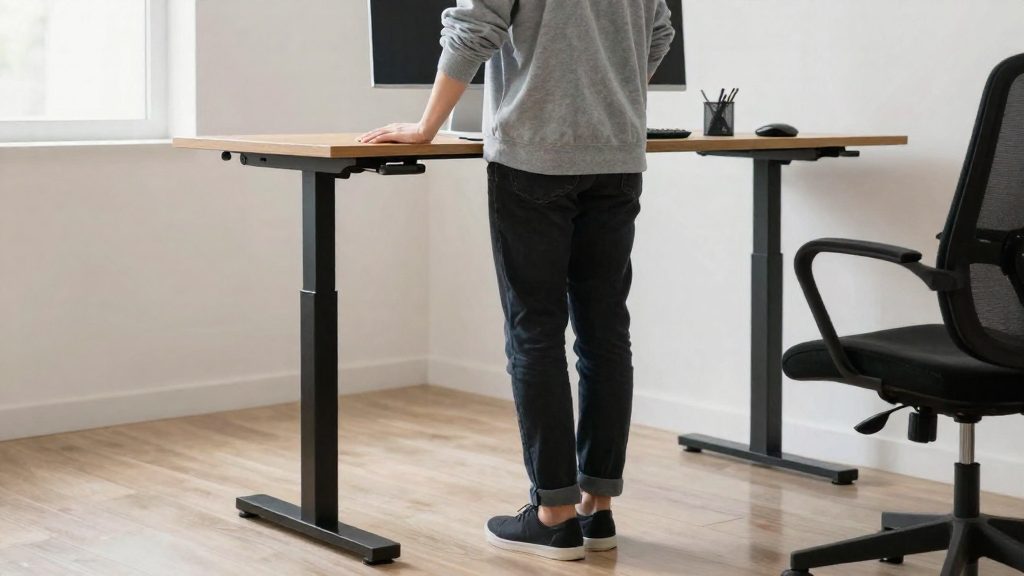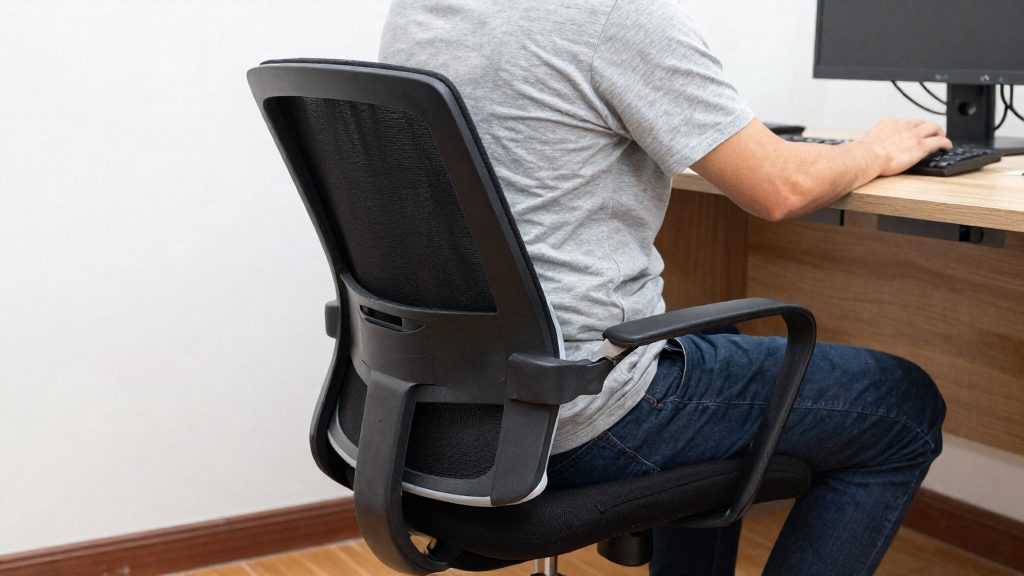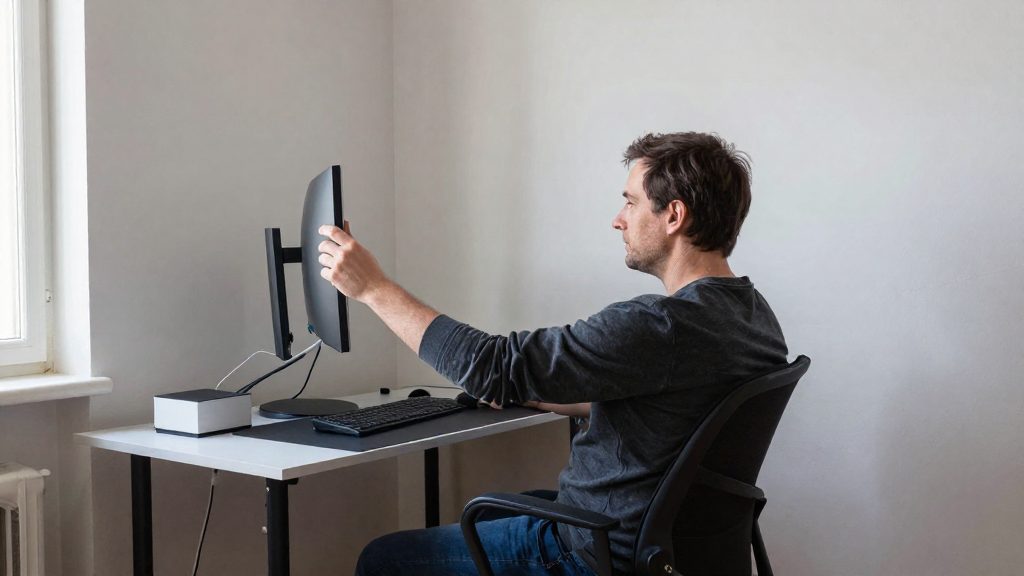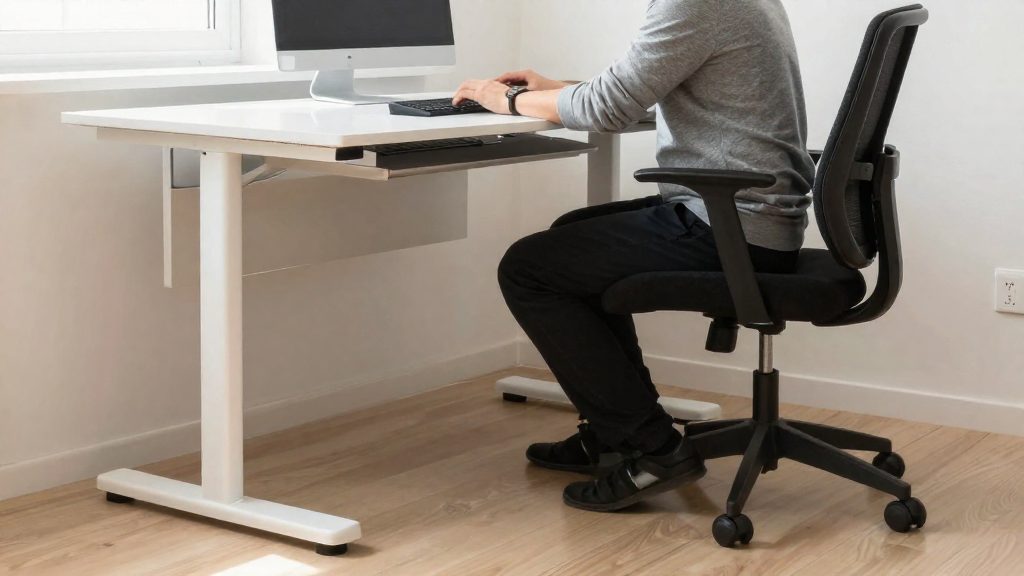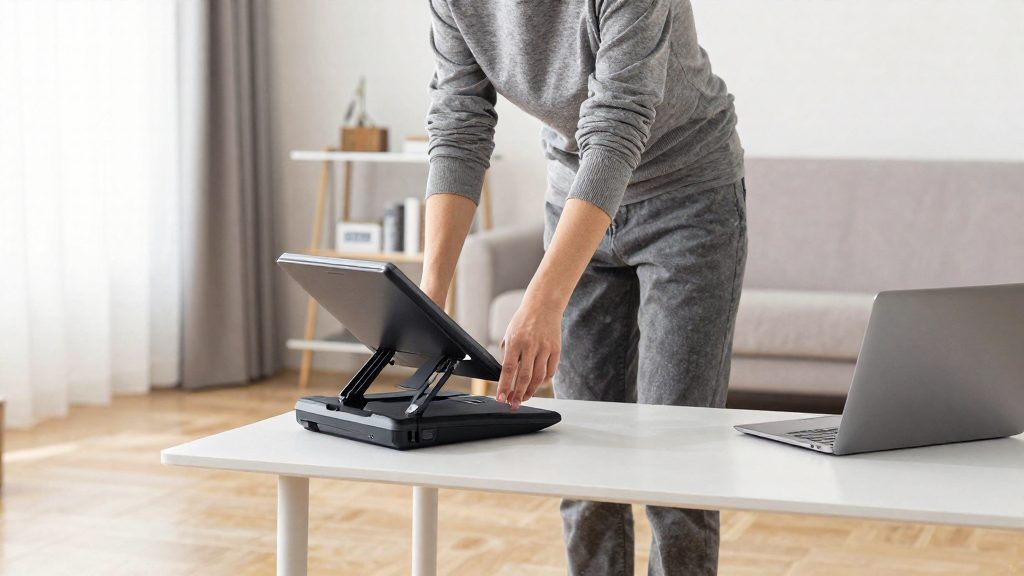
A sit-stand desk converter lets you switch between sitting and standing without replacing your desk. According to CCOHS (2026), the central principle is alternating positions as needed, with recommended intervals ranging from about 1 hour sitting for 5 minutes standing to a change every 20 to 60 minutes. On a small desk, the converter must still leave room to set the keyboard, mouse and screen correctly in both positions.
Why choose a sit-stand desk converter for a small desk?
Keeping the same position for long periods causes discomfort and fatigue. Frequent position changes, including sit-stand alternation, help prevent these problems, and the workstation height must be adjusted for each user (CCOHS, 2026).
Setting the workstation correctly is the main constraint on a small desk:
| Setting | Sitting | Standing |
|---|---|---|
| Screen line of sight | Horizontal to 30° below horizontal | Horizontal to 35° below horizontal |
| Keyboard and mouse platform | Elbows at about 90°, forearms roughly parallel to the floor | Set near standing elbow height, so the arms stay as they are when seated |
In both positions, neutral posture means hands, wrists and forearms roughly parallel to the floor, elbows close to the body and bent to about 90°, head aligned with the torso, and shoulders relaxed (CCOHS, 2026).
Standing for long periods can cause problems in the feet, knees, hips and back. CCOHS recommends:
- Supportive shoes
- An anti-fatigue mat if needed
- A footrest, or shifting weight from one leg to the other
Cables, outlets and storage must not block the converter’s adjustment range. Take breaks away from the computer to limit visual fatigue.
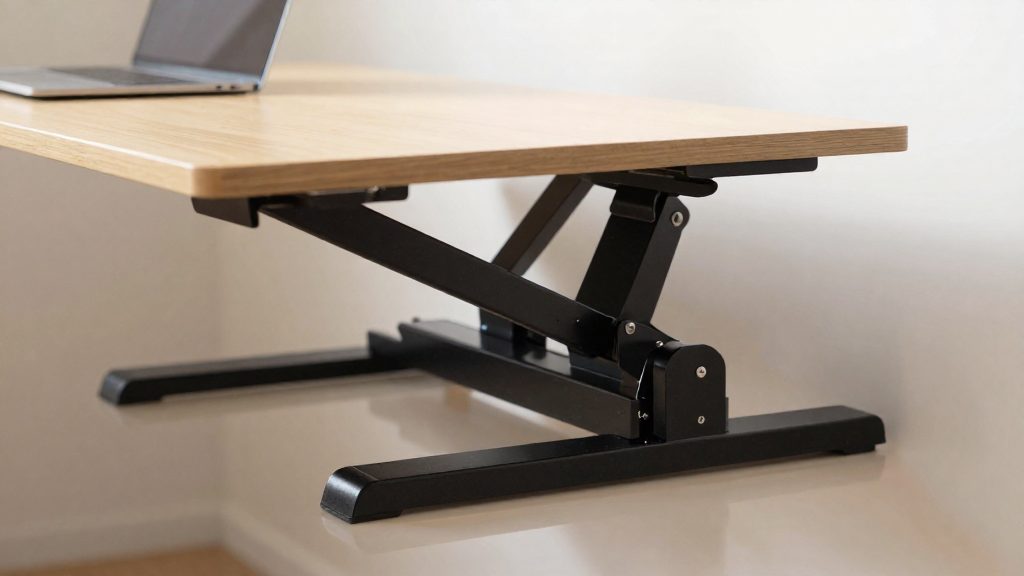
Measuring your posture and workspace before buying
Before you choose a sit-stand desk converter, measure your workstation against the reference positions the CCOHS recommends for sitting and standing. A converter sits on top of an existing desk, so its usable range depends on the desk surface, your body dimensions and the space around the workstation.
Measure your standing elbow height
- Stand upright in your usual work shoes, with shoulders relaxed and arms hanging.
- Bend your elbows to about 90°, with forearms roughly parallel to the floor.
- Measure vertically from the floor to the underside of your elbow, and note the figure.
This number is your target height for the keyboard and mouse platform in standing mode. The CCOHS sets that platform near standing elbow height so that your arms stay in the same position as when you sit.
Check the screen-viewing line
Compare your monitor’s position with the reference angles below. The screen-viewing line should fall between horizontal and 30° below horizontal when seated, and between horizontal and 35° below horizontal when standing (CCOHS, 2026). Check whether the converter’s monitor platform can reach that line at both heights before you buy.
| Reference criterion | Seated | Standing |
|---|---|---|
| Forearms, wrists and hands | Roughly parallel to the floor | Roughly parallel to the floor |
| Elbow angle | About 90°, close to the body | About 90°, close to the body |
| Screen-viewing line | Horizontal to 30° below | Horizontal to 35° below |
| Lower-body support | Footrest to keep knees near 90° | Anti-fatigue mat or footrest as needed |
Verify clearance
Cables, outlets, shelves and storage must not block the adjustment, so measure the space behind and under the desk. Then compare the desk’s depth and width with the converter’s footprint. Make sure the keyboard, mouse and screen still fit at the right distance in both positions, and that the platform does not push the screen too close to you. Confirm that the converter’s lift mechanism clears any drawers, wall outlets or shelving that sit above the desk.
Plan the seating and floor space
Keep a rest chair within reach, since the CCOHS states that a chair should stay available even when most work is done standing. It recommends a seat at least 45 cm wide with a backrest that offers lumbar support. Check that the floor area in front of the desk leaves room for the chair and for shifting your weight between your feet.
What height should the keyboard and screen be set to?
According to CCOHS (2026), the recommended posture is neutral whether you sit or stand: hands, wrists and forearms roughly parallel to the floor, elbows close to the body and bent at about 90°, head upright and aligned with the torso, and shoulders relaxed. A sit-stand desk converter changes the working height, so the keyboard and screen must be set for each position, using the same posture principles.
| Reference | Seated | Standing |
|---|---|---|
| Keyboard and mouse platform | Elbows bent at about 90°, forearms roughly parallel to the floor | Platform set close to standing elbow height, so the arms stay in the same position as when seated |
| Line of sight to the screen | Between horizontal and 30° below horizontal | Between horizontal and 35° below horizontal |
The keyboard is the reference point for the arms, and the screen is the reference point for the neck. Because the line of sight should fall between horizontal and below horizontal in both positions, check that your gaze stays within the range for each position and that your head stays aligned with your torso.
Adjustment method:
- Set the keyboard height while standing. Stand upright with your shoulders relaxed and your upper arms against your body. Raise or lower the platform until your elbows are near 90° and your forearms are roughly parallel to the floor.
- Set the screen height while standing. Adjust the monitor so your gaze falls between horizontal and 35° below horizontal. Keep the head aligned with the torso.
- Check the seated position. Sit down and confirm that the elbow angle and the forearm alignment still hold. If they do not, lower or raise the chair rather than moving the screen far from its standing position.
- Set the footrest. The CCOHS advises a footrest to keep the knees at about 90° when seated (CCOHS, 2026).
How often should you alternate between sitting and standing?
The Canadian Centre for Occupational Health and Safety (CCOHS) (2026) does not prescribe one fixed schedule. It cites switching intervals that range from about 1 hour seated followed by 5 minutes standing, up to a position change every 20 to 60 minutes. The central principle is to alternate positions according to your needs rather than follow a timer mechanically.
| Pattern cited by CCOHS (2026) | Interval |
|---|---|
| Sit-stand cycle, mostly seated | About 1 hour seated, then 5 minutes standing |
| Frequent position change | Every 20 to 60 minutes |
The range exists because holding one position for a long time causes discomfort and fatigue, according to CCOHS (2026). Changing position often, including switching between sitting and standing, helps prevent that build-up. The right frequency depends on how your body responds, so an interval that suits a colleague may not suit you. CCOHS (2026) also stresses that desk height must be set for each user, which matters when several people share one sit-stand converter.
Standing has its own limit. CCOHS (2026) notes that standing for too long can cause problems in the feet, knees, hips and back. Use standing periods to shift your weight from one leg to the other, and keep a foot rest within reach. If discomfort starts during a standing block, sit down, even if the planned interval has not elapsed.
The alternation principle is the core of this guidance: change position before fatigue sets in. Start with a short standing block, then lengthen it only if you remain comfortable across the working day.
The limits of prolonged standing
Standing is not a neutral default. Staying on your feet for long periods places load on the lower body and spine, and the Canadian Centre for Occupational Health and Safety (CCOHS, 2026) notes that standing too long can cause problems in the feet, knees, hips and back. A sit-stand desk converter makes it easy to change position, but it does not remove the need to vary your posture during the day.
Measures that reduce strain while standing
According to CCOHS (2026), the following measures help limit strain:
- Supportive footwear, worn while standing.
- An anti-fatigue mat, if needed.
- A footrest, or a shift of your weight from one leg to the other.
- A chair kept within reach, even when you mostly work standing. CCOHS recommends a seat at least 45 cm wide and a contoured backrest that supports the lower back.
Alternating positions
The recommended frequency of position changes varies. It ranges from about 1 hour sitting for 5 minutes standing, to a change every 20 to 60 minutes. CCOHS presents alternation according to individual needs as the central principle, not a fixed schedule. Desk height must also be adjusted for each user, since a height that suits one person may not suit another.
Cables, outlets, storage and layout should not obstruct the adjustment of the workstation. Breaks away from the screen also help limit visual fatigue, and they give you an opportunity to change position.
Chair, footrest and mat: completing the workstation
A sit-stand desk converter does not replace a seat. CCOHS (2026) recommends keeping a rest chair available even when you work standing, and suggests a seat at least 45 cm wide with a contoured backrest that gives lumbar support. Adjust it so your wrists, hands and forearms are roughly parallel to the floor, your elbows are bent at about 90°, your head sits in line with your torso, and your shoulders are relaxed.
Standing work places different demands on the lower body. According to CCOHS (2026), staying on your feet for too long can cause problems in the feet, knees, hips and back. The same source recommends supportive shoes, an anti-fatigue mat where needed, a footrest, or weight shifting from one leg to the other. These measures complement the position changes you make throughout the day.
The table below summarises the main settings for each position, based on CCOHS (2026) guidance:
| Element | Seated | Standing |
|---|---|---|
| Keyboard and mouse platform | Elbows at about 90° | Platform near standing elbow height, so the arms stay in the same relative position as when seated |
| Line of sight to screen | Horizontal to 30° below horizontal | Horizontal to 35° below horizontal |
| Lower-body support | Footrest to keep knees at about 90° | Supportive shoes, anti-fatigue mat if needed, weight shifting |
On a small desk, cables, outlets and storage should not block the converter’s adjustment. Check that the rest chair and footrest can be moved out of the way when you raise the work surface.
Simple movements and breaks between position changes
Changing position regularly is the main way to reduce discomfort on a sit-stand setup. According to CCOHS (2026), the core principle is to alternate positions as needed. Recommended intervals vary from about 1 hour sitting followed by 5 minutes standing, up to a change every 20 to 60 minutes. Start with a shorter interval and adjust it based on how your body responds, since holding one position for a long time causes discomfort and fatigue.
Simple movements can fill the gaps between position changes:
- Weight shift: When standing, move your weight from one leg to the other. CCOHS lists this as a way to reduce strain from standing too long.
- Footrest use: Place one foot on a footrest, then swap feet, to vary the load on your legs and lower back.
- Seated reset: When sitting, let your shoulders drop, keep your head aligned with your trunk, and check that your elbows stay close to your body at about 90°.
- Visual break: Look away from the screen at a distant point for a short pause, as CCOHS recommends breaks away from the computer to limit visual fatigue.
The table below summarizes the CCOHS guidance for each situation.
| Situation | Recommended action |
|---|---|
| Standing for long periods | Shift weight between legs, use a footrest, or wear supportive shoes |
| Standing on hard floors | Use an anti-fatigue mat if needed |
| Sitting for long periods | Use a footrest to keep knees at about 90° |
| Screen use | Take breaks away from the computer to limit eye fatigue |
| Standing at the desk | Keep the line of sight between horizontal and 35° below horizontal |
Frequently asked questions
Will a sit-stand converter fit on a small desk?
The official sources consulted do not give standard converter dimensions, so fit depends on the unit’s footprint compared with your desk’s depth and width. Check that the keyboard, mouse and screen stay at a comfortable distance in both positions, and that the platform does not bring the screen too close to you.
How often should I change position?
CCOHS (2026) describes a flexible rhythm, from roughly one hour seated followed by five minutes standing, up to a switch every 20 to 60 minutes. Base the timing on how your body responds, and sit down as soon as discomfort or fatigue appears, using alternating positions as the guiding principle.
Where should the top of my screen sit when I am seated?
When seated, CCOHS (2026) places the line of sight between horizontal and 30° below horizontal. This range is narrower than the 35° limit used when standing, so check the screen angle while seated after each height change.