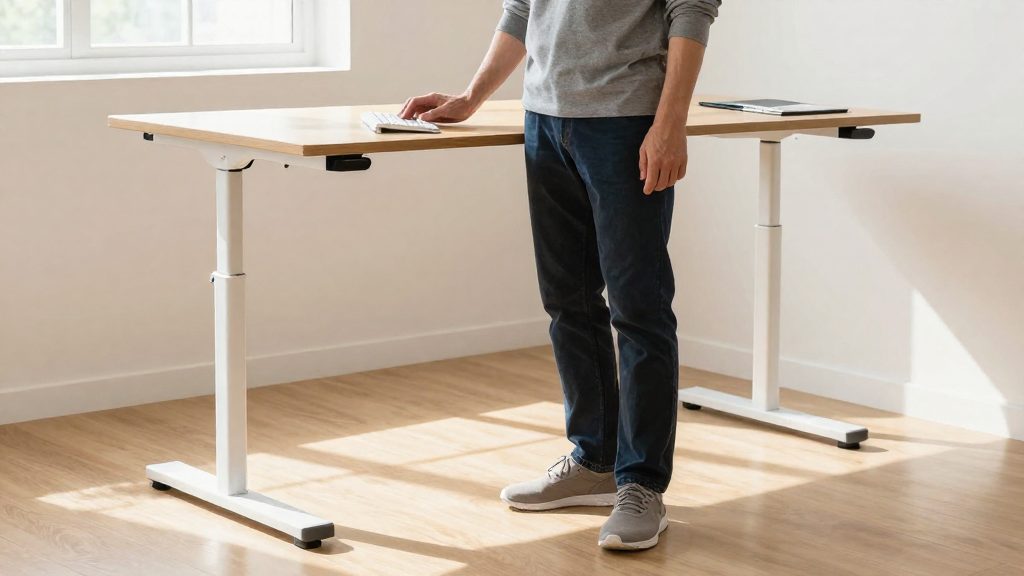
How long should you stand at a standing desk when starting out?
The official sources consulted do not specify a set duration for standing or sitting, so no single time can be recommended for beginners. The Canadian Centre for Occupational Health and Safety (CCOHS, 2022) instead focuses on position changes: switching often between sitting and standing is presented as a way to help avoid fatigue. A practical starting point is to begin with short standing periods, alternate with sitting, and lengthen them gradually as you adapt.
CCOHS (2022) also states that, where possible, workers should be able to sit or stand at will. The steps below combine that guidance with the setup recommendations it gives for seated work.
| Step | Action | Basis in official guidance |
|---|---|---|
| 1. Set the desk height | Adjust the desk to suit your body | CCOHS recommends adjusting workstation height to the user |
| 2. Set the seated position | Use an adjustable chair and a footrest so knees are bent at about 90° or slightly more | CCOHS (2022) |
| 3. Alternate positions | Switch between sitting and standing regularly rather than staying in one position | CCOHS (2022) |
| 4. Keep a rest option | Have a chair available while you work standing | CCOHS (2022) |
| 5. Respond to fatigue | Change position when you feel tired, and increase standing time only when this feels comfortable | CCOHS (2022) |
Because no official figure is given, your own signs of fatigue are the most reliable guide during the first weeks. If discomfort in the back, legs or feet increases as standing time grows, shorten the standing periods and return to a more frequent alternation between positions.
Why Alternate Rather Than Stand Still?
Using a standing desk works best as a way to change posture, not as a reason to stand for most of the day. According to CCOHS (2022), changing position often, especially by alternating between sitting and standing, helps prevent fatigue. The same source states that, where practicable, a worker should be able to work seated or standing at will. The aim is a workstation that lets you move between positions, with each position set up correctly.
What the CCOHS Recommends
| Element | CCOHS recommendation (2022) |
|---|---|
| Position changes | Alternate between sitting and standing to help prevent fatigue |
| Choice of position | Sit or stand at will, where practicable |
| Seated knee angle | About 90° or slightly more |
| Seated support | Height-adjustable chair and a footrest |
| Standing work | Provide a rest chair even when most work is done standing |
Setting Up Each Position
Adjust the workstation height to the user, not the other way around. When seated, the knees should be bent at about 90° or slightly more, which requires a height-adjustable chair and a footrest if the feet do not rest flat on the floor. When standing, the rest chair provides a place to shift weight and change posture without leaving the workstation.
Setting up both positions is what makes alternation practical. A standing height that does not suit your body can cause strain, which is why CCOHS recommends adjusting the workstation to the user.
Choosing When to Change
The official sources consulted do not specify an exact duration for standing or sitting, so no fixed interval can be presented as a verified standard. Practical adjustment consists of changing position when you notice fatigue or stiffness, and of using the rest chair or the seated setup as a natural break from standing.
Starting method for beginners: no official duration, so progress gradually
According to CCOHS (2022), changing position often, especially by alternating between sitting and standing, helps prevent fatigue. Where possible, you should be able to work sitting or standing as you choose. The official sources consulted do not specify a minimum or maximum standing time, so no exact duration is given here. For a beginner, the practical approach is to start with short standing periods, notice how your legs, feet, and lower back respond, and adjust gradually.
Starting method for the first week:
- Begin the day seated, and stand up whenever you feel the need to change position.
- Match your position to the task. For example, stand during phone calls or reading, and sit for longer typing sessions.
- Change position at the first sign of fatigue or stiffness, ideally before it builds up.
Setup references from CCOHS (2022) for each position:
| Element | Reference |
|---|---|
| Seated knee angle | About 90° or slightly more |
| Chair | Adjustable in height, with a footrest where needed |
| Standing work | A rest chair should still be available |
How to Adjust Your Desk and Chair?
A practical approach is to adjust the seated position first, then the rest of the workstation. According to CCOHS (Canadian Centre for Occupational Health and Safety) (2022-11-30), the workstation should be adjusted to the individual user, using a height-adjustable chair and a footrest so that the knees are bent at about 90° or slightly more when seated. Work through the steps below in order, and recheck them after any change in chair or desk.
| Step | Adjustment | How to do it |
|---|---|---|
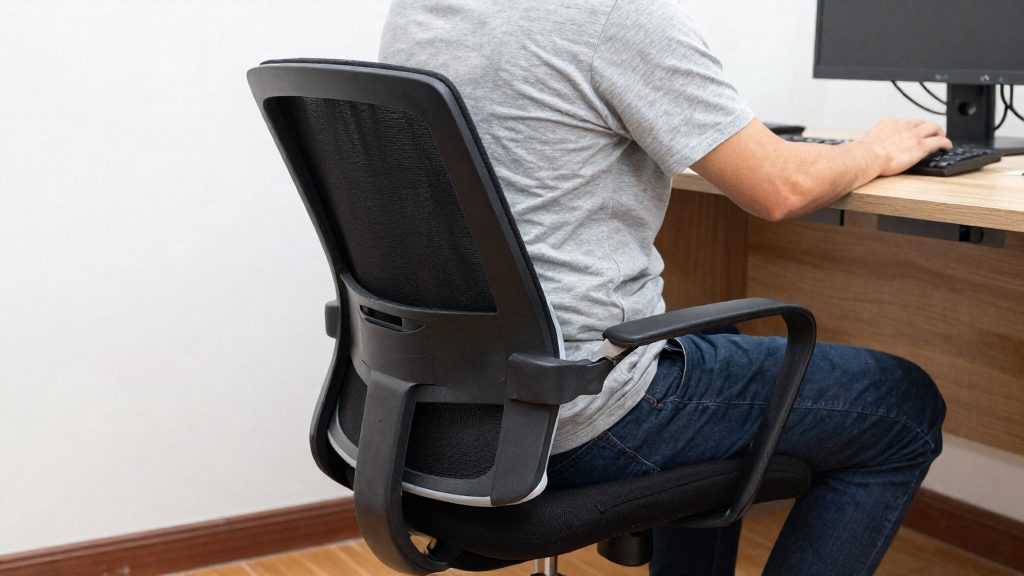
| 1 | Chair height | Raise or lower the seat until the knees are at about 90° or slightly more, with the feet flat on the floor or footrest. |
| 2 | Footrest | Place a footrest under the feet if the floor does not allow the knee angle in step 1. |
| 3 | Desk height | Set the work surface so the forearms rest on it without raising the shoulders. |
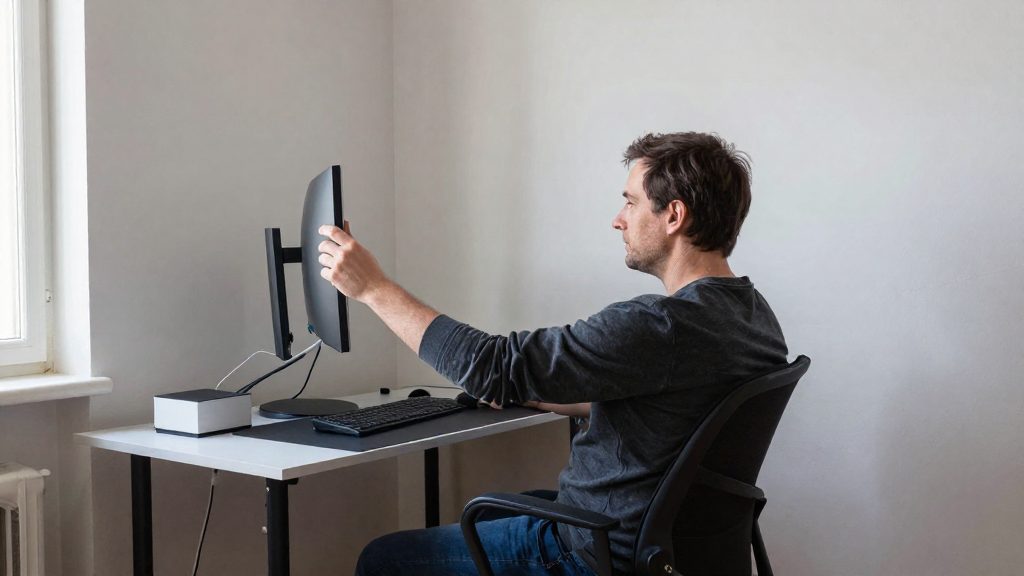
| 4 | Screen position | Place the screen directly in front of you so you do not need to turn your head or neck to read it. |
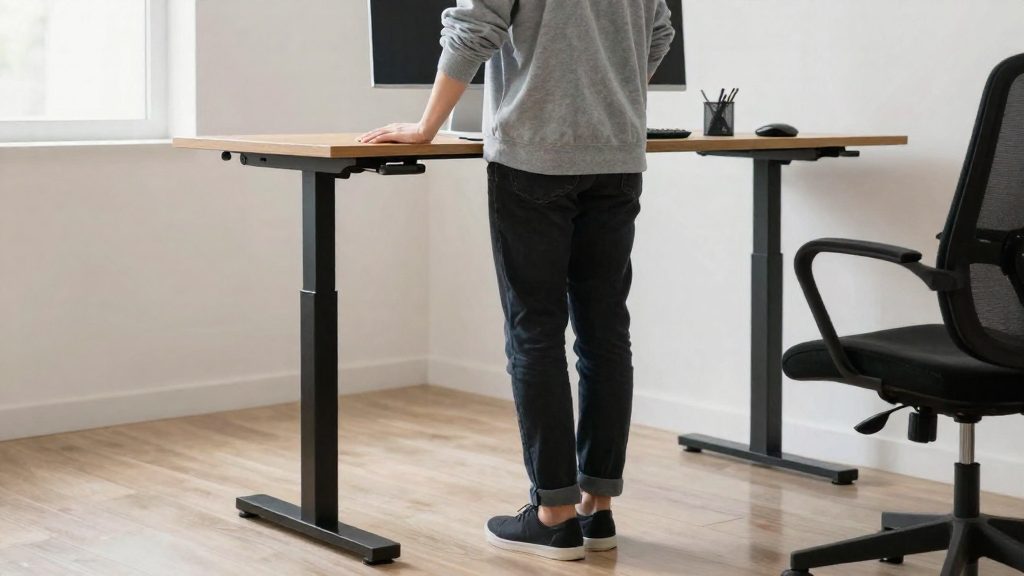
| 5 | Standing height | When standing, raise the desk so the forearms stay at a comfortable working angle, without leaning forward or hunching the shoulders. |
CCOHS also recommends that, where possible, workers can switch between sitting and standing at will. Changing position often, including alternating between sitting and standing, helps prevent fatigue. The official sources consulted do not specify how long to stand or sit before changing position, so set your switching pattern based on how your body responds rather than a fixed duration.
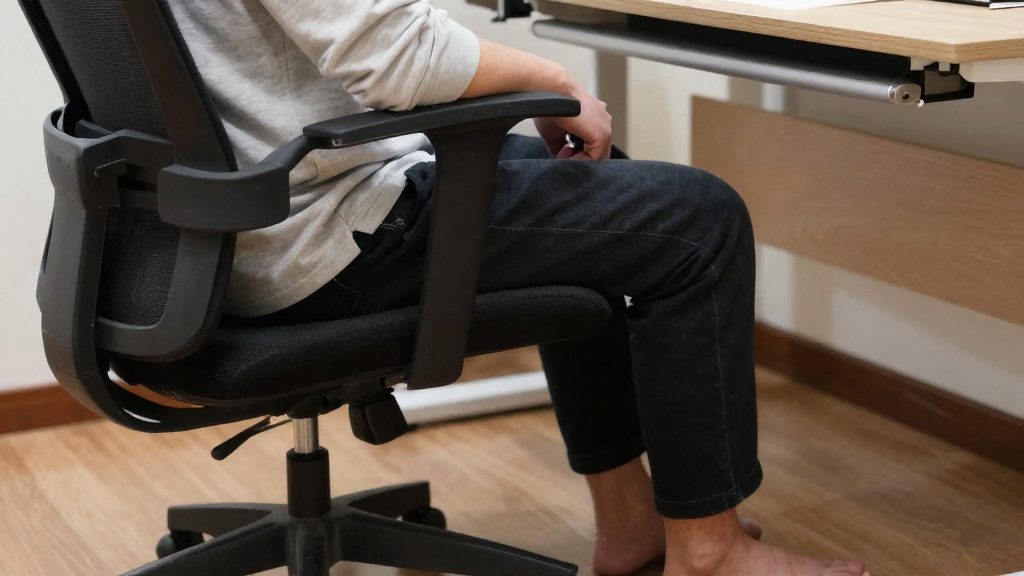
Which signs indicate it’s time to sit down?
Standing for long periods doesn’t follow a fixed timetable, so the signals your body sends are the most practical guide. According to CCOHS (Canadian Centre for Occupational Health and Safety, 2022), alternating positions, notably between sitting and standing, helps prevent fatigue. Where possible, you should be able to work sitting or standing as you choose, so switching posture is a routine adjustment, not a break from your work. CCOHS does not specify a duration for standing or sitting, so the signs below are the more reliable reference.
| Signal | Suggested response |
|---|---|
| Heaviness or fatigue in the legs | Sit down and move to a seated task |
| Lower back or hip discomfort while standing | Sit down; return to standing only once the discomfort has fully gone, and shorten standing periods if it comes back |
| Constantly shifting weight from one leg to the other | Sit, or adjust your standing position |
| Declining concentration or restlessness | Change posture to reset your focus |
| Foot, ankle, or calf pain or numbness | Sit down and do not resume standing while symptoms last; if they recur, worsen or appear suddenly, consult a health professional promptly, and seek urgent care for sudden swelling in one leg or severe pain |
When you sit down, CCOHS recommends a chair adjustable in height and a footrest, so that your knees are bent at about 90° or slightly more. Keeping a rest chair available is also advised even when your work is done mainly standing. Without one, the signals above have no immediate alternative, which is why the seating setup matters as much as the standing setup.
Moving and stretching between standing periods
Standing for long stretches is not the same as moving. The Canadian Centre for Occupational Health and Safety (CCOHS) (2022) states that changing position often, in particular by alternating between sitting and standing, helps prevent fatigue. A standing desk therefore works best as one posture among several, not as a fixed state. Where possible, CCOHS (2022) also recommends that workers be able to work sitting or standing at will, so you can switch whenever your body signals the need.
Staying in one position for long periods works against the goal of changing position often. Treat each transition between positions as the moment to move.
Transitions between positions
- Change position before discomfort builds up, rather than waiting until fatigue is strong.
- Keep a rest chair nearby. CCOHS (2022) recommends providing a rest chair even when the work is done standing.
- Check your knees when you sit back down. CCOHS (2022) recommends that, seated, your knees be flexed at about 90° or slightly more, using a height-adjustable chair and a footrest if needed.
| Position | Recommendation from CCOHS (2022) |
|---|---|
| Standing | Have a rest chair available in the same workspace |
| Sitting | Knees flexed at about 90° or slightly more; height-adjustable chair and footrest |
| Switching | Change position often; work sitting or standing at will |
Stretching during transitions
The official sources consulted do not specify a stretching routine, its duration, or how many repetitions to perform. In general practice, short, gentle movements of the back, hips, and calves during a transition can relieve stiffness without interrupting work. Keep the movements slow and stop any that cause pain. Adjust the frequency of these movements to your own signals, since the sources consulted do not set a fixed interval.
Limits of the available guidance
The official sources consulted do not specify how long you should stand or sit before switching positions. Use the CCOHS guidance on changing position often and on alternating postures as the framework, and let your own sensations of fatigue or stiffness determine the timing.
Common mistakes to avoid
The most frequent error is treating a standing desk as a fixed posture. According to CCOHS (2022), changing position often, including alternating between sitting and standing, helps prevent fatigue. Standing still for long periods, whatever the height setting, works against that goal.
Other common mistakes, and the adjustments that address them:
| Mistake | What to do instead |
|---|---|
| Standing for the whole workday without changing position | Alternate between sitting and standing during the day, as CCOHS recommends |
| Setting the desk height once and never revisiting it | Adjust the height to the user, since CCOHS recommends fitting the workstation to the person |
| Using a standing desk with no rest option | Keep a rest chair nearby, because CCOHS recommends providing one even when work is done standing |
| Sitting with the feet dangling or the knees poorly supported | Use an adjustable-height chair and a footrest so that the knees are bent at about 90° or slightly more |
| Assuming a fixed time limit applies to everyone | Vary posture according to your own signs of fatigue, since the official sources consulted do not specify a standing or sitting duration |
Sit-stand flexibility matters more than the height of the desk itself. CCOHS states that, where possible, a worker should be able to work seated or standing at will, which means the desk should support both positions without friction, such as a clear path to the rest chair or a quick adjustment mechanism.
Frequently asked questions
How many minutes should a beginner stand each day?
The official sources consulted do not specify a daily duration. CCOHS (2022) instead advises starting with short standing periods, alternating with sitting, and lengthening them only as your body adapts.
How can I tell that I am standing for too long?
Growing discomfort in the lower back, legs or feet as standing time increases is the main warning sign. CCOHS (2022) links frequent position changes with reduced fatigue, so shorten standing blocks and switch positions more often when these symptoms appear.
Once I am used to it, should I stand for most of the working day?
CCOHS (2022) recommends that workers be able to sit or stand at will, rather than standing for most of the day. Keep a rest chair nearby even when your work is done standing.