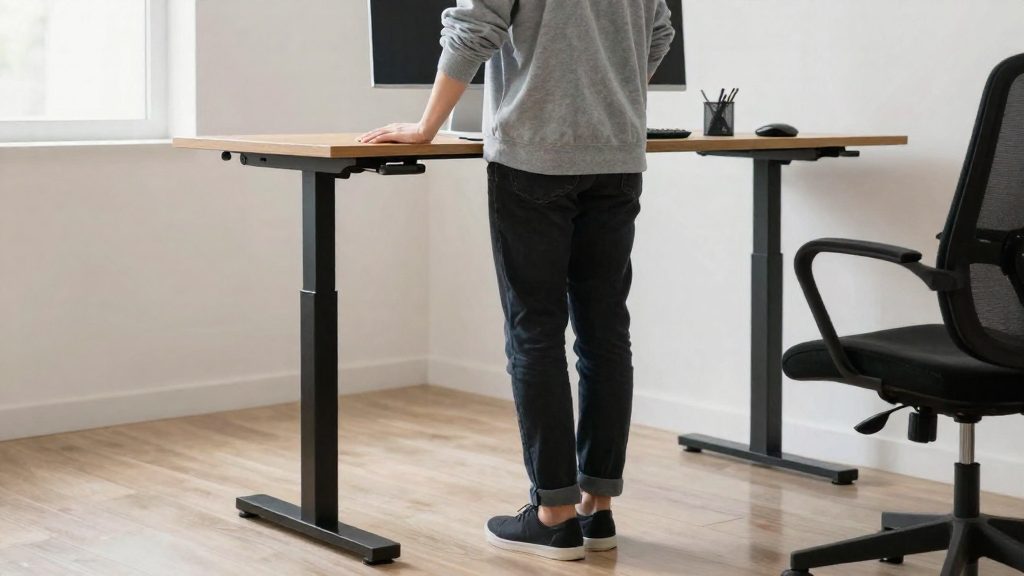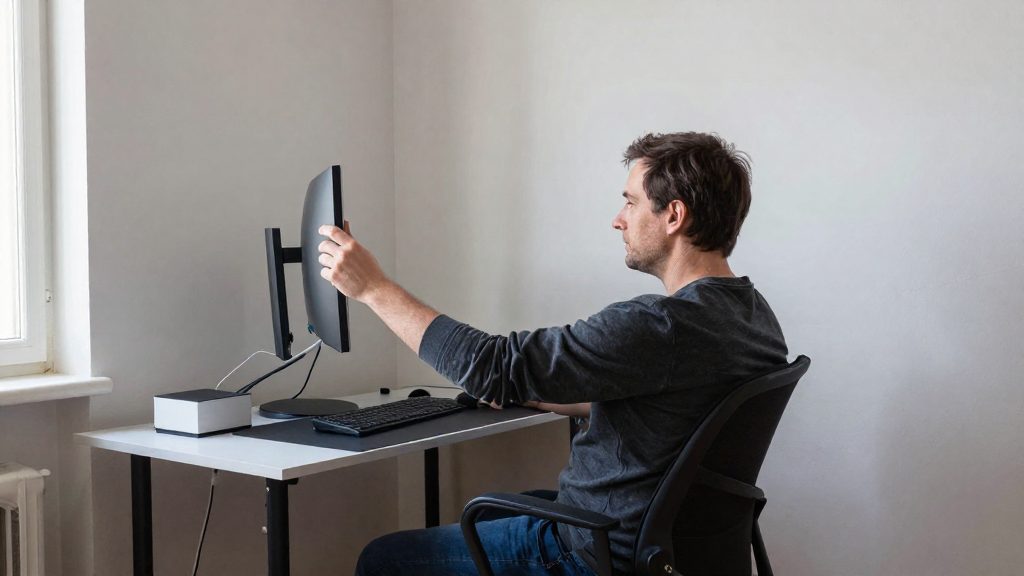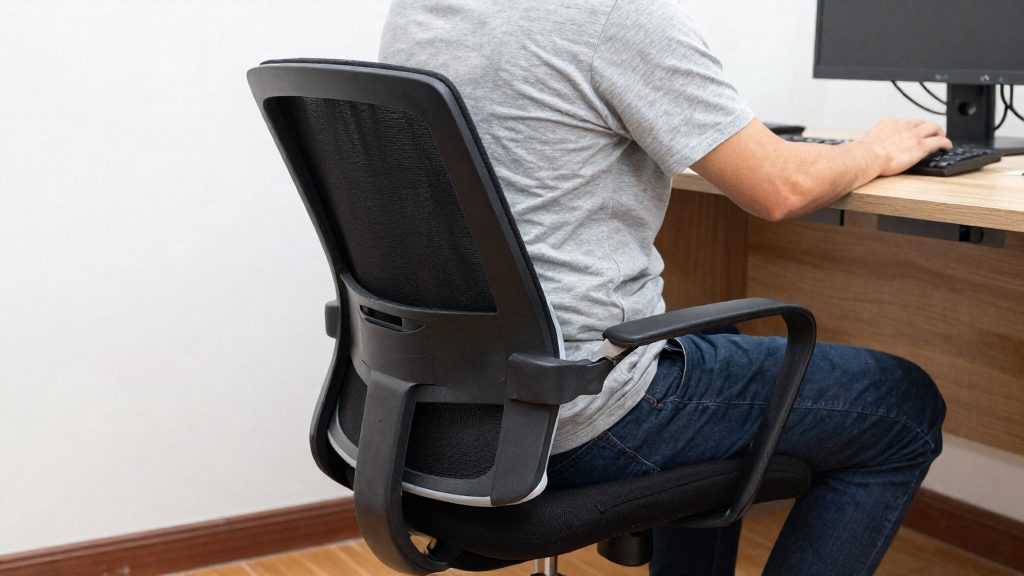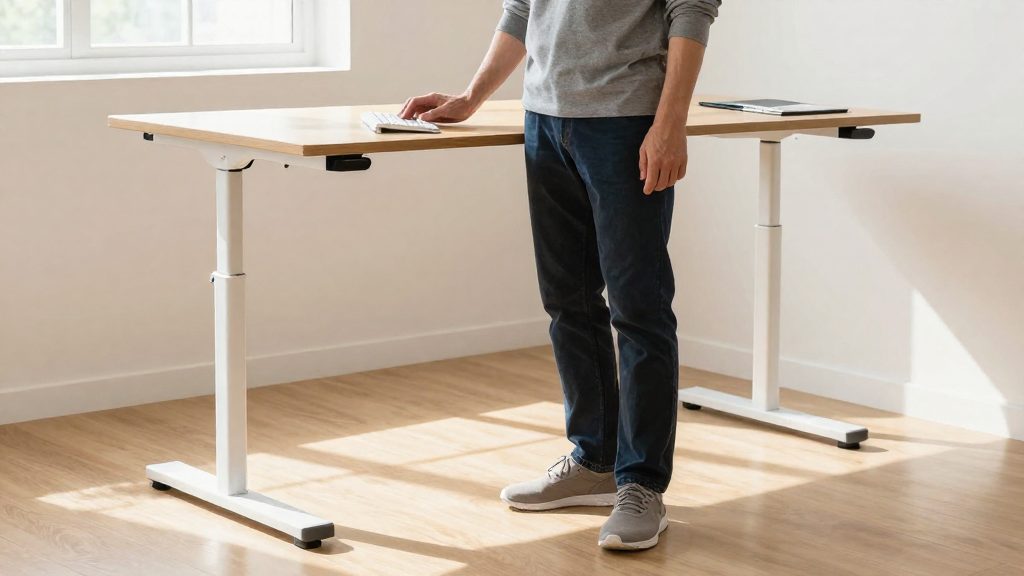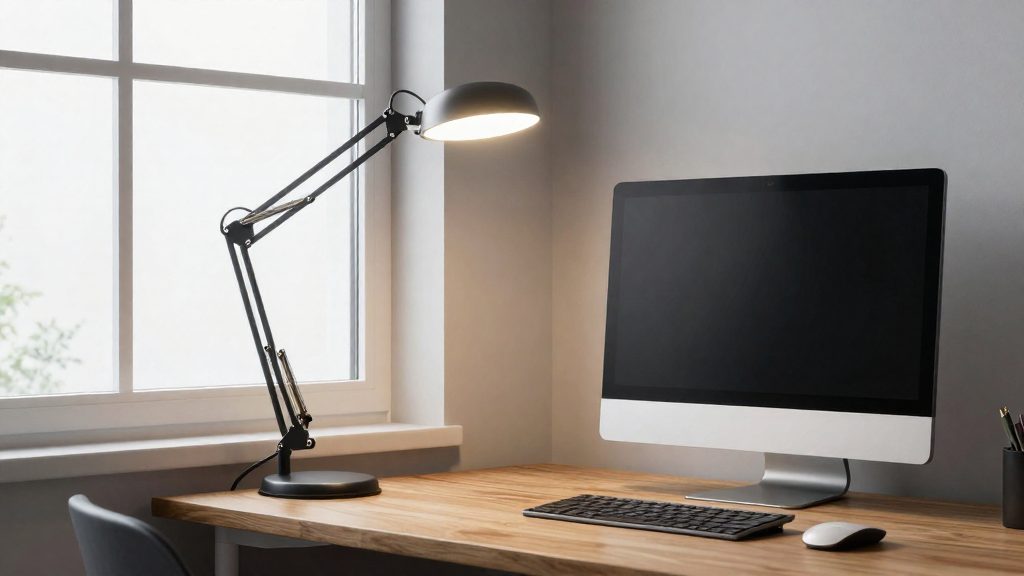
Glare is a bright light source or reflection that interferes with seeing an object, according to the Canadian Centre for Occupational Health and Safety (CCOHS, 2025). It comes from two main sources: direct glare from overly bright or poorly placed luminaires and sunlight, and reflected glare from glossy surfaces, windows and screens. Reading through reflections forces the eyes to work harder, and people often shift their head or posture to find a less reflective angle. The official sources consulted do not specify a direct causal mechanism between glare and back pain, so the back-related points below describe a practical pattern rather than a measured effect.
Why does glare tire your eyes and back?
The two glare types have different sources and call for different fixes.
| Glare type | Typical source | Simple check (CCOHS, 2025) |
|---|---|---|
| Direct glare | Overly bright or poorly placed luminaires; sunlight | Block the light path from the luminaire with a book. If a distant object becomes easier to see, that luminaire is causing the glare |
| Reflected glare | Glossy surfaces, windows, screens | Place a small mirror face up on the desk to locate reflections |
Reflected glare is a frequent problem at a screen. The CCOHS notes that the screen acts as a mirror: reflections from bright walls, windows and ceiling lighting create glare on the display (CCOHS, 2018). A screen whose brightness and contrast are poorly set can also cause glare (CCOHS, 2018). Each reflection reduces the contrast of the text, so the eyes must adjust and refocus more often during long reading sessions.
The back-related effect works through posture. To read through a reflection, people often lean, tilt the head or move closer to the screen. These adjustments take the head away from a neutral position. The CCOHS recommends placing the monitor about 15° below the horizontal line of the eyes, at a distance close to arm’s length, and enlarging text rather than moving the screen closer when text is hard to read (CCOHS, 2022). Positioning the screen away from lamps and windows reduces the need for these compensating movements.
Reducing direct glare involves the luminaires themselves. The CCOHS advises using several low-intensity fixtures rather than one very bright one, indirect or combined lighting, and keeping luminaires out of the front and overhead positions in the field of view (CCOHS, 2025). It also recommends aligning windows parallel to the line of sight and fitting adjustable blinds to cover them (CCOHS, 2025; CCOHS, 2018).

Recognizing direct and reflected glare
According to CCOHS (2025), glare is a bright light source or a reflection that interferes with seeing an object. It takes two forms, direct glare and reflected glare, and each has different sources. Identifying which form you have tells you which part of the workstation to check first.
Direct glare comes from luminaires that are too bright or badly placed, and from sunlight. Reflected glare comes from glossy surfaces, windows, and screens. CCOHS (2018) adds that the screen itself works like a mirror: reflections from bright walls, windows, and ceiling lighting can appear on it, and a screen with poorly adjusted brightness or contrast can also cause glare.
To confirm a suspected source, CCOHS (2025) describes two simple checks:
- Book test: Hold a book in the path of light from a luminaire. If a distant object becomes easier to see, that luminaire is causing direct glare.
- Mirror test: Place a small mirror face up on the work surface. Reflections from fixtures or windows will show up in it, which reveals reflected glare on the desk.
Where to place the screen relative to windows?
Because a screen acts as a mirror, windows can reflect on the display, and a bright window in the field of view can also add glare. The Canadian Centre for Occupational Health and Safety (CCOHS, 2018) advises turning the monitor away from windows and lamps so that light does not bounce off the display. The CCOHS (2025) also recommends aligning windows parallel to the line of sight.
Apply these steps when arranging the desk:
- Check the position of every window relative to the screen before fixing the desk layout.
- Orient the monitor away from windows and lamps, and align the windows parallel to your line of sight.
- Fit adjustable blinds to the windows, as the CCOHS recommends, so the amount of daylight can be controlled over the day.
- Place the monitor parallel to the ceiling lights rather than directly beneath them, which applies the same principle to artificial light.
| Arrangement | CCOHS guidance |
|---|---|
| Window directly in front of the screen | Avoid: reflections on the display cause glare (CCOHS, 2018) |
| Windows parallel to the line of sight | Recommended by the CCOHS (2025) |
| Adjustable blinds on windows | Recommended to control daylight (CCOHS, 2018) |
Ceiling lights and desk lamps: choosing the right lighting
Glare at a home office can come from fixtures that are too bright or badly placed, from sunlight, and from reflections on glossy surfaces and screens. The CCOHS (Canadian Centre for Occupational Health and Safety) defines glare as a bright light source or reflection that interferes with seeing an object. It identifies direct glare from overly bright or poorly positioned luminaires, and from sunlight, as a main cause. The fix is to use fixtures that deliver moderate light and to position them so their light does not reach your eyes directly.
Test for glare before changing anything
Two simple checks can locate the source:
- Block the light path from a fixture with a book. If a distant object becomes easier to see, that fixture is causing glare.
- Place a small mirror face up on the work surface. Reflections it shows from fixtures or windows indicate where glare will reach your screen.
Recommended light levels
According to the CCOHS (2025), the recommended ranges are:
| Task | Illuminance |
|---|---|
| Computer tasks | 75–300 lux |
| General office lighting | 500–1000 lux, measured 76 cm above the floor |
The CCOHS lists these as two separate recommendations: one for computer tasks and one for general office lighting.
Choose several low-intensity fixtures
The CCOHS (2025) advises several low-intensity fixtures rather than one very bright one. Spreading the light this way reduces how much intensity any single source places in your field of view. Indirect or combined lighting, where light is reflected from the ceiling or walls, also lowers glare compared with a single bright overhead fixture. Choose matte or semi-gloss finishes on walls and furniture, because glossy surfaces reflect light back toward your eyes. The CCOHS also advises keeping fixtures out of the positions directly in front of you and above your head.
Position the screen, windows and desk lamp
The CCOHS (2018) recommends placing the monitor parallel to ceiling lights rather than directly beneath them, and away from lamps and windows. Align windows parallel to your line of sight and cover them with adjustable blinds. Documents on paper need more light than a screen does. A soft desk lamp can light them without adding light near the monitor, provided it illuminates the document rather than the screen.
What lighting level is right for home office work?
The Canadian Centre for Occupational Health and Safety (CCOHS, 2025) gives two lighting recommendations for office work, which can serve as a reference at home. Screen work needs less light than general room lighting, so the two figures describe different things rather than conflicting. Glare, however, depends on where light comes from and what it reflects off, not only on the total level. A room can meet the target numbers and still produce glare if a fixture or window sits in your line of sight.
| Lighting use | CCOHS recommended level (2025) |
|---|---|
| Computer tasks | 75–300 lux |
| General office lighting | 500–1000 lux, measured at 76 cm above the floor |
Glare comes in two forms. Direct glare comes from luminaires that are too bright or poorly placed, and from sunlight. Reflected glare comes from shiny surfaces, windows and screens. To control both, CCOHS recommends:
- Using several fixtures of low intensity rather than one very intense fixture.
- Choosing indirect or combined lighting, so that light reaches the room without a bright source in view.
- Selecting matte or semi-gloss finishes on walls and desk surfaces.
- Keeping fixtures out of the positions in front of you and directly above your head.
- Aligning windows parallel to your line of sight.
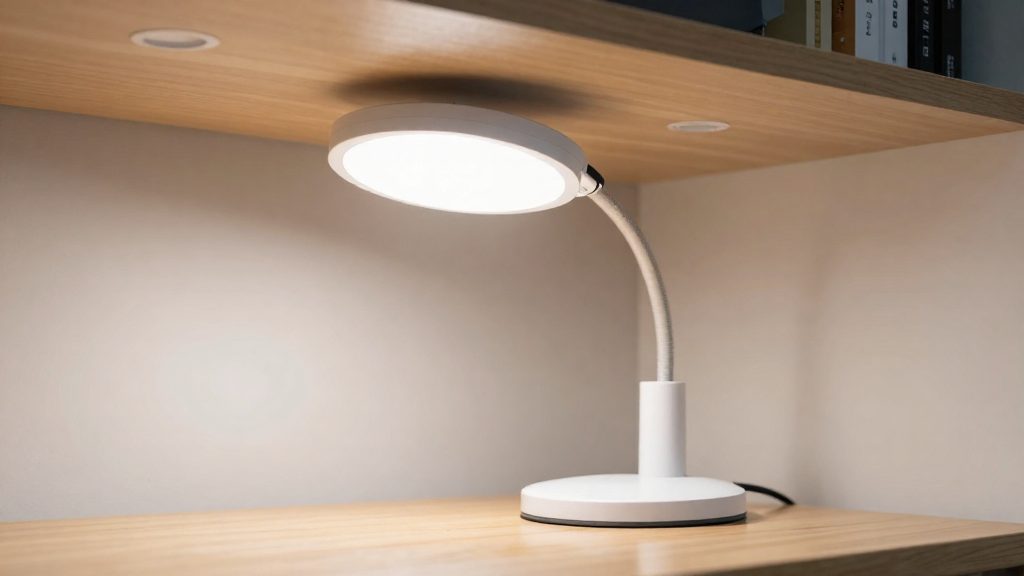
Paper documents need more light than a screen. A soft desk lamp can light the document without adding light near the screen, provided it illuminates the page and not the monitor. This is task lighting: a separate, controllable source for reading and writing.
To locate the source of glare, CCOHS describes two checks. Hold a book in the path of light from a fixture: if a distant object becomes easier to see, that fixture is causing direct glare. Place a small mirror face up on the work surface to reveal reflections that you cannot see directly.
Screen settings also contribute. According to CCOHS (2018), a screen whose brightness and contrast are poorly adjusted can cause glare, so room lighting and screen settings should be checked together.
Desk lamp: light the document, not the screen
Paper documents need more light than a screen does, so a task lamp is the simplest way to read them without making the monitor harder to see. The CCOHS (2025) gives 75–300 lux for computer tasks and 500–1000 lux for general office lighting, measured at 76 cm from the floor. A desk lamp supplements the general lighting for paper work. It should light the page and add as little light as possible near the screen, where it can create reflections.
Why a lamp can cause glare
The CCOHS distinguishes two types of glare:
- Direct glare comes from luminaires that are too bright or badly placed, and from sunlight.
- Reflected glare comes from shiny surfaces, windows and screens.
A lamp aimed toward the monitor or placed in front of you can cause either type.
Placement method
- Aim the lamp at the document area, not at the monitor.
- Keep the lamp out of the front and overhead positions, so it does not sit in your line of sight or directly above your head.
- Use one or more low-intensity sources rather than a single very bright fixture, as the CCOHS recommends for correcting glare.
- Favor indirect or combined lighting, and matte or semi-gloss finishes on desk surfaces, to limit reflections.
Checking the setup
Two simple tests from the CCOHS help you find the source of glare:
| Test | How to run it | What it shows |
|---|---|---|
| Book test | Block the path of light from one fixture with a book. | If a distant object becomes easier to see, that fixture is causing glare. |
| Mirror test | Place a small mirror face up on the work surface. | Reflections of fixtures or windows in the mirror mark the glare sources. |
Screen settings and surface finishes
Screen glare comes from two sources: reflections from bright surfaces, and a screen whose brightness or contrast is poorly set. According to CCOHS (2018-05-01), the screen acts as a mirror, so light reflected from walls, windows and ceiling fittings can obscure the content. Adjusting the screen and the surfaces around it is usually the first step, before changing the room lighting.
Screen position
Place the monitor away from lamps and windows, and set it parallel to ceiling lights rather than directly beneath them. CCOHS (2022-11-29) gives these reference values:
| Parameter | Recommended value |
|---|---|
| Vertical position | About 15° below the horizontal line of the eyes, or slightly lower |
| Viewing distance | Close to the length of your arm |
| Hard-to-read text | Increase the font size rather than move closer |
Brightness and contrast
A screen whose brightness or contrast is poorly adjusted can cause glare, even when the room lighting is correct. Adjust brightness and contrast to suit the room lighting, since poorly set values can cause glare. Paper documents need more light than a screen. A soft desk lamp that lights the document rather than the monitor lets you read them without adding light near the screen (CCOHS, 2018-05-01).
Anti-glare filters and surface finishes
CCOHS (2018-05-01) prefers controlling glare through lighting and screen placement rather than filters, because anything placed between you and the screen reduces image quality. Surfaces also matter. CCOHS (2025-08-11) advises matte or semi-gloss finishes over glossy ones on walls and work surfaces to limit reflected glare.
Frequently asked questions
How much light does a home office need?
The Canadian Centre for Occupational Health and Safety (CCOHS, 2025) gives two separate ranges: 75–300 lux for computer tasks and 500–1000 lux for general office lighting, measured 76 cm above the floor. These figures are written for offices in general, so the official sources consulted do not confirm how they apply to a home setup.
Should I use an anti-glare screen filter?
CCOHS (2018) prefers controlling glare through lighting and screen placement rather than filters. Its reasoning is that anything placed between you and the screen reduces image quality.
What should I do if the text is hard to read from my usual position?
CCOHS (2022) advises enlarging the font rather than moving the screen closer. Place the monitor about 15° below the horizontal line of your eyes, at roughly arm’s length (CCOHS, 2022).