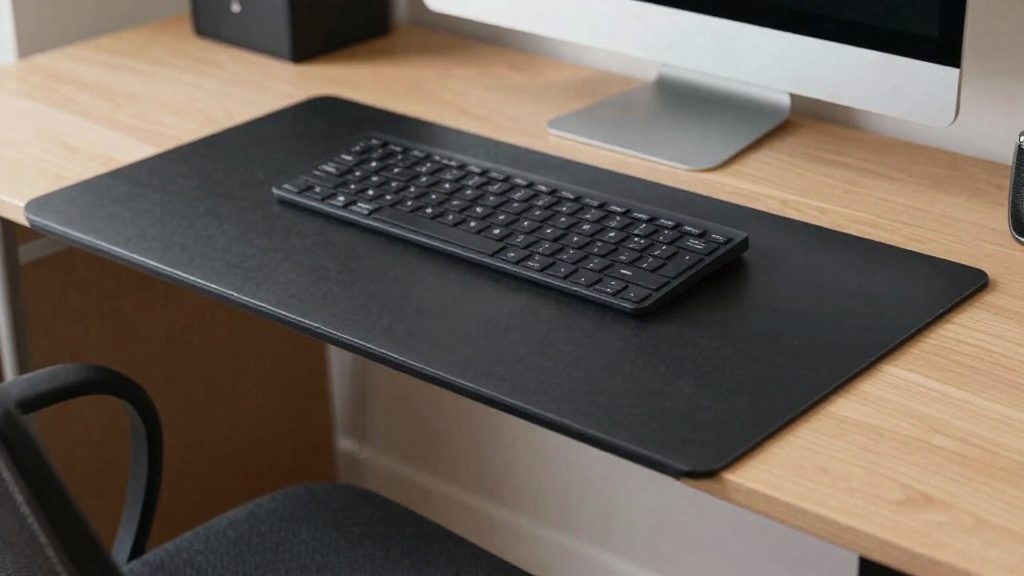
A keyboard tray under the desk lowers the typing surface when the desktop is too high for seated typing. The Canadian Centre for Occupational Health and Safety (CCOHS, 2026) describes seated targets: elbows close to the body and bent between 90° and 120°, with hands, wrists and forearms straight and roughly parallel to the floor. A tray that fits beneath the work surface can help you reach those targets when the desk itself cannot be adjusted.
Why Use a Keyboard Tray Under the Desk?
Matching the seated joint targets
CCOHS gives the following seated targets. It does not state a direct cause and effect for a keyboard that sits too high or too low, so use these targets as a reference for setup.
| Body part | CCOHS seated target (2026) |
|---|---|
| Elbows | Close to the body, bent between 90° and 120° |
| Hands and forearms | Straight, in line, roughly parallel to the floor |
| Wrists | Neutral, aligned straight with the forearm |
Keeping the wrist neutral
A neutral wrist is aligned straight with the forearm, not bent or extended in any direction. CCOHS advises choosing an accessory, such as a keyboard tray that tilts, so you can raise either the back or the front of the keyboard. Adjust the tilt until the wrist stays in line with the forearm while your fingers reach the keys.
Fitting a tray to a kitchen table or high desk
For telework, CCOHS notes that a kitchen table is usually too high for proper wrist positioning. Before buying a tray, measure the clearance between the underside of the work surface and your thigh when seated, and confirm that the tray fits below the surface without hitting your knees.
Varying posture through the day
CCOHS cites CSA Z412-17, which encourages workers to alternate between sitting and standing, or between variations of those postures. CCOHS also notes that no single seated position stays comfortable for long. Schedule breaks to stretch during the workday, since long hours in one position or repeated motions can lead to musculoskeletal injuries.
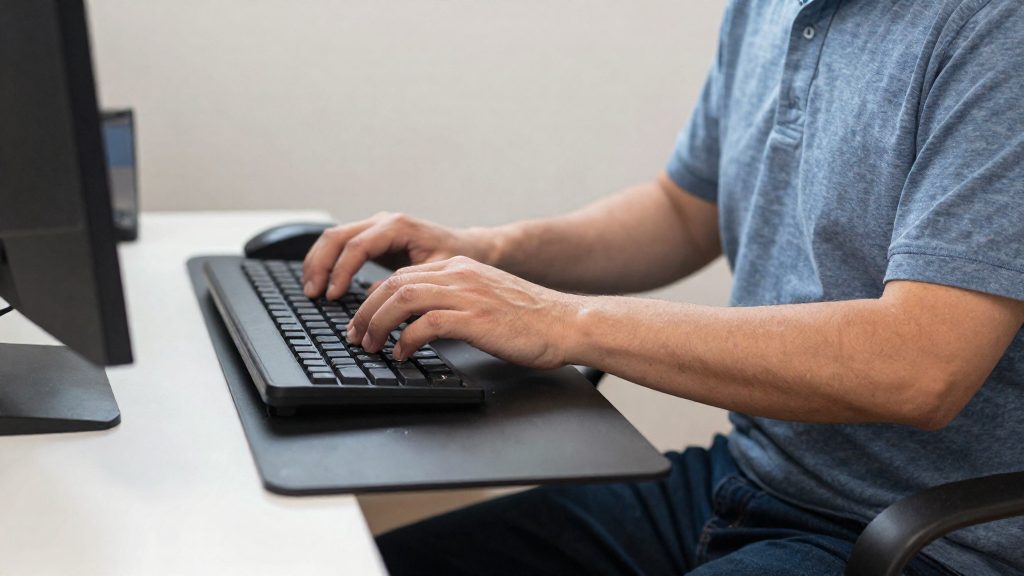
Ideal Height: Where to Place the Keyboard When Seated
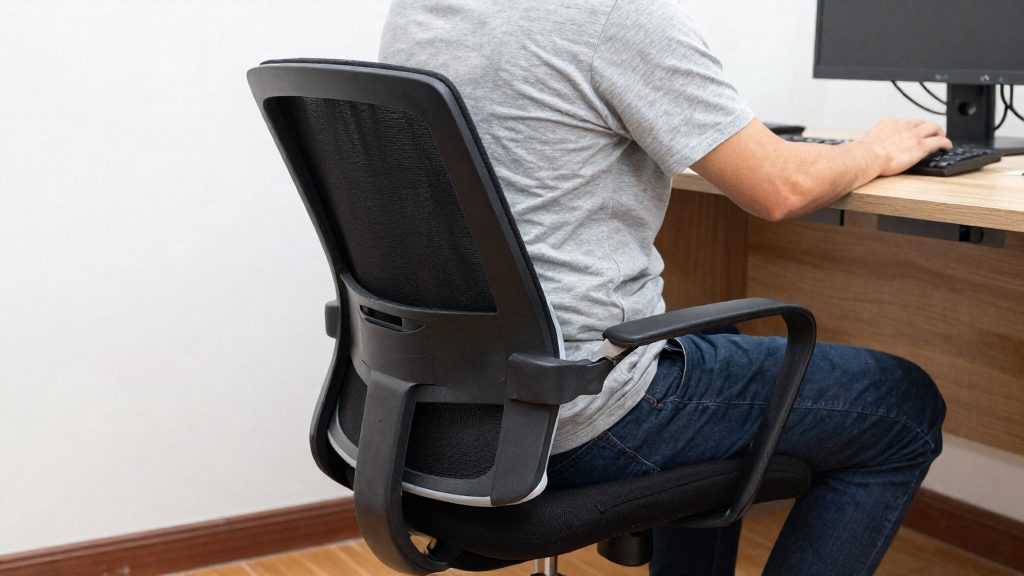
Keyboard height for seated typing is defined by the position of your upper body, not by a fixed measurement. According to the Canadian Centre for Occupational Health and Safety (CCOHS, 2026), the target is a set of joint positions: elbows close to the body and bent between 90° and 120°, with hands, wrists and forearms straight, in line and roughly parallel to the floor. The official sources consulted do not give a fixed keyboard height in centimetres, so adjust the keyboard until these positions are met.
| Joint | Target position (CCOHS, 2026) |
|---|---|
| Elbows | Close to the body, bent between 90° and 120° |
| Forearms and hands | Straight, in line, roughly parallel to the floor |
| Wrists | Neutral, aligned straight with the forearm |
To check the setup, adjust the chair first, then measure the elbow angle at the keyboard. Once the elbows fall within the 90° to 120° range, check the wrist. A neutral wrist is not bent or extended in any direction. If the wrist bends up or down when you type, adjust the keyboard height or tilt until the wrist is straight with the forearm.
Under a desk, a keyboard tray is the adjustment tool. CCOHS advises choosing a tray that tilts, so you can raise the back or front of the keyboard to keep the wrist neutral. If the desk surface is too high, a tray mounted beneath it can lower the keyboard, provided it fits under the surface and the joint targets are met. Set the tray height from your body position, not from the desk height.
Do not rest your wrists on the desk surface while typing. CCOHS notes that this pressure may contribute to contact stress injuries, so keep the forearms supported and the wrists free.
Tilt and wrists: staying in a neutral position
The Canadian Centre for Occupational Health and Safety (CCOHS, 2026) sets the seated targets for keyboard work: elbows close to the body and bent between 90° and 120°, with hands, wrists and forearms straight, in line and roughly parallel to the floor. Tilt affects wrist position, because a keyboard lying flat on a surface may not match the angle of your forearms.
A neutral wrist stays aligned straight with the forearm, not bent or extended in any direction. CCOHS (2026) advises choosing an accessory such as a keyboard tray that tilts, so you can raise either the back or the front of the keyboard until the wrist sits neutral.
To check your position:
- Sit with your elbows close to your body and confirm the elbow bend falls between 90° and 120°.
- Rest your hands on the keys and look at the line from forearm to wrist.
- Adjust the tilt, raising the back or the front, until the wrist is straight with the forearm.
- Confirm that the forearms are roughly parallel to the floor.
| Body part | Target position (CCOHS, 2026) |
|---|---|
| Elbows | Close to the body, bent between 90° and 120° |
| Wrists | Neutral, aligned straight with the forearm |
| Forearms and hands | Straight, in line, roughly parallel to the floor |
CCOHS (2026) also advises against resting your wrists on the desk surface, since the pressure may contribute to contact stress injuries. Keep your wrists straight and off the desk surface while typing.
For telework, CCOHS (2026) notes that a kitchen table is usually too high for proper wrist positioning. A tray that fits under the table surface can lower the keyboard to the correct height, provided the joint targets above are met. The CCOHS does not give a cause-and-effect threshold for a keyboard placed too high or too low, so judge the setup by the joint targets rather than by a fixed number.
Is a keyboard tray suitable for every desk?
A keyboard tray suits a desk only when it fits under the work surface and lets you reach the seated targets described by the Canadian Centre for Occupational Health and Safety (CCOHS, 2026). It is a corrective accessory for a desk that is too high, not a replacement for a suitable workstation. Before buying one, check the joint positions below, then check whether the tray can sit beneath your desk without hitting your knees or drawers.
CCOHS sets these seated targets:
| Body part | Target position (CCOHS, 2026) |
|---|---|
| Elbows | Close to the body, bent between 90° and 120° |
| Hands, wrists, forearms | Straight, in line, roughly parallel to the floor |
| Wrists | Neutral, aligned straight with the forearm |
Under-desk clearance is the main limit. CCOHS states that a tray can lower the keyboard on a table that is too high, provided it fits under the surface and the joint targets are met. If the tray cannot slide beneath the desk, or the clearance blocks your legs, it cannot correct the height. The official sources consulted do not specify minimum clearance dimensions.
Tilt matters for wrist position. CCOHS advises choosing a tray that tilts, so you can raise either the back or the front of the keyboard and keep the wrist neutral. A fixed tray only helps if its angle already matches your forearm line.
Some desks cannot be corrected with a tray:
- Kitchen tables are usually too high for proper wrist positioning, according to CCOHS (2026). A tray can help only if it fits under the surface.
- Desks that are too low cannot be raised by a tray. The keyboard then sits in the wrong position for the elbow angle, and CCOHS’s targets are not met.
- Surfaces where you rest your wrists should be avoided. CCOHS says not to rest the wrists on the desk surface, because the pressure may contribute to contact stress injuries.
A tray also does not replace movement. CCOHS cites CSA Z412-17 as encouraging alternation between sitting and standing, or between variations of those postures, and notes that no single seated position stays comfortable for long. Schedule breaks to stretch during the workday, because long hours in one position or repeated motions can lead to musculoskeletal injuries (CCOHS, 2026).
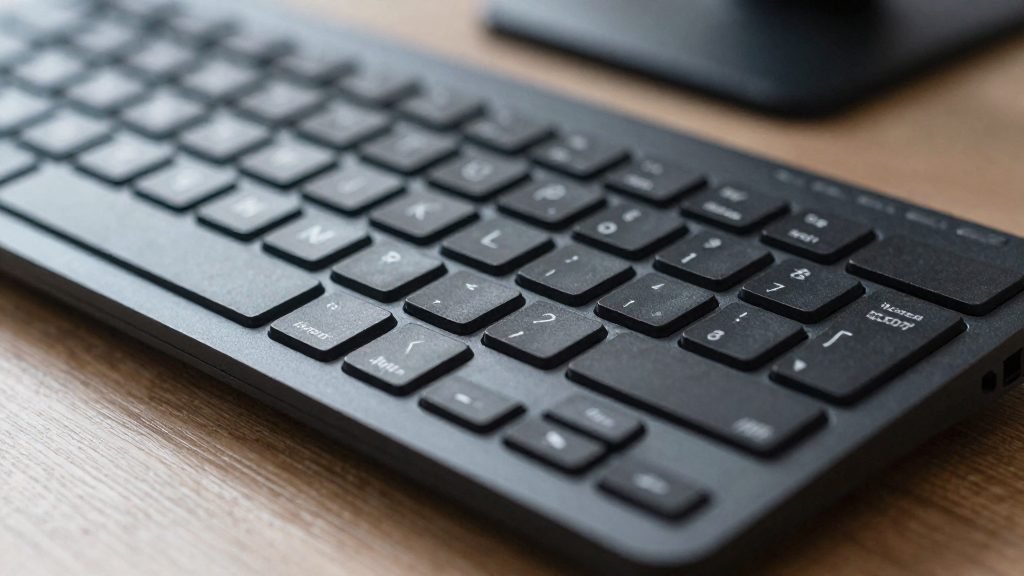
Mouse, legs and under-desk clearance
A keyboard tray only works if the mouse and leg space are set up with it. CCOHS (2026) gives seated targets for the elbows, wrists and forearms, and the mouse has to fit within those targets. Place the mouse on the same tray level as the keyboard, close enough that the elbow stays near the body. Reaching sideways or lifting the arm to reach the pointer pulls the shoulder and elbow out of the seated range.
CCOHS (2026) advises against resting the wrists on the desk surface, because the pressure may contribute to contact stress injuries. While moving the mouse, keep the wrist off the desk and the forearm straight.
Tray fit comes before everything else. A tray can lower the keyboard on a table that is too high, but only if it fits under the surface (consistent with CCOHS telework guidance, 2026). Check the tray clearance first, then confirm that your knees and thighs move freely beneath it.
| Check | What to verify |
|---|---|
| Mouse position | On the tray, same level as the keyboard, close to the body |
| Wrist contact | No resting of the wrists on the desk surface while pointing |
| Tray clearance | Tray sits fully under the desk surface |
| Leg room | Knees and thighs move without contacting the tray underside |
Alternatives for remote work
When a keyboard tray cannot fit under your table, the target stays the same: elbows close to the body and bent between 90° and 120°, with hands, wrists and forearms straight and roughly parallel to the floor. The Canadian Centre for Occupational Health and Safety (CCOHS, 2026) notes that a kitchen table is usually too high for proper wrist positioning, so the alternatives below work by changing the height of the keyboard or the seat, rather than by adding hardware under the surface.
| Situation | Alternative |
|---|---|
| Table is too high and cannot be replaced | Raise or lower the chair until the elbow angle falls within 90° to 120° |
| Table is too high and you can change it | A height-adjustable desk or desk riser, set so the keyboard sits at wrist-neutral height |
| Laptop-only workstation | An external keyboard on the table, with the screen raised on a separate stand |
| Little or no space under the surface | Keyboard on the table surface, with the wrists kept off the edge |
Adjust the chair before the table
Seat height is the quickest variable to change. Set the chair so the elbows stay close to the body and bend within the 90° to 120° range, then check that the wrists stay straight with the forearms. This method works on any table, but it only solves the problem if the seat can reach the correct elbow angle without forcing the feet or knees into an awkward position.
Use a height-adjustable surface for sit-stand work
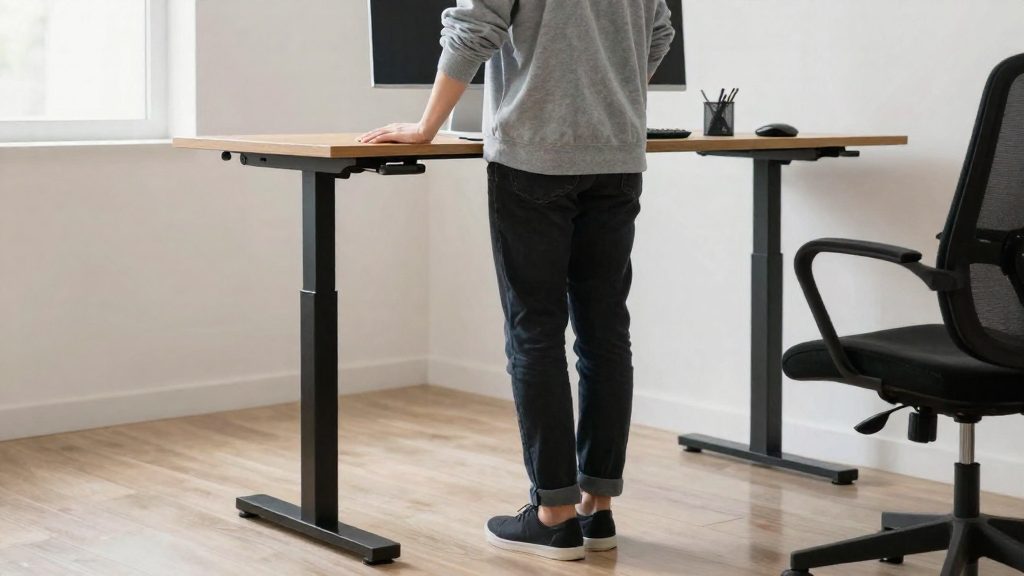
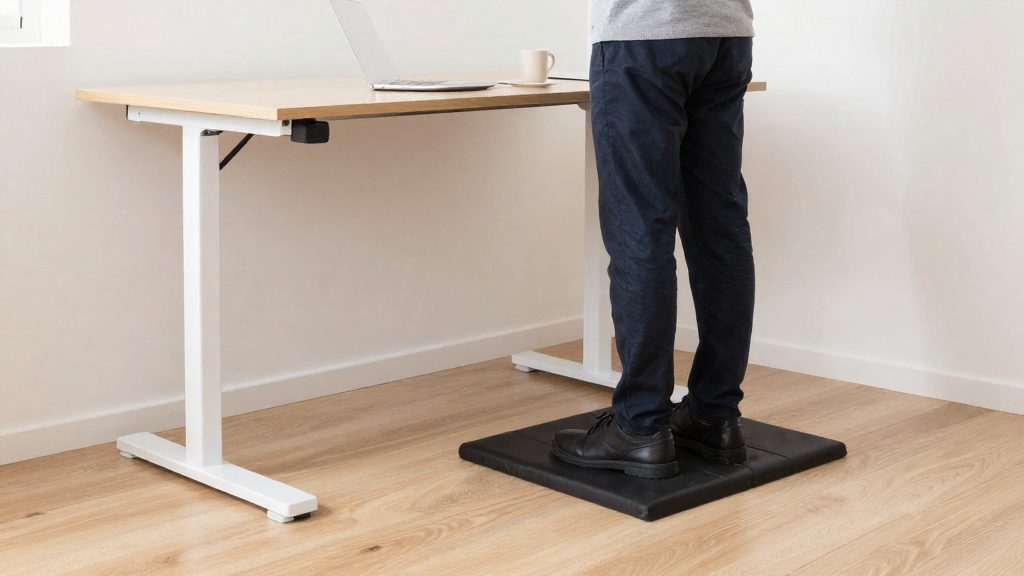
A height-adjustable desk or a desk riser lets you change the keyboard height without changing the chair. CCOHS cites CSA Z412-17 as encouraging workers to alternate between sitting and standing, or between variations of those postures, and notes that no single seated position stays comfortable for long. Alternating positions throughout the day addresses this directly.
Separate the keyboard from the screen
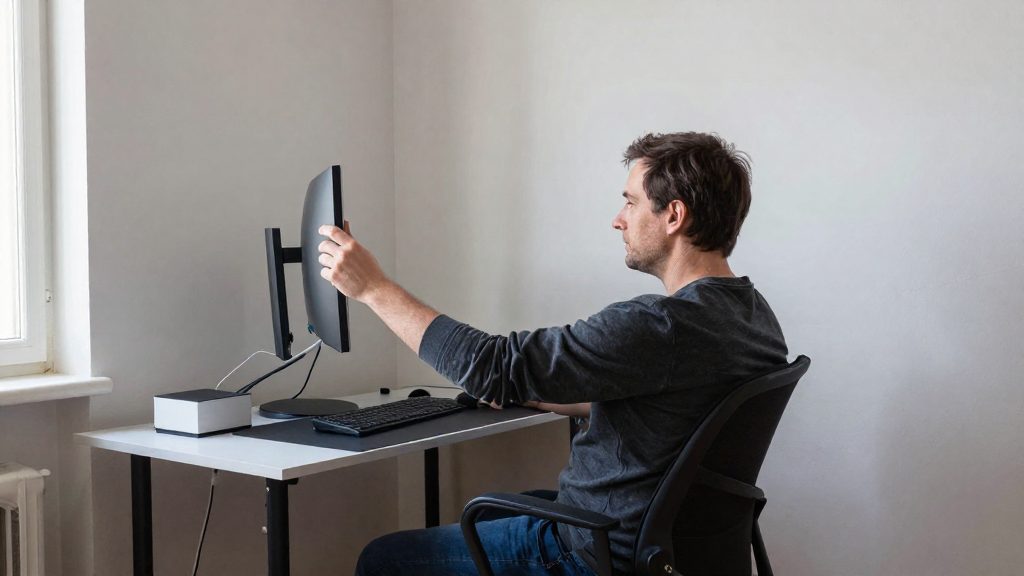
With a laptop, the built-in keyboard is fixed at the laptop’s height. Placing an external keyboard on the table and raising the screen to eye level on a stand lets you position each component independently. Keep the keyboard low enough for neutral wrists, and the screen high enough that you are not looking down at it for long periods.
Use a tilt-capable keyboard or accessory
CCOHS advises choosing a keyboard or accessory that tilts, so you can raise either the back or the front of the keyboard and keep the wrist aligned with the forearm. This helps keep the wrist aligned with the forearm when the keyboard’s flat angle does not match your forearm line.
Breaks and stretches to complete the setup
A tray adjusts the keyboard height, but it does not change how long you stay in one position. CCOHS (2026) states that no single seated position stays comfortable for long, so the setup works best combined with movement during the day. It also advises scheduling breaks to stretch during the workday, because long hours in one position or repeated motions can lead to musculoskeletal injuries.
Alternating postures is the main principle. CCOHS (2026) cites CSA Z412-17, which encourages workers to alternate between sitting and standing, or between variations of those postures. If your desk is height-adjustable, switch between sitting and standing. If it is not, change your seated position regularly by shifting your weight, adjusting your backrest, or moving your feet.
A short routine that fits between tasks:
- Stand up and walk for a few moments at regular intervals instead of waiting until you feel discomfort.
- Release the shoulders by letting the arms hang loosely before returning to the keyboard.
- Open the chest by gently drawing the shoulder blades back, which counters the forward reach toward the keyboard.
- Mobilize the hands by opening and closing them slowly, then flexing and extending the fingers.
Stretches should be gentle. Stop any movement that causes pain, and do not force a range of motion.
Frequently asked questions
Can a keyboard tray fix a desk that is too high for typing?
A tray helps when it fits beneath the work surface and lets you reach the seated targets described by CCOHS (2026). Check that your elbows stay close to your body and bend within the 90° to 120° range once the keyboard is in place. If the surface is too high and the tray leaves no room for your thighs, the tray will not solve the problem.
How do I know if my wrist is in a neutral position on a tilting tray?
Look at the line running from your forearm through your wrist. It should stay straight, without bending upward or downward. Adjust the tilt until the wrist stays in that line while your fingers reach the keys, and keep the wrist off the desk edge, since CCOHS links sustained pressure there to contact stress injuries.
Is a kitchen table workable with a keyboard tray?
Probably not as a long-term setup. CCOHS notes that a kitchen table is usually too high for proper wrist positioning, so a tray may only partly compensate. If you have no other surface, check the clearance under the table before buying a tray so it does not strike your knees.