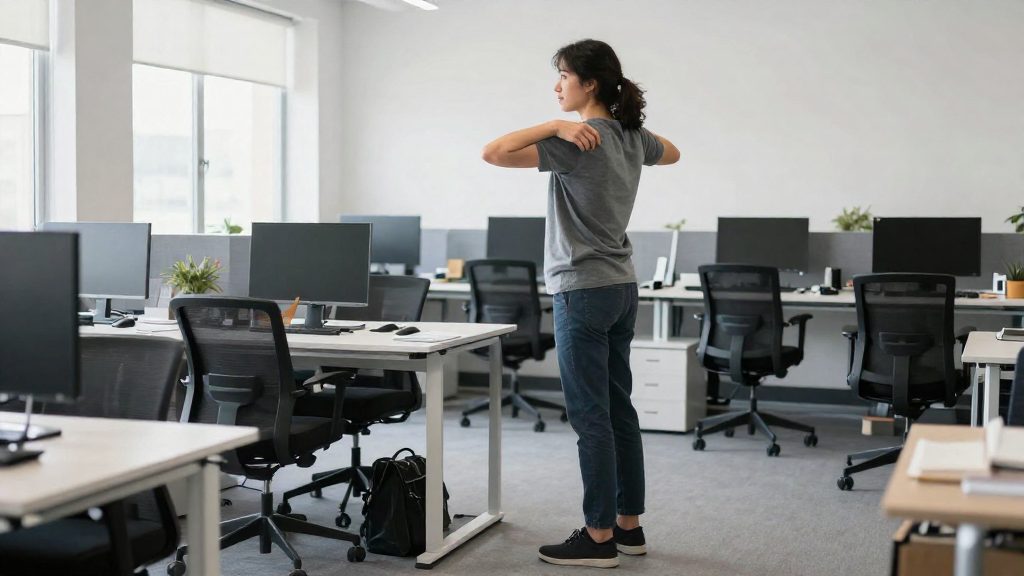
The sources consulted combine two kinds of breaks: short micro-breaks during the hour and a longer break away from the workstation each hour. The Canadian Centre for Occupational Health and Safety (CCOHS) recommends a 5 to 10 minute break for each hour spent at a workstation, while Stanford University Environmental Health & Safety (2026) recommends a 30 to 60 second micro-break every 20 minutes to interrupt repetitive tasks or static postures. Colorado State University (2026) describes micro-breaks of about 20 to 30 seconds roughly every 20 minutes, plus at least one 5-minute break per hour away from the computer.
Why take micro-breaks throughout the hour?
Sitting or holding one posture for long periods keeps the same muscles working and limits movement in the joints. Micro-breaks interrupt that pattern before discomfort builds. Colorado State University (2026) cites two benefits: better circulation and less fatigue. Stanford EH&S (2026) frames the same practice as a way to break up repetitive tasks and static postures.
The sources differ in duration and frequency:
| Source (year) | Recommended break | Frequency |
|---|---|---|
| CCOHS (2026) | 5 to 10 minutes | Each hour at a workstation |
| Stanford EH&S (2026) | 30 to 60 seconds | Every 20 minutes |
| Colorado State University (2026) | About 20 to 30 seconds, plus 5 minutes away from the computer | About every 20 minutes, and at least one 5-minute break per hour |
Ways to structure the break
Stanford EH&S (2026) lists several micro-breaks that fit into normal work:
- The 20/20/20 rule: every 20 minutes, look at something about 20 feet (about 6 metres) away for 20 seconds.
- Light stretching at the desk.
- Taking phone calls standing up.
- Walking meetings.
- Visiting a colleague instead of sending an email.
Colorado State University (2026) also cites sit-stand schedules: a 2:1 ratio (30 minutes seated, 15 minutes standing), a 1:1 ratio, or Cornell’s 3-S approach (20 minutes seated, 8 minutes standing, 2 minutes of stretching).
Stretch timing and technique
The CCOHS (2026) gives these holding times:
- General stretches: about 10 to 20 seconds.
- Hand and wrist stretches: 3 to 5 seconds, repeated 3 times.
- Shoulder shrugs: 3 to 5 seconds, repeated 2 or 3 times.
What CCOHS recommends for breaks and stretches
The Canadian Centre for Occupational Health and Safety (CCOHS) (2026) recommends a break of 5 to 10 minutes for each hour spent at a workstation. The preferred option is to stand up and walk. If that is not possible, changing your position is the minimum. The break is meant to move the body, not only to pause typing, which matters for desk workers who stay seated for most of the working day.
During these breaks, CCOHS (2026) gives different hold times and repetition counts depending on the movement:
| Movement | Hold time | Repetitions |
|---|---|---|
| General stretches | About 10 to 20 seconds | Not specified |
| Hand and wrist stretches | 3 to 5 seconds | 3 |
| Shoulder shrugs | 3 to 5 seconds | 2 or 3 |
Because hold times differ by movement, a short routine can combine general stretches, wrist work, and shoulder shrugs within a single break without extending it beyond the recommended window.
CCOHS (2026) states that you should feel a stretch, not pain. Stop if you experience severe pain or discomfort, and consult a health professional if symptoms persist.
Micro-break or 5-minute break: what is the difference?
A micro-break is a very short interruption repeated throughout the work period, while a 5-minute break is a longer pause taken away from the workstation. The two serve different purposes and are usually combined. According to the Canadian Centre for Occupational Health and Safety (CCOHS, 2026), a pause of 5 to 10 minutes is recommended for each hour spent at a workstation.
| Criterion | Micro-break | Longer break |
|---|---|---|
| Duration | 30 to 60 seconds (Stanford University EH&S, 2026); 20 to 30 seconds (Colorado State University, 2026) | 5 to 10 minutes per hour (CCOHS, 2026) |
| Frequency | About every 20 minutes (Stanford University EH&S, 2026; Colorado State University, 2026) | About once per hour (CCOHS, 2026; Colorado State University, 2026) |
| Purpose | Interrupt repetitive tasks or static postures | Change position and move away from the screen |
| Typical actions | Light desk stretches, the 20-20-20 rule (look at an object about 20 feet away for 20 seconds), standing for a phone call | Stand up and walk; if walking is not possible, at least change position |
During a micro-break, CCOHS advises holding most general stretches for about 10 to 20 seconds. Hand and wrist stretches are held for 3 to 5 seconds and repeated 3 times, and shoulder shrugs are held for 3 to 5 seconds and repeated 2 or 3 times.
Beyond breaks, Colorado State University (2026) describes a sit-stand alternation at a 2:1 ratio (30 minutes seated, 15 minutes standing) or a 1:1 ratio. Cornell’s 3-S approach, as cited by the same source, splits a 30-minute cycle into 20 minutes seated, 8 minutes standing, and 2 minutes of stretching.
Quick exercises you can do at your desk
Micro-breaks work best when they are short and need no equipment. The Canadian Centre for Occupational Health and Safety (CCOHS, 2026) recommends a 5- to 10-minute break for each hour spent at a workstation, and says the ideal is to get up and walk, or at least change position. Stanford University Environmental Health & Safety (2026) suggests a 30- to 60-second micro-break every 20 minutes to interrupt repetitive tasks or static postures.
For the exercises themselves, the CCOHS (2026) gives the following holds and repetitions:
| Exercise | Hold time | Repetitions |
|---|---|---|
| Hand and wrist stretch | 3 to 5 seconds | 3 |
| Shoulder shrug | 3 to 5 seconds | 2 or 3 |
Hand and wrist stretch: Extend one arm in front of you with the palm facing away and fingers pointing up. Use your other hand to gently bend the fingers back until you feel a stretch in the forearm, hold, then switch arms.
Shoulder shrug: Raise both shoulders toward your ears, hold, then lower them slowly. Keep the movement controlled rather than fast.
General stretches for the neck, back and legs are usually held about 10 to 20 seconds, according to the CCOHS (2026). Move slowly to the end of your comfortable range and hold without bouncing.
If you can stand, Stanford (2026) lists several options that fit into a working day: taking phone calls while standing, holding walking meetings, and visiting a colleague instead of sending an email.
How to Stretch Without Injuring Yourself
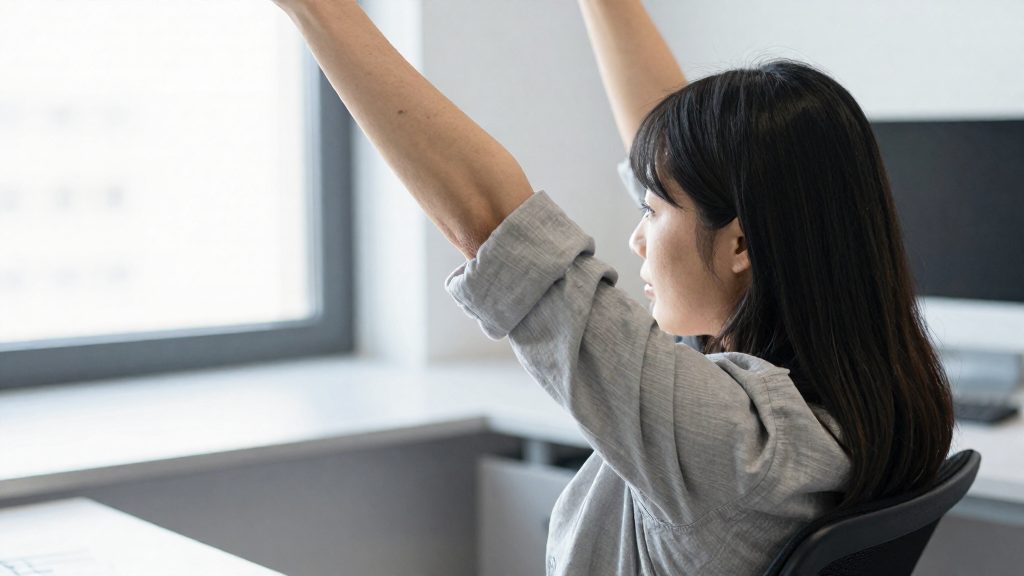
The CCOHS (2026) gives specific hold times for common desk stretches and sets clear limits on how to perform them. The core method is a controlled hold: move slowly into the position, stop at the point where you feel a stretch, and keep still. Hold times depend on the body area:
| Movement | Hold time | Repetitions (CCOHS, 2026) |
|---|---|---|
| General stretches | About 10 to 20 seconds | Not specified |
| Hand and wrist stretches | 3 to 5 seconds | 3 |
| Shoulder shrug | 3 to 5 seconds | 2 or 3 |
Because hand and wrist stretches are short, three repetitions of 3 to 5 seconds take roughly 9 to 15 seconds per hand, which makes them easy to add to a micro-break without leaving your workstation for long.
Avoid these actions during any stretch, as the CCOHS (2026) warns against them:
- Bouncing at the end of a movement
- Excessive pulling or pushing on a limb or joint
- Locking your joints at the end of a range of motion
The CCOHS also sets a pain threshold: you should feel a stretch, not pain. Stop immediately if you experience pain or severe discomfort. If symptoms persist, consult a health professional. The official sources consulted do not specify a maximum number of stretches per session, so keep sets short and stop when the tension has eased.
How to fit breaks into a remote workday
Breaks are easier to keep when they are tied to fixed triggers, such as the end of a call or a timer, rather than left to memory. The Canadian Centre for Occupational Health and Safety (CCOHS, 2026) recommends a 5 to 10 minute break for each hour spent at a workstation, ideally standing up and walking, or at least changing position. Stanford University Environmental Health & Safety (2026) describes a shorter micro-break of 30 to 60 seconds every 20 minutes to interrupt repetitive tasks or static postures.
Colorado State University (2026) and Stanford list several schedules that can be compared directly:
| Source | Schedule | Break pattern |
|---|---|---|
| Stanford EH&S (2026) | Every 20 minutes | 30 to 60 seconds, or the 20/20/20 rule: look at something about 20 feet away for 20 seconds |
| Colorado State University (2026) | About every 20 minutes | 20 to 30 seconds, plus at least one 5-minute break per hour away from the computer |
| Colorado State University (2026) | Sit-stand alternation | 2:1 ratio (30 minutes sitting, 15 minutes standing) or 1:1 |
| Colorado State University (2026), citing Cornell | 3-S approach | 20 minutes sitting, 8 minutes standing, 2 minutes of stretching |
Colorado State University (2026) links these short breaks to better circulation and less fatigue.
To integrate them into a home office day:
- Place a break at the end of each video call or document, so the pause follows a natural stopping point.
- Take phone calls standing up. Stanford cites this as a micro-break option.
- Hold walking meetings where the discussion allows it. Stanford lists these as a way to move during the workday.
- Choose one schedule from the table and set a recurring reminder, instead of mixing intervals.
- Pair stretches with the break itself. The CCOHS advises holding general stretches for about 10 to 20 seconds and feeling a stretch, not pain.
Setting Up Your Workstation to Move More
Arranging your workspace so that movement is the default, rather than a decision you have to remember, is a practical way to build micro-breaks into the workday. The Canadian Centre for Occupational Health and Safety (CCOHS, 2026) recommends a pause of 5 to 10 minutes for each hour spent at a workstation, ideally standing up and walking, or at least changing position. Your setup determines how easily you can do this.
Three setup measures make movement routine:
- Place occasionally used items, such as the printer or a water bottle, a few steps from your desk. Retrieving them then requires standing up, while items you use constantly stay within easy reach.
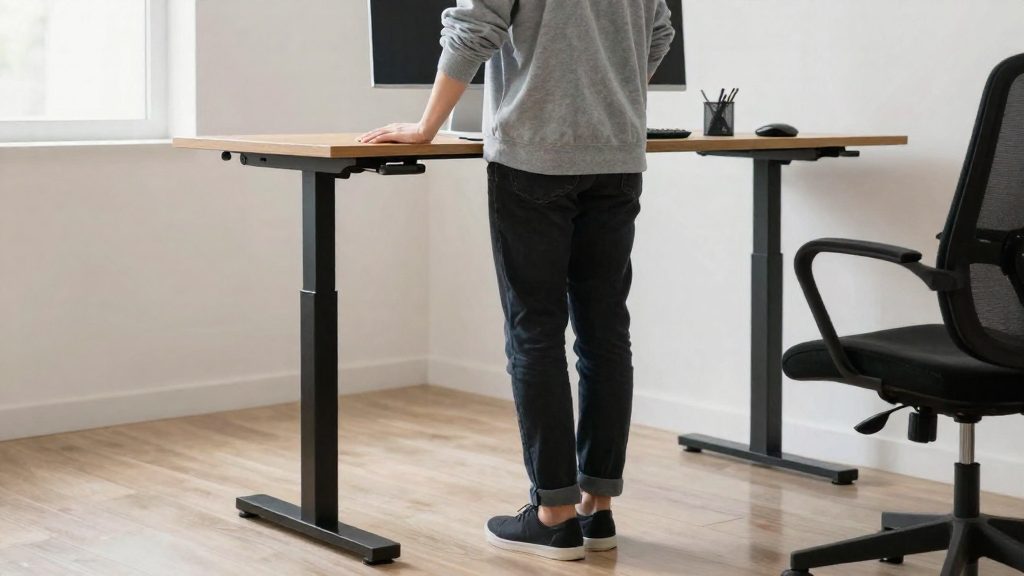
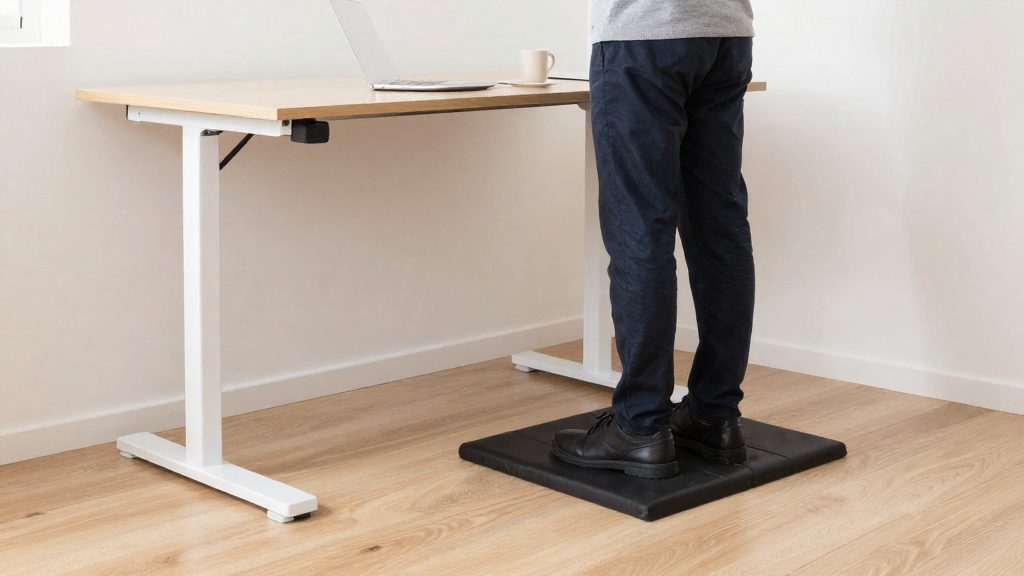
- Use a sit-stand arrangement so that you can alternate positions without leaving your desk. Colorado State University (2026) describes the following patterns:
| Pattern | Described by | Structure |
|---|---|---|
| 2:1 alternation | Colorado State University (2026) | 30 minutes seated, 15 minutes standing |
| 1:1 alternation | Colorado State University (2026) | Equal sitting and standing time |
| Cornell 3-S approach | Colorado State University (2026) | 20 minutes seated, 8 minutes standing, 2 minutes of stretching |
- Plan movement into tasks that do not require the computer. Stanford University Environmental Health & Safety (2026) lists standing phone calls, walking meetings, and visiting a colleague in person instead of sending an email as micro-breaks.
Keep a clear floor area near your desk so that you can stand and stretch without obstacles. The sit-stand patterns above are a planning tool. Adjust them to your tasks and to how your body responds.