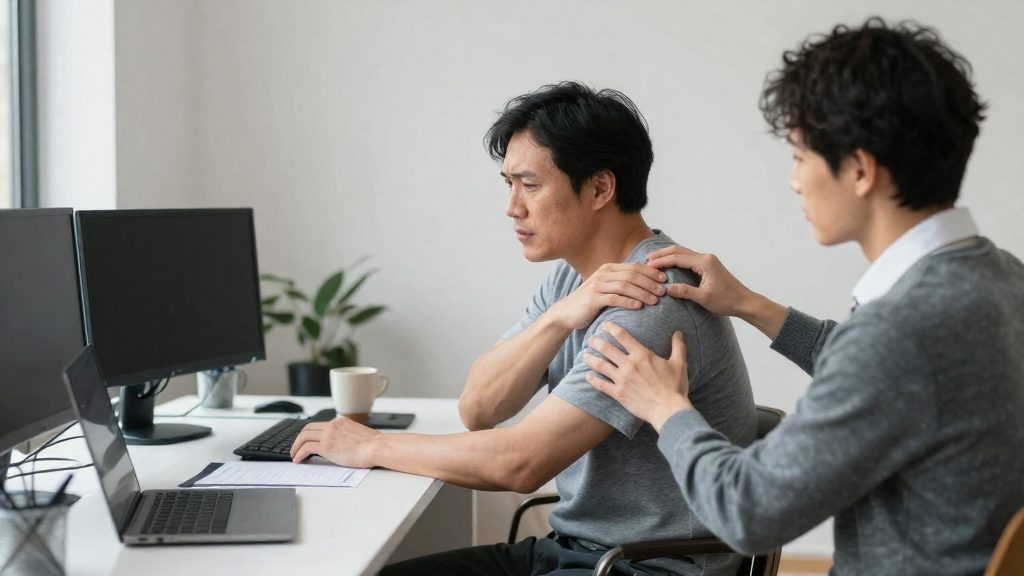
Remote work is associated with a higher risk of musculoskeletal disorders (MSDs), called TMS in French. A mini-review of 18 studies published in Frontiers in Public Health (Milaković et al., 2023) reports that remote work is strongly associated with the onset or worsening of work-related MSDs. Because many of the studies are cross-sectional, causation is not established. The review links this risk to workspace setup, work habits and household conditions rather than to any single factor.
What the review associates with musculoskeletal pain in remote work
The review associates pain with the makeshift setup used at home, alongside long hours, few breaks and interruptions. According to Frontiers in Public Health (Milaković et al., 2023), the factors below are associated with pain:
| Factor | Documented association |
|---|---|
| Makeshift furniture (dining table, sofa, bed) | Favours prolonged sitting in constraining postures |
| Laptops and poorly placed screens | Favour prolonged sitting in constraining postures |
| Long working hours | Associated with musculoskeletal pain |
| Few breaks and household interruptions | Associated with musculoskeletal pain |
The pain reported in this review is concentrated in the lower back, neck, shoulders, arms and hands. The review does not establish why these areas are affected. Prolonged constrained postures are one of the associated factors.
The same review reports that, in the studies it includes, nearly 60% of remote workers received no basic instruction on arranging their workspace. It also reports that, depending on the study, up to 61% of workers who moved to remote work said their musculoskeletal pain had worsened. The 61% is the highest figure reported, not an average. Most of the included studies are cross-sectional, so they show an association, and the official sources consulted do not establish causation.

Which symptoms should you report to your employer?
According to MoveUP (2020-05-01), a union in British Columbia, a worker who feels pain, numbness, tingling or other MSD symptoms while working from home should adjust the workstation and report the symptoms. Reporting obligations vary by jurisdiction. If in doubt, contact your union, your health and safety committee or a legal adviser. If you feel any of these while working from home, adjust your workstation and tell your employer and the worker representative on the health and safety committee.
The pain areas and the review’s findings are described above. The same review links improvised setups, such as dining tables, sofas, and beds, and poorly placed laptops and screens to prolonged sitting in awkward postures. Because many of the studies are cross-sectional, the review notes that causation is not established.
The following steps reflect MoveUP’s guidance for British Columbia:
| Step | Action | Source |
|---|---|---|
| Symptoms appear | Adjust your workstation | MoveUP (2020-05-01) |
| Report | Inform your employer and the worker representative on the health and safety committee | MoveUP (2020-05-01) |
| Document | Record symptoms from the start, not only once they persist | MoveUP (2020-05-01) |
| Medical follow-up | Consult a doctor if problems persist, and sooner if symptoms are severe, worsening, or accompanied by numbness, tingling or weakness; do not keep repeating a movement that causes pain | MoveUP (2020-05-01) |
| Claim | In British Columbia, if the injury prevents you from working, file a claim with the workers’ compensation board (WCB); acceptance depends on the board’s assessment of your case, so ask your union or the board if you are unsure | MoveUP (2020-05-01) |
Reporting rules vary by jurisdiction. MoveUP describes WorkSafeBC’s position that employers in British Columbia are not required to supply ergonomic equipment for home work. The official sources consulted do not confirm this position for other regions, so check the rules that apply to you before assuming your employer will pay for equipment.
How to report pain or injury when working remotely?
If you experience pain, numbness, tingling or other symptoms of musculoskeletal disorders (MSDs) while working from home, adjust your workstation and report the symptoms to your employer and to the workers’ representative on the health and safety committee. According to MoveUP (2020), a union publication from British Columbia, documenting symptoms early is recommended, and you should see a doctor if the problems persist. See a doctor sooner if symptoms are severe, worsening, or accompanied by numbness, tingling or weakness, and do not keep repeating a task that causes pain.
Recommended sequence
- Document symptoms early. Note when the pain started, which body area is affected, and which tasks or hours seem to trigger it.
- Adjust your workstation and record the changes you made.
- Report the symptoms to your employer and to the health and safety committee representative for workers.
- Consult a doctor if the symptoms continue, and sooner if they are severe, worsening, or include numbness, tingling or weakness. Do not keep doing a task that causes pain.
Research published in Frontiers in Public Health (Milaković et al., 2023) links long hours, lack of breaks and domestic interruptions to pain, which makes a dated record useful when you discuss your situation with an employer or a physician.
Equipment and jurisdiction
Under the WorkSafeBC position reported by MoveUP (2020), an employer is not required to provide ergonomic equipment for home work. This position applies specifically to British Columbia. Check the rules that apply where you live before assuming your employer will cover equipment costs.
If an injury prevents you from working
In British Columbia, MoveUP (2020) states that if an injury stops you from working, you file a claim with the workers’ compensation board (WCB).
| Situation | Action | Reference |
|---|---|---|
| Pain, numbness or tingling while working at home | Adjust your workstation and report to your employer and the health and safety committee representative | MoveUP (2020) |
| Symptoms persist | Consult a doctor | MoveUP (2020) |
| Injury prevents you from working (British Columbia) | File a claim with the WCB | MoveUP (2020) |
Must the employer provide equipment for home offices?
According to the WorkSafeBC position reported by MoveUP (2020-05-01), an employer is not required to provide ergonomic equipment for work done at home. This position is specific to British Columbia, Canada. The official sources consulted do not specify how the rule applies in other provinces or countries, so employees elsewhere should check their local workplace regulations rather than assume the same answer.
The absence of an equipment obligation does not change the recommendation to report symptoms. If you disagree with your employer about equipment or a claim, contact your union, your health and safety committee or a legal adviser. Home workers may experience pain, numbness, tingling, or other musculoskeletal disorder (MSD) symptoms. A review of 18 studies published in Frontiers in Public Health (Milaković et al., 2023-07-03) found that pain most often affects the lower back, neck, shoulders, arms, and hands.
Reporting a symptom at home
- Note the symptoms. Identify the location and type of discomfort, such as pain, numbness, or tingling.
- Adjust the workstation. MoveUP (2020-05-01) states that the worker should adjust the setup and report it.
- Report to the employer and to the worker health and safety representative on the health and safety committee.
- Document symptoms early. MoveUP (2020-05-01) recommends recording symptoms as soon as they appear.
- Consult a doctor if the problems persist, and sooner if symptoms are severe, worsening, or include numbness, tingling or weakness. Do not keep doing a task that causes pain.
- File a claim if the injury prevents you from working. In British Columbia, the claim goes to the workers’ compensation board (WCB).
Setting Up Your Home Workstation
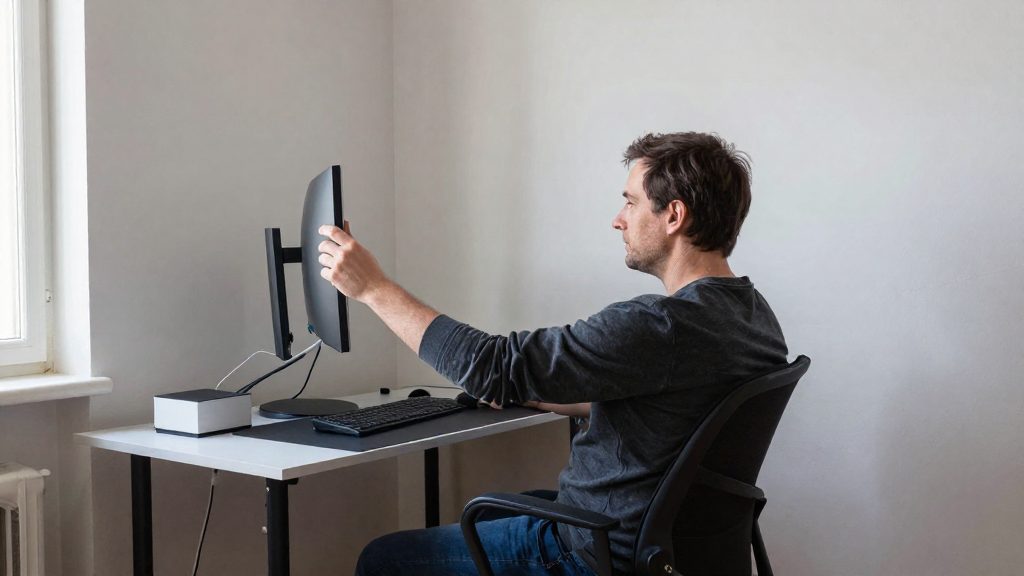
A makeshift setup is a common source of strain for remote workers. A review of 18 studies published in Frontiers in Public Health (Milaković et al., 2023) found that dining tables, sofas and beds, along with laptops and poorly placed screens, favor prolonged sitting in constrained postures. The same review links long hours, a lack of breaks and household interruptions to pain, mostly in the lower back, neck, shoulders, arms and hands. Because many of these studies are cross-sectional, they show association rather than proven cause.
| Setup factor | Documented point |
|---|---|
| Makeshift furniture (dining table, sofa, bed) | Favors prolonged seated posture in constrained positions (Frontiers in Public Health, 2023) |
| Sit-stand alternation | Recommended by CCOHS, ideally with a sit-stand desk, though not always practical at home (Safety Mag, citing CCOHS, 2020) |
| Breaks | CCOHS advises a 5 to 10 minute break every hour, including stretching (Safety Mag, citing CCOHS, 2020) |
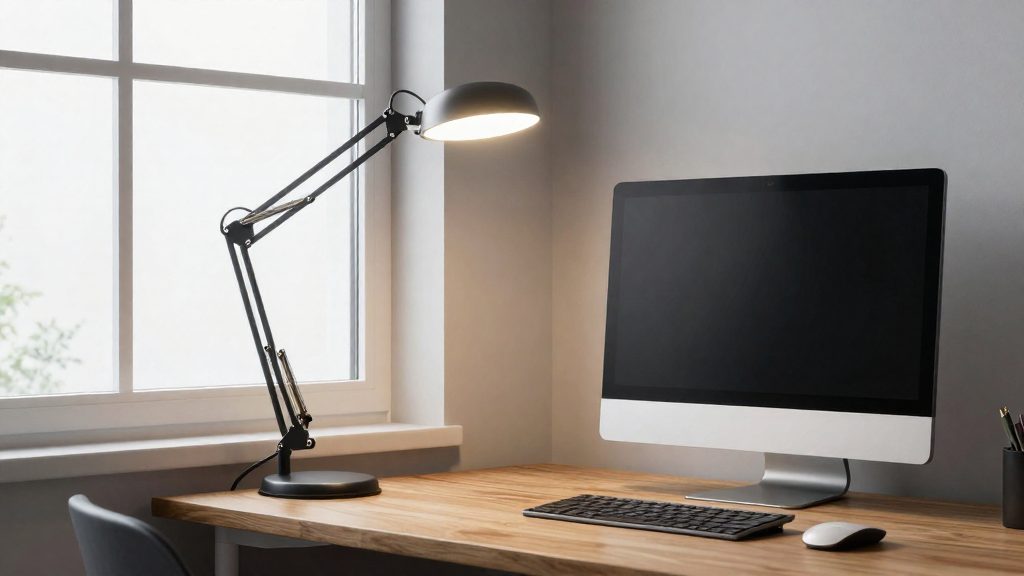
| Task lighting and glare | CCOHS advises task lighting and a screen position free of glare (Safety Mag, citing CCOHS, 2020) |
| Document placement | CCOHS advises keeping documents within reach (Safety Mag, citing CCOHS, 2020) |
Choose a stable working surface
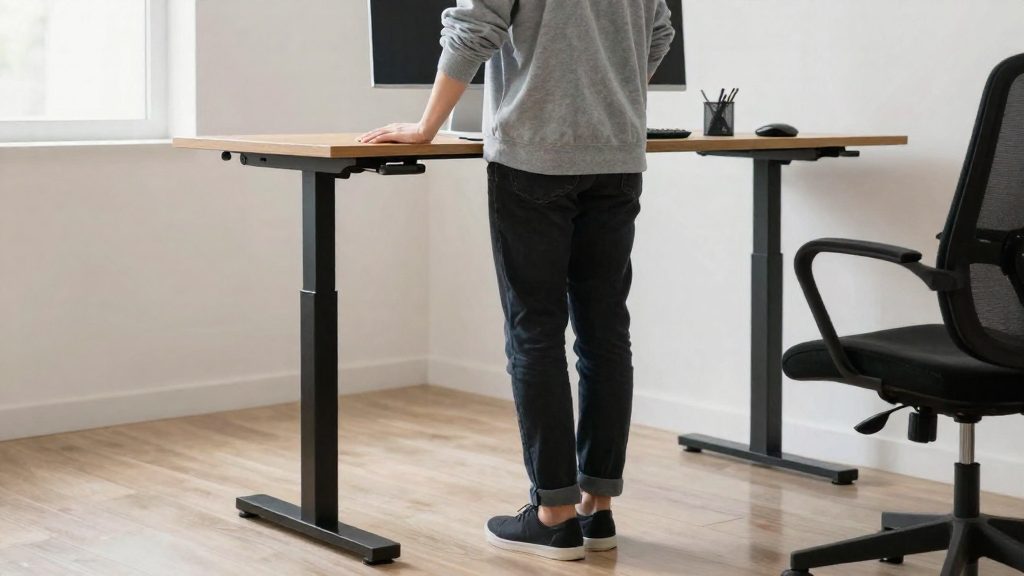
Ideally, use a sit-stand desk to alternate between sitting and standing, although the CCOHS notes this is not always realistic at home. Otherwise, use a stable surface that holds the screen and input devices, and change position regularly. Avoid working for long periods from a sofa or bed.
Separate the screen from the laptop
A laptop used alone usually forces the screen and keyboard into a single compromised position. As a general ergonomic practice, using an external keyboard and mouse with the screen raised to a comfortable eye level can reduce the need to bend the head forward. The official sources consulted do not specify a precise screen height.
Clarify who provides equipment
Equipment obligations depend on the jurisdiction. In British Columbia, WorkSafeBC’s position, as reported by MoveUP (2020), is that employers are not required to supply ergonomic equipment for home work. This position is specific to British Columbia, so check the rules that apply where you live.
Breaks and stretching: how often?
The CCOHS recommends a break of 5 to 10 minutes every hour during desk work, combined with stretching, according to Safety Mag citing the CCOHS (2020). The CCOHS also advises alternating sitting and standing, ideally with a sit-stand desk, although this is not always practical at home. A 2023 mini-review of 18 studies in Frontiers in Public Health (Milaković et al.) associates long working hours, a lack of breaks and domestic interruptions with musculoskeletal pain. Because many of these studies are cross-sectional, the review does not establish causality, and the official sources consulted do not specify a different break interval for home workers.
Hourly break structure
| Element | Guidance | Source |
|---|---|---|
| Break length | 5 to 10 minutes | CCOHS, via Safety Mag (2020) |
| Frequency | Every hour | CCOHS, via Safety Mag (2020) |
| Posture change | Alternate sitting and standing | CCOHS, via Safety Mag (2020) |
| Movement | Stretching during the break | CCOHS, via Safety Mag (2020) |
Carrying out the break
Stand up, step away from the screen, and perform slow, unforced movements for the neck, shoulders, wrists and lower back. If a sit-stand desk is unavailable, standing for part of a call or a short task achieves a similar change in posture without extra equipment.
Preventing Everyday Back Pain
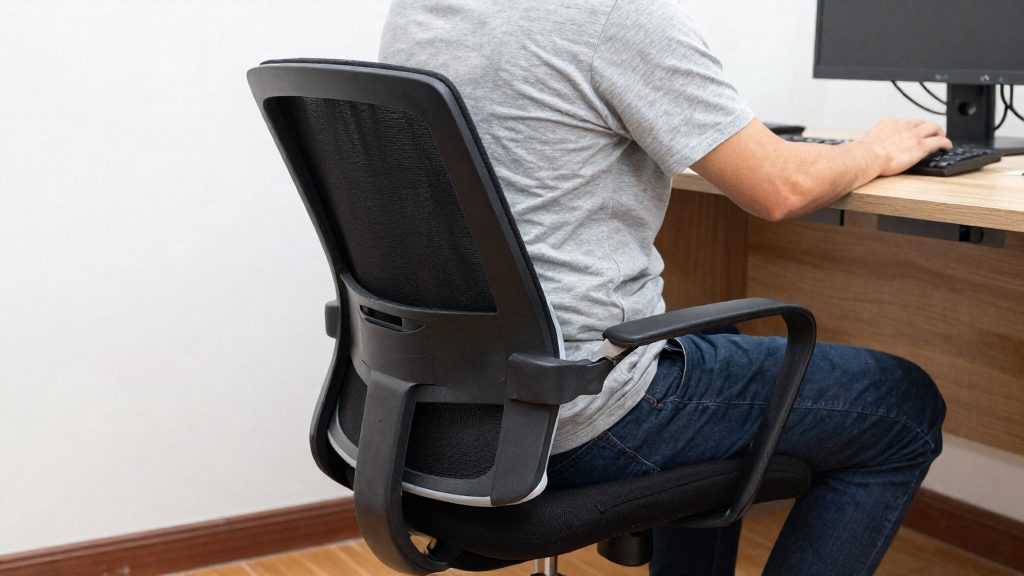
A 2023 mini-review of 18 studies, published in Frontiers in Public Health (Milaković et al., 2023), found that remote work is associated with the onset or worsening of work-related musculoskeletal disorders (MSDs), though causation is not established. The pain it describes concentrates in the lower back, neck, shoulders, arms and hands. The review links this pain to prolonged sitting, makeshift workstations, long hours without breaks and domestic interruptions.
Breaking up static sitting
The sit-stand alternation is the main recommendation of the Canadian Centre for Occupational Health and Safety (CCOHS), as reported by Safety Mag (2020). The ideal setup is a height-adjustable desk, although the source notes this is not always realistic at home. Without one, apply the same principle by changing position at intervals rather than holding a single posture for hours.
Combine this with a 5 to 10 minute break every hour, the interval CCOHS recommends, and use that time for stretching.
Setting up the workstation
| Element | What the guidance specifies | Source |
|---|---|---|
| Document placement | Keep documents within reach | CCOHS via Safety Mag (2020) |
| Lighting | Use task lighting and avoid glare | CCOHS via Safety Mag (2020) |
| Screens and laptops | Poorly placed screens and laptops favour a constrained seated posture | Frontiers in Public Health (Milaković et al., 2023) |
Frequently asked questions
What should I do first if my back, neck or wrists start hurting while I work from home?
Adjust your workstation and report any symptoms, such as pain, numbness or tingling, to your employer and to the worker representative on your health and safety committee, following MoveUP’s (2020) British Columbia guidance. Keep a symptom log from the start, and stop repeating any task that causes pain. See a doctor if the problems persist, and sooner if symptoms are severe, worsening, or include numbness, tingling or weakness.
Does my employer have to pay for my home office equipment?
In British Columbia, WorkSafeBC’s position, as reported by MoveUP (2020), is that employers are not required to supply ergonomic equipment for home work. This answer depends on the jurisdiction, and the official sources consulted do not establish the rules in other provinces or countries. If you disagree with your employer about who pays, contact your union or a legal adviser.
If my injury stops me from working, what happens next in British Columbia?
MoveUP (2020) describes filing a claim with the workers’ compensation board (WCB) when an injury prevents you from working. Acceptance depends on the board’s assessment of your case, so the claim is not automatic. Ask your union or the board if you are unsure of the steps, and note that the official sources consulted do not describe the procedure outside British Columbia.