A repetitive strain injury (RSI) is a condition that causes pain and related symptoms when the same movements or body positions are repeated for long periods without adequate breaks. According to the Canadian Centre for Occupational Health and Safety (CCOHS, 2024), computer work can lead to RSI when repetitive mouse use, awkward postures and fixed body positions continue without interruption. The condition is therefore linked to how a task is performed and how long it lasts, not only to the task itself.
What is a repetitive strain injury?
An RSI is a cumulative problem. Pain often appears in the neck, shoulders, arms, wrists, hands, elbows or legs, and symptoms usually build slowly over time (CCOHS, 2024). Because the onset is gradual, discomfort is often dismissed as temporary fatigue. The CCOHS presents early pain as a signal to rest, and untreated injuries can become permanent (CCOHS, 2024). Numbness, swelling, reduced grip or aches that are worse at night should be reported immediately (PSAC, 2022) and assessed by a health professional without delay.
The severity varies widely. Injuries range from mild, occasional symptoms to long-term disability (Canadian Occupational Safety magazine, citing CCOHS, 2021). The official sources consulted do not specify a minimum duration of computer use that triggers an RSI.
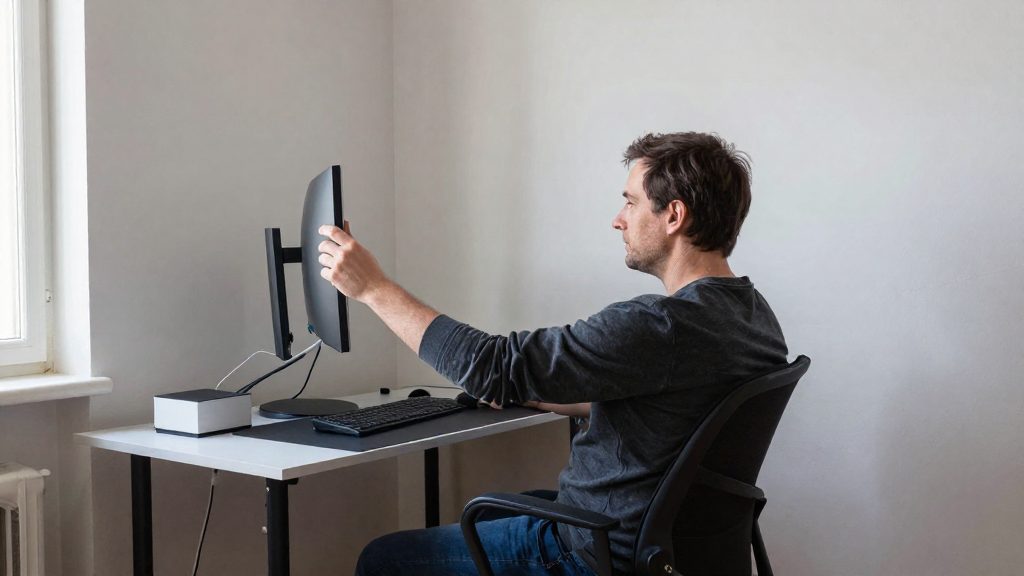
The workstation plays a direct role. Working at a computer can cause RSI when the setup is poorly configured, and many people working from home during COVID-19 used sub-optimal setups (Canadian Occupational Safety magazine, citing CCOHS, 2021). The Canadian Centre for Occupational Health and Safety (CCOHS, 2024) and the Public Service Alliance of Canada (PSAC, 2022) identify the following contributing factors:
| Contributing factor | Source |
|---|---|
| Repetitive mouse use without breaks | CCOHS (2024) |
| Awkward postures and fixed body positions | CCOHS (2024) |
| Rapid finger movements on poorly designed keyboards | PSAC (2022) |
| Uncomfortable sitting position | PSAC (2022) |
| Wrists bent without support | PSAC (2022) |

What are the early signs to watch for?
Repetitive strain injury (RSI) from computer work usually starts with sensations that build slowly, which makes them easy to dismiss. According to CCOHS (2024), RSI pain often appears in the neck, shoulders, arms, wrists, hands, elbows or legs. The signs below are the ones most often listed for hands, wrists and general muscle or joint strain.
| Sign | What you may notice | Source |
|---|---|---|
| Joint stiffness and muscle tightness | Tension and reduced ease of movement in the affected area | CCOHS (2024) |
| Redness or swelling | Visible change in the affected area | CCOHS (2024) |
| Pins and needles, numbness | Tingling or reduced sensation | CCOHS (2024) |
| Skin colour changes, reduced hand sweating | Altered skin appearance and drier skin | CCOHS (2024) |
| Burning and dull ache | Persistent discomfort in the wrist or forearm | PSAC (2022) |
| Clumsy hands | Reduced grip and less precise hand control | PSAC (2022) |
| Dry, shiny palms | Changed skin texture on the palm | PSAC (2022) |
Hand and wrist symptoms often follow a recognisable pattern. The night-time pain that PSAC (2022) describes is a useful warning sign, because aches that are often worse at night are a warning sign that should be reported. The same source notes that pain can spread from the wrist to the forearm and shoulder, so track where the discomfort travels, not only where it starts. Do not wait for night pain or spreading pain to worsen before reporting it.
Keep a short log of when symptoms appear during the day, which tasks trigger them, and how your posture looked at that time. This helps you and a health professional identify the activities to change first.
Symptoms in the hands, wrists and forearms
Repetitive strain injury (RSI) from computer work usually appears first in the hands, wrists and forearms, and it develops gradually rather than suddenly. According to CCOHS (2024), pain can also appear in the neck, shoulders, elbows and legs, so hand symptoms often belong to a wider pattern. The signs below are the ones most often reported in these areas.
According to PSAC (2022), the main hand and wrist signs are:
- Numbness, tingling and burning in the fingers and palm
- A dull ache in the wrist that can spread to the forearm and shoulder
- Swelling
- Clumsy hands with reduced grip, which can show up as difficulty holding small objects
- Dry, shiny palms
PSAC (2022) also notes that these aches are often worse at night. Noticing this pattern helps you tell them apart from ordinary tiredness at the end of a workday.
The table below lists the symptoms described in the official sources, with the area each affects.
| Symptom | Area affected | Source |
|---|---|---|
| Pins and needles | Hands and fingers | CCOHS (2024) |
| Numbness | Hands and fingers | CCOHS (2024); PSAC (2022) |
| Joint stiffness | Joints of the affected area | CCOHS (2024) |
| Muscle tightness | Muscles of the affected area | CCOHS (2024) |
| Redness or swelling | Affected area | CCOHS (2024) |
| Skin colour changes | Affected area | CCOHS (2024) |
| Reduced hand sweating | Hands | CCOHS (2024) |
| Dry, shiny palms | Palms | PSAC (2022) |
PSAC (2022) links these symptoms to specific setup and movement habits: rapid finger movements on poorly designed keyboards, an uncomfortable sitting position, and wrists bent without support. If your desk matches this description, and you notice any of the signs above, PSAC advises reporting symptoms immediately.
When is neck and shoulder pain a warning sign?
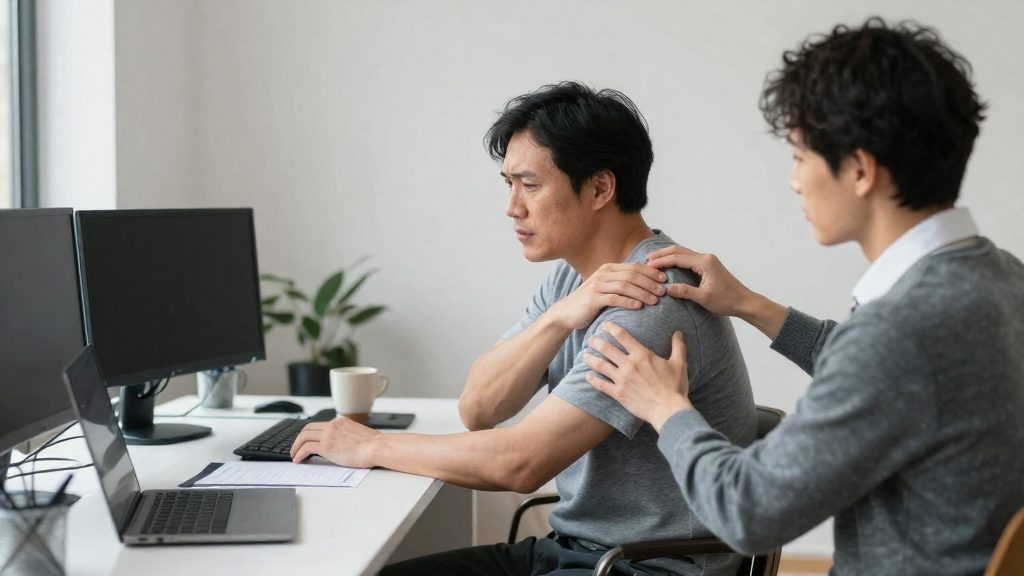
Neck and shoulder pain from computer work is a warning sign from the start, and even more so when it persists, returns during the same tasks, or appears with other symptoms. According to CCOHS (2024), RSI pain often appears in the neck, shoulders, arms, wrists, hands, elbows or legs, and symptoms usually build slowly rather than starting suddenly. That gradual onset makes early discomfort easy to dismiss.
Early pain is the signal to act. CCOHS (2024) states that early pain is a warning to rest and that untreated injuries can become permanent. The sources consulted do not specify how many days of symptoms should prompt a medical review, so do not wait for the pain to repeat over several workdays: rest as soon as early pain appears, report it immediately (PSAC, 2022) and have it assessed by a health professional rather than waiting to see whether it eases.
Symptoms to monitor include:
- Joint stiffness and muscle tightness in the neck, shoulders or arms
- Redness or swelling of the affected area
- Pins and needles or numbness, often in the hands
- Skin colour changes and reduced hand sweating (CCOHS, 2024)
- For hands and wrists: a dull ache, burning, clumsy hands with reduced grip, and dry, shiny palms (PSAC, 2022)
Check whether symptoms coincide with specific tasks. CCOHS (2024) links RSI to repetitive mouse use, awkward postures and fixed body positions that continue without a break. PSAC (2022) also identifies rapid finger movements on poorly designed keyboards and wrists bent without support as contributing factors. If symptoms track with these tasks, record which activity triggers them before changing your setup.
Workstation and movement factors that can contribute to RSI
Repetitive strain injury (RSI) linked to computer work can result from repetitive movement combined with fixed positions held without a break. According to CCOHS (2024), repetitive mouse use, awkward postures and fixed body positions can lead to RSI when they continue without a break. The duration matters as much as the movement itself, so the problem is rarely one isolated action and more often a long working session with no change in posture or activity.
Repetitive movements and input devices
Rapid finger movements on poorly designed keyboards are a recognised contributing factor, according to PSAC (2022). Repetitive mouse use carries the same risk when it runs for long stretches without interruption (CCOHS, 2024). Changing hand position, alternating tasks and taking short breaks reduce the amount of time a single set of muscles and tendons spends under load.
Posture and wrist support
PSAC (2022) identifies two specific postural errors:
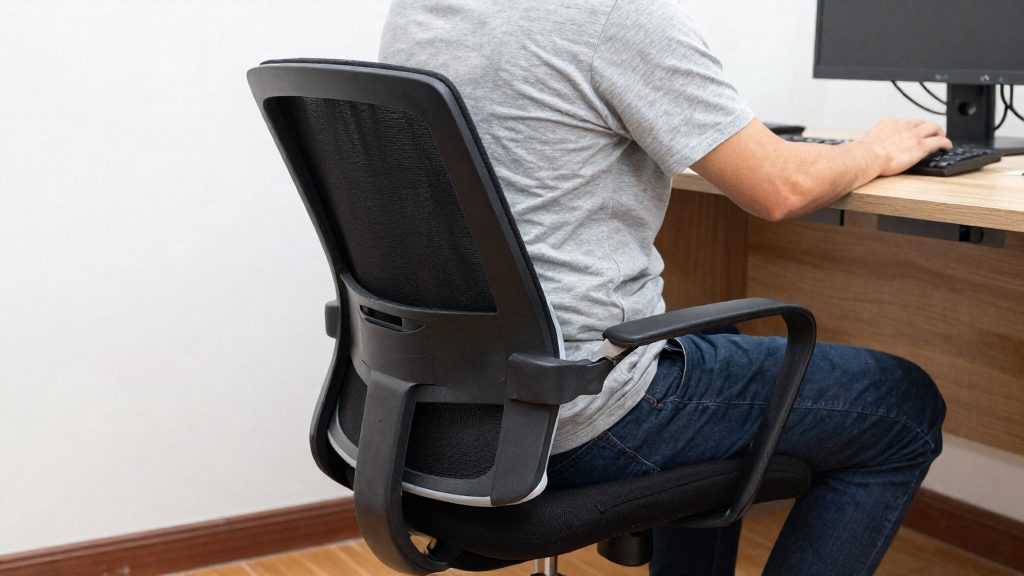
- An uncomfortable sitting position
- Wrists bent without support
PSAC (2022) lists both as contributing factors to RSI.
Improvised home setups
Working at a computer can cause RSI when the workstation is poorly set up. The Canadian Occupational Safety magazine, citing CCOHS (2021), notes that many people working from home during COVID-19 had sub-optimal setups, and that injuries range from mild, occasional symptoms to long-term disability.
| Error | Documented risk | Source |
|---|---|---|
| Repetitive mouse use without breaks | Repetitive strain | CCOHS (2024) |
| Rapid finger movements on poorly designed keyboards | Repetitive strain | PSAC (2022) |
| Uncomfortable sitting position | Sustained awkward posture | PSAC (2022) |
| Wrists bent without support | Sustained wrist angle | PSAC (2022) |
| Poorly set up workstation | Cumulative strain from home or temporary setups | Canadian Occupational Safety (2021) |
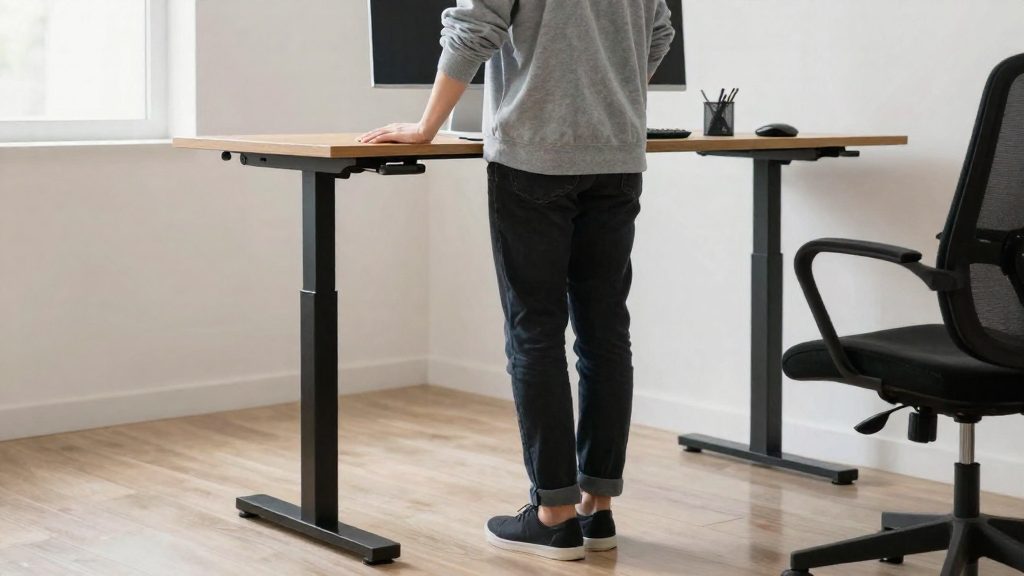
Adjustable workstations that allow sitting or standing, along with short and frequent breaks, are the prevention measures CCOHS (2024) lists against these errors.

How to prevent RSI at the office and when working from home
RSI prevention rests on three levers: limiting time spent in fixed or awkward positions, setting up the workstation so your wrists and body stay supported, and acting on early symptoms before they become long-term. CCOHS (2024) identifies repetitive mouse use, awkward postures and fixed body positions that continue without a break as the main causes. The measures below address each of these factors.
| Risk factor | Prevention measure | Source |
|---|---|---|
| Fixed body position | Adjustable workstation that allows sitting or standing | CCOHS (2024) |
| Continuous repetitive mouse use | Short and frequent breaks | CCOHS (2024) |
| Wrists bent without support | Supported wrist position at the keyboard and mouse | PSAC (2022-07-19) |
| Rapid finger movements on poorly designed keyboards | Use a keyboard with a suitable design | PSAC (2022-07-19) |
Set up the workstation
Workstation adjustment is the most structural measure. According to Canadian Occupational Safety magazine (2021-02-26), many people who moved to home working during COVID-19 had sub-optimal setups, and a poorly set up workstation can lead to RSI. When you review your setup, check that:
- your wrists are supported rather than bent, since PSAC (2022-07-19) lists unsupported bent wrists as a contributing factor;
- your keyboard design does not force rapid or repetitive finger movements;
- your sitting position is not uncomfortable for extended periods.
Interrupt repetitive and fixed postures
Short and frequent breaks interrupt continuous mouse use and fixed positions (CCOHS, 2024). Alternating between sitting and standing, which an adjustable workstation makes possible, adds a change of posture on top of the breaks themselves.
Control muscle tension and recognize early symptoms
CCOHS (2024) recommends conscious control of muscle tension during computer work and training to recognize early symptoms. Early warning signs include joint stiffness, muscle tightness, redness or swelling, pins and needles, and numbness (CCOHS, 2024). For the hands and wrists, PSAC (2022-07-19) describes tingling, burning, dull ache, reduced grip, and aches that are often worse at night, with pain that can spread from the wrist to the forearm and shoulder.
Breaks and stretching
Short, frequent breaks are among the prevention measures listed by the Canadian Centre for Occupational Health and Safety (CCOHS, 2024). Repetitive mouse use, awkward postures and fixed body positions lead to RSI when they continue without a break, so the interruption matters as much as any movement you do during it. The official sources consulted do not specify a set break interval, so the practical rule is to stop a repetitive task before tension builds, not after pain starts.
During a break, change position and release the load on the affected areas:
- Stand up or shift posture if your workstation allows both sitting and standing.
- Let the shoulders, jaw and hands relax. Then check whether your grip on the mouse is tighter than the task requires.
- Move the neck, shoulders, wrists and fingers gently, without forcing any range of motion.
- If the movement is still painful, do not resume the repetitive task: report the symptoms and have them assessed by a health professional.
Conscious control of muscle tension is part of the same prevention approach (CCOHS, 2024). While typing or clicking, notice where you hold tension: raised shoulders, wrists bent without support, or rapid finger movements on a poorly designed keyboard. PSAC (2022) lists these as contributing factors.
Training workers to recognise early symptoms is also a prevention measure (CCOHS, 2024). Signs to watch for include pins and needles, numbness, tingling, burning, swelling, reduced grip, and dry, shiny palms. PSAC (2022) advises reporting these symptoms immediately. Night-time aches and pain that moves from the wrist into the forearm and shoulder are reasons to act early, not to wait.
When to see a doctor
Early pain is a warning to rest, not something to push through. According to CCOHS (2024), RSI symptoms usually build slowly, and untreated injuries can become permanent. The Canadian Occupational Safety magazine (2021) reports that injuries range from mild, occasional symptoms to long-term disability. The official sources consulted do not specify a fixed time frame after which a consultation is required, so the signs below are more useful than a set number of days.
| Warning sign | What sources describe | Source |
|---|---|---|
| Aches worse at night | Night-time aches are often more intense | PSAC (2022-07-19) |
| Pain spreading | Pain can move from the wrist to the forearm and shoulder | PSAC (2022-07-19) |
| Reduced grip | Clumsy hands with reduced grip | PSAC (2022-07-19) |
| Numbness or tingling | Pins and needles, numbness, burning | CCOHS (2024) |
| Swelling or skin changes | Redness or swelling, skin colour changes | CCOHS (2024) |
Pain in the neck, shoulders, arms, wrists, hands, elbows or legs can all be part of RSI, so the location alone does not confirm or rule out the condition. What matters is whether symptoms continue after you have changed your posture, added breaks and adjusted your workstation.
The PSAC page states that symptoms should be reported immediately. Do not wait for the pain to become severe before you act. A qualified health professional can assess the affected area and advise on treatment and on any changes needed to your work setup.
Frequently asked questions
How can I tell ordinary tiredness from a possible repetitive strain injury?
The key clue is discomfort that keeps returning during the same computer tasks, because RSI symptoms build slowly rather than appearing suddenly (CCOHS, 2024). Tingling, numbness and reduced grip are signs to take seriously, not just signs of tiredness (PSAC, 2022).
What should you do first if you suspect a repetitive strain injury?
Stop the task that triggers the pain and do not return to it while symptoms persist. Report the symptoms immediately and have a health professional assess them, since the official sources consulted do not specify a fixed waiting period before consultation.
Which workstation and break habits help reduce the risk of RSI?
CCOHS (2024) recommends an adjustable workstation that lets you alternate between sitting and standing, combined with short, frequent breaks. The same source also advises consciously monitoring muscle tension and training to recognize early symptoms.