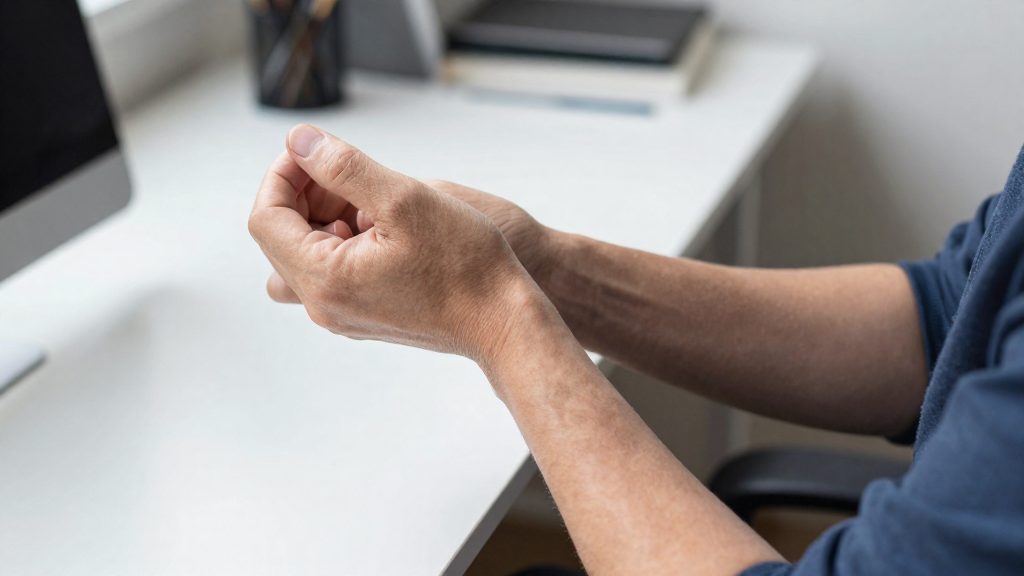
Why typing makes your wrists hurt
Typing can strain the wrists through awkward joint angles combined with sustained muscle effort. When the hands rest above the keyboard, the wrist often bends upward and tilts toward the little-finger side, and the forearm muscles stay contracted to hold that position. Discomfort usually builds gradually over long sessions rather than appearing suddenly, which is why many people notice it only after hours at the desk.
Why typing makes your wrists hurt
Wrist extension and ulnar deviation while keying
Wrist extension is the backward bend of the wrist toward the top of the hand. It tends to occur when the keyboard sits higher than the elbow or when the hands are propped up on the desk edge. Ulnar deviation is the sideways tilt of the hand toward the little finger. It often appears when the keyboard is placed off-centre or angled relative to the body.
Both positions move the tendons and nerves that cross the wrist away from their neutral alignment. These positions can place extra strain on the wrist during long typing sessions.
Static muscle load from sustained keyboard work
Static muscle load describes the continuous, low-level contraction needed to hold a position for a long time. Typing requires the forearm and hand muscles to keep the wrist stable and the fingers poised over the keys, even when the actual keystrokes are light. Because the muscles remain contracted rather than alternating between work and rest, fatigue accumulates over a session.
This load is not visible during short tasks, but it becomes noticeable when keyboard work runs for several hours without changes in posture. Movement-based tasks reduce this load because they allow the muscles to relax between contractions.
Discomfort signals during long typing sessions
Early warning signs include:
- A dull ache in the forearm or back of the wrist after typing
- Stiffness or reduced grip strength once you stop working
- Tingling or numbness in the fingers, particularly the thumb, index and middle fingers
- Discomfort that persists after rest or wakes you at night
Numbness or tingling, weakness, night-time symptoms or discomfort that persists after rest call for a prompt assessment by a health professional. Do not keep typing through pain.

Which wrist stretches can you do at your desk?
Three movements cover the wrist and hand joints most used during typing: wrist rotations, side-to-side hand movements, and finger slides. None needs equipment, and all three can be done seated. These stretches work well as short pauses between typing blocks.
Wrist rotations (palm-down and palm-up)
Extend one arm in front of you with the elbow straight. Slowly rotate the wrist so the palm faces down, then turn it so the palm faces up, moving until you feel a stretch. Hold each position for 3 to 5 seconds and repeat three times in each direction, then switch arms. This movement targets the forearm and wrist through their rotation range.
Side-to-side hand movements
Keep the arm extended and the palm facing down. Move the hand sideways, toward the thumb and then toward the little finger, as far as is comfortable. Hold each position for 3 to 5 seconds, repeat three times, then switch arms.
Finger slides (fist to open hand)
Open your hand fully. Close it into a fist with the thumb placed outside the fingers. Then slide the fingertips down toward the base of the fingers on the palm, and return to an open hand.
| Stretch | Starting position | Movement | Best suited when |
|---|---|---|---|
| Wrist rotations | Arm extended, elbow straight | Palm down, then palm up | After a long stretch of typing |
| Side-to-side hand movements | Arm extended, palm down | Hand moves toward thumb and little finger | When the wrist feels stiff sideways |
| Finger slides | Open hand | Fist with thumb outside, then open | During breaks from mouse or keyboard use |
According to NBC News (Better, 2018), a physical therapist says that doing these stretches consistently is a preventive measure.
Prayer stretch and wrist flexion: how to do them
The prayer stretch and wrist flexion and extension both target the muscles of the forearm and wrist, and both can be done seated at your desk. According to CCOHS (2025), the prayer stretch is held for 5 to 7 seconds and repeated 3 times, while each wrist flexion and extension position is held for 3 to 5 seconds and repeated 3 times in each direction.
Prayer stretch: step by step
- Sit upright with your elbows resting on the desk or on a table at the same height.
- Bring your palms pressed together in front of your chest, with the fingers pointing up.
- Keep the palms together and slowly lower your wrists toward the table until you feel a stretch along the front of your forearms.
- Hold for 5 to 7 seconds while breathing normally.
- Release slowly, then repeat the sequence 3 times.
Wrist flexion and extension: step by step
- Extend one arm forward, with the palm facing down and the wrist relaxed.
- Use your other hand to gently bend the wrist downward until you feel a stretch. Hold for 3 to 5 seconds.
- Use your other hand to gently bend the wrist upward until you feel a stretch in the back of the forearm. Hold for 3 to 5 seconds.
- Repeat the downward and upward positions 3 times each, then switch to the other arm.
The table below summarizes the parameters for both exercises.
| Exercise | Hold | Repetitions |
|---|---|---|
| Prayer stretch | 5 to 7 seconds | 3 |
| Wrist flexion (bending down) | 3 to 5 seconds | 3 |
| Wrist extension (bending up) | 3 to 5 seconds | 3 |
How long should you hold each stretch?
Pour les étirements du poignet au bureau, le CCHST recommande en général de tenir chaque étirement environ 10 à 20 secondes. Les exercices décrits plus haut ont toutefois leur propre durée de maintien (étirement de la prière : 5 à 7 secondes ; flexion et extension : 3 à 5 secondes). Keep breathing normally throughout, and move into and out of the stretch smoothly. Keep breathing normally throughout, and move into and out of the stretch smoothly. Where an exercise gives its own hold time, follow that time.
| Parameter | Guidance | Source |
|---|---|---|
| Hold duration | About 10 to 20 seconds | CCOHS / CCHST (2025-02-04) |
| Breathing | Keep breathing normally, without holding your breath | CCOHS / CCHST (2025-02-04) |
| Movement | Move smoothly, without bouncing | CCOHS / CCHST (2025-02-04) |
| Force | Do not force the joint or crack it | CCOHS / CCHST (2025-02-04) |
| Sensation | You should feel a stretch, not pain | CCOHS / CCHST (2025-02-04) |
Smooth movement matters as much as the hold itself. Bouncing or pushing past your comfortable range can irritate tissues that are already tired from repetitive typing, so ease into each position and ease out of it. Stop the movement if the joint feels stuck, and do not use your other hand to add pressure when a finger movement causes pain.
The stop-at-pain rule is the most important boundary in this routine. CCOHS (2025) states that a stretch should feel like a stretch, not like pain. If you feel pain or significant discomfort, stop and consult a health professional.

How often should you take stretch breaks?
According to CCOHS (CCHST), the Canadian Centre for Occupational Health and Safety (2025), you should take a break of 5 to 10 minutes after each hour spent in the same position. The guidance favors breaks that involve standing and walking over simply pausing at the desk. It applies to typing work in general, so it covers both office days and remote work at home.
Breaks are most effective when they interrupt keyboard work itself. CCOHS advises alternating keyboard work with tasks that involve movement or a change of posture. For a remote worker, this can mean printing or collecting a document, filing paperwork, taking a phone call on your feet, or reading notes from a different spot in the room.
| Element | CCOHS guidance (2025) |
|---|---|
| Frequency | After each hour in the same position |
| Duration | 5 to 10 minutes |
| Preferred activity | Standing and walking |
| Alternative during work | Keyboard tasks alternated with movement or posture-change tasks |
To apply this across the day, plan the break at the start of each hour rather than waiting for discomfort to build. Treat the break as part of the work schedule, and return to typing only once it is finished.
Adjust your workstation to protect your wrists
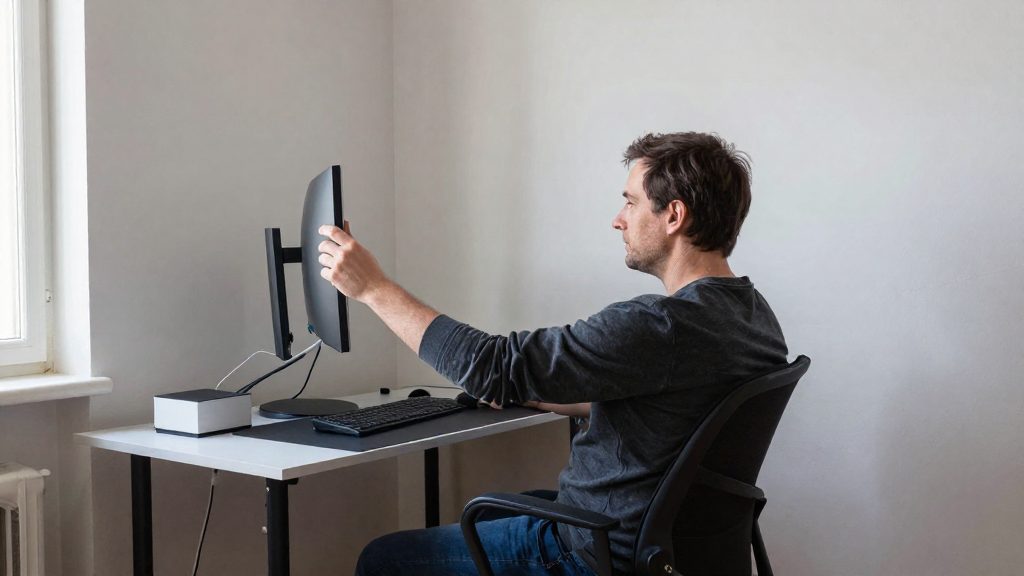
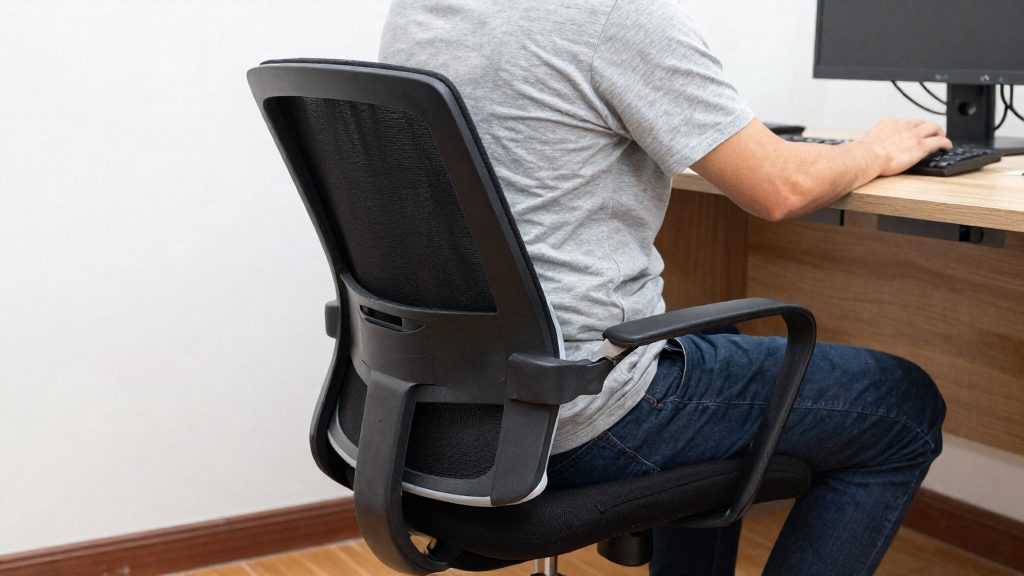
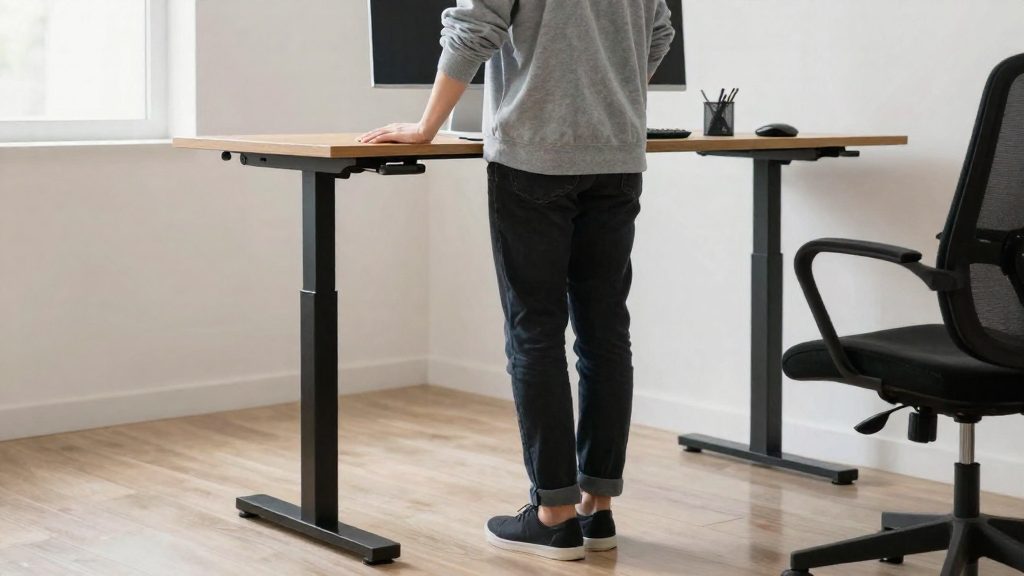
Your wrists are under less strain when the keyboard, mouse, wrist rest and desk let your forearms and hands stay in a straight line. The adjustments below target the typing posture itself, so the wrist does not have to bend up, down or sideways to reach each key or the pointer. Change one element at a time so you can tell which adjustment reduces discomfort.
Keyboard height and wrist alignment
Set the keyboard so your forearms run roughly level with the floor and your wrists stay straight rather than bent upward or downward. A keyboard that sits too high tends to bend the wrists up, and one that sits too low tends to bend them down. Center the keyboard in front of your body so your shoulders do not twist to reach the keys. If the desk height cannot change, adjust the chair height first, then check the keyboard again.
Aim for a neutral wrist position: a straight line from forearm through hand, with no visible bend at the wrist while your fingers rest on the keys.
Mouse placement and grip force
Place the mouse beside the keyboard, at the same height, so your arm stays close to your body. A mouse parked far to the side keeps the wrist angled for long periods. Hold the mouse with a light grip, enough to control it without clenching. Move the pointer with the whole arm, from the shoulder and elbow, rather than with small, repeated wrist movements.
Wrist rest placement and padding
A wrist rest works best during pauses between typing. Position it in front of the keyboard so the heel of the hand, not the wrist joint, touches it when you stop typing. Resting the wrist on the pad while typing keeps it fixed in one position, which defeats the purpose of a neutral posture.
For padding, choose a surface that is soft enough to cushion but firm enough to stay stable under the hand. Avoid hard plastic edges that press into the underside of the wrist. The pad’s top should sit no higher than the keyboard, so it does not lift the wrist.
| Element | What to aim for |
|---|---|
| Keyboard | Forearms roughly level, wrists straight |
| Mouse | Beside the keyboard, at the same height, held with a light grip |
| Wrist rest | In front of the keyboard, used during pauses, not while typing |
| Desk | Elbows close to the body, shoulders relaxed |
When should you see a health professional?
Wrist pain from typing often eases with posture changes, regular breaks and gentle movement. Some symptoms, however, call for an assessment by a physician, a physiotherapist or an occupational health specialist. NBC News (Better) (2018) advises seeing a doctor if you often have wrist or hand pain, because carpal tunnel, tendonitis, fractures and sprains can all cause it. Ongoing or recurring wrist or hand pain should not be attributed to typing alone without a medical check. According to the physical therapist quoted by NBC News, consistent stretching is a preventive measure. It does not replace a diagnosis.
Consult a professional if you notice:
- Numbness or tingling in the fingers or hand, particularly if it recurs during the day or spreads to other fingers or the forearm. Carpal tunnel is one of the conditions NBC News (Better) (2018) lists as a possible cause.
- Symptoms that persist after rest, breaks or changes to your posture and work routine. Pain that stays the same or worsens despite these adjustments warrants an evaluation rather than more self-treatment.
- Weakness or reduced grip strength, such as difficulty holding a mug, opening a jar or keeping hold of a pen.
- Pain following a fall, impact or sudden twist of the wrist, since fractures and sprains are among the possible causes named by NBC News (Better) (2018).
A physician can examine the wrist and hand and order further tests if needed. A physiotherapist can assess movement and strength and tailor an exercise programme. An occupational health specialist can review your typing habits and workstation, which is useful when symptoms are linked to work.
Frequently asked questions
How long should I hold each wrist stretch?
CCOHS (2025) gives about 10 to 20 seconds as its general hold time, with breathing kept normal and movements kept smooth. Its wrist exercises have their own timings: the prayer stretch is held 5 to 7 seconds, and flexion, extension, rotations and side-to-side movements are held 3 to 5 seconds, each repeated 3 times.
What should I do if a stretch or finger movement hurts?
Stop the movement, and do not use your other hand to add pressure during finger slides. CCOHS (2025) advises consulting a health professional if you feel pain or significant discomfort. Numbness, tingling or pain that continues after rest also warrants a prompt check by a health professional.
Can these stretches relieve existing wrist pain?
No. A physical therapist quoted by NBC News (Better, 2018) describes consistent stretching as a preventive measure, not a treatment. Recurring wrist or hand pain should be checked by a doctor, because conditions such as carpal tunnel syndrome, tendonitis, fractures and sprains can produce similar symptoms.