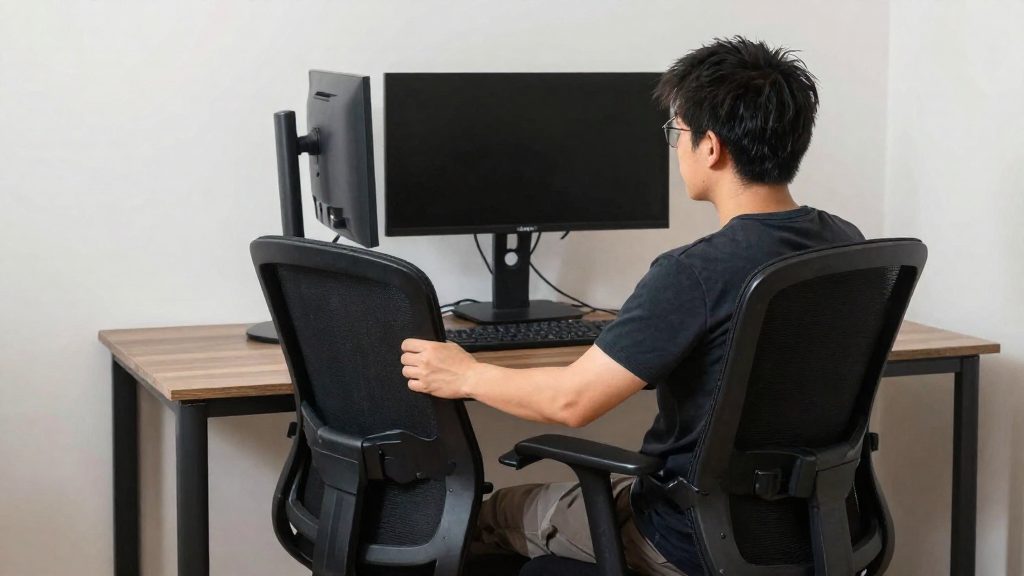
Upper back pain at the desk is often associated with staying in one seated position for long periods while the head, neck, and shoulders drift out of alignment with the trunk. Posture and workstation layout therefore determine how much load the upper back carries over a working day.
Why does the upper back hurt at the desk?
Upper back pain rarely has a single cause. It builds from several factors that act together over hours of seated work.
Static sitting is the first factor. CCOHS (2024-07-31) states that no seated position stays comfortable for long, so a workstation should allow several neutral positions and frequent changes between them.
Forward head position is the second factor. CCOHS (2025-07-21) advises against raising the chin and against tilting the head or upper body forward or to the side. When the screen sits too high, these positions tend to follow, shifting load onto the neck and the upper back.
| Risk factor | What the sources say | Source |
|---|---|---|
| Screen placed too high | Frequent cause of neck and shoulder problems | CCOHS (2025-07-21) |
| Chin raised, head tilted forward or sideways | Advised against | CCOHS (2025-07-21) |
| One seated position held for long periods | No seated position stays comfortable for long | CCOHS (2024-07-31) |
| Long stretches without breaks | Pause of about 5 to 10 minutes after each hour in the same position | CCHST (2025-02-04) |
| Unsupported back | Full back support with adequate lumbar support | CSA Z412-17, cited by CCOHS (2024-07-31) |
Arm and wrist alignment also matters for the shoulder girdle. Your upper back is part of a chain, so a deviation at the wrists or elbows can change how the shoulders and upper back hold their position.

Neutral posture: the reference points to know
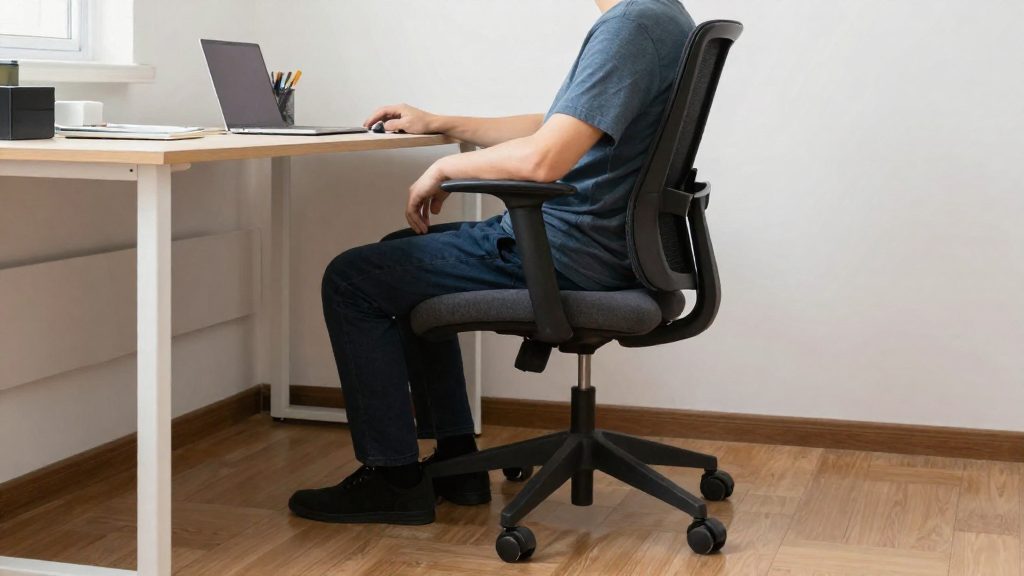
Neutral posture is a seated position in which your joints stay near their natural alignment and the load on your spine is spread evenly. The reference points below describe the body alignment to aim for when you set up your chair and workstation.
| Body part | Reference position (CCOHS, 2024) |
|---|---|
| Feet | About 90° to the lower legs, flat on the floor |
| Thighs | Roughly horizontal |
| Spine | Upright, with no twisting |
| Elbows | Between 90° and 120° |
| Wrists | Straight, not bent up, down, or to the side |
Beyond these angles, two elements matter most for the upper back:
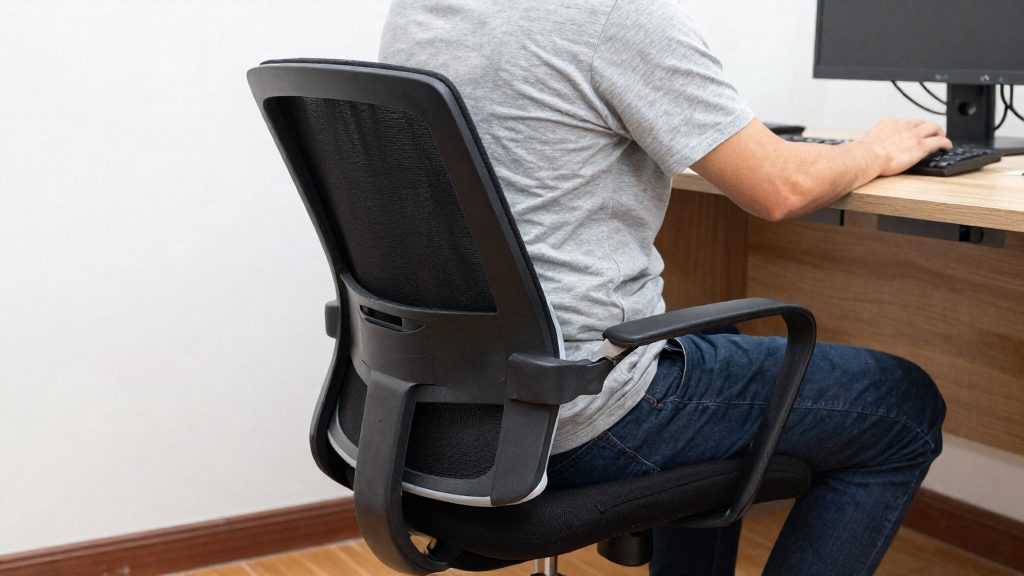
- Full back support: CCOHS (2024) states that the back should be fully supported, with lumbar support adjusted to fit the curve of your lower back.
- Position changes: The CSA Z412-17 standard encourages alternating between sitting and standing, as well as variations such as leaning back, leaning forward, and a semi-standing position. These shifts reduce the time spent in a single posture.
Positioning your screen to relieve neck and shoulder strain
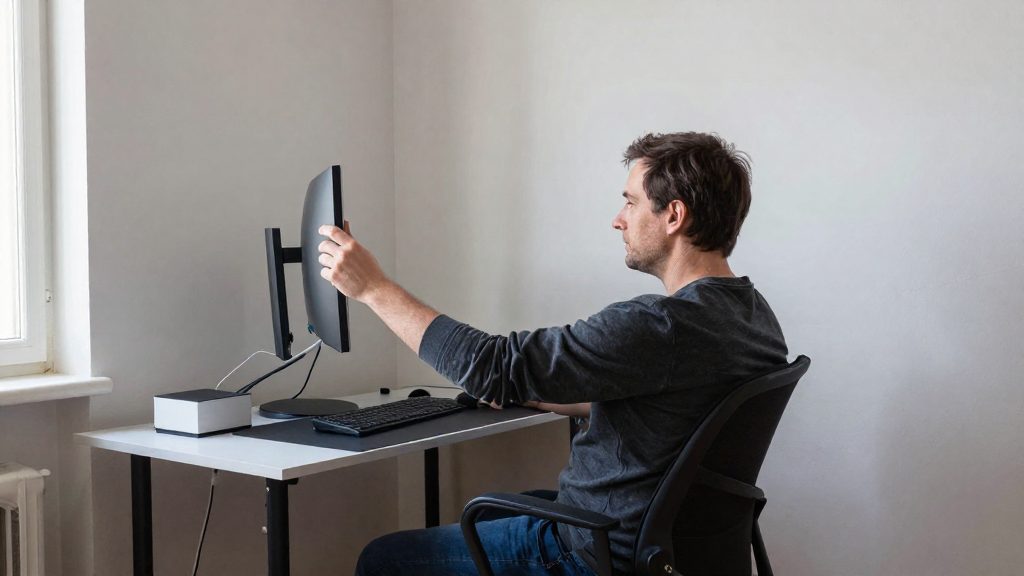
Screen height and distance are the settings that most directly affect the load on your neck and shoulders. According to the Canadian Centre for Occupational Health and Safety (CCOHS, 2025), the centre of the screen should sit about 15° below eye level, or a little lower. The top edge should be at eye level or below it.
The viewing distance should be roughly the length of your arm. CCOHS (2025) illustrates a range of 40 to 74 cm. Rather than leaning toward the screen to read small text, increase the font size. This keeps you at a comfortable distance without moving your head forward.
A screen that is too high is a frequent cause of neck and shoulder problems, for example when it sits on top of a computer tower. To avoid this, place the screen directly in front of you and lower it until its top edge is at or below eye level. Avoid raising your chin to see the screen, and avoid tilting your head or upper body forward or to the side. If you work on a laptop, the same rules apply. Using an external keyboard and mouse lets you raise the screen to the correct height while keeping your hands at desk level.
Use the following settings as a checklist:
| Setting | Guideline (CCOHS, 2025) |
|---|---|
| Centre of the screen | About 15° below eye level, or slightly lower |
| Top edge of the screen | At eye level or below |
| Viewing distance | About arm’s length; illustrated range 40 to 74 cm |
| Text difficult to read | Enlarge the font rather than moving closer |
Check these settings each time you change desks or switch between a laptop and a monitor, since either change alters the height and distance. Re-check the settings whenever your setup changes.
Should You Sit or Stand at Your Desk?
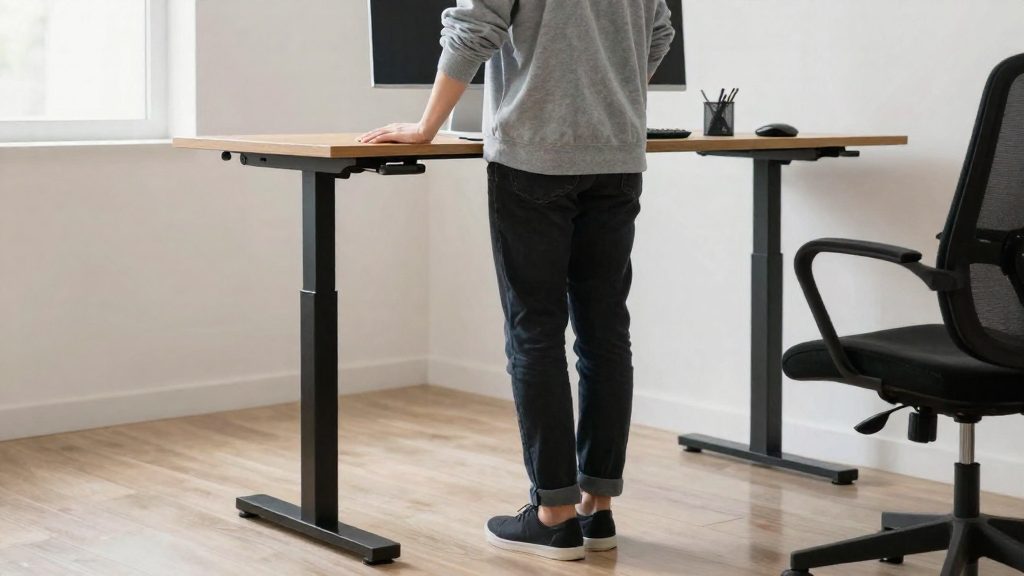
Neither sitting nor standing all day is the recommended approach. According to CCOHS (2024), the CSA Z412-17 standard encourages alternating positions between sitting and standing, along with variants such as leaning back, leaning forward, and semi-standing. No seated position stays comfortable for long, so a workstation should allow several neutral positions and frequent changes between them.
Ways to vary your position
- Alternate sitting and standing during the day, as CSA Z412-17 encourages.
- Use the variants listed in the standard: lean back, lean forward, or semi-stand, so the body does not stay in one shape.
- Keep your back fully supported when seated, with lumbar support adjusted to your back, as the standard requires.
Pacing the changes
CCHST (2025) recommends a break of about 5 to 10 minutes after each hour spent in the same position. Where possible, stand and walk during that break, and alternate keyboard work with tasks that involve moving.
Re-checking the screen after a height change
When you raise or lower your work surface, check the screen again. CCOHS (2025) advises placing the centre of the screen about 15° below eye level, or slightly lower, with the top of the screen at or below eye level. A screen placed too high, for example on the computer tower, is a frequent cause of neck and shoulder problems.
What the sources do not settle
The official sources consulted do not specify a fixed ratio of sitting time to standing time, nor a minimum duration for standing. The timing is therefore best set by your own comfort and by the break intervals above.
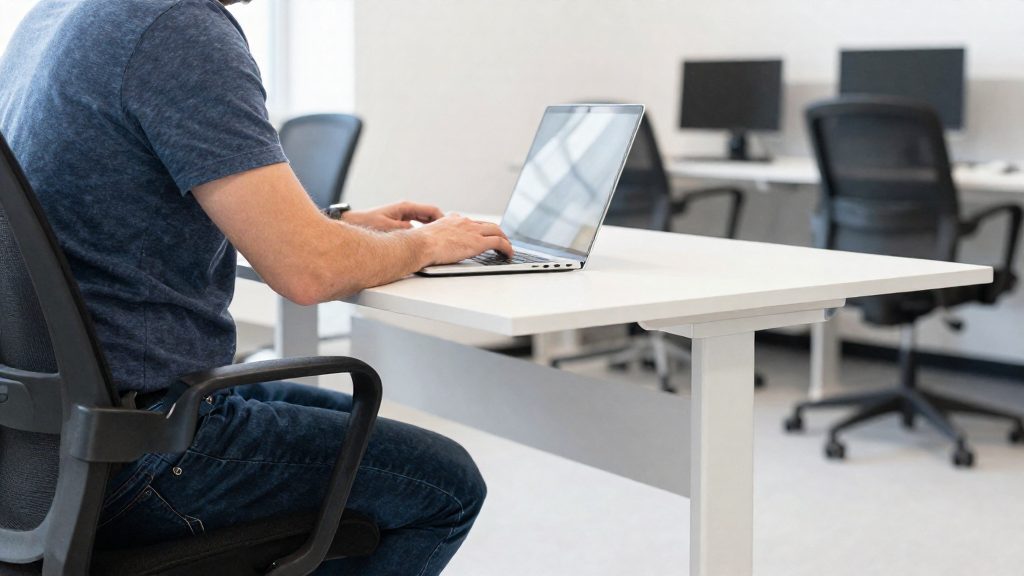
Breaks and micro-movements: how often?
According to the CCHST (2025), take a break of about 5 to 10 minutes after each hour spent in the same position at your workstation. During the break, stand and walk if your work allows it, and alternate keyboard work with tasks that keep you moving.
Changing position
The CSA Z412-17 standard, cited by the CCOHS (2024), encourages alternating between sitting and standing. It also lists variations such as leaning back, leaning forward, and working in a semi-standing position. Use these changes as part of your normal workday, not only during scheduled breaks.
Micro-movements at the desk
The CCOHS (2025) gives the following upper-back and shoulder movements:
| Movement | How to do it | Repetition or hold |
|---|---|---|
| Shoulder shrug | Lift both shoulders, then release | Hold 3 to 5 seconds, repeat 2 or 3 times |
| Shoulder rolls | Roll shoulders backward, then forward | 5 rolls in each direction |
| Upper and middle back stretch | Hold one elbow with the opposite hand and gently push it toward the opposite shoulder | Hold 5 seconds |
For stretches in general, the CCOHS recommends holding the position for about 10 to 20 seconds without holding your breath. For the chest stretch, place your hands behind your head and draw your shoulder blades together. No hold time is given for this stretch specifically, so the general guidance of about 10 to 20 seconds applies.
Simple stretches for the upper back
Upper back stretches work best as short, controlled movements that you can do while seated. According to the CCOHS (2025), a stretch in general is held for about 10 to 20 seconds without holding your breath. Use the specific holds listed for the shrug and the upper and middle back stretch. The general guidance applies to the chest stretch. The four movements below target the shoulders, upper back and chest.
| Movement | How to perform it | Duration or repetitions |
|---|---|---|
| Shoulder shrug | Lift both shoulders toward your ears and hold | Hold 3 to 5 seconds, repeat 2 or 3 times |
| Shoulder rolls | Roll both shoulders backward, then forward | 5 rolls backward, then 5 rolls forward |
| Upper and middle back stretch | Hold one elbow with the opposite hand and gently push it toward the opposite shoulder | Hold 5 seconds |
| Chest stretch | Place your hands behind your head and bring your shoulder blades together | Hold 10 to 20 seconds (general stretch guidance) |
Before starting, sit with your back fully supported and your feet flat on the floor. This keeps the movement in your upper body rather than in the whole chair. The CSA Z412-17 standard, as summarized by the CCOHS (2024), calls for full back support with appropriate lumbar support.
Begin with the shrug and shoulder rolls to loosen the shoulders, then move on to the back and chest stretches. Perform each movement slowly, without bouncing, and stop the sequence once you have completed the listed repetitions.
Remote work: how to set up your home workstation
Start with the screen height, because it determines head and neck posture. According to the Canadian Centre for Occupational Health and Safety (CCOHS, 2025), the centre of the screen should sit about 15° below eye level, or slightly lower, and the top edge should be at eye level or below. A screen placed on top of the computer tower is a frequent cause of neck and shoulder problems, so raise the display with a stand or monitor arm instead of stacking it on the case.
Set the reading distance to roughly the length of your arm, a range CCOHS illustrates at 40 to 74 cm. If text is hard to read, increase the font size rather than moving closer to the screen. Avoid raising your chin to see the display and avoid leaning your head or upper body forward or sideways.
The table below lists the seated neutral posture described by CCOHS (2024) as a checklist for your body position:
| Body part | Target position |
|---|---|
| Feet | About 90° to the lower legs, resting on the floor |
| Thighs | Roughly horizontal |
| Elbows | Between 90° and 120° |
| Wrists | Straight |
| Spine | Upright, without twisting |
| Head and neck | Aligned with the trunk |
The chair must support the back fully, including appropriate lumbar support, as described in the CSA Z412-17 standard by CCOHS (2024).
Frequently asked questions
How often should I take a break from sitting?
According to the Canadian Centre for Occupational Health and Safety (CCOHS, 2025-02-04), take a pause of about 5 to 10 minutes after each hour in the same position. Stand and walk during the pause if you can.
Is it fine to keep stretching if a stretch feels uncomfortable?
No. Stop any stretch that causes pain or significant discomfort, then consult a health professional. For stretches without a specific hold time, CCOHS (2025-02-04) gives a general guideline of about 10 to 20 seconds without holding your breath.
Where should the top of my monitor sit?
The top edge of the screen should sit at or below eye level, with the centre about 15° below eye level (CCOHS, 2025-07-21). Keep your viewing distance about one arm’s length, in the 40 to 74 cm range shown in CCOHS illustrations, and enlarge the text rather than moving closer if it is hard to read.