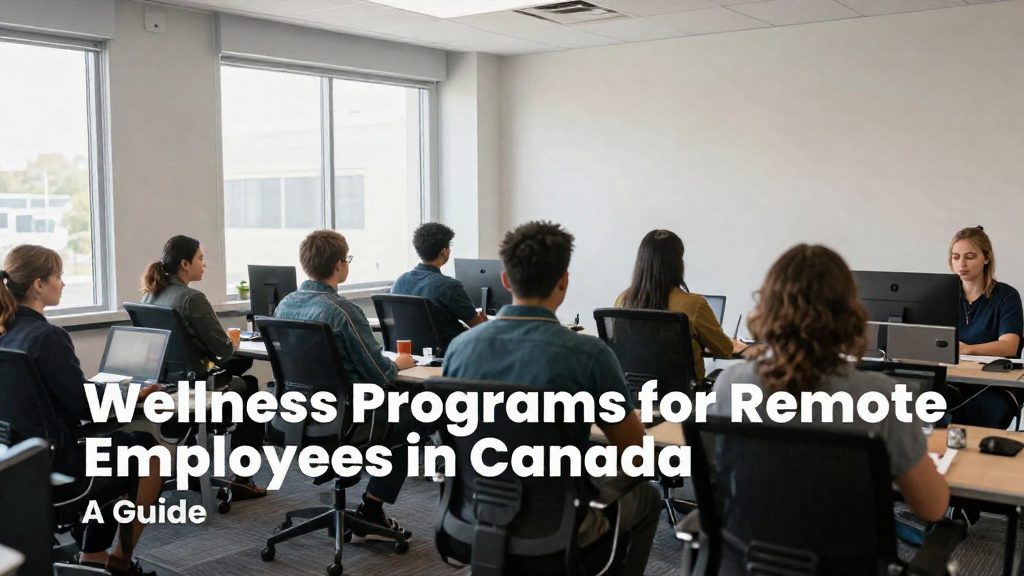
Working from home often means long periods of sitting at a workstation that was not set up for daily use. According to Canadian Occupational Safety magazine (2020), this can lead to poor posture, reduced circulation and musculoskeletal problems. The Canadian Centre for Occupational Health and Safety (CCOHS) recommends a 5 to 10 minute break for every hour spent at a workstation, ideally standing and walking (CCOHS, 2026-10-20).
Why ergonomics matters in remote work
Ergonomics concerns how the body fits the workstation. At home, the desk, chair, monitor and lighting are often chosen for convenience rather than fit, so the posture problems described above can accumulate over a full working day. Canadian Occupational Safety magazine (2020) recommends an adjustable workstation that keeps the spine aligned, frequent changes of position, task lighting without glare, and avoiding static postures.
The CCOHS Office Ergonomics hub covers the ergonomic chair, chair adjustment, monitor positioning, stretching at the workstation and sit/stand desks (CCOHS, 2026-06-01).
Stretching at the workstation
CCOHS advises holding each stretch for about 10 to 20 seconds while breathing normally (CCOHS, 2026-10-20). Its exercise-specific counts are:
| Exercise | Hold | Repetitions |
|---|---|---|
| Shoulder shrug | 3 to 5 seconds | 2 to 3 |
| Head glide | 20 counts | 5 to 10 |
| Wrist bends | 3 to 5 seconds | 3 |
Use these stretches during the breaks described above. They complement moving around and do not replace it.

How to set up your home workstation?
A home workstation works best when the chair, desk and screen are adjusted together, then combined with task lighting and regular movement. Canadian Occupational Safety magazine (2020-04-13) recommends adjustable workstations that keep the spine aligned and warns against static postures, since long periods of sitting at home can reduce circulation and contribute to musculoskeletal problems.
Chair and desk
Set the chair first, then the desk or work surface:
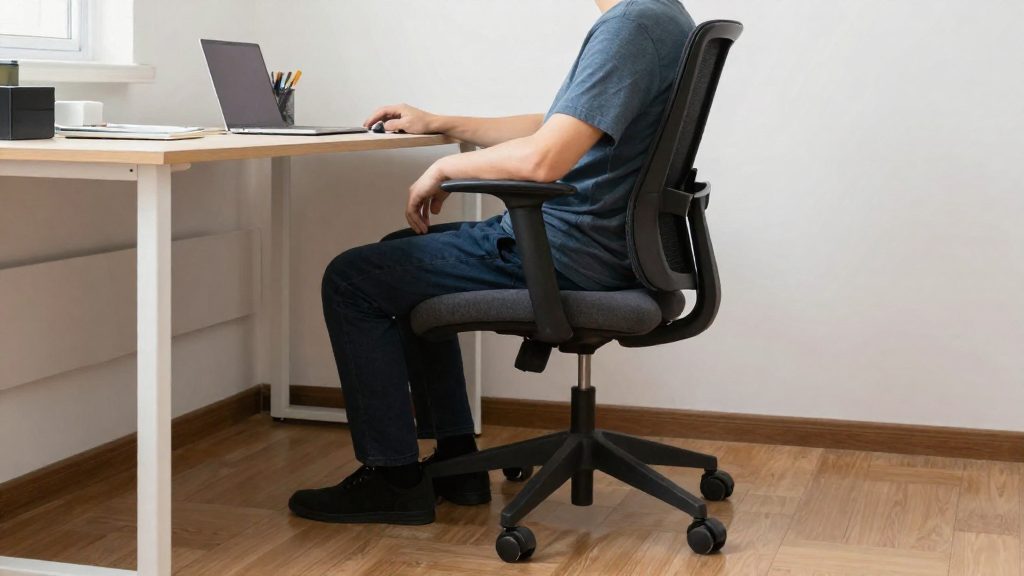
- Adjust the seat height so that your feet rest flat on the floor, or on a footrest if the chair cannot go low enough.
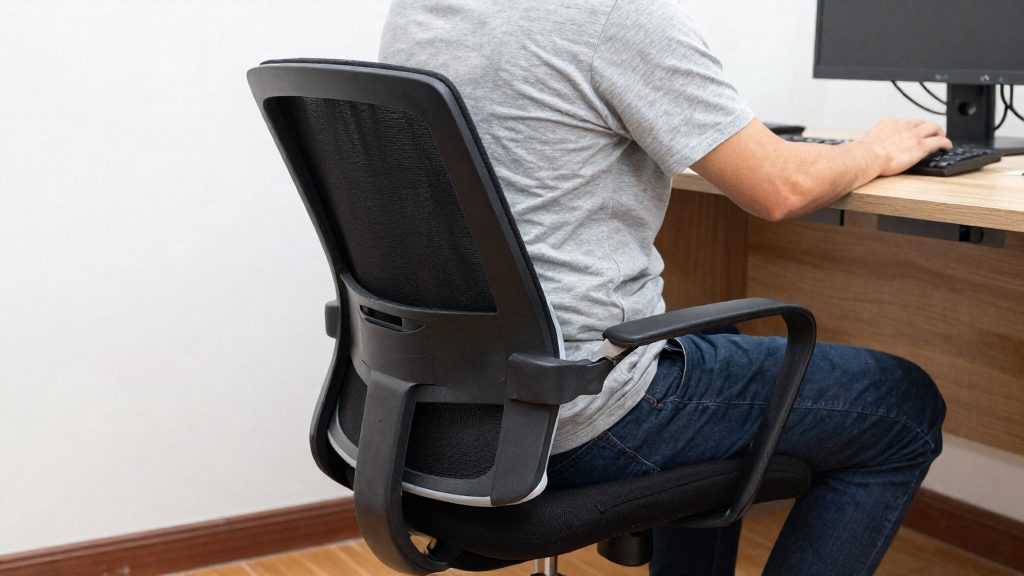
- Position the backrest so that your lower back is supported and your spine stays aligned.
- Keep your forearms roughly parallel to the work surface and your shoulders relaxed.
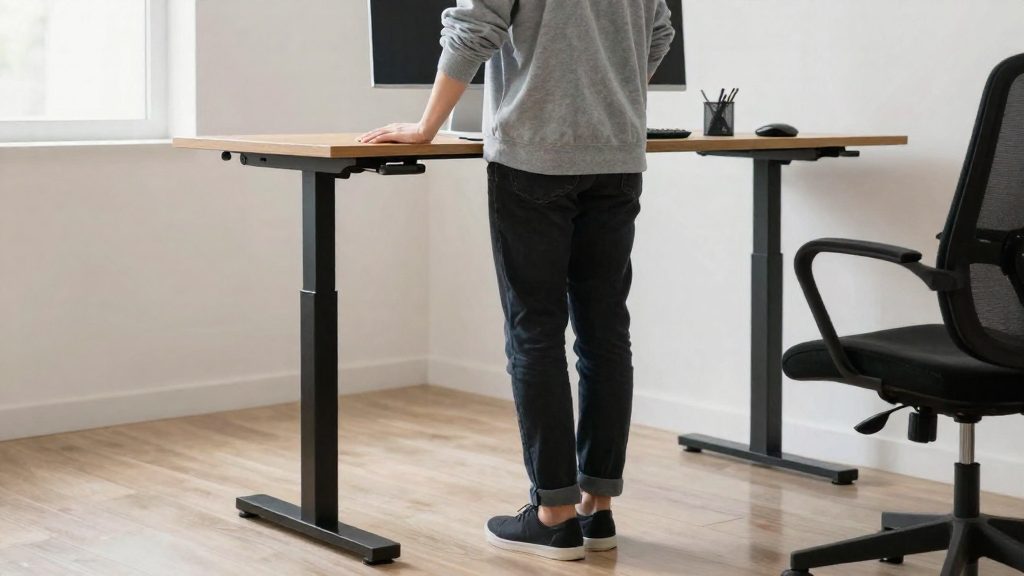
- If you use a sit/stand desk, change between sitting and standing positions during the day rather than holding one posture for hours.
Screen and lighting
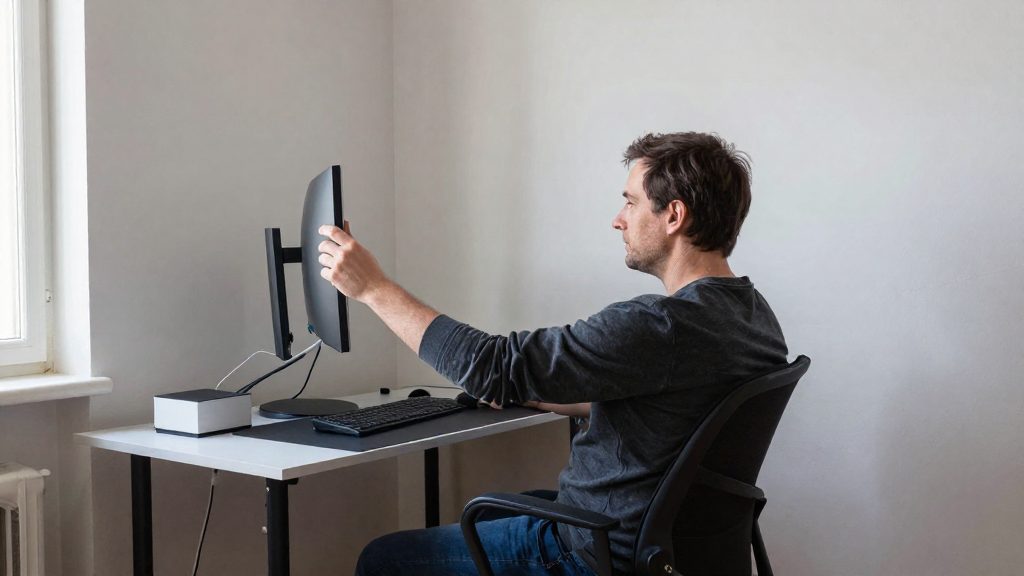
Place the monitor so that you can read it without tilting your head or leaning forward. Keep the screen directly in front of you, and use task lighting without glare: position lamps and windows so that light does not reflect on the screen. Check the screen contrast and brightness at different times of day, since daylight changes the amount of glare.
Movement and breaks
Interrupting sitting matters as much as the initial setup. Schedule short movement breaks, preferably standing and walking, and use the time to perform a few stretches at the desk. CCOHS gives these stretch counts:
| Stretch | Hold | Repetitions |
|---|---|---|
| Shoulder shrug | 3 to 5 seconds | 2 to 3 |
| Head glide | 20 counts | 5 to 10 |
| Wrist bends | 3 to 5 seconds | 3 |
Breathe normally during each hold. CCOHS advises holding stretches for about 10 to 20 seconds while breathing normally.
Sitting and standing posture: getting the settings right
Good posture at a desk depends on adjusting the furniture to your body, not the reverse. The official sources consulted do not specify exact angles or heights for these settings, so the guidance below describes what to check rather than target measurements. The monitor row reflects general practice, not a CCOHS measurement.
Setting up a seated workstation
Adjust the chair first, then the equipment that depends on it.
| Element | What to check | How to adjust |
|---|---|---|
| Chair | Lower back is supported and feet rest flat on the floor | Set seat height first, then backrest support |
| Keyboard and mouse | Forearms rest near the body with shoulders relaxed | Adjust chair height or desk height so you do not reach forward |
| Monitor | Top of the screen sits near eye level, directly in front of you | Use a stand or monitor arm, and keep the screen at a comfortable reading distance |
| Task lighting | No glare or reflections on the screen | Place the screen so windows and lamps are not directly behind or in front of it |
If your feet do not reach the floor, use a footrest rather than letting the chair stay too high.
Switching between sitting and standing
A sit/stand desk only helps if you use both positions. Holding any single posture for a long time is the pattern to avoid, as noted in guidance from Canadian Occupational Safety magazine (2020-04-13). When you stand, set the desk so your elbows stay relaxed and your keyboard and screen remain at the same relative positions as when seated. Change position in short, regular intervals rather than waiting for discomfort.
Which breaks and stretches help prevent back pain?
For remote workers, the main preventive step is interrupting long periods of sitting. The Canadian Centre for Occupational Health and Safety (CCOHS) recommends a 5 to 10 minute break for every hour spent at a workstation, ideally used to stand and walk (CCOHS, 2026-10-20). Working from home often involves long static sitting, which can contribute to poor posture, reduced circulation and musculoskeletal problems. For this reason, the Canadian Occupational Safety magazine (2020-04-13) recommends frequent changes of position.
Stretches are best done during these breaks, using a simple method:
- Move slowly into the position until you feel a stretch, without forcing it.
- Hold the position for about 10 to 20 seconds while breathing normally, as CCOHS advises. For the three exercises below, use the exercise-specific counts.
- Return to a neutral position before repeating.
CCOHS gives exercise-specific counts for three stretches:
| Exercise | Hold | Repetitions |
|---|---|---|
| Shoulder shrug | 3 to 5 seconds | 2 to 3 |
| Head glide | 20 counts | 5 to 10 |
| Wrist bends | 3 to 5 seconds | 3 |
The head glide uses counts rather than seconds, so it is not directly comparable to the other two holds. The official sources consulted do not specify how many breaks to take per day beyond the hourly guideline above, or how these stretches affect back pain specifically.

Building a break, stretch and workstation-check program for remote employees
A remote wellness program is a set of scheduled actions that interrupts long periods of sitting and keeps workstation habits consistent. A program built on these elements has three parts: a break schedule, a fixed stretch set, and a workstation check.
Build a fixed break schedule
- Set a recurring reminder every hour and treat the 5 to 10 minute break as the minimum.
- Use the break for movement: standing, walking to refill water, or a short walk indoors.
- Keep the same schedule across the team so that meetings and deadlines can be planned around it.
Use a short stretch set with defined counts
CCOHS gives specific hold and repetition counts for three exercises:
| Exercise | Hold | Repetitions |
|---|---|---|
| Shoulder shrug | 3 to 5 seconds | 2 to 3 |
| Head glide | 20 counts | 5 to 10 |
| Wrist bends | 3 to 5 seconds | 3 |
Run the set during the hourly break, keep breathing normally, and stop any movement that causes pain. If pain or discomfort continues, consult a health professional before repeating the movement.
Add a workstation self-check
A workstation self-check turns the program into a recurring habit rather than a one-time setup. Repeat the check at onboarding and whenever the home setup changes, such as a new desk or a different chair.
Track participation without performance metrics
A shared weekly log of completed breaks, reviewed once a month, shows whether the schedule is followed without turning it into an individual performance target. The official sources consulted do not specify a required participation rate.
The employer’s role: assessment and support
An employer’s wellness program for remote staff should start with a workstation assessment, not a list of perks. The sources do not set out the employer’s legal duties for home workstations. For questions about those duties or about an injury, consult the employer’s health and safety policy, a union representative or legal advice. According to Canadian Occupational Safety magazine (2020), home working often involves long periods of sitting, which can lead to poor posture, reduced circulation and musculoskeletal problems. A programme that addresses these risks needs to check each employee’s setup and provide the means to correct it.
The assessment should cover the chair, monitor position, and whether the employee can change posture during the working day. The official sources consulted do not specify how often these reviews should be repeated, so set a schedule that covers onboarding and any change of home office.
Support has three parts:
- Equipment: adjustable or sit/stand workstations, where the budget allows.
- Scheduled movement: a break policy aligned with CCOHS guidance.
- Information: written stretching instructions and short training on adjusting the chair and monitor.
| Employer action | Basis in CCOHS guidance |
|---|---|
| Set a break policy | 5 to 10 minutes per hour at a workstation, ideally standing and walking (CCOHS, 2026) |
| Share a stretch routine | Hold each stretch about 10 to 20 seconds while breathing normally (CCOHS, 2026) |
| Provide desk options | Guidance on chairs, monitors and sit/stand desks (CCOHS, 2026) |
How to start a low-budget program?
Start with the schedule and the existing workstation, not with paid services. According to CCOHS (2026), the most direct no-cost measure is a short break: 5 to 10 minutes for every hour spent at a workstation, ideally standing and walking. A small-budget program can be built on these habits first, with equipment added only where the current setup causes a specific problem.
Set a fixed break routine. Use a calendar reminder or a timer to trigger a break every hour. Because the recommended break is short, employees are more likely to keep it if it is built into the workday rather than left to memory.
Add short stretches at the desk. CCOHS advises holding each stretch for about 10 to 20 seconds while breathing normally. It also gives specific counts for three exercises:
| Exercise | Hold | Repetitions |
|---|---|---|
| Shoulder shrug | 3 to 5 seconds | 2 to 3 |
| Head glide | 20 counts | 5 to 10 |
| Wrist bends | 3 to 5 seconds | 3 |
Check the existing workstation before buying anything. The CCOHS Office Ergonomics guidance covers chair adjustment and monitor positioning, two adjustments that cost nothing to test. Review them first, then decide whether a sit/stand desk is worth the expense for a given employee.
Vary position and lighting. Canadian Occupational Safety magazine (2020), drawing on CCOHS guidance, identifies long periods of sitting as a source of poor posture and reduced circulation at home. Its recommendations are frequent position changes, avoiding static postures, and task lighting without glare. Changing position and reducing glare are low-cost steps that many home offices can apply immediately.
Prioritize by cost. Start with the free measures (breaks, stretches, chair and monitor checks, lighting), then assess which employees still report discomfort before buying adjustable furniture. The official sources consulted do not specify budget thresholds, so the choice of paid items should be based on individual needs rather than a fixed amount.