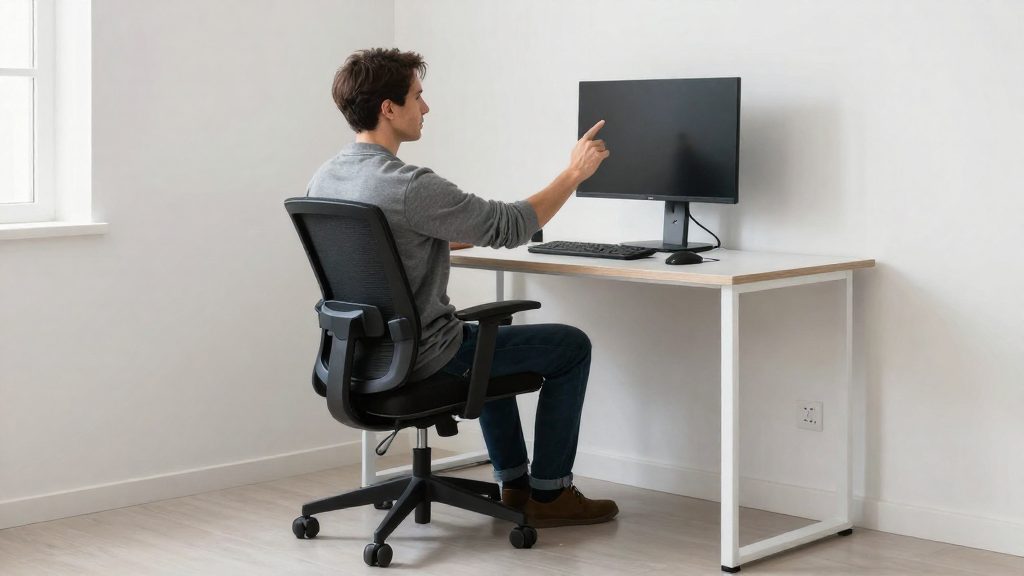
Nighttime tingling can occur in carpal tunnel syndrome, particularly when sleeping with bent wrists, but this symptom alone does not establish its cause. According to the National Library of Medicine (NIH, 2024-01-10), early carpal tunnel syndrome usually starts slowly in the dominant hand and may appear at night when sleeping with bent wrists. The median nerve runs through the carpal tunnel at the wrist, so a sustained bend can place pressure on that nerve. In carpal tunnel syndrome, sleeping with bent wrists can put pressure on the median nerve and trigger nighttime symptoms.
The sources describe the nighttime pattern specifically for carpal tunnel syndrome. They do not establish that the same pattern applies to every repetitive strain injury. Also, a direct causal link between long-term typing and carpal tunnel syndrome remains uncertain according to MedlinePlus (A.D.A.M., 2025-06-04).
RSI and Carpal Tunnel Symptoms
Carpal tunnel syndrome is a narrower, nerve-focused condition. It involves the median nerve, which passes through the wrist, and can cause symptoms in the parts of the hand supplied by that nerve.
Symptoms specific to carpal tunnel syndrome
According to the National Library of Medicine (NIH, 2024-01-10), carpal tunnel syndrome can cause:
- Numbness, tingling, or burning, particularly in the thumb, index finger, and middle finger
- Symptoms that often affect both hands
These finger patterns describe carpal tunnel syndrome specifically. Other hand conditions can produce different distributions, so a tingling index finger does not identify carpal tunnel syndrome on its own.
How the condition progresses
Early carpal tunnel symptoms usually start slowly in the dominant hand (NIH, 2024-01-10). As the condition worsens, you may find it harder to hold small objects. If it is left untreated, it can cause lasting sensation loss and thumb weakness (NIH, 2024-01-10).
Causal link
A direct causal relationship between long-term typing or computer use and carpal tunnel syndrome remains uncertain, according to MedlinePlus. Symptoms that appear at a workstation do not confirm the cause, and a clinician is the right person to determine it.
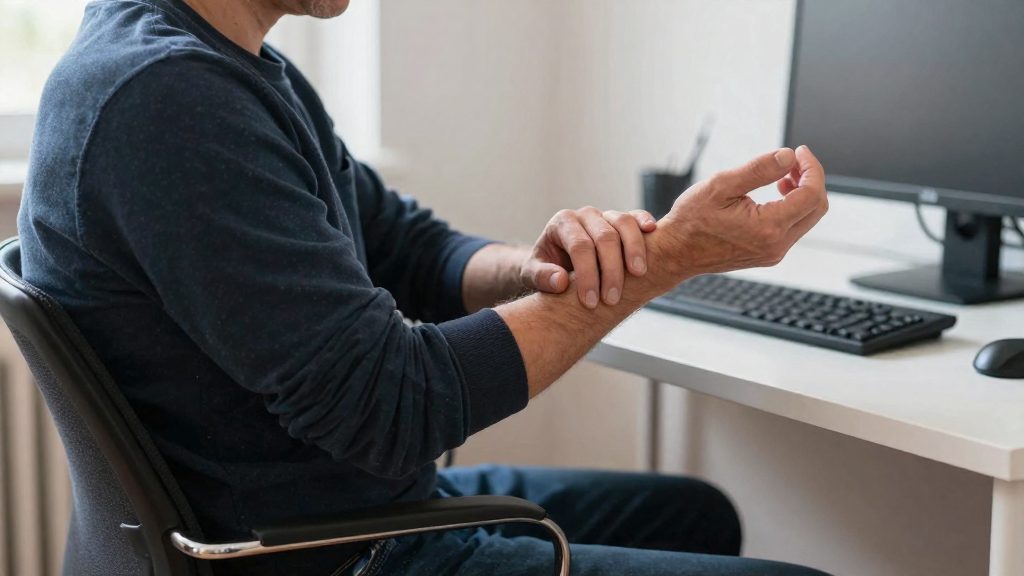
Desk Habits That Increase Hand Strain
The Occupational Safety and Health Administration (OSHA) identifies several daily desk behaviours that load the hands and wrists faster than they can recover, and these habits are the ones to review first when symptoms appear.
Repetitive tasks combined with awkward posture or force
Repeated movements performed for prolonged periods can leave insufficient recovery time for muscles and tendons, especially when combined with awkward posture or force (OSHA). Prolonged repetition can leave muscles and tendons insufficient time to recover; awkward posture or excessive force can further increase the risk of injury. Typing or mousing with bent wrists, or pressing keys and clicking with more force than the task requires, adds load to each movement.
Forearms resting on desk edges
Resting forearms against desk edges can irritate nerves and produce tingling or numbness in the fingers and hands (OSHA). This habit is common when the desk surface is higher than the elbow height or when the chair does not allow the forearms to rest on a flat surface. Check whether the front edge of the desk presses into the underside of the forearm during typing or mouse work.
Gripping tools or devices with excessive force
Gripping tools or devices with excessive force during work adds load to the tendons and nerves of the hand. OSHA lists reduced grip strength, weakness, and cramps among possible warning signs of computer-related musculoskeletal disorders (OSHA). Tightly holding a mouse, stylus, or pen for long periods is a habit to monitor, particularly when accompanied by hand numbness, burning, aching, or tingling.
Adjust Your Keyboard and Mouse
Keyboard and mouse placement determines how far your hands, wrists, and forearms must bend or reach during each session. Adjusting your equipment is one of the most direct ways to reduce awkward posture.
Keep Hands, Wrists, and Forearms Straight and Aligned
OSHA recommends keeping hands, wrists, and forearms straight and aligned. In practice, a straight line should run from the forearm through the wrist to the back of the hand. Position the keyboard so you can reach it without angling the wrists up, down, or sideways.
Relaxed Hand and Wrist Position While Typing
Keep your fingers resting lightly on the keys and your wrists in a relaxed wrist position rather than bent or held rigid. Relaxed hands are less likely to grip or press hard, which matters because force adds to the load on the hand when movements are repeated.
Mouse Placement and Keyboard Height
Place the mouse at the same level as the keyboard and close enough that you do not have to stretch your arm to reach it. Keeping the mouse nearby prevents the arm and shoulder from reaching outward for long periods.
Keyboard height should allow your wrists to stay straight while your shoulders remain relaxed. If your desk or keyboard tray is adjustable, make changes gradually and check the manufacturer’s instructions for the supported height range before you set it.
Take Breaks and Change Positions
Repetitive strain develops when small injuries accumulate in tendons and nerves faster than the hand and forearm can recover. Regular pauses, position changes, and varied tasks reduce this cumulative load during the workday.
Micro-breaks for Recovery
Short, frequent micro-breaks give muscles and tendons time to recover between work periods. OSHA recommends frequent position changes and periodic walking, even when your workstation is well set up. No universal break interval is established. Take frequent breaks before discomfort develops, and stop the activity if tingling or pain occurs; symptoms may require assessment as well as changes to your workload or workstation.
During a micro-break:
- Lift your hands away from the keyboard and mouse.
- Open your hands fully and relax your grip for a few seconds.
- Stand up and walk briefly if your schedule allows.
Varying Posture and Task Type
Staying in one position for hours increases static load on the body. Alternate between sitting and standing if your desk allows it, and shift your weight and torso periodically.
Task variation also spreads the workload. Alternate typing-intensive work with reading, phone calls, or paper-based tasks so the same finger and wrist movements do not continue without interruption.
Hand and Wrist Stretches Between Work Periods
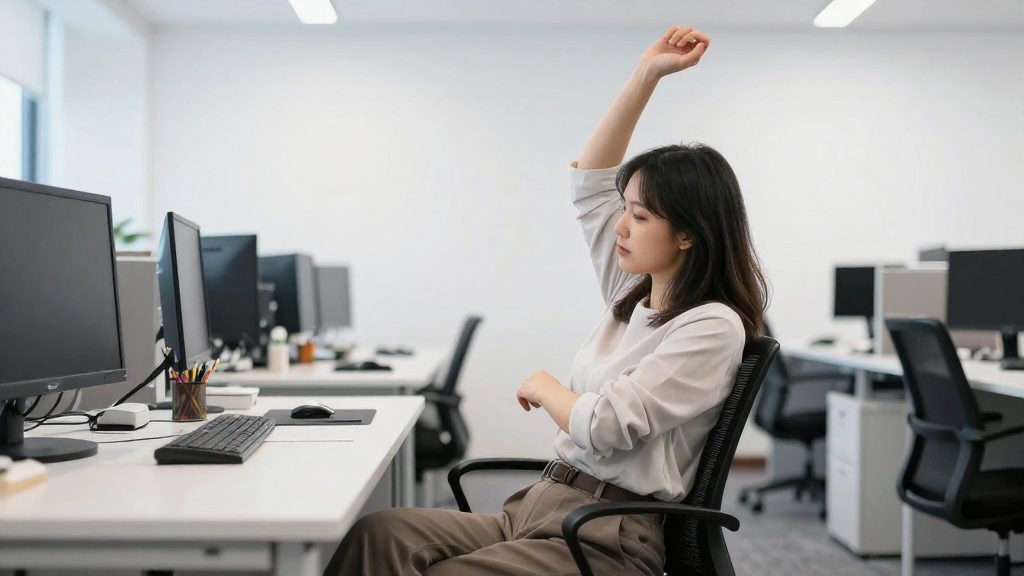
OSHA recommends stretching fingers, hands, arms, and the torso during the workday. Use slow, gentle movements and stop any stretch that causes pain. Common options include:
- Finger spreads: Spread your fingers wide, hold for a few seconds, then relax.
- Fist open-close: Make a loose fist, then open your hand fully. Repeat slowly.
- Wrist extension and flexion: Extend your wrist with palm facing up, then palm facing down, holding each position briefly.
- Torso and shoulder stretches: Roll your shoulders and gently rotate your upper body to release tension.
Stretching supplements breaks but does not replace them. No specific routine is guaranteed to prevent hand strain.

When Should You Seek Medical Care?
Hand discomfort after a long day of typing does not always need a medical appointment. Consultation becomes a priority when persistent symptoms remain after rest and changes to your workstation, or when hand function starts to decline. According to the American Association for Hand Surgery, pain, swelling, numbness, or stiffness that does not completely resolve with rest warrants early evaluation by a hand surgeon. Adjusting your posture or desk setup does not replace an assessment when symptoms continue.
Signs That Call for Prompt Contact
| Sign | Source |
|---|---|
| Pain, swelling, numbness, or stiffness that does not completely resolve with rest | American Association for Hand Surgery |
| Increasing loss of finger sensation | MedlinePlus, National Library of Medicine (A.D.A.M., 2025-06-04) |
| Dropping objects | MedlinePlus, National Library of Medicine (A.D.A.M., 2025-06-04) |
| Worsening hand clumsiness | MedlinePlus, National Library of Medicine (A.D.A.M., 2025-06-04) |
Symptoms that are getting worse, rather than staying stable, are the clearest reason to book an appointment without waiting.
Tracking Symptoms Before Your Appointment
A symptom log gives the clinician specific information instead of a general description. Record the following for at least a few days before your visit:
- The hand, wrist, or finger area affected
- How long each episode lasts
- How often episodes occur
- The tasks performed beforehand, such as prolonged typing or mouse use
- Whether rest, a position change, or a break made a difference
A fixed safe daily typing duration or break interval is not established for every person, so the log works best as a record of your own pattern rather than a comparison against a fixed threshold.
Who to Consult
- General practitioner (GP): Usually the first point of contact for persistent hand symptoms. A GP can assess your general situation and refer you to a specialist if needed.
- Hand surgeon: A specialist in conditions of the hand and upper extremity, according to the American Association for Hand Surgery.
- Occupational physician: Relevant when symptoms are linked to your work tasks, since this role addresses workplace fitness and adjustments. Check with your employer or local occupational health service for how to access one.