Early carpal tunnel from typing usually begins slowly, with numbness or tingling in the thumb, index and middle fingers. Healthline also lists part of the ring finger and a feeling of swollen fingers among typing-related symptoms. The NIAMS fact sheet gives no timeline for how fast this progresses, so none is stated here.
Early sensory symptoms during typing
The first signs are sensory, not strength-related. NIAMS describes the onset as slow, starting with numbness or tingling in the thumb, index and middle fingers.
| Finger area | Reported early symptom | Source |
|---|---|---|
| Thumb | Numbness or tingling | NIAMS |
| Index finger | Numbness or tingling | NIAMS |
| Middle finger | Numbness or tingling | NIAMS |
| Part of ring finger | Numbness or tingling | Healthline |
| Fingers in general | Feeling of swollen fingers | Healthline |
Thumb, index and middle fingers
These three digits are the typical starting point. You may notice a tingling or ‘pins and needles’ feeling, especially after a long typing session.
Partial ring finger involvement
Healthline includes part of the ring finger in its list of typing-related symptoms. The sources do not specify which part of the finger is affected or when it becomes involved.
Feeling of swollen fingers
Healthline lists a feeling of swollen fingers as a typing-related symptom. This describes a sensation of fullness or tightness, not visible swelling, so do not rely on the appearance of your hands to judge it.

Why do hands go numb at night?
NIAMS states that carpal tunnel symptoms often appear at night, and people may wake up needing to shake out the hand or wrist. The symptoms are linked to pressure on the median nerve, which passes through the carpal tunnel, a narrow passage in the wrist. Researchers do not know the causes of carpal tunnel syndrome.
Night-time symptoms and waking
Night symptoms are common in carpal tunnel syndrome. You may wake with a hand that feels asleep, heavy or clumsy, and the feeling often eases after you shake the hand or wrist. Healthline adds that symptoms often worsen at night.
Night symptoms and a bent wrist
Healthline lists two separate triggers for worsening symptoms: night-time and a bent wrist. The sources do not explain why a bent wrist worsens symptoms, and they do not address how sleeping positions affect them.
Median nerve compression as the mechanism
Pressure on the median nerve is involved in carpal tunnel syndrome. Its effects appear as numbness and tingling in the thumb, index and middle fingers, and sometimes part of the ring finger. NIAMS lists risk factors including wrist injury, thyroid problems, diabetes, rheumatoid arthritis, pregnancy or menopause, and being female. The sources do not describe how each of these factors affects the nerve.
Can typing really cause carpal tunnel?
Research linking keyboard use to carpal tunnel syndrome is limited and mixed. The National Institute of Arthritis and Musculoskeletal and Skin Diseases (NIAMS) states that researchers do not know its causes, so typing can be neither confirmed nor ruled out as a cause. What is known is that carpal tunnel involves pressure on the median nerve. NIAMS lists several personal and medical risk factors. Work-related factors such as repetitive motion are named by NIOSH only for musculoskeletal disorders in general, so their role in carpal tunnel is not established.
Personal and medical risk factors
NIAMS lists these risk factors:
- Wrist injury
- Thyroid problems
- Diabetes
- Rheumatoid arthritis
- Pregnancy or menopause
- Being female
Because these conditions are listed as risk factors, your personal health history is relevant when assessing risk.
Workplace load: repetitive motion, posture and force
For musculoskeletal disorders in general, CDC/NIOSH identifies three workplace contributors: repetitive motion, awkward postures, and sustained force. Typing involves repeated finger and wrist movements, and it can involve holding the wrists in a bent position. These are general risk factors for musculoskeletal strain, and the sources do not establish that they cause carpal tunnel on their own.
| Factor group | Factors named in the sources | Linked to typing? |
|---|---|---|
| Workplace load | Repetitive motion, awkward posture, sustained force | Can be present during keyboard use |
| Personal or medical | Diabetes, thyroid problems, pregnancy, menopause, rheumatoid arthritis, being female | Not described as linked to typing in the sources |
| Injury | Wrist injury | Not described as linked to typing in the sources |
Symptoms that mean it is getting worse
According to NIAMS, as carpal tunnel worsens, symptoms start to occur during the day, and in chronic or untreated cases they can include constant numbness and weakness. The NIAMS describes this shift as the condition worsening, and the signs below follow that pattern.
Daytime symptoms are the first stage of this change. They occur during everyday activities such as using the phone, reading, or driving. Numbness or tingling in the thumb, index, and middle fingers during these tasks suggests that the median nerve is under pressure during ordinary use, not only at night.
Constant numbness indicates a more advanced stage. In chronic or untreated cases, the fingers can feel numb all the time. Fine motor tasks become harder: buttons are difficult to fasten and small objects are hard to grasp. Healthline also lists trouble with fine motor tasks and accurate typing among typing-related symptoms.
Thumb weakness and grip loss are the most functional changes. Thumb weakness can develop in chronic or untreated cases, and Healthline lists grip weakness among typing-related symptoms. Healthline also lists pain that can extend up the arm among typing-related symptoms.
| Sign | What it looks like in daily use |
|---|---|
| Daytime symptoms | Numbness or tingling during phone use, reading, or driving |
| Constant numbness | In chronic or untreated cases, fingers can be numb all the time |
| Fine motor difficulty | Buttons and small objects are hard to grasp |
| Thumb weakness | Weakness in the thumb can develop in chronic or untreated cases |
| Grip loss and arm pain | Grip is weaker and pain can extend up the arm |

Desk setup to keep wrists neutral
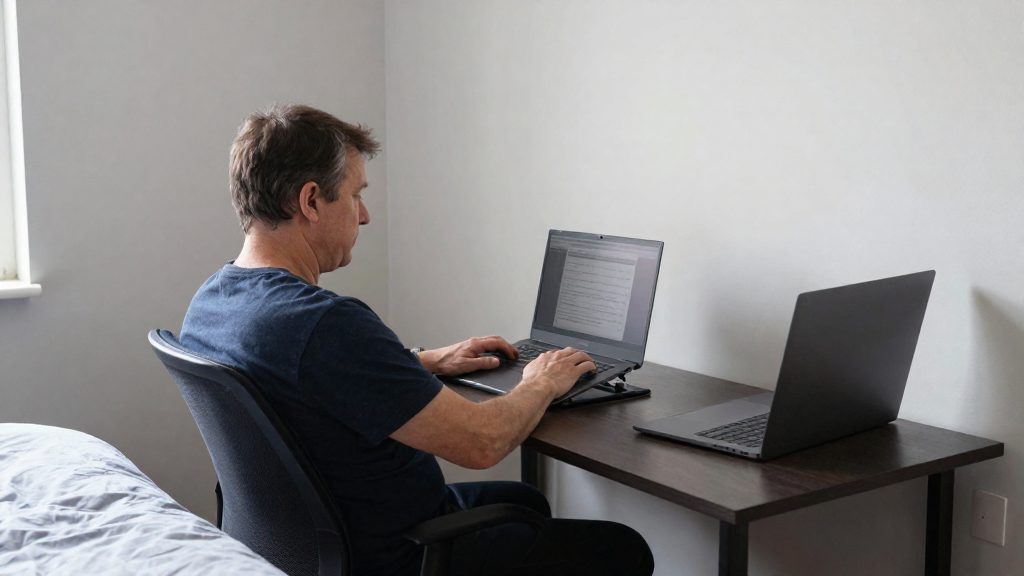
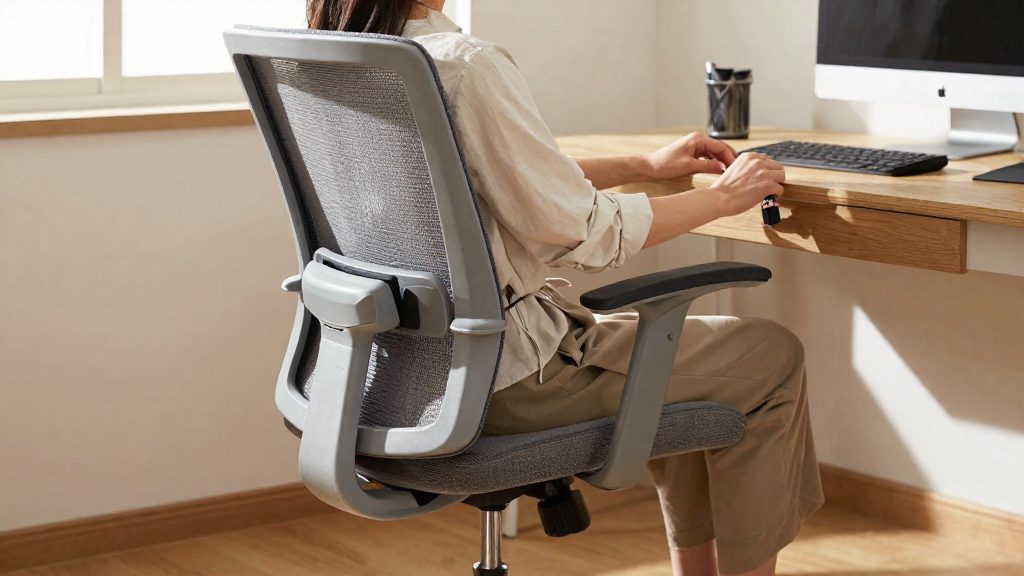
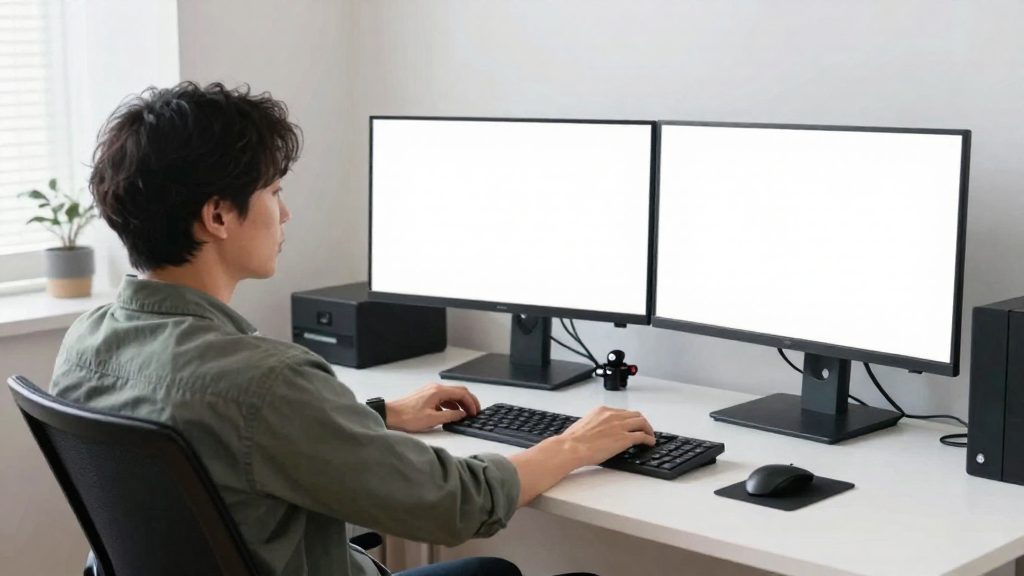
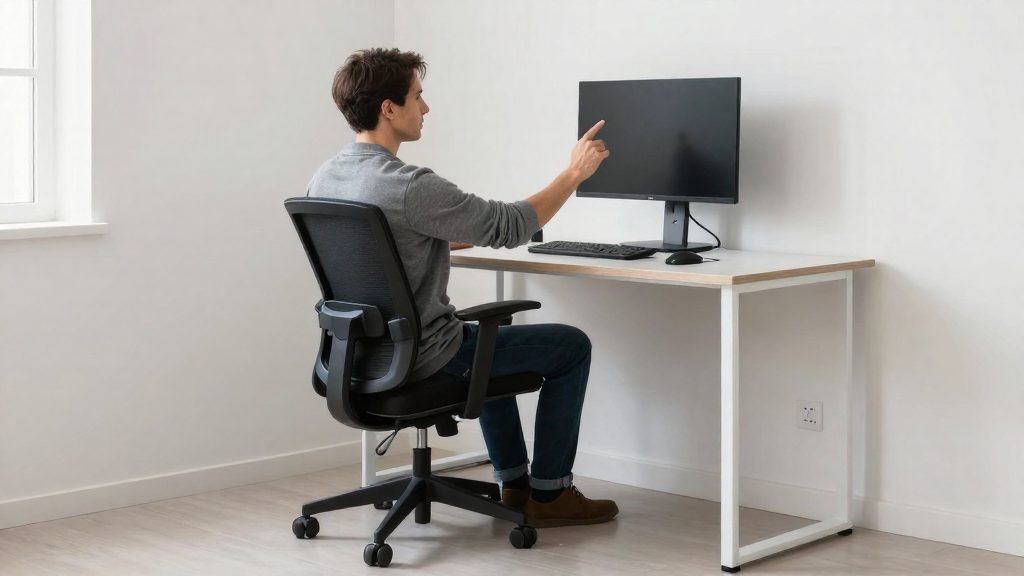
A neutral wrist position is the main goal of a typing setup. Healthline notes that unsupported wrists sit at a steeper angle, and it suggests keeping the wrists straight. The adjustments below cover keyboard height, mouse placement and forearm support, because each one changes how far the wrist moves from straight during a working day.
Keyboard height and angle
- Adjust the chair first so the elbows are bent at roughly a right angle, with the shoulders relaxed.
- Set the keyboard at about elbow level so the forearms run level or slightly downward, and the wrists do not have to bend up to reach the keys.
- Avoid raising the back edge of the keyboard with its feet, since this steepens the wrist angle.
- Healthline suggests keeping wrists straight and mentions split or curved keyboards as options to reduce wrist bending.
Mouse placement
- Place the mouse directly beside the keyboard, at the same height, so the arm does not reach across the body.
- Keep the wrist in line with the forearm when clicking, rather than flexing it sideways.
- Move the cursor with the whole arm, starting from the elbow and shoulder, instead of small wrist movements.
Forearm support
- Support the forearms on the desk or armrests so the wrists do not carry the weight of the arms.
- Avoid resting the underside of the wrist on a hard desk edge.
| Element | Target position | Check |
|---|---|---|
| Elbows | Bent at roughly a right angle | Shoulders stay relaxed |
| Keyboard | At or just below elbow level | Wrists stay straight while typing |
| Mouse | Beside the keyboard, same height | Arm reaches without twisting the torso |
| Forearms | Supported by the desk or armrests | Wrists do not bear the arm’s weight |
Ergonomics program as systematic risk control
NIOSH defines an ergonomics program as a systematic process to identify, analyze and control workplace risk factors. Applied to a desk, this means checking the setup against each contributor rather than adjusting a single item. Note which postures recur during the day, change the layout to reduce them, and then reassess. Used at team or organization level, the same process groups individual adjustments into a consistent workplace approach.
Which stretches and breaks help?
Healthline suggests keeping the wrists straight, taking breaks and stretching as self-care measures for typing-related wrist strain. Healthline suggests taking breaks every 20–30 minutes and stretching, but it also notes that research linking keyboard use to carpal tunnel is limited and mixed. The sources do not show that these routines prevent or treat carpal tunnel syndrome.
Micro-breaks during long typing sessions
Micro-breaks are brief pauses taken without leaving your chair. Healthline recommends a break every 20–30 minutes. During each one:
- Lift your hands off the keyboard and let them hang loosely.
- Open and close your hands slowly, without forcing the fingers.
- Roll your wrists in small, easy circles in both directions.
- Look away from the screen for a moment to reset your posture.
If you lose track of time while writing, set a recurring reminder at the 20–30 minute interval.
Median nerve gliding
Median nerve gliding exercises are not covered by the sources used here. Do not start them on your own; ask a clinician or physical therapist first.
Wrist flexor and extensor stretches
The wrist flexor and extensor stretches target the muscles of the forearm: flexors on the palm side and extensors on the back of the forearm.
| Stretch | Position | Target |
|---|---|---|
| Flexor stretch | Arm straight, palm facing up; use the other hand to gently pull the fingers back toward the forearm | Palm-side forearm muscles |
| Extensor stretch | Arm straight, palm facing down; use the other hand to gently pull the fingers toward you | Back-of-forearm muscles |
For each stretch, hold the position at a point of gentle tension, breathe steadily, and release slowly. Avoid bouncing or pulling beyond that point. Repeat on the other hand as well.
When should you see a doctor?
Consult a healthcare professional if hand or wrist symptoms continue despite rest and changes to your workstation. Healthline advises seeking care for severe or persistent hand or wrist pain, or for numbness, tingling, weakness or swelling that interferes with daily life even after self-care. Workstation changes and breaks do not replace an evaluation when symptoms do not improve.
Persistent symptoms after self-care
Persistent symptoms are the main signal to book an appointment. Symptoms that keep returning after you have reduced typing time, straightened your wrists and adjusted your chair and desk height deserve a clinical assessment. Before the visit, note when symptoms occur, which fingers are affected and whether shaking out your hand brings relief.
| Symptom pattern | What it may indicate | Suggested next step |
|---|---|---|
| Numbness at night, relieved by shaking the hand | Described by NIAMS as a common carpal tunnel symptom | Track episodes and see a healthcare professional if they persist or interfere with daily life |
| Symptoms during daytime tasks such as typing, phone use, reading or driving | Symptoms are progressing | Schedule a consultation |
| Fingers numb most of the time, difficulty with buttons or small objects | Chronic or untreated course | Book a consultation promptly |
| Thumb weakness or grip weakness | Reported in chronic or untreated cases (NIAMS) and among typing-related symptoms (Healthline) | Seek medical review |
What a clinician checks
A healthcare professional can assess your symptoms and decide which tests, if any, are needed. The sources used here do not describe the diagnostic process.
Red flags requiring prompt review
Healthline advises seeking care for severe or persistent hand or wrist pain, or for numbness, tingling, weakness or swelling that interferes with daily life despite self-care. Thumb weakness and grip weakness are among the symptoms the sources list.
Frequently asked questions
What early signs of carpal tunnel should I watch for when typing?
Early symptoms usually start slowly as numbness or tingling in the thumb, index and middle fingers, sometimes with part of the ring finger involved. Healthline also lists a feeling of swollen fingers, which describes a sensation of fullness rather than visible swelling.
Does night-time numbness mean I have carpal tunnel syndrome?
Not on its own. NIAMS says symptoms often appear at night, and people may wake up needing to shake out the hand or wrist, but the sources do not say this pattern alone confirms the condition. If persistent symptoms continue or interfere with daily life despite self-care, Healthline advises seeing a healthcare professional.
Can typing cause carpal tunnel, or is it only a keyboard problem?
Typing has not been established as a direct cause. Research linking keyboard use to carpal tunnel is limited and mixed, and NIAMS states that researchers do not know its causes. Healthline lists self-care measures such as keeping wrists straight, using a split or curved keyboard, and taking breaks, but the sources do not show that these prevent or treat the condition.