A lumbar support should sit on the lower back, in the hollow of the natural inward curve, and its fit depends on three geometric features: its vertical position above the seat, its forward protrusion, and its width and contact area. The available source gives no numeric dimensions, so this section describes each feature qualitatively and explains how to check it on your own chair.
What lumbar support should a chair have?
Vertical position above the seat
The pad should meet the lower back, below the shoulder blades and above the seat surface, rather than pressing into the mid back. To check it, sit with your pelvis against the back of the seat and your spine upright. The pad’s contact point should fall at the lowest part of the lower back’s curve. If the pad contacts you higher up, it pushes the mid back forward and leaves the lower back unsupported.
Forward protrusion depth
Protrusion is how far the pad projects forward from the plane of the backrest. To measure it, hold a straight edge vertically against the backrest, then measure the gap between the straight edge and the front surface of the pad at the contact point. The pad should fill the lower-back hollow without pushing your pelvis forward off the seat. Excessive protrusion forces you into a fixed arch, while too little leaves the curve without support.
Pad width and contact area
The pad should be wide enough to spread contact across the lower back instead of concentrating force on a narrow point. Check this by leaning back slightly: the contact should stay on the lower back and should not slide onto the ribs or the edges of the pad. A pad that presses at its edges creates a narrow contact area, even when its overall width looks adequate.
| Specification | What to check | Target fit |
|---|---|---|
| Vertical position | Contact point relative to seat surface | Lower back, at the curve’s lowest point |
| Forward protrusion | Gap between backrest plane and pad front | Fills the hollow without pushing the pelvis forward |
| Width and contact area | Pressure distribution across the lower back | Broad contact, no pressure on the edges |
Adjustable vs fixed lumbar support
A fixed lumbar support is a pad built into the backrest at a set height and depth. An adjustable lumbar support lets you change its position, its angle, or its firmness. Adjustable designs can be set for a wider range of body sizes and sitting postures, but they add parts that must be set correctly to work. A fixed pad is simpler, though it only fits sitters whose lower back curve happens to match its position.
This section compares three common mechanism types, described in general terms and not drawn from the available source:
| Mechanism | How it adjusts | Main trade-off |
|---|---|---|
| Slider | Moves the pad up or down along the backrest | Covers a range of heights, but does not change the pad’s depth or angle |
| Pivot or tilt | Changes the angle of the pad | Can alter the contact point, but may feel less stable at extreme settings |
| Inflatable pad | Adds or releases air to change firmness and fullness | Allows fine control of pressure, but the air level can drift over time and needs periodic checks |
Adjustable mechanisms also add complexity. A slider or pivot that is set too high, too low, or too firm can press into the lower back rather than support it, so the adjustment only helps if you set it deliberately.
Adaptive support is a term used by some manufacturers, including FlexiSpot. FlexiSpot, a chair maker, states that adaptive lumbar support is more useful than static support, arguing that a static pad falls short when the sitter leans or reaches. This is a manufacturer’s position, not independent evidence. The sources give no test data, sample sizes, or model comparisons that would confirm the claim. Treat it as a design hypothesis to check against your own experience: note whether the lower back stays supported when you lean forward to type or recline during calls.
How should you set up your chair for long sitting?
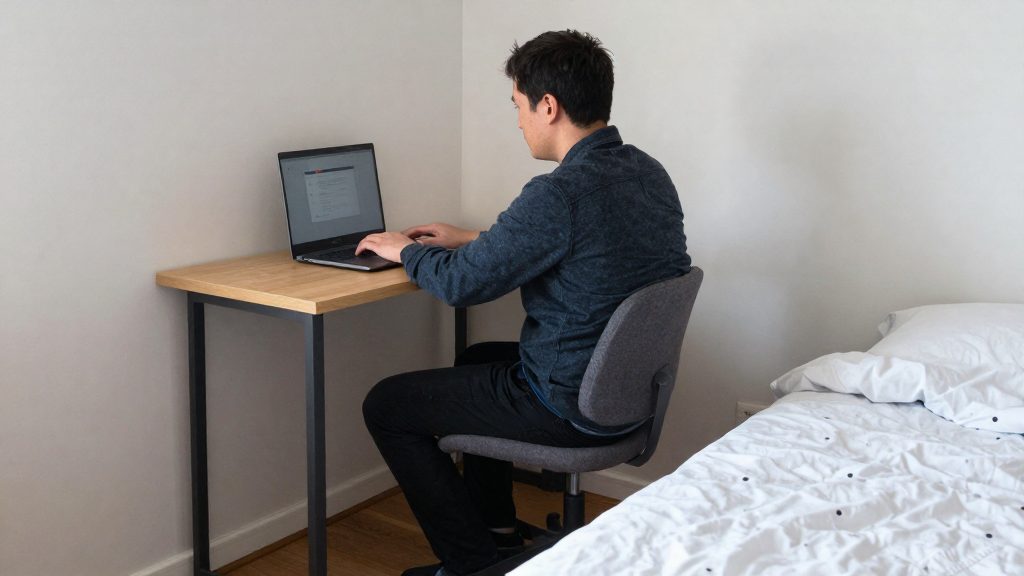
Adjust the chair in a fixed order so that each change builds on the previous one. A practical sequence is to set the seat first, then the lumbar support, then the screen and desk. Changing one setting can shift the others, so recheck the earlier settings after each change.
-
Seat height and knee angle. Raise or lower the seat until your feet rest flat on the floor and your knees sit at about the same level as your hips, or slightly below. Avoid a seat so high that your thighs slope down steeply, and avoid a seat so low that your knees rise well above your hips. If your feet cannot reach the floor, use a footrest rather than letting them dangle.
-
Lumbar pad placement. Sit all the way back in the chair, then position the lumbar pad against the lower spine, where the lower back naturally curves inward. The pad should support that curve. Sit upright and check that you can feel the contact without having to hold yourself in position.
-
Monitor and desk height relative to eyes. Set the top edge of the screen near eye level, so your head stays roughly upright rather than tilted down for hours. Place the screen at a comfortable viewing distance. Then adjust the desk so your forearms rest close to horizontal with your shoulders relaxed. Recheck the seat height and lumbar contact afterward, because a change in desk height can shift your posture.
Which chair features matter beyond lumbar support?
Several hardware features shape your posture over long sitting hours. This section groups them into three areas: the armrests, the seat pan (including its front edge), and the recline mechanism (including its tension, tilt lock, and headrest). Each affects posture in a different way, and none is ranked above the others here. This grouping is a qualitative judgment based on how each feature changes posture, not a measured ranking.
Armrests: height, width, and pivot
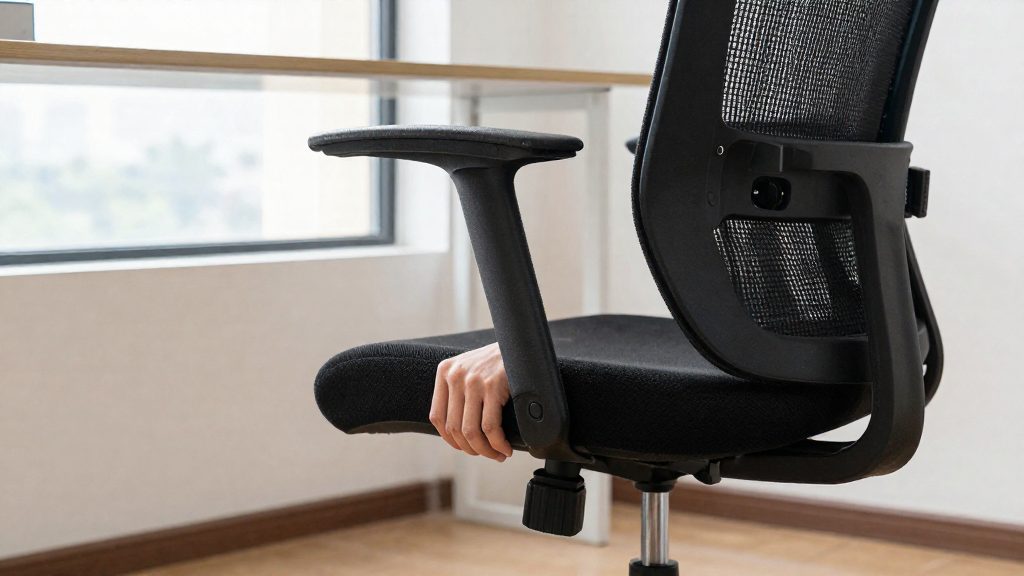
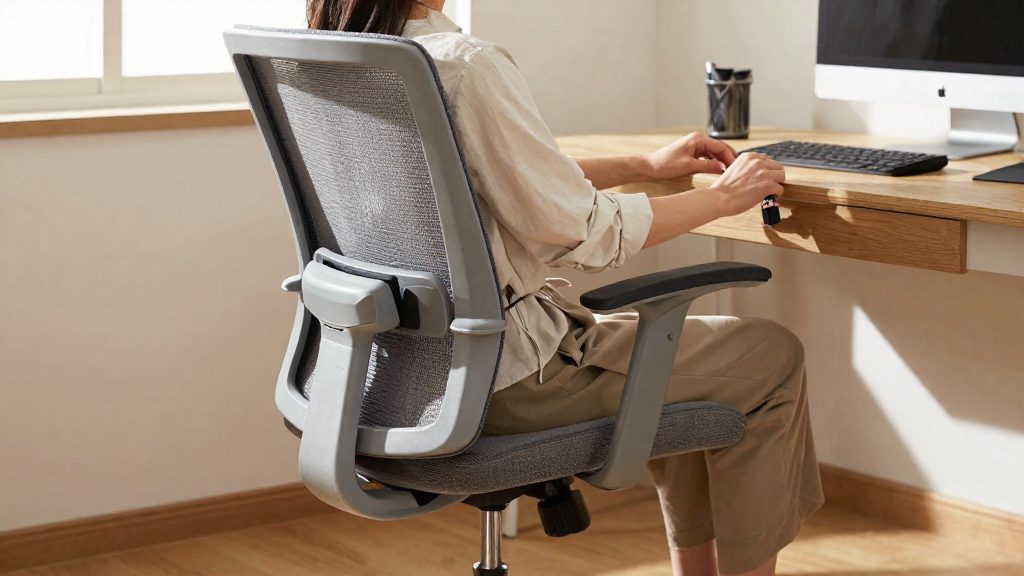
Armrests set too high push the shoulders up and load the neck. Armrests set too low let the shoulders drop. Adjust the armrest height so your forearms rest lightly while your shoulders stay relaxed. Width matters as well: armrests spaced too far apart can push the elbows outward, and armrests that are too narrow offer little support. A pivoting armrest can angle inward for typing or outward for reclined positions, so check that it supports the forearm in each position you use.
Seat pan depth and front edge shape
Seat pan depth determines whether you can sit back against the backrest while the back of your knee stays clear of the seat edge. A pan that is too deep stops you from reaching the backrest, which encourages slouching. A pan that is too shallow leaves the thighs unsupported. A rounded or waterfall front edge may reduce pressure on the underside of the thighs, which can improve comfort during long sessions.
Recline tension, tilt lock, and headrest
Recline tension sets how much effort it takes to lean back. Too little tension lets the chair tip unexpectedly, while too much keeps you locked upright. A tilt lock holds a chosen angle, which helps when you need a fixed position. A headrest supports the head when you recline, reducing the work of the neck muscles. During upright typing it usually goes unused.
| Feature | What to check | Posture effect |
|---|---|---|
| Armrest height | Forearms rest with shoulders relaxed | Prevents shoulder elevation and neck loading |
| Armrest width | Elbows held near the sides | Limits outward reach strain |
| Armrest pivot | Angles to match keyboard and reclined use | Keeps forearms supported in different positions |
| Seat pan depth | Back reaches the backrest, knee clears the edge | Avoids unsupported thighs and slouching |
| Front edge shape | Rounded or waterfall edge | Reduces pressure under the thighs |
| Recline tension | Leaning back takes controlled effort | Makes it easier to change position |
| Tilt lock | Holds a chosen angle | Allows a fixed posture when needed |
| Headrest | Supports the head when reclined | Reduces neck muscle load when leaning back |
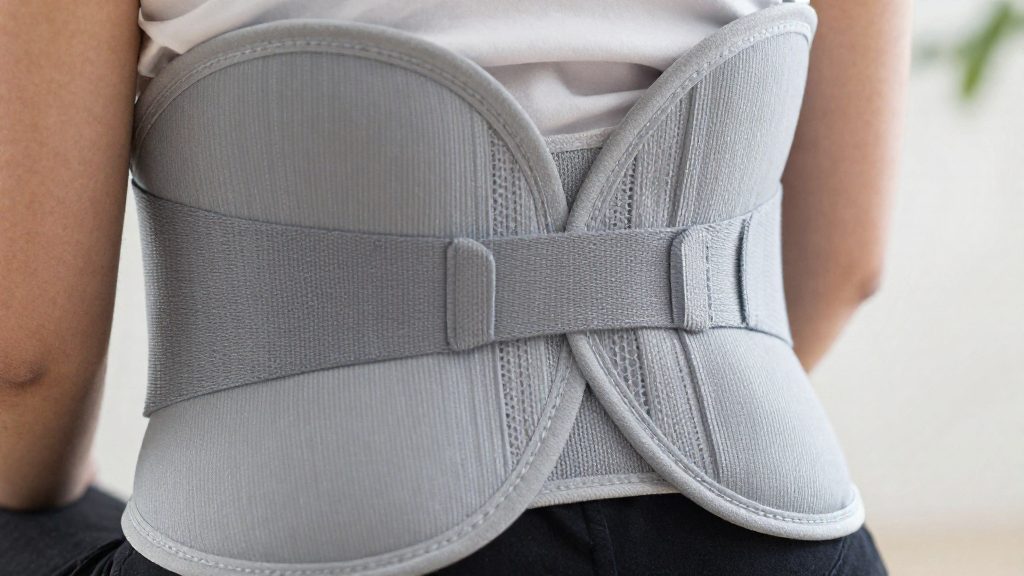
Does a higher price guarantee better lumbar support?
The sources give no price figures, model comparisons, or lumbar test results. They therefore cannot show whether a premium chair is required for adequate lumbar support, nor that a higher price produces better lumbar support.
Price tiers and named models
The sources name no specific chair models and provide no price data for budget, mid-range, or premium chairs. Any judgement about whether the extra cost is worth it has to come from a direct trial.
To test a chair before committing:
- Adjust the lumbar support height and depth until the lower back contacts the backrest.
- Sit through a full working block, then check whether the lower back still feels supported.
Warranty and replacement parts
The sources give no warranty terms for any model. Before buying, verify the following with the seller or manufacturer:
| Check | Where to find it | Why it matters |
|---|---|---|
| Warranty term and coverage | Manufacturer’s warranty page or purchase receipt | Shows which mechanism or upholstery defects are covered |
| Replacement lumbar pad, armrests and casters | Manufacturer’s parts list or support team | Allows repair of a worn component instead of replacing the chair |
| Parts availability | Support contact | Determines how long the chair can be maintained |
Do lumbar cushions help in a basic chair?
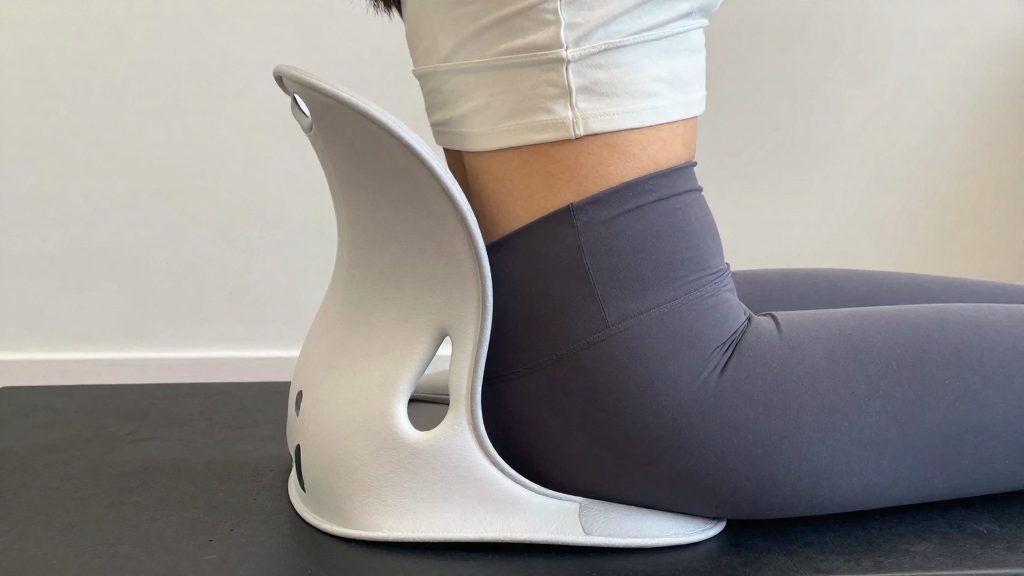
The sources give no data on the effectiveness of aftermarket lumbar cushions, so their benefit in a basic chair cannot be stated. A cushion adds padding only where it sits. It cannot change the backrest’s shape or its adjustment range. Whether it helps depends on its thickness, its firmness, and whether it stays in position during the workday.
Thickness and firmness determine how far the cushion pushes the lower back forward. A thicker cushion may fill a gap in a flat backrest, but too much thickness can push your back out of contact with the seat’s support zone. A firm cushion is more likely to keep its shape under load, while a soft one may compress during a session, so the support you feel in the morning can be lower by the afternoon. Compare each cushion’s stated thickness with your backrest depth, and test it through a full working day before you rely on it.
Strap mounting and slippage are a common practical concern. A cushion held by an elastic strap around the backrest can slide down or sideways on a smooth or slightly curved backrest, which leaves the lower back unsupported. Tighten the strap so the cushion sits flush against the backrest, then re-check its position after the first few sessions.
| Check | What to verify |
|---|---|
| Thickness | Fills the gap between your lower back and the backrest without pushing you away from the seat |
| Firmness | Keeps its shape when you sit down and shift position |
| Strap | Holds the cushion flush against the backrest with no visible gap |
| Position | Sits at the lower back curve, not the mid-back |
Evidence for lower back pain is limited in the material available here. The sources do not establish that aftermarket cushions reduce lower back pain, so no effect size can be stated. If back pain persists, a healthcare professional should assess it rather than relying on a cushion alone.
Breaks and stretches to pair with your chair
Long sitting holds one posture for extended periods, which keeps the lower back and hips under steady static load. A good chair reduces some of that load, but it does not replace movement. Pairing your chair with short, regular breaks and simple stretches lets you change position before discomfort builds, and it works best when the breaks are part of your routine rather than something you do only when you feel pain.
Types of breaks
Not every break needs to be the same. Choose the type that fits your workday:
| Break type | When to use it | What to do |
|---|---|---|
| Posture shift | Whenever you notice you have slumped or locked into one position | Sit back, reset your pelvis, and bring your back against the chair |
| Standing break | When you have been seated for a long, uninterrupted stretch | Stand up, step away from the desk, and walk briefly |
| Stretch break | When your lower back or hips feel tight | Perform the lumbar extension and hip flexor stretches below |
Keep breaks short and frequent rather than long and infrequent. The goal is to interrupt the static load, not to rest for an extended period.
Lumbar extension stretch
This gentle movement counteracts the forward flexion that prolonged sitting encourages.
- Stand behind your chair and place your hands on your lower back, fingers pointing down.
- Lean back slowly, keeping your knees soft.
- Stop at the first point of comfortable resistance. Do not push into pain.
- Return upright slowly.
Hip flexor stretch
Hip flexors tend to shorten when you sit for long periods.
- Stand near your desk and place one hand on a stable surface for balance.
- Step one leg back, keeping both feet pointing forward.
- Gently shift your weight forward until you feel a stretch at the front of the back hip.
- Keep your torso upright and switch sides.
Sit-stand transition technique
If you use a sit-stand desk, change position gradually:
- Stand up slowly, pushing through your legs rather than pulling with your back.
- Stay standing for a short period before returning to the chair.
- When you sit back down, lower yourself with control, then re-establish your lumbar contact with the chair.
Frequently asked questions
How can I tell if a chair’s lumbar pad is in the right place?
Sit with your pelvis against the back of the seat and check where the pad touches you. It should rest on the lower back, at the lowest point of the inward curve, not against your mid back.
Do I need an expensive chair to get adequate lumbar support?
Not necessarily. The available sources do not show that a premium chair is required, and they contain no price comparisons linking higher cost to better lumbar support. Judge the chair by how well its pad fits your back and whether you can keep that setting through the working day.
Is adaptive lumbar support better than a fixed pad?
FlexiSpot, a chair manufacturer, says adaptive lumbar support is more useful than static support when you lean or reach, but this is the manufacturer’s position, not independent evidence. Adjustable designs may suit a wider range of body sizes, though they add parts that must be set correctly to work.