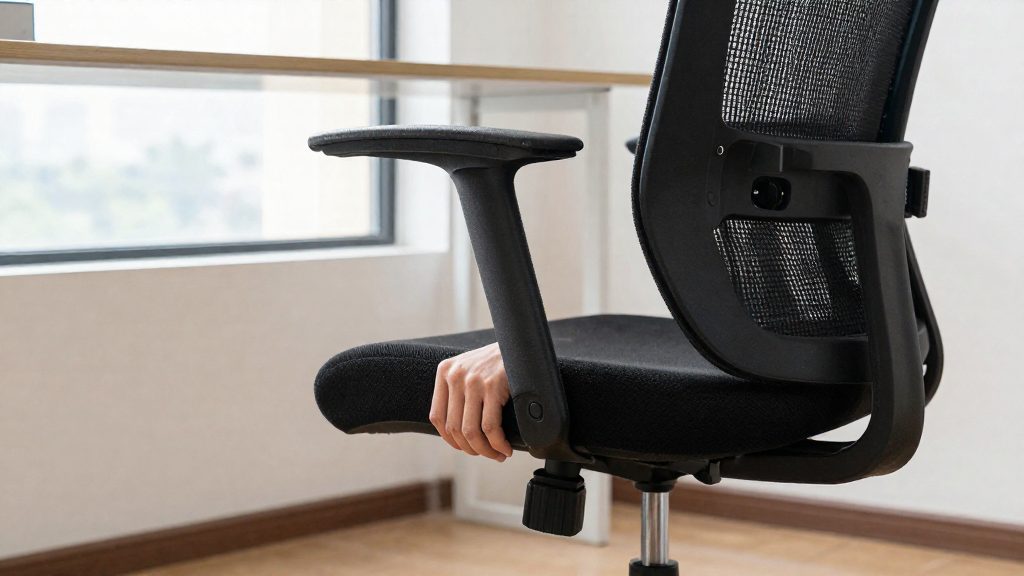
Why does seat depth matter for your back and legs?
Seat pan length determines how much of your thigh the seat supports and where its front edge lands. The fact sheet describes two failure modes.
Pressure behind the knees from an overly long seat
With your back against the backrest, a seat pan that is too long extends forward until its edge reaches the back of your knees. UPLIFT Desk (manufacturer, 2026) states that a seat that is too long presses behind the knees. This is pressure behind the knees: the edge loads a sensitive area that the seat was not designed to contact, and you tend to feel it as pressure rather than support.
Pressure under the hips from an overly short seat
A seat that is too short does the reverse. The thighs receive less support, and the load moves toward the sit bones. UPLIFT Desk (manufacturer, 2026) describes this as pressure under the hips, concentrated where the body rests on a small area instead of being spread along the thigh.
How thigh contact changes with pan length
A seat that is too long presses behind the knees, and one that is too short concentrates pressure under the hips. The fact sheet gives no measured contact areas. The fact sheet does not provide measured contact areas, so these relationships are described qualitatively.
| Seat pan length | Thigh support | Front edge position | Pressure point |
|---|---|---|---|
| Too long | More of the thigh is supported | Reaches the back of the knees | Behind the knees |
| Too short | Less of the thigh is supported | Set back from the knees | Under the hips |
Both errors come from the same dimension, so checking seat depth means checking how the pan length relates to your thigh length.
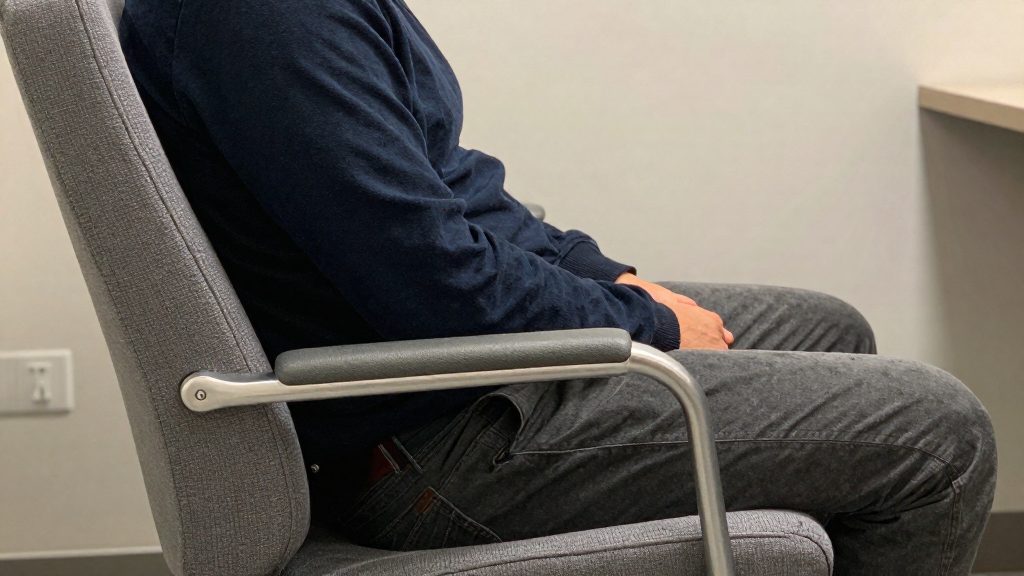
What is the right seat depth for an office chair?
With your back against the backrest, the target is a two to three finger gap between the back of your knee and the front edge of the seat. UPLIFT Desk’s guidance gives this knee-based reference. The University of Guelph gives a second reference: 2–3 finger widths between the calf and the seat edge, achieved by adjusting the seat pan depth. Both sources give a 2–3 finger value, but they measure at different points (back of the knee versus calf), so treat them as two separate references.
| Reference point | Target gap | Source |
|---|---|---|
| Back of the knee to front of seat | Two to three fingers | UPLIFT Desk (manufacturer), 2026 |
| Calf to seat edge | 2–3 finger widths | University of Guelph (Canada) ergonomics guidance |
Measuring both references
- Sit with your back flat against the backrest and your feet on the floor.
- Slide your fingers between the back of your knee and the front edge of the seat, and count how many fit.
- Check the calf-to-seat-edge gap the same way. Count the finger widths.
- If both readings fall within two to three fingers, the depth matches both references.
The sources do not say how to rank the two readings if they disagree. Record the difference rather than assuming one reading overrides the other. The Guelph guidance is Canadian university guidance, not a US standard.
How do you adjust seat depth step by step?
Seat depth is changed by sliding the seat pan forward or back, so the front edge sits at the right distance from your knees. Make one change at a time and test the result before the next.
-
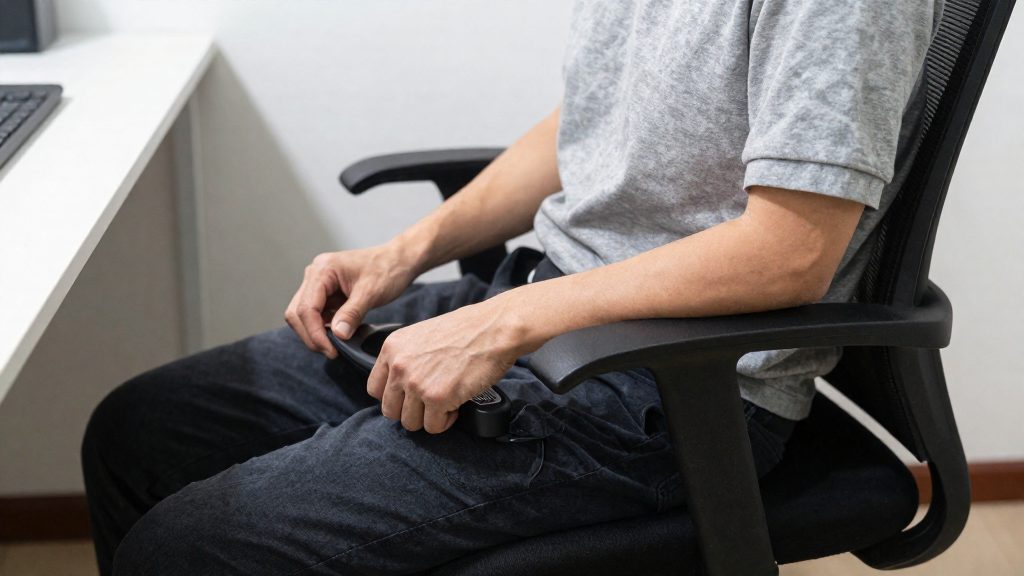
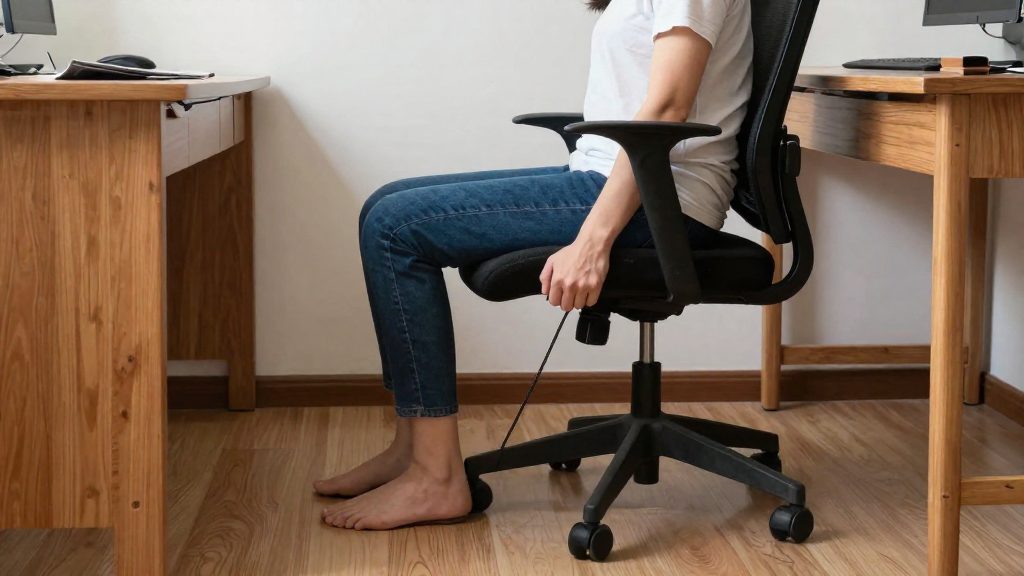
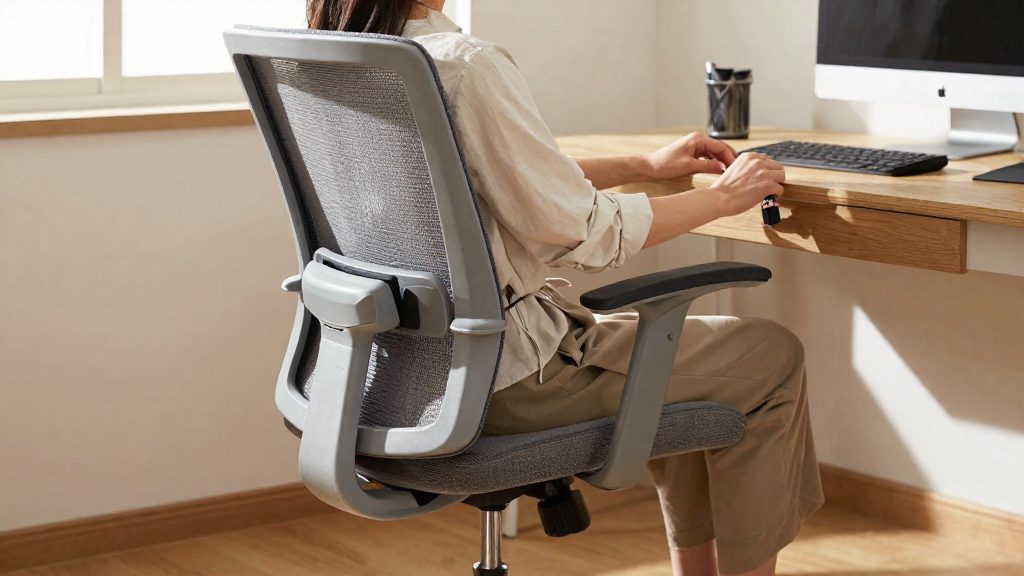
Locate the seat depth control before moving the seat. On most chairs it is a lever, knob, or slider under the front edge of the seat pan. Its design varies by model, so if you cannot find it, check the manufacturer’s manual. Do not push or pull the seat pan while the control is still locked.
-
Release the mechanism and slide the seat pan in small increments. Move it a short distance, then lock it in place. Large jumps make it hard to tell which direction improved the fit, and they can overshoot the correct position.
-
Sit back down and re-test the gap.
-
Read the result and choose the next direction. If the seat presses behind your knees, it is too long and the seat pan should move back. If the pressure concentrates under your hips, the seat is too short and the seat pan should move forward.
-
Repeat until the gap matches the target, then stop. Keep each adjustment small and retest every time. Once the setting feels right and the gap is correct, lock the mechanism and leave the chair there.
What if your chair has no seat depth adjustment?
If your chair has a fixed seat pan, you can still compensate when the seat is too deep. According to UPLIFT Desk (manufacturer, 2026), a thick backrest or lumbar cushion brings your back forward and restores the gap behind the knees.
To test a cushion:
- Place the cushion behind your lower back, then sit back fully.
- Check whether the space behind your knees has changed.
The sheet does not specify a cushion thickness, so judge the result by the gap, not by the cushion’s size.
Gap re-check is required after any cushion is added, because the cushion changes where your back sits. Repeat the test with the cushion in place.
| Observation with cushion in place | Meaning |
|---|---|
| Seat still presses behind the knees | The cushion has not moved your back far enough forward; a thicker cushion or a different one may be needed |
| Pressure under the hips | The seat is too short; the cushion remedy in the sheet applies to seats that are too deep |
Seat depth for short and tall users
The gap test is the same for every body size. Height changes how easily a chair reaches that reading, not the reading itself. Before you run the test, check the two points at the seat edge that differ between short and tall users.
One test for every body size
- Slide your fingers into the space behind your knee.
- Count how many fit.
Short users: confirm your feet rest flat on the floor
Before judging depth, make sure both feet rest flat on the floor. If your heels lift or your toes carry your weight, your legs are not stable and the gap reading is unreliable. In that case, a general practice is to adjust the seat height first and then repeat the gap test, although the sources do not cover this.
Tall users: thigh length decides whether the pan fits
For taller users, the key measurement is thigh length. The sheet states that a seat that is too short concentrates pressure under the hips, so a pan that ends before the thigh is fully supported will load the hips rather than the thighs. Check this:
- If your thighs are supported to the front edge and the gap test reads on target, the pan length fits.
-
- If the pan is at its deepest setting and the gap still reads too large, the pan may be too short for your thigh length.
- If the pan is at its shallowest setting and the gap still reads too small, the pan may be too long for your legs.
The sheet does not give further adjustments beyond the seat pan, so treat a persistent mismatch as a sign to compare chair models rather than to keep adjusting.
Pairing seat depth with lumbar support and armrests
Seat depth, lumbar support, and armrest position affect each other. Moving the seat pan changes where your back meets the backrest, which moves the lumbar pad. Armrest clearance at the desk is worth checking after any change, although the sources do not address armrests. Adjusting these three settings in a fixed order keeps you from readjusting the same setting twice.
Set seat depth first
A practical approach is to set seat depth first, since it changes where you sit relative to the backrest. The sources do not prescribe an order. Sit fully back against the backrest and adjust the seat pan. Leave the lumbar pad and armrests alone until the depth is final.
Then position the lumbar support
With the depth fixed, sit back again and place the lumbar pad against your lower back. Keep it aligned with the lower back, not higher on the mid-back or lower toward the hips. If the pad shifts when you sit fully back, it was set before the depth was final, so set it again.
Check armrest clearance after depth changes
Set the armrests last. After any depth change, push the chair in and confirm that the armrests clear the desk edge. Push the chair in and confirm that the armrests slide under the desk surface without striking the edge. If they do, adjust the armrest height or position before changing seat depth again.
| Order | Setting | What to confirm before moving on |
|---|---|---|
| 1 | Seat depth | You sit fully back, with no pressure behind the knees |
| 2 | Lumbar pad | The pad sits against the lower back |
| 3 | Armrests | The chair pushes in without the armrests hitting the desk edge |
Re-measuring seat depth after a chair change
Seat depth errors often come from measuring in the wrong posture.
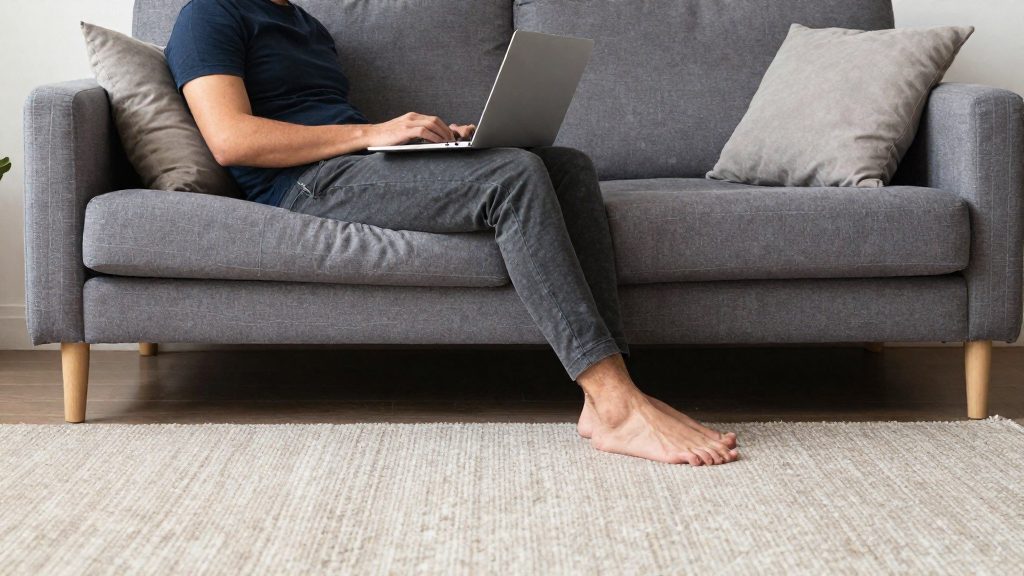
Home offices and improvised workspaces often use chairs without seat depth adjustment.
| Mistake | What goes wrong | Correct check |
|---|---|---|
| Keeping the depth from a previous chair | Each chair has its own seat length and backrest position, so the old setting no longer matches | Re-measure the gap after every change of chair |
Two practical points:
- Measure with a fixed posture. Settle into your normal working position first, then measure. A measurement taken while reaching for the keyboard does not represent your seated position.
- Recheck after a chair change. Each chair has its own seat length, so measure the gap again.
Frequently asked questions
How can I tell if my office chair seat is too deep?
Sit with your back fully against the backrest and check the space between the back of your knee and the front edge of the seat. If you cannot fit two to three fingers there, the seat pan is likely too long for your thighs.
What can I do if the seat is too deep and I cannot adjust it?
A thicker backrest or a lumbar cushion moves your back forward, which closes the gap behind your knees. This works as a workaround when the seat pan depth cannot be changed.
Why do some guides measure the seat gap at a different point?
Some guidance measures the clearance between the calf and the seat edge, while other guidance measures from the back of the knee. These are different reference points, so check the same spot on your own body each time you adjust your chair.