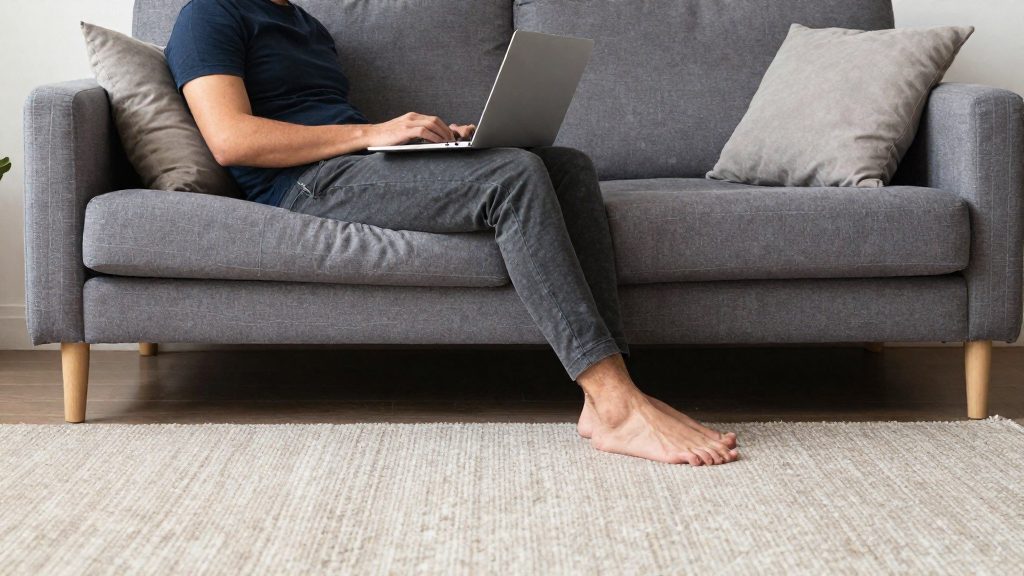
Working from the couch is not automatically harmful, but the risk rises with how often you do it and how long you stay in one static position without support. The U.S. Army (army.mil, 2020) states that working from a couch or bed with a laptop on your lap introduces risks that a typical office setup does not. The main factor is the combination of an unsupported posture and repeated exposure, not the couch itself.
Is working from the couch bad for your back?
Occasional and daily couch work carry different levels of risk.
Occasional couch work, such as a single session on a day when you need a change of scenery, involves limited time in one position. The main concern in that case is the posture you adopt during the session.
Daily couch work raises your exposure considerably. The U.S. Army (2020) identifies static positions as harmful. Repeating the same slumped position day after day, without breaks to move, keeps the spine under the same load for hours at a time.
Why a laptop on your lap differs from an office
The laptop on the lap creates problems that a desk setup avoids:
- The screen sits low, so you tend to bend your neck and upper back toward it.
- The keyboard and screen are not fixed to a desk, so their position changes with how you shift on the cushions.
- Hunching over the device can cause neck pain and backaches (U.S. Army, 2020).
Who faces the highest exposure
Exposure is higher when couch work is your default setup rather than an occasional alternative. The risk is greatest when you:
- work several hours a day with the laptop on your lap
- sit in the same slumped position without back or thigh support
- take few or no breaks, even though the U.S. Army recommends micro-breaks to stand, stretch and adjust your position
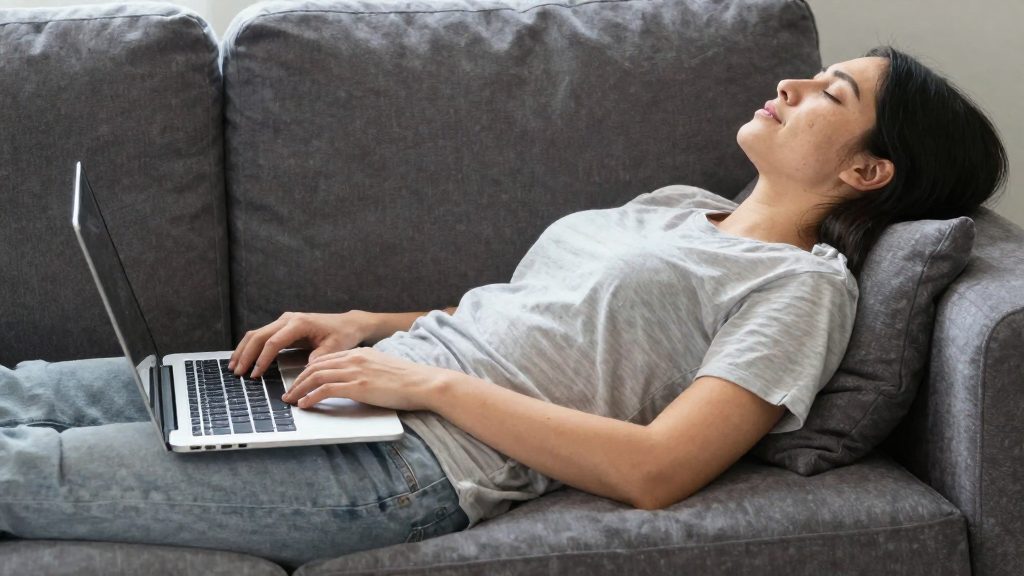
Why couches wreck your posture
Working on a couch puts the spine in positions that differ from a typical office setup. Three features of the couch drive this strain: soft cushioning, a reclined backrest, and the angle of the laptop.
Soft cushions and pelvic tilt
A deep, soft seat lets the pelvis sink and roll backward. This pelvic tilt flattens the natural inward curve of the lower back, which pushes the lumbar spine into lumbar flexion. In an upright chair, the seat surface holds the pelvis in place. On a couch, the cushion gives way under your weight, so the pelvis keeps drifting until the muscles of the lower back and abdomen stop correcting it.
Reclined backrests and load on the lower spine
A reclined backrest moves the torso away from vertical. The upper body rests against the back cushions instead of being held by the trunk muscles, and more of the load shifts onto the lower spine. Many couch backs are slanted or deep, which encourages the lower back to round against them rather than stay in its natural curve.
Laptop angle and forward head posture
A laptop on the lap sits low and far from eye level, so you tilt your head down to read it. This forward head posture moves the head ahead of the shoulders, and the muscles at the back of the neck must work harder to hold the head up. Over time, this can contribute to the neck pain and backaches the Army guidance describes.
| Couch factor | Mechanism | Body area affected |
|---|---|---|
| Soft cushion | Pelvis tilts backward, lumbar curve flattens | Lower back |
| Reclined backrest | Torso rests against cushions, load shifts to lower spine | Lower back |
| Laptop on lap | Head tilts forward to view screen | Neck and upper back |
How to set up your couch if you have no choice
If you must work on a couch, start with the seat and back, then add the pillows. Sit with your back against a wall or headboard. This gives your spine a fixed reference point, so your back does not sink into soft cushions. Slide your hips toward the back of the seat so you are sitting fully back rather than perched on the front edge.
Then place the three support pillows:
- Horizontal lumbar pillow. Put it behind the lower back, in the hollow above the seat, so the lower back is supported and does not round forward.
- Vertical spine pillow. Stand a second pillow upright along the spine, between your back and the wall or headboard. It supports the mid and upper back. Adjust its thickness until your head sits over your shoulders rather than in front of them.
- Thigh pillow. Place a pillow under the thighs to support the legs.
| Step | Pillow | Placement | What it supports |
|---|---|---|---|
| 1 | Horizontal lumbar | Behind the lower back | Lower back |
| 2 | Vertical spine | Along the spine, against the wall or headboard | Mid and upper back |
| 3 | Thigh | Under the thighs | Legs |
Once the pillows are in place, sit back and check the position before you start working. The lumbar pillow should feel firm without pushing you forward, and the spine pillow should keep your back in contact with the support rather than leaving a gap. Avoid tilting forward to reach the laptop, because a laptop held on your lap encourages hunching.
Raise the screen and add a separate keyboard
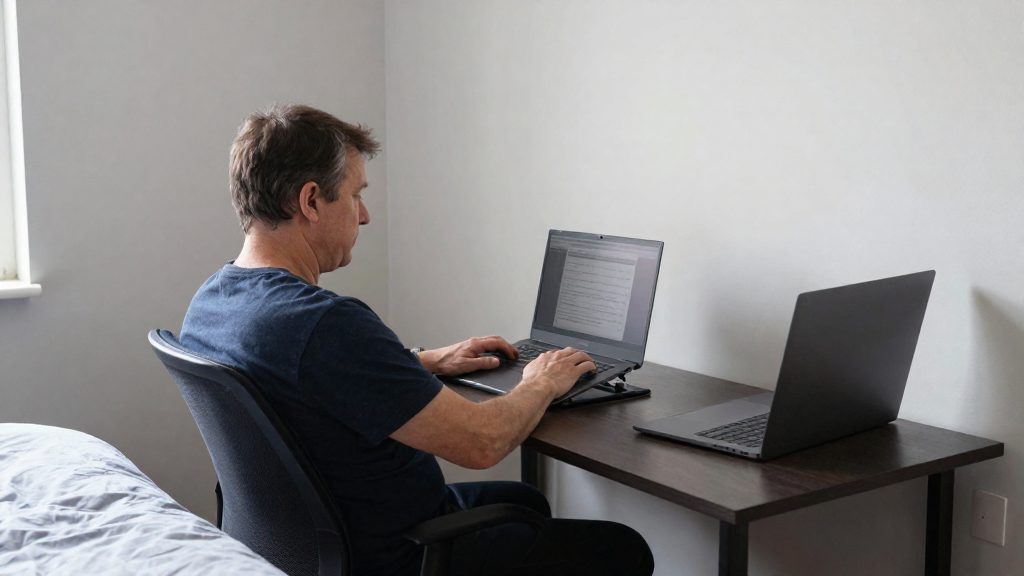
Raising the screen to eye level and placing the keyboard and mouse at elbow height keeps the head and forearms in a more neutral position. Raising the screen to eye level and placing the keyboard and mouse at elbow height keeps the head and forearms in a more neutral position.
Top of the screen at eye level
Position the top of the screen at or near eye level, so that you look slightly down at it rather than tilting your head forward. The screen should sit directly in front of you, not to one side, so that your neck does not rotate to read it. If the top edge sits well below eye level, the head tends to drop forward.
Keyboard and mouse at elbow height
Place the keyboard and mouse so that your forearms rest at roughly elbow height with the elbows bent and close to the body. Your shoulders should stay relaxed rather than lifted. A separate keyboard and mouse allow you to set this height independently of the screen, which a built-in laptop keyboard does not permit.
Laptop stand or external monitor
Both options raise the screen, but they differ in how they are used:
| Option | What it changes | Best fit on a couch |
|---|---|---|
| Laptop stand | Raises the laptop so the screen reaches eye level | Keeps the built-in screen, but the keyboard still needs a separate external device |
| External monitor | Provides a full-size screen that can be set at eye level, independent of the laptop | Suits longer sessions, since the laptop can be placed at a fixed, higher position |
| External keyboard and mouse | Lets the input devices sit at elbow height | Required with either option to achieve the elbow-height arrangement |
A stand is the simpler change when you already own a laptop. An external monitor adds more adjustability but needs a stable surface at the right height.
The U.S. Army (army.mil, 2020) advises sitting no more than two hours at a time and walking for at least 10 minutes during breaks.
Pillows and lap desks: what works?
For working on a couch, the most practical base is a rigid surface such as a tray or flat board placed on a pillow and used as a desk. The U.S. Army (army.mil, 2020) names this setup directly: use a tray or other surface on a pillow as a desk. The choice of base comes down to two criteria: stability and fit.
Tray or flat surface on a pillow
A tray or board set on a pillow creates a desk-like plane. Its height is set by the thickness of the pillow, so you can adjust it by changing or folding the pillow. Stability depends on the pillow underneath: if it stays firm, the keyboard and device remain steady while you type. If the pillow compresses unevenly, the surface tilts, so check it before you start working.
Lap desks
A lap desk rests directly on your thighs. Two properties determine whether it works:
- Tilt: Check whether the surface holds a fixed angle or can shift while you type. A surface that moves under the keyboard reduces control.
- Weight capacity: Compare the manufacturer’s stated limit with the weight of your laptop and accessories before use. Capacity figures vary by product, so rely on the manufacturer’s specification.
A lap desk suits short tasks where you need the surface to move with you, but it keeps the device at lap height, which is the position the Army source associates with hunching.
Soft pillows as a base
Soft pillows are the least stable option. A laptop and keyboard placed directly on a soft pillow sink into the cushion, which tilts the device and shifts the keys as you type. Use a soft pillow only as support beneath a firm surface, never as the surface itself.
| Base | Stability | Fit |
|---|---|---|
| Tray or flat surface on a firm pillow | Steady while the pillow stays firm | Height adjusted by pillow thickness |
| Lap desk | Depends on tilt and base contact | Rests directly on the thighs |
| Soft pillow used alone | Low: device sinks and shifts | Poor for typing |
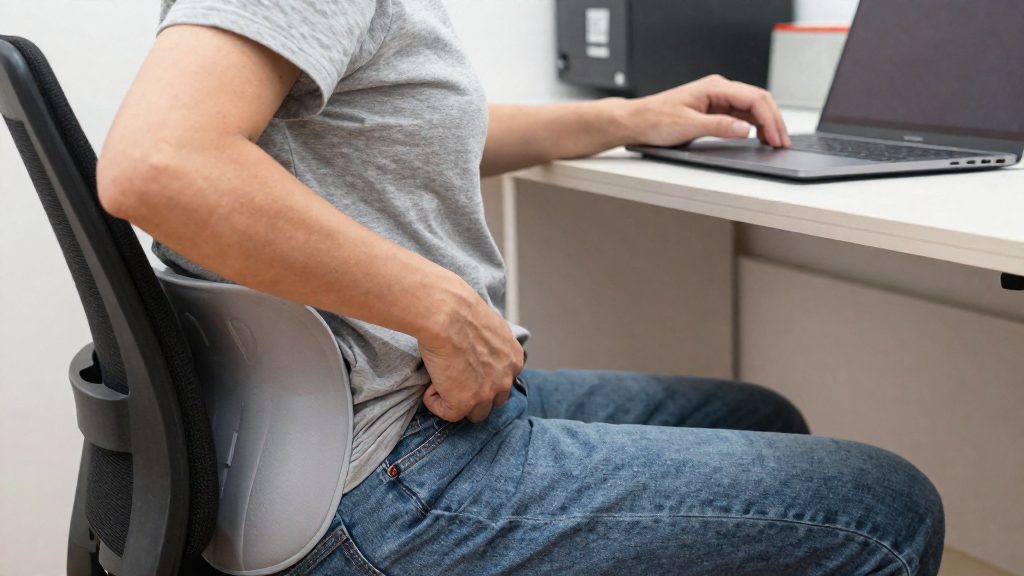
How long can you stay on the couch?
The U.S. Army (army.mil, 2020) advises sitting no more than two hours at a time, and recommends walking for at least 10 minutes during breaks. Treat two hours as a ceiling, not a target, and take breaks well before you reach it.
The problem is holding one posture for a long stretch, not a single moment of poor posture. A session that stays comfortable for an hour can still exceed the limit if you stay in the same position without interruption.
To plan a workday around the limit, split the day into separate couch sessions instead of one long block:
- Note the start time of each couch session and set a stop point before two hours have passed.
- Schedule a change of position or activity before the next session begins.
- If a task needs more time than one session allows, resume it after a clear interruption rather than continuing without a break.
- Consider reserving couch sessions for lighter tasks such as reading, reviewing or messaging, and use another location for longer typing or video calls.
| Situation | Guidance | Action |
|---|---|---|
| Continuous seated couch work | Two hours maximum | Stop and change position before the limit |
| Sitting interrupted by a break | Resets the continuous count | Begin the next session with a fresh start time |
Quick stretches and breaks to reset
Short, frequent breaks are the most direct way to interrupt the static seated posture that couch work encourages. The U.S. Army (army.mil, 2020) recommends taking micro-breaks to stand, stretch and adjust your position. Each break should change your posture, not just pause your typing.
Micro-breaks: stand, stretch, shift
Use each break to change your body position in at least one way:
- Stand up and straighten your legs.
- Move away from the seat so your posture changes.
- Shift your position when you return: sit forward, move your weight to the other hip, or lean back against the wall or headboard.
Avoid taking the laptop with you during the break. Keeping the screen in your lap while standing keeps you in the same hunched position.
Walking during breaks
The same guidance advises that you walk for at least 10 minutes during breaks. A walk keeps the body moving through a full break. Walk to another room, such as the kitchen or a hallway, and return to your seat afterward. Treat the walk as a separate activity from work, so the break is actually a break.
On-the-spot stretches for the neck and hip flexors
The following stretches can be done where you are, without equipment:
| Stretch | Target | How to do it |
|---|---|---|
| Chin tuck | Neck, upper back | Sit or stand tall and draw your head straight back over your shoulders, without tilting it down. Hold gently, then relax. |
| Neck side tilt | Side of the neck | Keep your shoulders level and tilt one ear toward the shoulder. Breathe steadily, then repeat on the other side. |
| Standing hip flexor stretch | Front of the hip | Stand and step one foot back. Tuck your pelvis gently and shift your weight forward until you feel a stretch at the front of the back leg’s hip. Keep your torso upright. |
Perform each stretch slowly and avoid bouncing. Stop if you feel sharp pain.
When to move to a real workstation
A couch setup can work for occasional sessions, but certain symptoms and work patterns mean you should switch to a dedicated desk. Ongoing strain is the main reason to reassess.
The first signal is persistent pain despite adjustments. If neck or back pain persists despite pillow support, the setup itself is the limit. Pain that returns after each session suggests the setup is not working for you. Consider moving to a desk setup and talking to a health professional if the pain persists.
The second signal is full-time remote work. Checking messages on a sofa for twenty minutes differs from a full working day. When the laptop becomes your main tool, the strain on your neck and back accumulates, and a couch offers no stable, adjustable base for prolonged work.
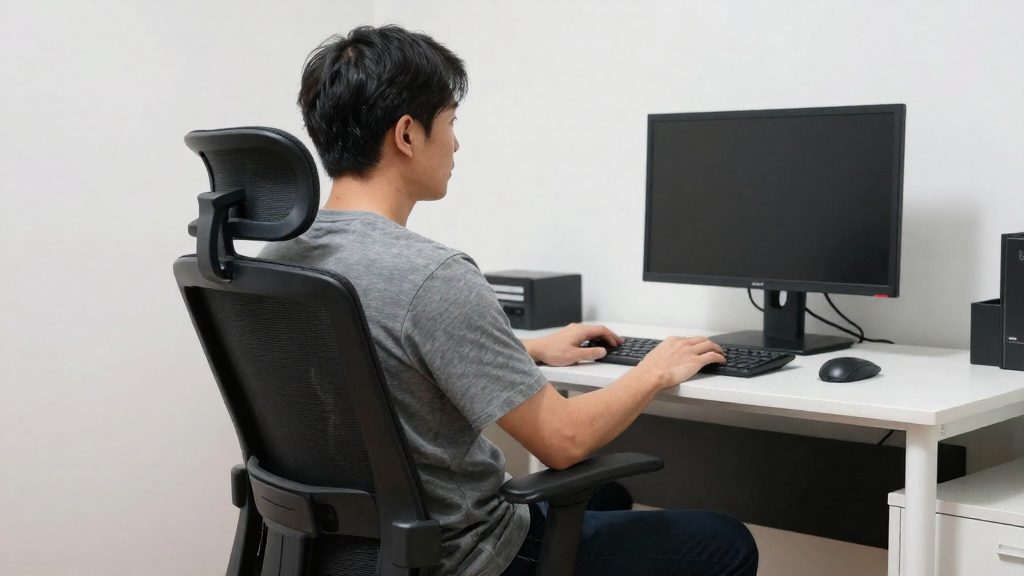
The third signal concerns equipment. Sustained work usually requires:
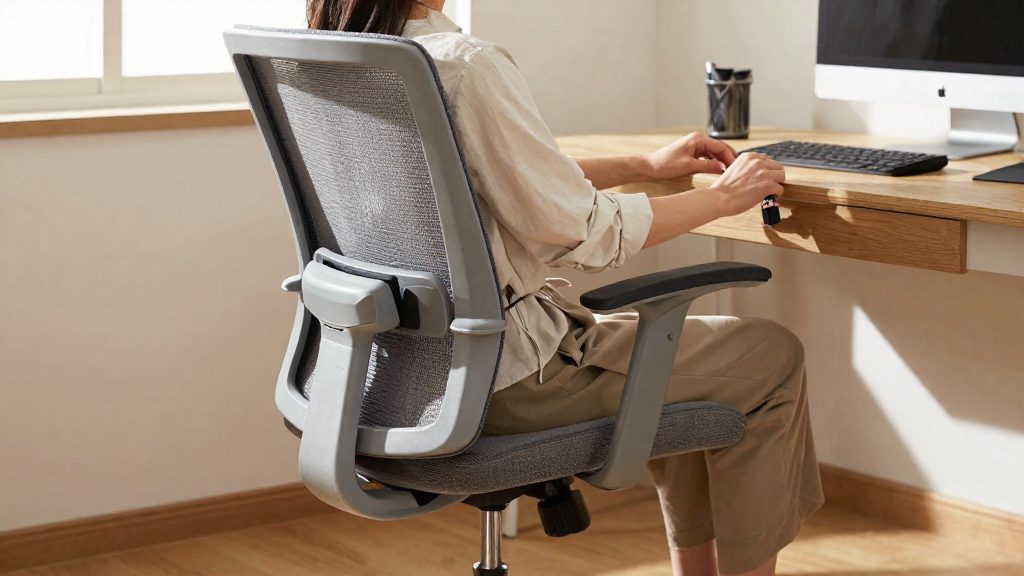
- An adjustable chair that supports the lower back and allows you to change seat height and backrest position
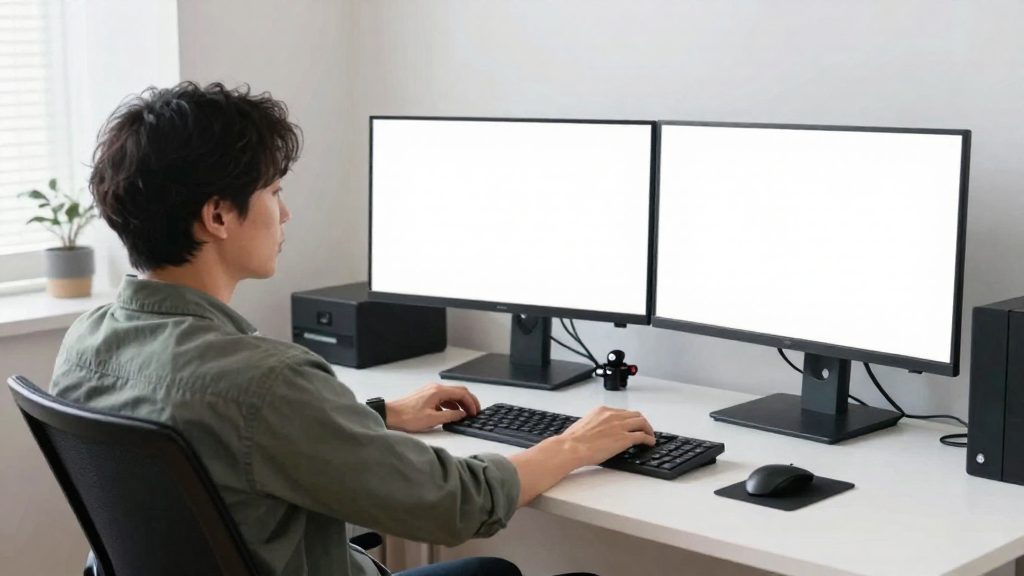
- An external monitor, so the screen can sit at a fixed, reachable height instead of on your lap
| Situation | Couch setup acceptable? | Next step |
|---|---|---|
| Occasional short session, no pain | Yes | Keep the pillow setup |
| Pain returns after sessions despite pillow support | No | Move to a desk setup |
| Laptop is your main tool for full working days | No | Equip a dedicated workstation |
| Laptop only, no adjustable seat, long hours | No | Add an adjustable chair and external monitor |
Frequently asked questions
Is an occasional couch session a real problem?
Limited sessions carry less risk than daily use, because the time spent in one position is short. Keep your back supported and change position during the session.
How do I set up the couch so it supports my back?
Sit with your back against a wall or headboard, place one pillow horizontally behind your lower back and one vertically along your spine, and add a pillow under your thighs. Set your laptop on a tray or another surface resting on a pillow to raise it closer to desk height.
How long can I work on the couch before I need a break?
Sit no more than two hours at a time. Use micro-breaks to stand, stretch and adjust your position, and walk for at least 10 minutes during your longer breaks.