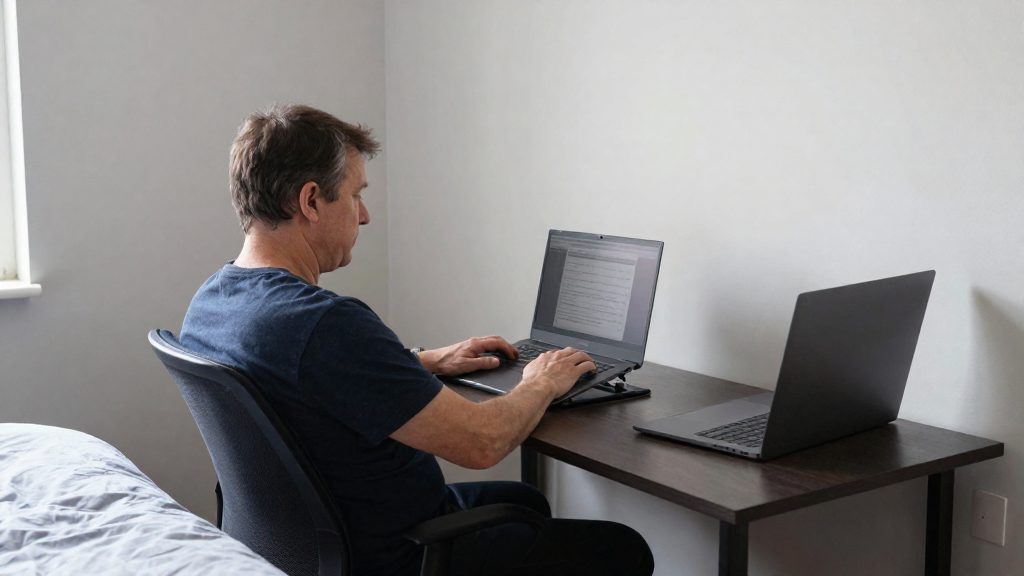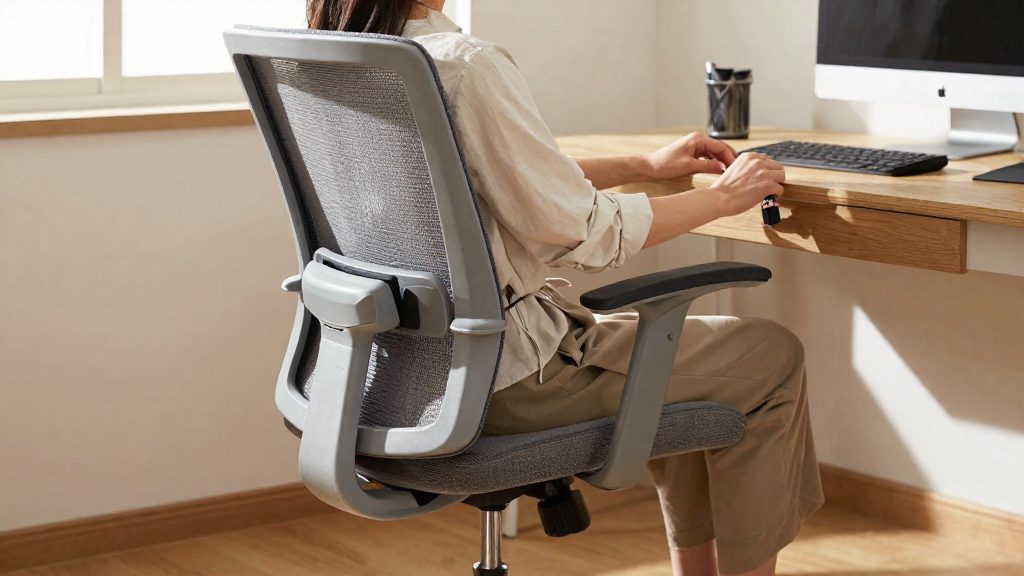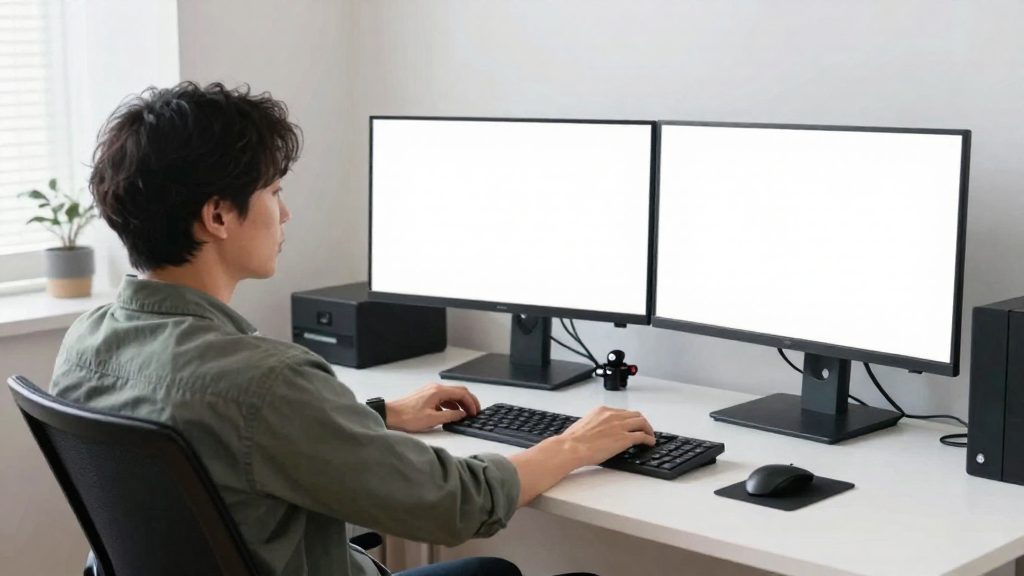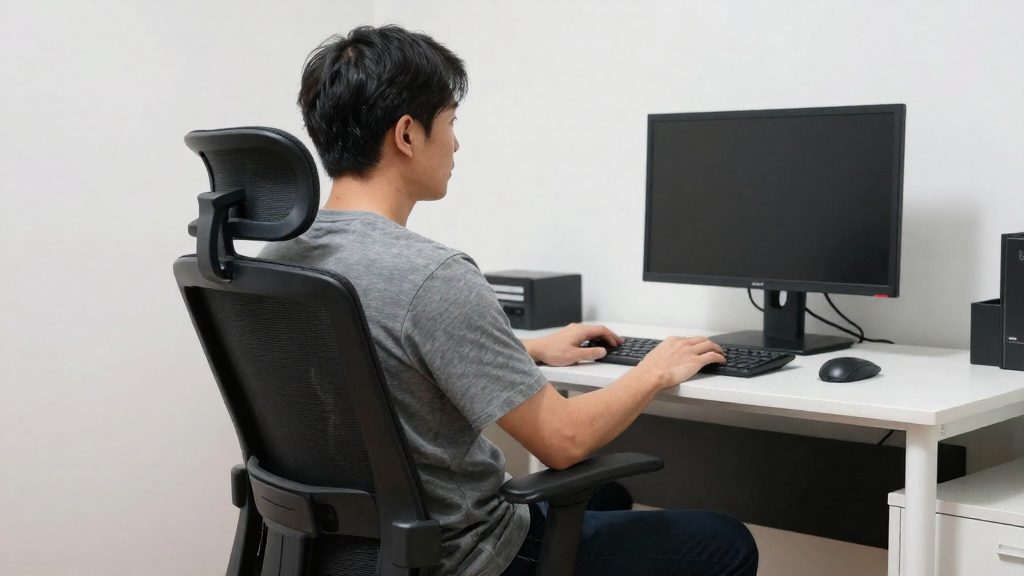
Forward head posture is a position in which the head moves ahead of the shoulders while you work, so the ears no longer sit over the shoulder line. In this position, the neck and upper back muscles must hold the head against gravity. An upright head and neck place about 12 pounds of load on the back muscles, while a head tilted forward 45 degrees places about 45 pounds.
What is forward head posture?
Forward head posture is a misalignment in which the head sits in front of the shoulders instead of stacked above them. At a desk, the head often drifts forward gradually, and the ears move away from the vertical line through the shoulders.
The reference position is to keep your ears directly above your shoulders. Any forward drift breaks this alignment.
Why the load increases
The weight of the head does not change, but the leverage on the neck does. According to University of Florida Health (2019-03-27), the load on the back muscles rises considerably as the head tilts forward:
| Head position | Load on the back muscles |
|---|---|
| Upright head and neck | about 12 pounds |
| Head tilted forward 45 degrees | about 45 pounds |
At 45 degrees, the load is roughly 3.75 times the upright value. These figures apply to the positions listed, and they do not measure your own posture.
Early signs to watch for
Forward head posture usually produces discomfort before any obvious injury. Watch for:
- Neck stiffness, especially after a long session, or tightness at the base of the skull.
- Shoulder tension, often felt as the shoulders rising toward the ears.
- Tired eyes, which can appear when you lean toward the screen to read small text.
How to check your alignment
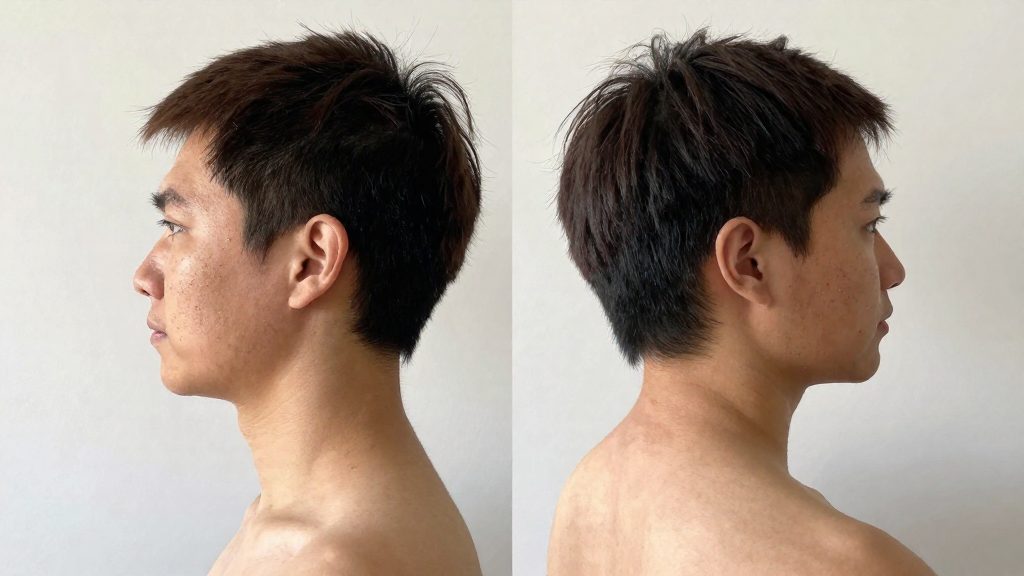
- Sit in your usual working position and ask someone to photograph you from the side, or look at your profile in a reflective surface.
- Check whether your ear sits directly above your shoulder. If the ear is clearly in front of the shoulder, your head has drifted forward.
- Repeat the check at several points during the day, since the drift often happens gradually.
Why does it happen at a computer?
Forward head posture at a computer usually develops because the task pulls the head toward the screen, not because the screen is positioned for the head. Three factors recur in desk work: leaning in to read small text, a laptop screen set low on the desk, and the broader category of awkward or unnatural postures that the National Institute for Occupational Safety and Health (NIOSH) lists as a risk factor for musculoskeletal disorders.
Leaning in to read is the most direct trigger. When text is hard to make out, the head moves forward to shorten the distance to the screen, and the neck extends to keep the eyes on the text. Because this happens during reading and typing, it can continue for long periods without being noticed.
A laptop placed low on the desk produces the same effect. The built-in display sits near keyboard level, so the eyes drop and the head tilts forward to bring the screen into view. A low laptop screen can therefore pull the head forward, which is why the reference material recommends adding a secondary monitor where possible.
NIOSH lists maintaining awkward or unnatural postures as a workplace risk factor for musculoskeletal disorders. It recommends designing the work environment to fit workers’ physical capabilities. A forward-tilted head held for long periods can be considered an awkward posture of this kind, particularly when the workstation layout encourages it.
How should you set up your monitor?
Place the screen so that you read it without moving your head. Start by placing the monitor directly in front of you, with the centre of the screen level with your nose. Check the screen position before you begin working, because it sets the head angle for the rest of the session.
Increase the font size so you don’t have to lean in to read.
If you work on a laptop, add a secondary monitor if possible. Position it with the same rules: directly in front of you, with the centre of the screen level with your nose. This lets you apply the height and text-size settings to your main work instead of making the laptop screen fit them.
Use this sequence each time you set up the workstation:
- Place the monitor directly in front of you.
- Adjust its height so the centre of the screen is level with your nose.
- Increase the font size until you can read without leaning in.
- Confirm your posture before you start using the screen.
Is your chair and keyboard setup helping?
Your chair, keyboard, and mouse set the height of your shoulders, elbows, and hands. If they are misaligned, your head tends to drift forward to compensate. Check these points in order, starting from the chair, since the other adjustments depend on it.
| Checkpoint | Target | How to check |
|---|---|---|
| Back against the chair | Your lower and upper back rest against the backrest | Slide back until the backrest supports your spine, then sit upright without pushing forward |
| Feet flat on the floor | Both feet rest fully on the floor | If your feet don’t reach, use a footrest or adjust the chair height |
| Elbows at about 90 degrees | Elbows are bent roughly at a right angle while your forearms rest on the keyboard | Adjust the chair height first, then adjust the keyboard height to match |
| Mouse level with the keyboard | The mouse sits on the same surface height as the keyboard | Place the mouse next to the keyboard, not on a raised or lower surface |
Set the chair first. Once your feet are flat and your back is supported, bring the keyboard to the elbow height. If the keyboard sits too high, your shoulders rise and your head may follow. If it sits too low, your wrists bend, which pushes your shoulders into a hunched position.
Keep the mouse at the keyboard level rather than reaching to the side. Reaching repeatedly moves your shoulder and head out of line.

How often should you take breaks?
The guidance is to interrupt static seated positions at fixed intervals instead of waiting for discomfort. Spine-health recommends that you walk around every 30 minutes and spend at least 1 to 2 hours of the workday standing. Both actions break up the sustained forward-leaning position that forward head posture depends on, so the goal is frequent position changes rather than occasional long pauses.
| Interval | Action | Source |
|---|---|---|
| Every 30 minutes | Walk around | Spine-health |
| Every 30 minutes | Set a silent phone alarm as a reminder | Spine-health |
| Over the workday | Stand for at least 1 to 2 hours in total | Spine-health |
A silent phone alarm makes the 30-minute schedule automatic. Silent mode avoids interrupting colleagues, and the alarm only needs to prompt you to stand, walk, and reset your position. Each alarm is a cue for a short movement, not a full break.
The standing time is a daily total, so it can be spread across the day. Stand during phone calls, while reading documents, or when you switch tasks. The guidance specifies the total but not how to divide it, so you can choose the split that fits your schedule.
The load figures show why a sustained forward-tilted head is demanding on the neck: about 45 pounds at 45 degrees of forward tilt, compared with about 12 pounds when upright. The sources recommend walking around every 30 minutes, but they do not link that interval to these figures.
Simple stretches and habits to reset your neck
Three short movements can counter forward head posture between work tasks. They target the muscles that hold the head over the shoulders and require no equipment. Perform each movement slowly and stop if you feel sharp pain.
Chin tucks
Sit tall and look straight ahead. Slide your head straight back, as if making a double chin, then hold briefly and relax. Keep your eyes level, so the movement comes from the neck rather than from tilting the chin up or down.
Scapular squeezes
Draw your shoulder blades gently back and down, toward your back pockets. Hold briefly, then release. Keep your neck relaxed and your ribs down so the work stays in the upper back.
Gentle side neck stretch
Tilt one ear toward the shoulder on the same side without lifting that shoulder. Hold briefly, return to center, then repeat on the other side. Work one side at a time and keep the stretch within a comfortable range.
Movement summary
| Movement | Main action | Common error |
|---|---|---|
| Chin tuck | Head moves straight back | Chin tilts up or down |
| Scapular squeeze | Shoulder blades move back and down | Shoulders shrug upward |
| Side neck stretch | Ear moves toward the same shoulder | Shoulder lifts or stretch is forced |
Habits between movements
Check your posture before you start using a screen, keep your ears directly above your shoulders, and repeat a chin tuck when you notice your head drifting forward. Walk around every 30 minutes.
When to see a professional
Posture changes reduce strain, but some symptoms point to a problem that self-adjustment will not resolve. If the symptoms below appear, arrange a clinical assessment rather than continuing to adjust your workstation alone.
Neck pain that persists beyond two weeks
Mild stiffness after a long day at the screen often eases with rest and small changes to your setup. Consider a clinical assessment if:
- Neck pain lasts more than two weeks even after you have corrected your monitor height, keyboard position, and chair support.
- The pain worsens over time instead of improving.
- Pain keeps returning each time you go back to work, even after you have changed your routine.
Note the dates when the pain started, what you changed, and what made it better or worse. This record helps a clinician understand your situation.
Numbness or tingling spreading into the arms or hands
Numbness or tingling that moves down the arm into the hand is a symptom that warrants professional evaluation. Do not assume tingling is harmless, even if it comes and goes. If it spreads, persists, recurs, or becomes constant, arrange a professional evaluation. A clinician can examine the neck and assess nerve function.
If numbness is accompanied by sudden weakness or difficulty gripping objects, seek urgent medical care.
Headaches that begin at the base of the skull
A headache that starts at the base of the skull and spreads forward is a pattern worth reporting to a doctor. Track when these headaches occur, how long they last, and whether they follow periods of prolonged screen use. Bring that log to your appointment.
Frequently asked questions
How much extra load does a forward head put on my neck?
According to University of Florida Health (2019-03-27), a head tilted forward 45 degrees places about 45 pounds on the back muscles, compared with about 12 pounds when the head and neck are upright. That is roughly 3.75 times the upright load, but these values describe the listed positions, not your own posture.
How often should I get up during a workday?
Spine-health recommends walking around every 30 minutes and spending at least 1 to 2 hours of the workday standing. The source gives these intervals without linking them to the head-load figures.
What should I do if I notice tingling in my arms or hands?
Do not assume tingling is harmless, even if it comes and goes. If it spreads, persists, recurs, or becomes constant, arrange a professional evaluation.