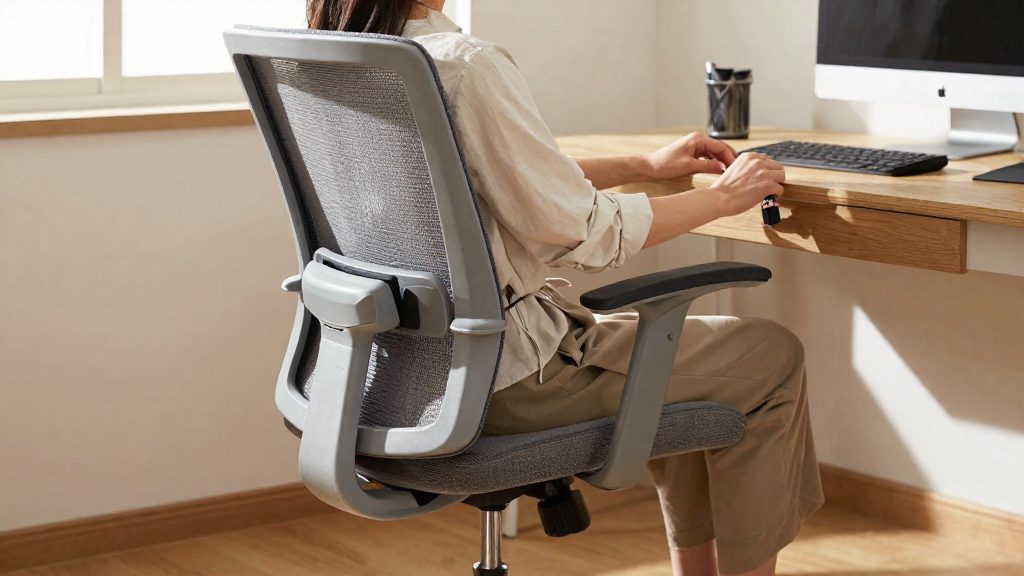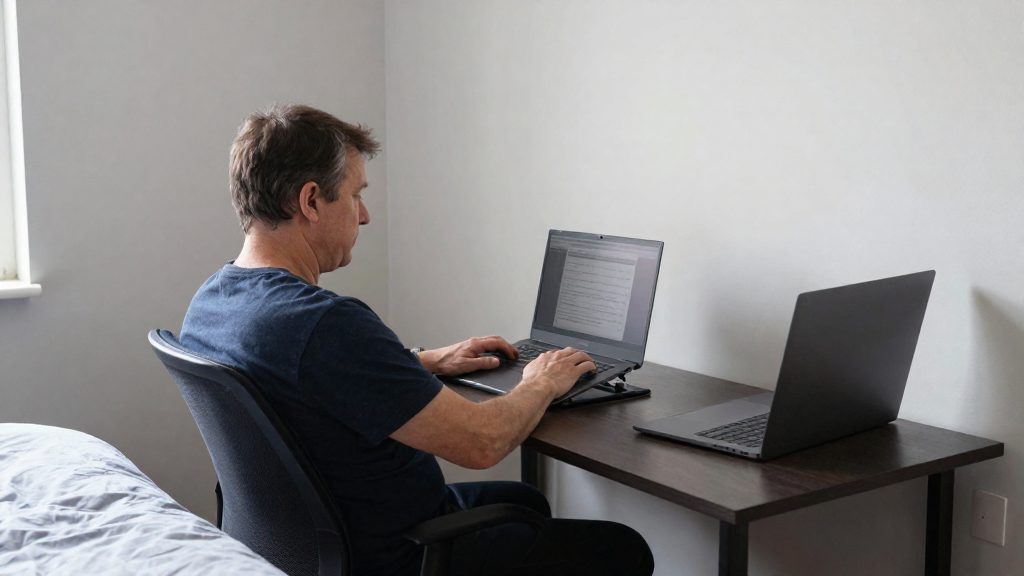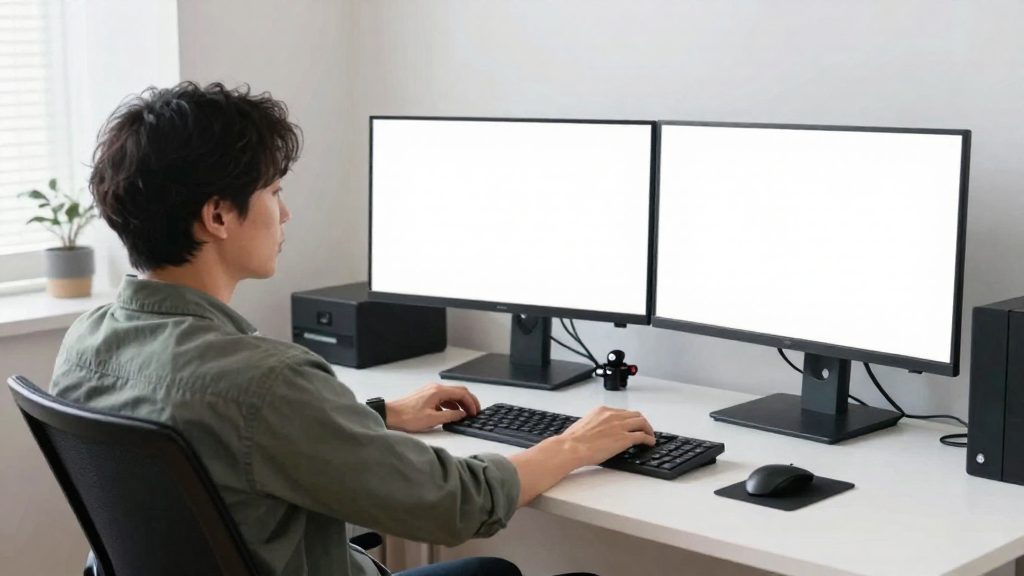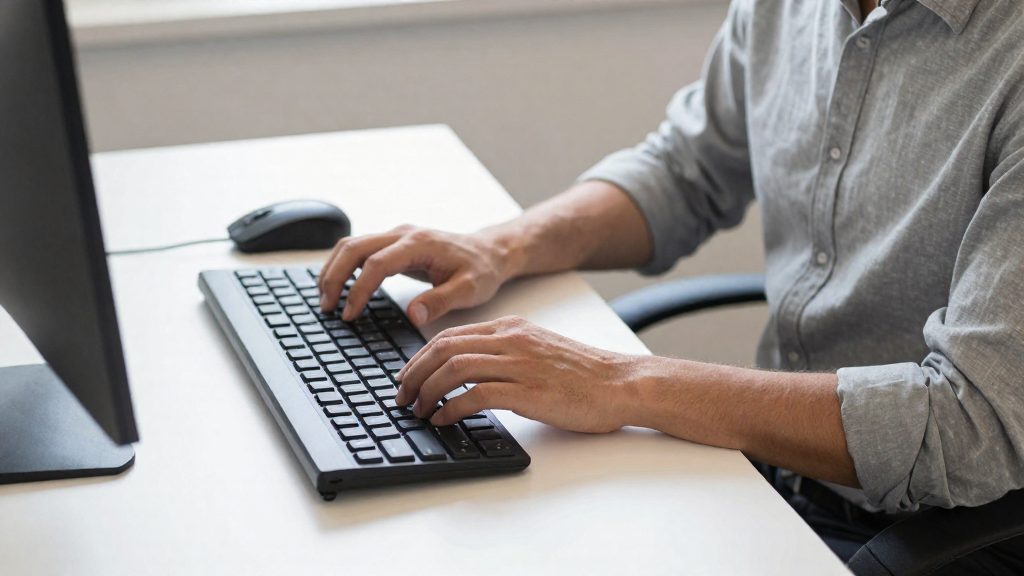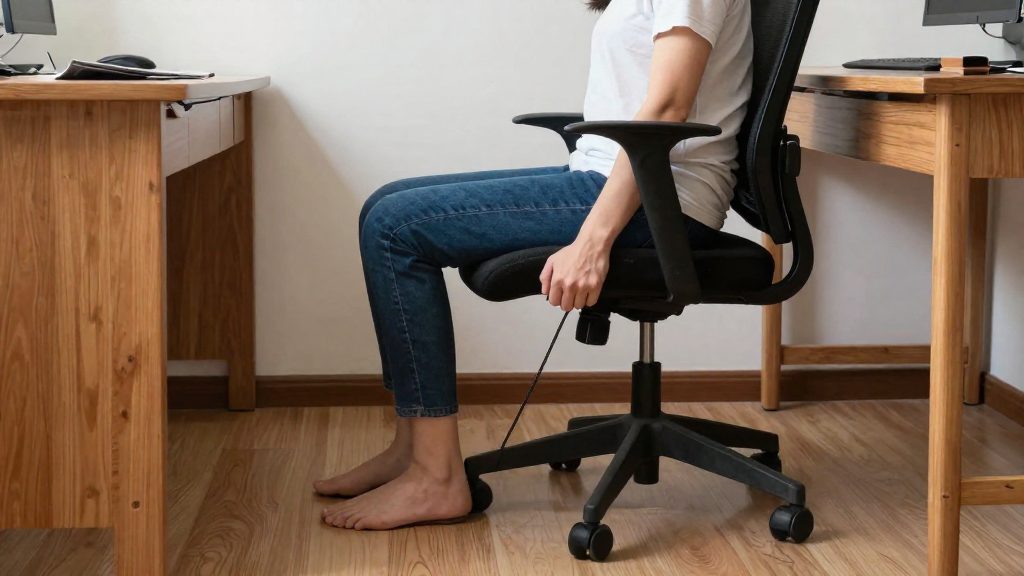
According to FlexiSpot, a standard seat height of 17 to 22 inches is too high for people under 5’6”, so a short user may be seated with the feet unsupported before any other setting is considered.
Why standard office chairs don’t fit short people
Fixed dimensions set for a typical adult
Once the chair is manufactured, these proportions do not change, and the user must adapt their body to them.
Adjustment ranges with a high floor
A height adjustment only helps if its lowest setting reaches the user’s needed height. When a chair’s lowest setting is around 17 inches, the bottom of FlexiSpot’s standard 17 to 22 inch seat height, it cannot go low enough for many shorter users.
Cumulative effect on posture
A seat that sits too high leaves the feet dangling. FlexiSpot identifies a footrest as the way to compensate in this case, for example when the desk is too high. A footrest corrects the foot position but not the seat itself. Because chair height, desk height and armrest position are linked, a mismatch in one dimension often leads the user to compensate with another. Because these settings interact, set the seat height first, then recheck the desk and armrests after each change.
What seat height should a short person look for?
For shorter users, the key specification is the minimum seat height, which should match stature rather than the chair’s default position. FlexiSpot gives a specific figure for each stature band, as shown below.
| Stature | Minimum seat height (FlexiSpot) |
|---|---|
| 5’6” | 16 inches |
| 5’2” | 15 inches |
Checking the lowering range
Check the lowest setting in the product specifications, not only the highest. For users under 5’2”, FlexiSpot recommends a chair whose seat lowers to about 14 inches. A chair whose lowest setting stays above that figure cannot meet the recommendation for this stature, even if its adjustment range looks wide. Compare the stated minimum with the table above before you buy.
Setting knee and foot position
Set the seat height first, then check the lower body. FlexiSpot recommends that the knees sit at roughly 90 degrees and that the feet rest flat on the floor. To set this:
- Sit fully back in the chair so the backrest supports your spine.
- Lower the seat until your knees reach about 90 degrees.
- Confirm that both feet are flat on the floor without pressing on the toes or heels.
- Make small adjustments of one step at a time, then recheck both angles.
If your feet cannot rest flat on the floor at the seat height that gives about 90 degrees at the knees, the chair’s lowest setting is probably too high for your stature. In that case, a lower-range chair is the better option.
How deep should the seat be?
Seat depth determines whether the front edge of the seat presses into the back of your knees. FlexiSpot, a chair manufacturer, states that standard office seats are 17 to 18 inches deep and that this is too deep for shorter people. For users 5’6” or shorter, it recommends a seat no deeper than 16 inches, and it considers an adjustable seat that goes down to 15 inches ideal.
The concern is circulation. The back of the knee contains veins, and a seat edge that is too far forward compresses them, which can cause discomfort in the legs during long sitting periods. To avoid this, FlexiSpot suggests leaving a gap between the seat edge and the back of the knee.
| Seat depth reference | Value (FlexiSpot) |
|---|---|
| Standard office seat depth | 17 to 18 inches |
| Maximum depth for users 5’6” or shorter | 16 inches |
| Ideal depth for an adjustable seat | 15 inches |
| Gap between seat edge and back of knee | 2 to 4 finger-widths, minimum 10 mm (about 0.4 inch) |
To check the knee gap in practice, sit with your back against the backrest and slide your fingers between the seat edge and the back of your knee. If you cannot fit at least two finger-widths (and at least 10 mm), the seat is likely too deep for your height. If the gap is wider than about four finger-widths, the seat may be too shallow, and your thighs may not be fully supported.
Do armrests matter for petite users?
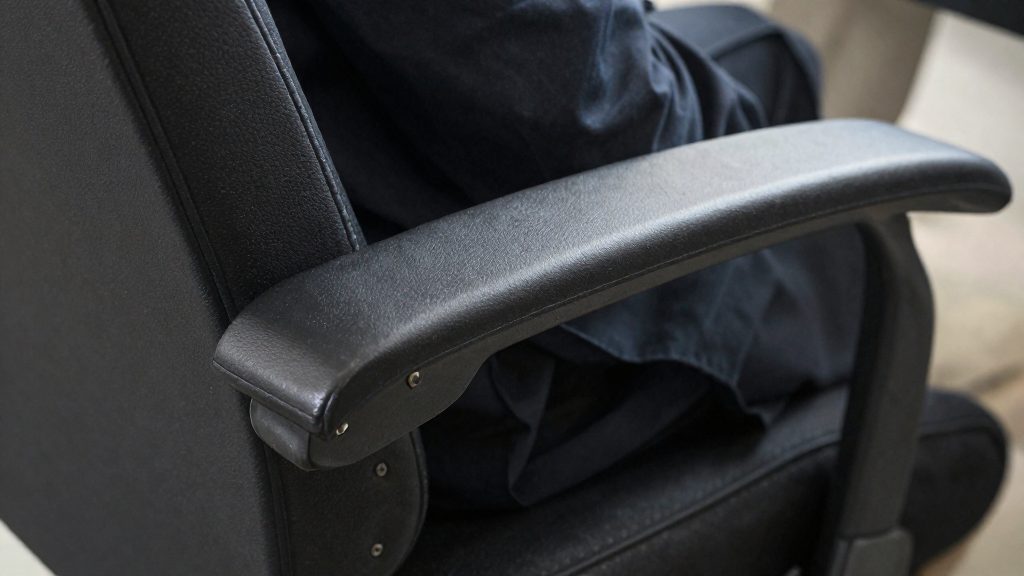
Armrests matter for shorter users because a standard armrest set too wide or too high holds the shoulders up and away from the body. FlexiSpot, a furniture manufacturer, recommends narrower and lower armrests as stature decreases. Its guidance sets a maximum spacing of 16 inches apart at 5’6” and about 13 inches under 5 feet, with the elbows held at roughly 90 degrees.
Three measurements define the fit:
- Armrest spacing: Armrests should be no more than 16 inches apart for a user at 5’6”, and about 13 inches apart for a user under 5 feet. Wider spacing forces the upper arms away from the torso and loads the shoulders.
- Armrest height: For users under 5’6”, the armrest pad should sit about 9 inches above the seat. For users under 5 feet, the maximum is 7 inches. An armrest set higher than this lifts the shoulders to reach it.
- Elbow angle: The elbows should stay at about 90 degrees while the forearms rest on the pads. A larger angle usually means the armrest is too low, and a smaller one usually means it is too high.
To check the fit, sit with the upper arms hanging relaxed and bend the elbows to 90 degrees. If the pads touch the forearms without the shoulders rising, the spacing and height are within the ranges above. If you must lift a shoulder to reach a pad, the armrest is too high or too far apart.
Do you need a footrest?
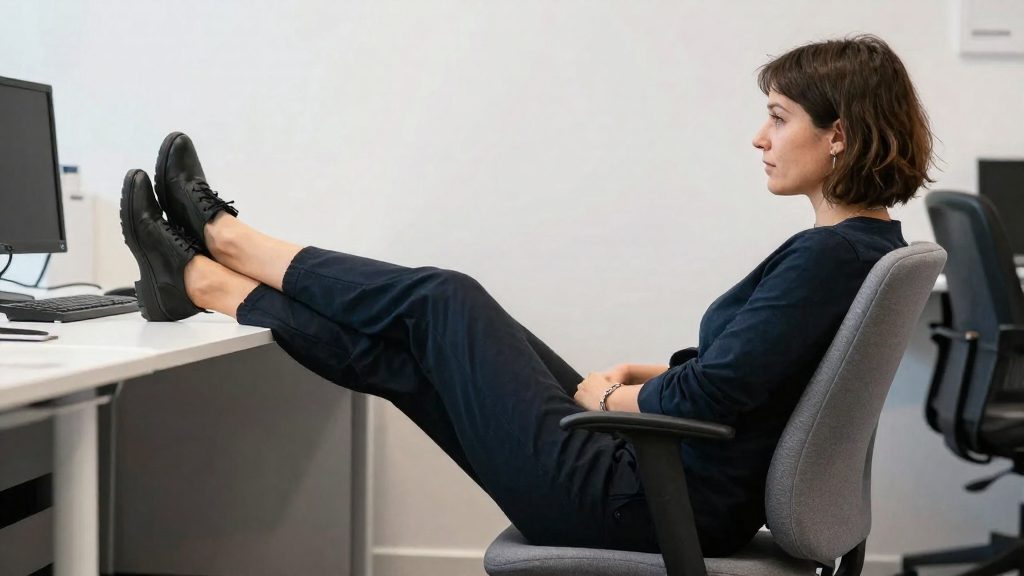
Foot position is the main indicator. If your feet do not rest flat on the floor with your knees at roughly 90 degrees, they are dangling, and a footrest may be needed. FlexiSpot states that a footrest compensates when the feet would otherwise dangle, for example when the desk is too high.
| Situation | Feet position | Footrest needed? |
|---|---|---|
| Desk set too high, feet dangle | Unsupported | Yes, a footrest compensates |
To check your posture, sit in your usual working position with your back against the backrest. Look at where your soles meet the floor. If your thighs are level and your heels lift or your lower legs hang without support, feet dangling is the problem, and a footrest supplies the missing foot support.
Dangling feet often result from a desk surface set too high relative to your seated height. Raising the seat to reach the keyboard can lift the feet off the floor. A footrest restores foot support without changing the seat, which is useful when the desk cannot be lowered.
When you choose a footrest, consider three points:
- Size: The platform should be wide enough for both feet to rest side by side, with room to shift position slightly.
- Surface: Choose a stable, non-slip top so the feet do not slide during movement.
- Angle: A slight incline lets you vary foot position. A flat platform works if you prefer a fixed, stable position.
A footrest is a support for the feet, not a substitute for correct seat or desk settings. Use it to bridge the gap when the feet cannot reach the floor, and check the knee angle after each adjustment.
Desk height and posture setup
For shorter users, set the desk height to match the chair rather than leaving it at a default. With the seat adjusted first, your forearms should rest on the work surface without lifting or dropping. If the desk is above elbow height, the shoulders rise and the forearms lift off the surface. If it is too low, the wrists bend and the shoulders roll forward. Adjusting the seat before the desk avoids the common mistake of raising the desk to meet a seat that is set too high.
Desk height matched to seated elbow height: Sit fully back in the chair, let the arms hang naturally, and compare the elbow position with the desk top. If you need to lift your forearms to reach the surface, the desk is too high for your current seat setting. If your wrists bend or your shoulders roll forward to reach it, the desk is too low.
Monitor top at or below eye level: The top edge of the screen should sit at or just below eye level, so the neck stays in a neutral position rather than tilting upward. When the seat is lowered, the screen often ends up too high. Correct this with a monitor stand or arm, or by lowering the desk surface, rather than tilting the head back. Position the screen about an arm’s length away so text stays readable without leaning forward.
Keyboard and mouse close to the elbows: Place both within easy reach so the elbows stay near the body and the wrists stay in line with the forearms. Keep the mouse on the same side and at the same height as the keyboard. Reaching outward for long periods places sustained load on the shoulder, so move the input devices closer if you find yourself stretching to use them.
Quick fit checklist before you buy
Check a chair against your own body before ordering, not against the product listing. Start with stature measurement: stand barefoot against a wall, mark the top of your head with a flat object, and measure from the floor to the mark with a tape measure. FlexiSpot uses 5’6” and 5’2” as reference points in its seat recommendations, so your exact height tells you which of its guidance groups applies. (FlexiSpot (manufacturer), 2026)
Next, take the seated reference points in your current chair:
| Check | How to take it | What to record |
|---|---|---|
| Floor to back of knee | Measure with the tape from the floor to the crease behind the knee while seated | A baseline to compare against chair specifications |
Then run a test-sitting session. If you can sit in the chair in a showroom or a return-friendly setting, stay seated for a full working period rather than a few minutes. Watch for pressure behind the knees: FlexiSpot recommends a gap of 2 to 4 finger-widths, or at least 10 mm, between the seat edge and the back of the knee so the seat does not compress the veins there. (FlexiSpot (manufacturer), 2026)
Finally, confirm the return conditions before you pay. Read the written trial period, the start date of the window, and who covers return shipping. Ask whether the chair must be unused or can be returned after assembly, and whether any restocking fee applies.
Frequently asked questions
How can I tell if a chair’s seat is too high for me?
If your feet do not rest flat on the floor with your knees at roughly 90 degrees, the seat is likely too high. FlexiSpot considers a standard seat height of 17 to 22 inches too high for anyone under 5’6”, so compare the lowest setting in the specifications with your stature before buying.
Can a footrest fix a seat that is too high?
A footrest supports feet that would otherwise dangle, but it does not change the seat itself. Use it as a supplement when the desk is too high, and lower the seat first wherever the chair allows it.
How deep should the seat be, and how do I check the gap behind my knee?
For people 5’6” or shorter, FlexiSpot recommends a seat no deeper than 16 inches. Slide your fingers, not a whole hand, between the seat edge and the back of your knee: the recommended gap is 2 to 4 finger-widths, or at least 10 mm (about 0.4 inch).