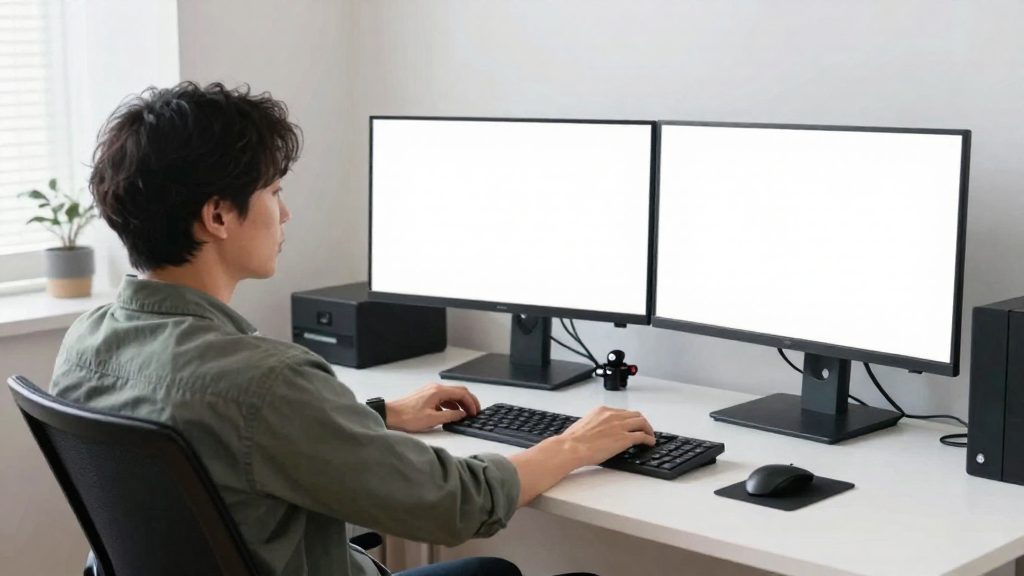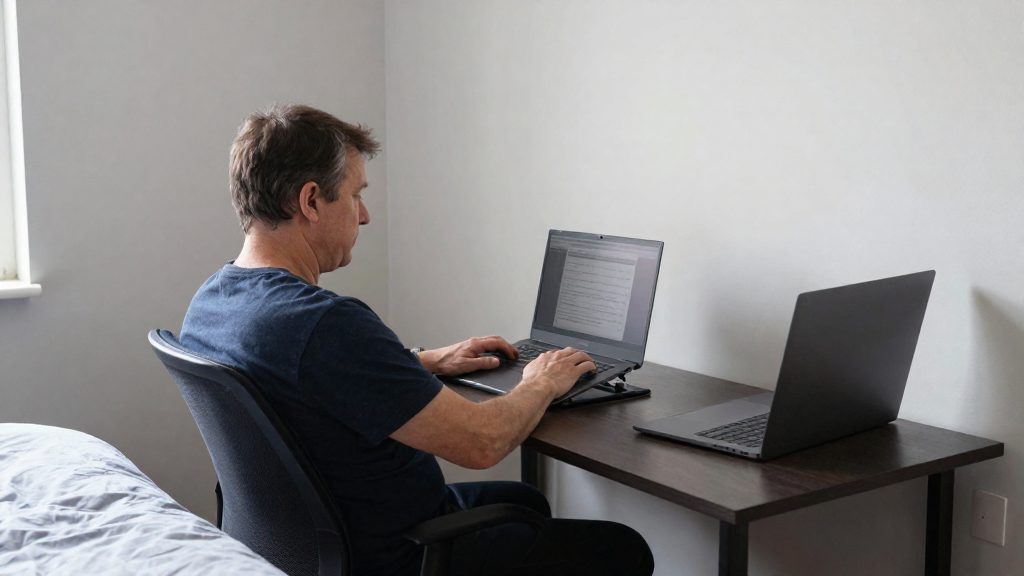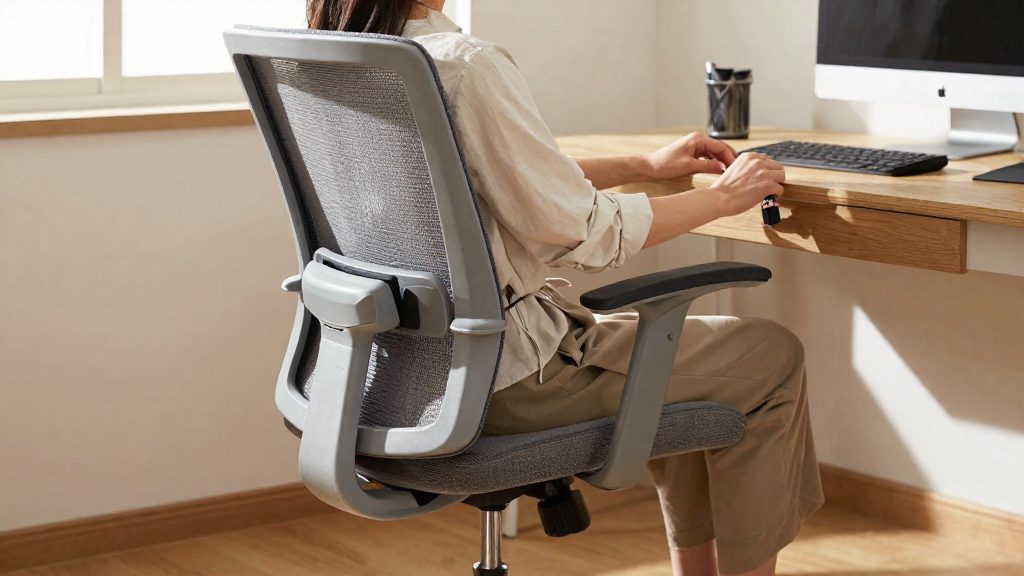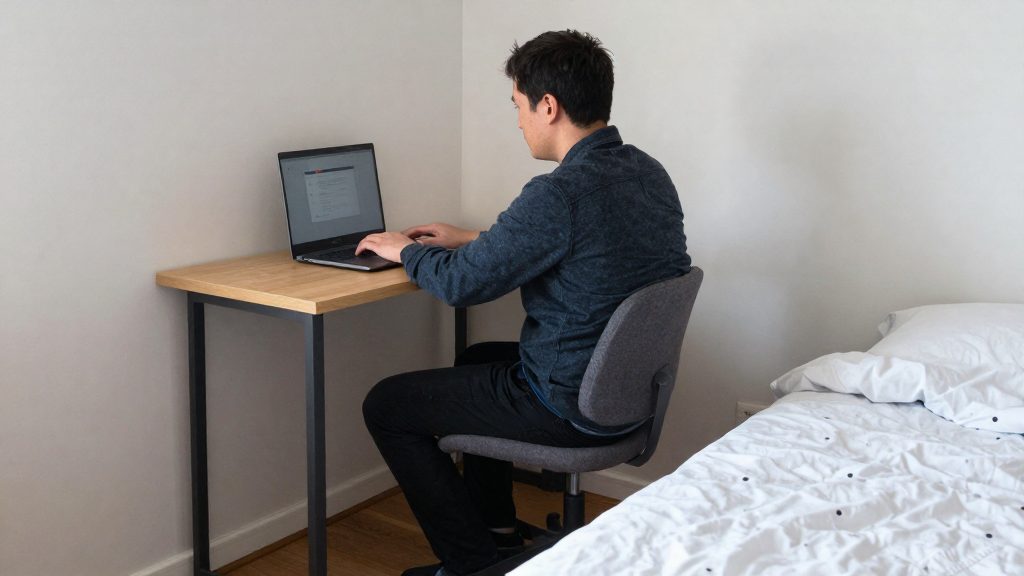
Working from the bed for long periods strains the back. Slouch Online reports that working from the bed for long periods strains the back, and a bedroom office works better with an adjustable chair offering seat height adjustment, a supportive backrest and tilt or recline. A bed provides none of these adjustments. The practical question is whether your setup lets you hold postures close to the reference positions of a manufacturer’s fit check (FlexiSpot).
Can you work from a bedroom without hurting your back?
Why bed-based work strains the lower back
A mattress has no backrest and no seat height adjustment, so it does not give the support an adjustable chair does; this is a general observation, not a sourced finding. Over long sessions, working from the bed strains the back (Slouch Online). Changing position may help, but as a general suggestion, if you work for long periods, consider changing the setup itself.
Musculoskeletal risk from awkward, sustained postures
CDC/NIOSH states that musculoskeletal disorders affect muscles, nerves, tendons, ligaments, joints, cartilage or spinal discs, and that causes include sudden or sustained force, repetitive motion and awkward postures. Bed work can involve awkward postures, for example with a laptop on the lap, and CDC/NIOSH lists awkward postures among the causes of musculoskeletal disorders.
Ergonomic goal: fitting the task to your capabilities
CDC/NIOSH defines ergonomics as designing work tasks and demands to fit workers’ capabilities, with the aim of reducing and preventing musculoskeletal disorders that have multiple causes. Prevention relies on fitting the work environment, including tools, lighting and equipment, to the worker’s physical capabilities. Applied to a bed, this means changing the surface and the equipment until the task fits the body, rather than adapting the body to the bed.
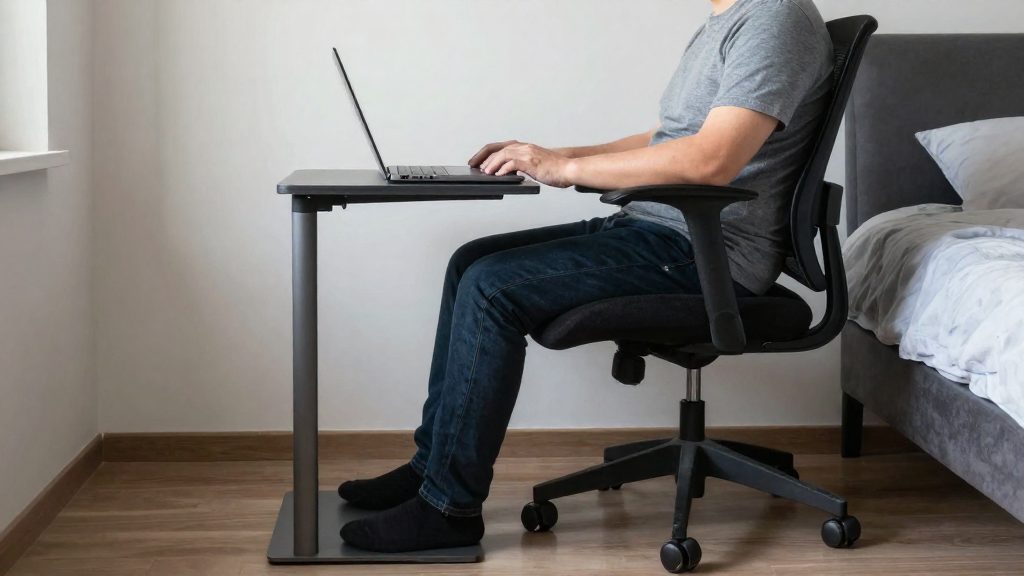
The FlexiSpot fit check, a manufacturer reference, gives concrete targets to test your setup against:
| Body part | Reference position | What to check in bed |
|---|---|---|
| Knees | About 90°, feet flat on the floor | Whether your feet reach the floor at that knee angle |
| Elbows | About 90° while typing | Whether the surface height lets your forearms reach the keyboard at that angle |
If your bed setup cannot approach both reference positions, it is unlikely to fit your body well for that task, though the FlexiSpot check is a manufacturer’s guide, not a validated test.
Choose a spot away from the bed
A bedroom office works when the work zone reads as separate from the sleeping area, even inside one room. The first decision is where the desk sits relative to the bed. If possible, place the desk so that you face the room rather than the mattress, so the bed is out of your line of sight during working hours.
Three placements are common in a shared room:
| Placement | Main benefit | Check before you choose |
|---|---|---|
| Near a window | Daylight and a visual break from the bed | Screen glare; angle the monitor so the window sits to its side |
| Rug-marked zone | Defines the work area on the floor without a partition | Chair must roll fully across the rug |
| Corner | Two walls act as natural boundaries, away from the path to the bed | Outlet location and cable run |
Window placement gives the desk daylight and an outside view, which helps the workspace feel like its own area. Position the window beside your screen rather than behind or in front of it, since this limits glare.
Rug zone marks the work area on the floor. Choose a rug large enough that the chair stays on it through its full range of movement, including when you roll back from the desk. A chair that runs off the edge of the rug will catch on the transition.
Corner placement uses two walls to frame the workspace and keeps the desk out of the main traffic route. Before committing, confirm three things:
- A power outlet within reach of the desk, so no extension cord crosses the floor
- A clear path for the cables from the desk to the outlet, along the wall rather than across the room
- Enough slack behind the monitor and computer for the cable run, so that moving the desk does not pull on the connectors
For cable routing, clip cables to the wall edge or run them through a tray under the desk. Leave a short loop of slack at each device so that you can shift the desk without stressing the plugs. Loose cables on the floor create trip hazards and get pinched under chair wheels.
Pick a chair and desk that fit your body
Set the chair first, because the desk and armrests are measured from it. The fit check published by FlexiSpot targets knees at about 90° with the feet flat on the floor. If your feet do not sit flat, adjust the seat height until they do. Once the seat is set, adjust the armrests so your arms rest at about 90° while you type. As a general suggestion, use this angle as the reference for the desk too. Sit with the chair set, measure the distance from the floor to your seated elbow, and compare it with the desk surface. If the desk height does not match your seated elbow height, you may need to adjust the chair or the desk so that your elbows stay at about 90° while you type. Armrests and desk should be adjusted together, not one after the other.
Your bedroom floor determines the wheel choice. The fit check specifies that wheels should suit a carpeted floor. Test the chair on the carpet you actually use: it should roll without catching or drifting, and it should not require force to move.
| Joint or part | Target | How to check |
|---|---|---|
| Knees | About 90°, feet flat on the floor | Adjust seat height |
| Elbows while typing | About 90° | Set armrest height, then confirm desk height |
| Chair base | Wheels suited to carpet | Roll the chair across your floor covering |
How high should the monitor be?
In a bedroom office, the screen height and distance usually depend on a small desk or a repurposed surface, so they need deliberate checking. A common goal is a neutral neck position, with the head balanced over the shoulders and the eyes looking straight ahead rather than down or up.
As a general suggestion (not from the supplied sources), set the screen so that the top edge of the display sits at about eye level. With the top edge at this height, your eyes look slightly down at the centre of the screen. A screen set lower forces the head to tilt forward for long periods, while a screen set higher pushes the head back and strains the neck. To check, sit upright in your chair and look straight ahead. Your eyes should land near the top edge of the screen, and you should look slightly down to the centre.
As a general suggestion (not from the supplied sources), place the screen at a viewing distance of about one arm’s length. If the screen is too close, the eyes and neck work harder to focus; if it is too far, you lean forward to read text. Sit back, extend your arm, and check that your fingertips can just reach the screen’s surface without leaning.
If you work on a laptop, its built-in screen sits at desk height, which is often lower than the recommended screen height. A laptop stand raises the display to the target height, and an external keyboard and mouse keep the input position independent of the screen. Without a separate keyboard, you must either lower the screen, which hunches the neck, or lift your hands, which strains the shoulders.
| Setup element | Target | How to check |
|---|---|---|
| Top edge of screen | About eye level | Eyes land on the upper part of the screen when you look straight ahead |
| Viewing distance | About one arm’s length | Fingertips reach the screen with the arm extended |
| Laptop | On a stand, screen at target height | Screen matches the height of an external monitor setup |
| Keyboard and mouse | Separate from the laptop | Elbows at about 90° while typing |
Light, glare and noise in a bedroom
In a bedroom office, three environmental factors matter most: the direction of light, reflections on the screen, and sound from outside the work zone. Light and glare affect how long you can look at the screen without strain, and noise affects how well you concentrate. The goal is to set up the workspace so that these factors suit the work. Because the work zone shares a room with the bed, these conditions are worth managing deliberately.
Positioning the screen against window light
Screen glare is the most common problem in a bedroom office, because the bed and window are often in the same room. Slouch Online recommends placing the desk near a window while avoiding screen glare. To meet both conditions:
- Place the screen so the window is to its side, not directly behind or in front of it.
- Tilt the screen slightly to move any reflection away from your line of sight.
- Recheck the reflection at different times of day, since sunlight direction changes.
Task lamp with adjustable color temperature
A task lamp lights the work surface directly, so you do not need to keep the room’s general lighting at a level suited to daytime work. Choose a lamp with adjustable color temperature so you can select cooler light for focused work and warmer light later in the day. Check the lamp’s specifications for its available color temperature range before buying, and place it so the light falls on the keyboard and paper, not on the screen.
Masking background noise with white noise or earplugs
Sounds from the household, neighbors or traffic interrupt concentration, and they can be harder to ignore in a room used for sleep. Two low-cost methods reduce their impact:
- White noise: a steady, even sound played at a low volume covers irregular sounds such as voices or footsteps. Set it below the level of your calls, so colleagues can still hear you clearly.
- Earplugs: they reduce sound at the ear and suit people who cannot use audio during work. Check that they remain comfortable over a full working day.
Use both methods only as needed, and keep the noise source away from your microphone during video calls.

Hide the office at the end of the day
A bedroom office stays visible after work unless you close it off on purpose. Slouch Online recommends hiding it with a folding screen or curtain at the end of the day. The aim is to stop the desk from acting as a visual reminder of unfinished tasks while you are in the bedroom.
Enclose the desk with a folding screen or curtain
Place a folding screen or a curtain across the open side of the work zone when you finish. A folding screen can be moved or stored easily, while a curtain works well if you have a ceiling rail or a tension rod. Check that the enclosure does not block a window you need for daylight or ventilation during your next session.
Store the laptop and peripherals in a closed container
Put the laptop, charger, keyboard, mouse and cables into a closed container, such as a drawer, box or bag, instead of leaving them on the desk. This removes the equipment from view and keeps work material out of the sleeping area. Keep the container within reach of the desk so that setup in the morning takes little time.
Run a consistent shutdown routine
A fixed shutdown routine signals the end of the workday more clearly than a single action does. A practical sequence is:
- Save open files and close work applications.
- Log out of work accounts and shut down the laptop.
- Put the keyboard, mouse and cables in the closed container.
- Close the folding screen or curtain.
- Switch off the desk lamp.
Stretches and breaks for a small space (general suggestions)
Movement routines in a bedroom office need to fit a few square feet of floor and one chair. Short movement sequences at the desk can help break up sustained postures without needing extra floor space.
Seated neck and shoulder stretches
Perform these from the chair, with both feet flat on the floor and your back supported:
- Neck tilt: Lower one ear toward the same shoulder without lifting that shoulder. Repeat on the other side.
- Neck rotation: Turn your head slowly to one side, keeping the chin level, then return to centre and repeat on the other side.
- Shoulder rolls: Lift both shoulders, roll them backward, then lower them. Reverse the direction.
Move slowly and stop if you feel sharp pain. These movements change the position of the head and shoulders while the rest of the body stays seated.
Movement breaks during sitting
Interrupt long sitting periods with short breaks at regular intervals, choosing an interval that fits your workload. During a break, stand up, change position and take a brief walk within the room. The aim is to vary the load on the spine and joints rather than to add a fixed exercise session.
Hip flexor stretch after prolonged sitting
Long periods seated keep the hip flexors, the muscles at the front of the hip, in a shortened position. To stretch them:
- Stand beside the chair and hold its backrest for balance.
- Step one foot back and keep that leg straight.
- Gently shift the hips forward until you feel a stretch at the front of the back-leg hip.
- Repeat on the other side.
This stretch needs only a short, clear strip of floor beside the chair.
| Movement | Position | Area targeted | Space needed |
|---|---|---|---|
| Neck tilt and rotation | Seated | Neck | Chair only |
| Shoulder rolls | Seated | Shoulders | Chair only |
| Hip flexor stretch | Standing beside chair | Front of hip | Short clear strip of floor |
| Movement break | Standing or walking | Whole body | Room walkway |
What should you buy first on a small budget?
With a limited budget, spend on the item that most affects how you sit for hours. A bedroom setup often produces prolonged, poorly supported sitting, so the chair is the first purchase.
Adjustable chair comes first. For a bedroom office, check three adjustments: seat height, a supportive backrest, and tilt or recline. An adjustable chair addresses the seat height, backrest and recline needs the sources name for a bedroom office.
Suggested priority order (a judgment, not a sourced ranking):
| Priority | Purchase | Why it ranks here | What to check |
|---|---|---|---|
| 1 | Adjustable chair | Supports the seated posture you hold for hours | Seat height, backrest support, tilt/recline |
| 2 | Desk | Sets the working surface the chair must match | Surface large enough for the screen and keyboard without leaning forward |
| 3 | Accessories (rug, folding screen or curtain) | Help separate the work zone from the sleeping area rather than the posture | Rug marks the zone; screen or curtain hides it at the end of the day |
Spend in this order. If the budget covers only one purchase, choose the chair.
Refurbished office chairs can lower the cost of the first priority. Buy one only if its seat height adjustment, backrest support and tilt/recline mechanism still work as designed. A worn mechanism removes the adjustments that justify the purchase, so test every control in person before paying.
Frequently asked questions
Can I work from bed if I only have one room?
Working from the bed for long periods strains the back, according to Slouch Online. If you share one room, a dedicated work chair matters more than the desk itself, because the chair is what supplies seat height adjustment, a backrest and tilt or recline.
How do I separate a work zone from a sleeping area in one room?
Place the desk near a window, angled to avoid screen glare. Mark the work area with a rug, then hide the workspace at the end of the day with a folding screen or curtain.
How can I check whether my chair fits my body?
The FlexiSpot fit check gives practical targets: knees at about 90° with feet flat on the floor, and armrests set so your arms rest at about 90° while typing. Treat these as a manufacturer’s guide to test against, not a validated pass or fail test, and choose wheels that suit your floor type.