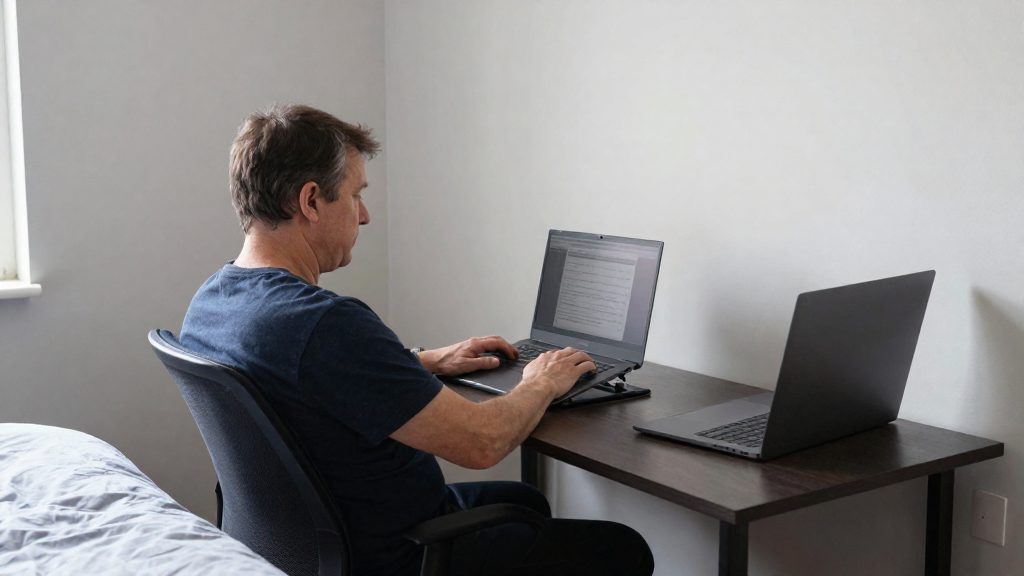
Mouse-arm strain can cause pain in the shoulder, forearm, wrist or hand. According to manufacturer Contour Design (2026), that pain is often worse with repetitive or static work. Other reported sensations include burning, stiffness, a reduced range of motion, and swelling in the hand and fingers. These signs usually build up gradually, so they are easy to mistake for ordinary tiredness after a long day at the desk.
What symptoms can a mouse cause?
Symptoms from mouse-arm strain are reported across the arm, from the shoulder to the fingers. The source lists them by location and by type of sensation.
Pain by body region
- Shoulder: pain
- Forearm: pain
- Wrist: pain
- Hand: pain
Static work means tasks where the hand stays on the mouse with little movement for long periods.
Burning, stiffness and reduced range of motion
Burning, stiffness and reduced range of motion are reported without a specific location. Stiffness is a feeling of tightness or resistance when you move a joint. A reduced range of motion means a joint no longer moves through its usual arc, for example when you turn your wrist or bend your fingers as far as you normally would.
Swelling of the hand and fingers
Swelling is the one symptom the source ties specifically to the hand and fingers. To track it, note whether it appears during the workday, after it, or on waking, and whether it changes with activity. A swelling pattern that follows mouse sessions is more informative than a single observation.
How to track your symptoms
- Note the location of each symptom: shoulder, forearm, wrist or hand.
- Record the sensation: pain, burning, stiffness, reduced range of motion or swelling.
- Log the timing relative to your mouse use, such as during a session, at the end of the day, or the next morning.
Early warning signs of mouse-related strain
Mild or intermittent discomfort may be an early sign of mouse-related strain, but the source does not describe a staged progression. Tracking the signals below helps you notice patterns and decide when to seek advice.
Transient fatigue and discomfort during or after sessions
Short-lived symptoms that appear during or just after computer work are the earliest signals to watch for:
- Pain or soreness in the forearm, wrist or hand that is often worse with repetitive or static work
- Stiffness in the wrist or fingers when you start or stop using the mouse
- Burning sensations along the forearm or hand during prolonged clicking or pointing
- Weaker grip when you hold a cup, a pen or a bag than you would expect on a normal day
- Reduced range of motion when you turn the wrist or flex the fingers
Symptoms that recur on waking and ease during the day
A recurring pattern is more informative than a single bad day. Note discomfort that is present on waking, then fades as the working day goes on. Record this pattern for several consecutive days and discuss it with a clinician, since it does not by itself show the cause. Also note any swelling in the hand or fingers that is noticeable in the morning.
Self-check log for symptom frequency and intensity
A simple written log lets you compare symptoms across days and weeks. Record the following each time you notice a symptom:
| Field | What to record |
|---|---|
| Date and time | When the symptom occurred |
| Body area | Shoulder, forearm, wrist, hand or fingers |
| Symptom type | Pain, burning, stiffness, weakness, reduced range of motion or swelling |
| Timing | During a session, after a session, on waking, or during the day |
| Intensity | A 0 to 10 rating, where 0 is no discomfort and 10 is the worst you have felt |
Review the log weekly. Look for the frequency of each symptom, whether intensity is rising, and whether symptoms cluster around long or static mouse sessions. Note whether symptoms occur during mouse use or during other computer tasks.
Which conditions are linked to repetitive mouse use?
Contour Design, a mouse and ergonomics manufacturer, lists five conditions linked to repetitive mouse use. They fall into two groups: nerve entrapments, in which a nerve is compressed along its path, and tendon disorders, in which the tendons that move the wrist, thumb and fingers become irritated or thickened. The source does not give prevalence figures for each condition, so the information below describes which tissue each condition affects.
Nerve entrapments
- Carpal tunnel syndrome affects the median nerve at the wrist. The nerve runs through the carpal tunnel, a narrow passage on the palm side of the wrist, together with the finger flexor tendons.
- Cubital tunnel syndrome affects the ulnar nerve at the elbow. The nerve passes through a groove on the inner side of the elbow, where it can be compressed when the elbow stays bent for long periods.
Tendon disorders
- Epicondylitis involves the tendons attached to the bony prominences on either side of the elbow, the epicondyles.
- De Quervain’s syndrome affects the tendons on the thumb side of the wrist, which share a fibrous sheath as they pass through a compartment at the wrist.
- Trigger finger affects a finger flexor tendon and the sheath around it. Thickening at this point can make the finger catch or lock when it bends and straightens.
| Condition | Tissue affected | Location |
|---|---|---|
| Carpal tunnel syndrome | Median nerve | Wrist |
| Cubital tunnel syndrome | Ulnar nerve | Elbow, inner side |
| Epicondylitis | Tendons attached to the epicondyles | Elbow |
| De Quervain’s syndrome | Thumb tendons and their shared sheath | Wrist, thumb side |
| Trigger finger | Finger flexor tendon and its sheath | Finger, palm side |
The distinction matters because a nerve entrapment disrupts signal transmission along a nerve, while a tendon disorder involves the mechanical structures that move a joint.
Does mouse use really cause injury?
The evidence does not isolate the mouse as a cause. In a German study of 1,065 VDT workers, mouse use was not a significant predictor of symptoms, and total typing time was the factor linked to neck symptoms. Manufacturer material links repetitive mouse use to specific conditions, but those statements are vendor claims rather than causal findings from controlled studies.
What the German study found
Klussmann et al. (BMC Musculoskeletal Disorders, 2008) surveyed 1,065 German workers who used a screen more than 1 hour a day and measured 12-month symptom prevalence by body region:
| Body region | 12-month symptom prevalence |
|---|---|
| Neck | 55% |
| Shoulder | 38% |
| Hand/wrist | 21% |
| Elbow/forearm | 15% |
In the same study, the arrangement of the monitor, keyboard and mouse had no significant effect on symptoms. The authors noted that earlier studies had reported links between mouse factors and elbow, wrist/hand and forearm pain, so the mouse-related association in the literature is not confirmed by this dataset alone. A prevalence survey shows how often symptoms occur, not what produced them.
What the Turkish office study adds
Ardahan and Simsek (Pakistan Journal of Medical Sciences, 2016) examined 395 government office workers. Among these 395 workers, 67.85% reported past-week neck discomfort and 45.32% reported right-shoulder discomfort. The study’s risk factors describe total computer exposure, not mouse use specifically, so duration of computer use is the risk factor it identified, as an association rather than proof of cause.
Separating evidence from manufacturer claims
The available data include no study evidence behind the manufacturer’s claims about mouse-specific injury.
Who is most at risk?
Workers who use a computer screen for more than one hour a day form the group the data describes most clearly. In a study of 1,065 German VDT workers who used their screens for more than 1 hour a day, 12-month symptom prevalence was 55% for the neck, 38% for the shoulder, 21% for the hand/wrist and 15% for the elbow/forearm. These figures describe VDT users in general, not mouse users alone, so they identify who is exposed rather than the cause of a specific complaint.
Within that group, typing time predicted neck symptoms in the German study. Typing time was associated with neck symptoms in this cross-sectional study, which shows an association, not a cause.
A second study, of 395 Turkish government office workers, points to total and uninterrupted computer time. Past-week neck discomfort was reported by 67.85% of participants and right-shoulder discomfort by 45.32%. The two identified risk factors were 7 or more hours of daily computer use and 3 or more hours of uninterrupted use. The study identified both thresholds as risk factors.
| Risk profile | Finding in the data | Source |
|---|---|---|
| Screen use over 1 hour daily | Study population with 12-month symptom prevalence reported by region | German VDT study (n = 1,065) |
| Long typing time | Predicted neck symptoms | German VDT study (n = 1,065) |
| 7 or more hours of daily computer use | Identified risk factor | Turkish office study (n = 395) |
| 3 or more hours of uninterrupted use | Identified risk factor | Turkish office study (n = 395) |
The studies cited here do not quantify how prior neck, shoulder or wrist complaints change the risk of new symptoms. For workers who already have discomfort in these areas, the practical step is to watch for the signs the manufacturer lists for mouse-arm type problems: burning, stiffness, reduced grip strength and range of motion, and swelling in the hand and fingers.

Mouse and desk setup that reduces strain
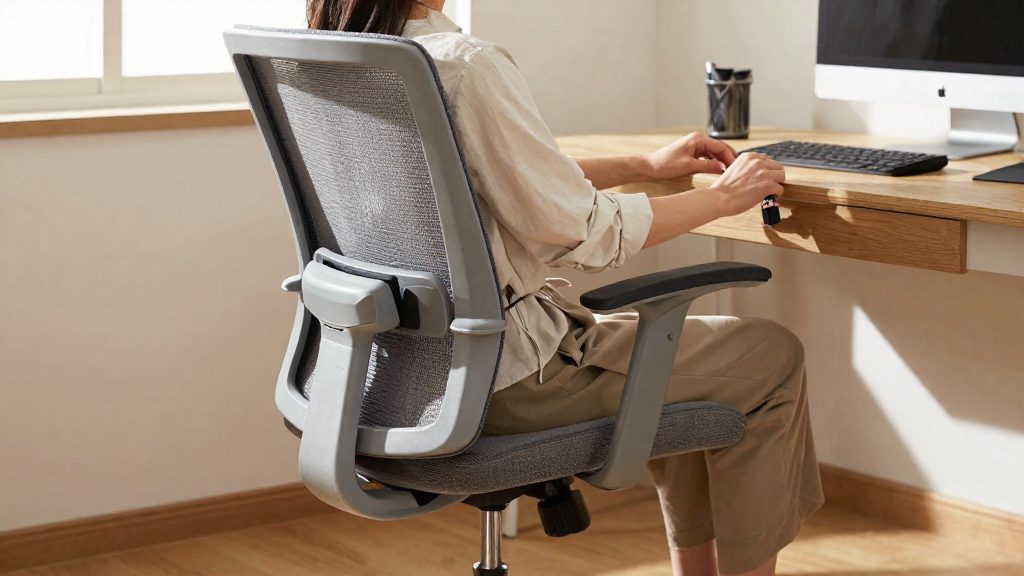
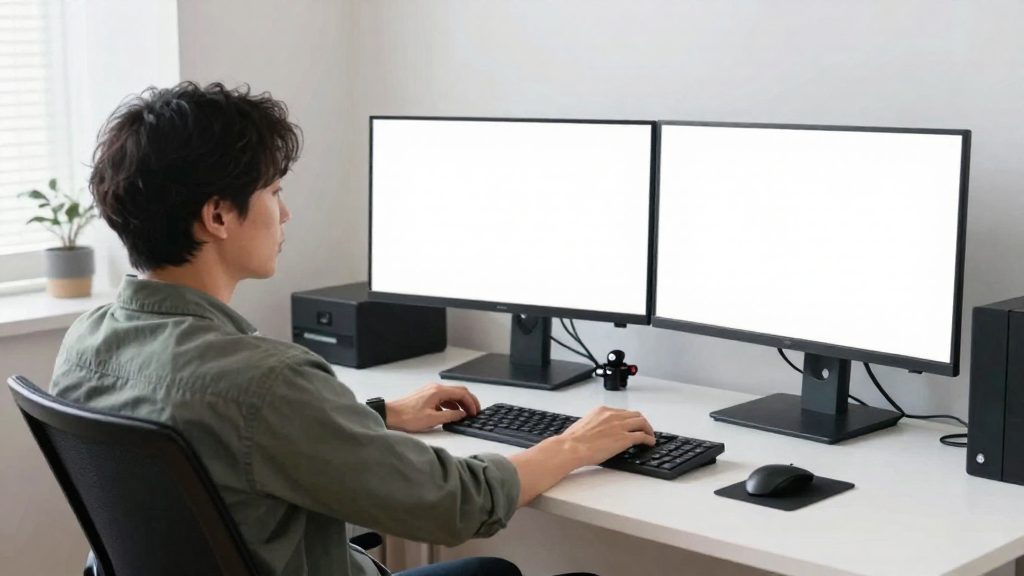
Reducing load on the arm during repetitive mouse use comes down to three measurable settings: the height of the keyboard and mouse, the angle of the elbow, and the position of the wrist. The manufacturer Contour Design advises placing the keyboard and mouse at elbow height, with the elbows near 90°, and keeping the wrists straight. It also suggests a vertical or centred mouse as an alternative to a standard mouse. These are targets you can check with a quick posture test at your desk, without measuring equipment.
Start with the height. Sit so that your forearms rest roughly level with the work surface, then check that the mouse sits at the same height as the keyboard. If the mouse is higher or lower, your shoulder has to lift or drop each time you switch between them. Next, adjust the chair so that your elbows form an angle near 90°. A chair that is too low tends to raise the shoulder, while a chair that is too high can make the arm reach upward.
Wrist position is the last check. Your wrist should stay in a straight, neutral line with your forearm, not bent up, down or sideways. Keep the mouse within easy reach so you do not stretch the arm to grasp it.
Mouse type is a trade-off. A vertical mouse holds the hand in a handshake-like position, which changes how the forearm rotates. A centred mouse sits closer to the midline of the body. Both require a short adjustment period, and neither replaces the height and posture targets above. Test one change at a time so you can tell which adjustment helps.
| Setup element | Target from the manufacturer’s guidance | How to check |
|---|---|---|
| Keyboard and mouse height | Elbow height | Forearms level with the desk, mouse and keyboard at the same height |
| Elbow angle | Near 90° | Elbows bent at a right angle with shoulders relaxed |
| Wrist position | Straight and neutral | Wrist in line with the forearm while the mouse is in use |
| Mouse type | Vertical or centred | Compare grip and forearm position over several days |
How often should you take breaks and stretch?
For mouse-heavy desk work, Contour Design, a mouse manufacturer, advises a short break each hour, about 5 minutes long. Use this as the baseline. The break works best when you take your hand off the mouse and move the arm, rather than only pausing the screen.
Hourly micro-break routine
- Stop mouse and keyboard work for about 5 minutes.
- Release the mouse, let your arms hang, and stand up if your workspace allows it.
- Perform the stretches below, one set per break.
Wrist, forearm and shoulder stretches
Hold each stretch briefly, stop if it causes pain, and avoid bouncing.
- Wrist extension: Extend one arm forward, palm down. With the other hand, gently bend the wrist back toward you. Then turn the palm up and gently pull the fingers back.
- Forearm: Extend the arm with the palm facing away from you and the fingers pointing down. Gently press the back of the hand toward you with the other hand.
- Shoulder: Roll both shoulders backward in slow circles. Then bring one arm across the chest and hold it with the other arm, then switch sides.
Adjusting break length for long uninterrupted sessions
The manufacturer gives no specific break length for long sessions, so the hourly 5-minute break remains the reference.
| Situation | Suggested adjustment | Basis |
|---|---|---|
| Standard mouse work | One break of about 5 minutes per hour | Contour Design (manufacturer), 2026 |
| Uninterrupted use of 3 hours or more | Keep the hourly 5-minute break; 3 hours or more of uninterrupted use was a risk factor in the study | Ardahan & Simsek, 2016 (risk factor) |
| Daily computer use of 7 hours or more | Keep the hourly 5-minute break; 7 or more hours of daily use was a risk factor in the study | Ardahan & Simsek, 2016 (risk factor) |
When should you see a doctor?
See a healthcare provider early if symptoms appear, and especially if discomfort does not settle with rest or workstation changes, or if you notice numbness, tingling, or a loss of strength or dexterity. The manufacturer’s guidance advises seeing a healthcare provider early if symptoms appear.
Symptoms that continue despite rest or setup changes
The manufacturer advises seeing a healthcare provider early if symptoms appear. Pain that keeps returning, or that worsens even after you have corrected your posture and reduced mouse time, justifies a consultation. Burning and stiffness that remain after your setup has been adjusted also justify a consultation.
Numbness or tingling that persists
Numbness or tingling in the fingers that does not go away should be raised with a clinician, even if it is intermittent at first. Numbness and tingling are not listed in the manufacturer’s guidance, but a lasting change in sensation is a reasonable reason to consult a clinician.
Loss of grip strength or dexterity
Reduced grip strength is among the signs listed in the guidance, alongside reduced range of motion. If you find yourself dropping objects, struggling with buttons, or finding fine tasks such as writing harder than before, your function has changed, not only your comfort. A decline in dexterity that develops or worsens should prompt assessment without waiting for pain to become severe.
What to tell the clinician
Describe your daily computer hours and whether your use is uninterrupted.
Frequently asked questions
Is mouse-arm strain the same as carpal tunnel syndrome?
The manufacturer lists carpal tunnel syndrome among several conditions linked to repetitive mouse use, alongside cubital tunnel syndrome, epicondylitis, De Quervain’s syndrome and trigger finger. Their symptoms can overlap, so a clinician is the person who can tell them apart.
Does the mouse itself cause these problems, or is total computer work the bigger factor?
The available data do not single out the mouse. In a large German study of screen workers, mouse use was not a significant predictor of symptoms, while typing time was associated with neck symptoms. These are cross-sectional associations, so they do not show what causes your own symptoms.
Should I wait for symptoms to ease before seeing a doctor?
No. The manufacturer advises seeing a healthcare provider early if symptoms appear, and does not make that visit depend on symptoms persisting. Pay particular attention to numbness or tingling in the thumb and first three fingers, which the manufacturer associates with carpal tunnel syndrome.