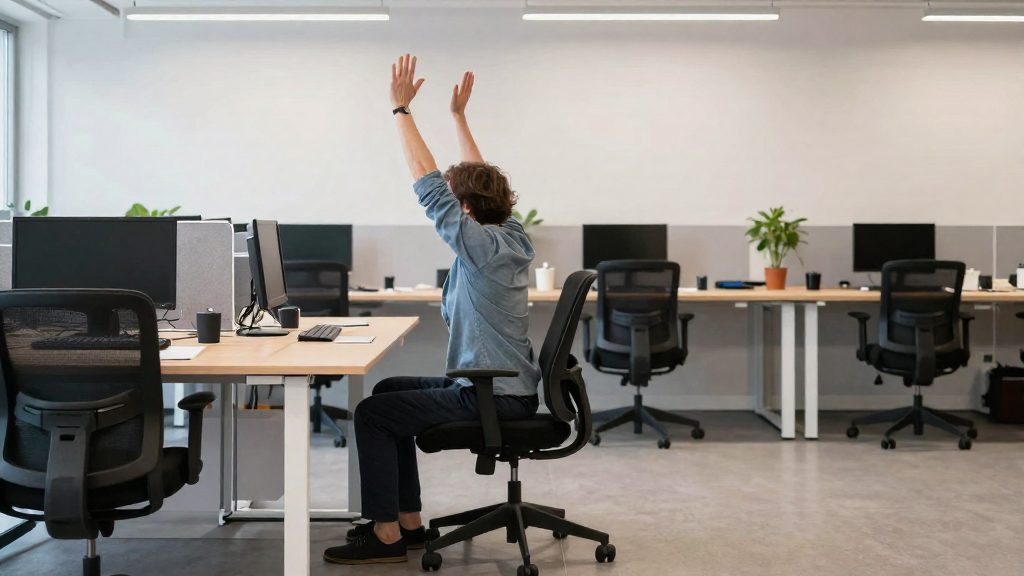
Office stress and ergonomic strain are linked because the same working conditions often produce both. According to CDC/NIOSH, job stress can occur when job demands don’t match a worker’s capabilities or resources, and it may lead to illness. When that mismatch combines with physical strain from awkward postures or prolonged sitting and standing, and with an uncomfortable room, the risk of musculoskeletal and stress-related problems increases.
Why do office stress and ergonomics go together?
When demands exceed capabilities or resources
A job demand mismatch occurs when the work asks more than your skills, time or equipment can support. For remote workers, the gap is often material: a missing monitor stand, an unsuitable chair or a shortage of tools can force you to compensate. OSHA guidance states that workers should not have to overreach, sit or stand too long, or hold awkward postures. The fix may be new equipment or furniture, or a change to the tasks. Addressing the resource gap therefore protects the body as well as the workload.
How physical strain and stress build up over time
Cumulative strain describes the way physical load and psychological pressure add together. Awkward postures and long periods of static sitting or standing load the musculoskeletal system. Stress from unmet demands can keep you in those positions for longer and make it harder to adjust your task. The effect usually builds gradually, so discomfort that appears late in the day or during a heavy week may be an early signal rather than a one-off event.
Psychological factors also shape this interaction. CDC/NIOSH identifies personal interactions, work pace and job control as factors that matter. A fast pace combined with limited control over your tasks can reduce the room you have to change how you work.
Environmental factors in the office
CDC/NIOSH states that a healthy office depends on several environmental conditions:
- Temperature: a comfortable level for the people working in the room
- Humidity: moisture in the air, which affects comfort
- Light: the level and quality of illumination for the task
- Noise: sound levels that can interfere with concentration and communication
- Air flow: ventilation that prevents stuffy or stagnant air
- Space: enough room to move and arrange your work
These conditions can add to the load you already carry. Poor lighting may lead you to lean forward or squint, and uncomfortable temperature or stagnant air can make sustained concentration harder, which may increase tension.

Set up your workstation to reduce strain
Your desk layout determines how often you have to reach, stretch, or hold awkward positions during routine work. Start by arranging the screen and the items you use most, then add equipment only where the layout still forces awkward movement.
Position the monitor
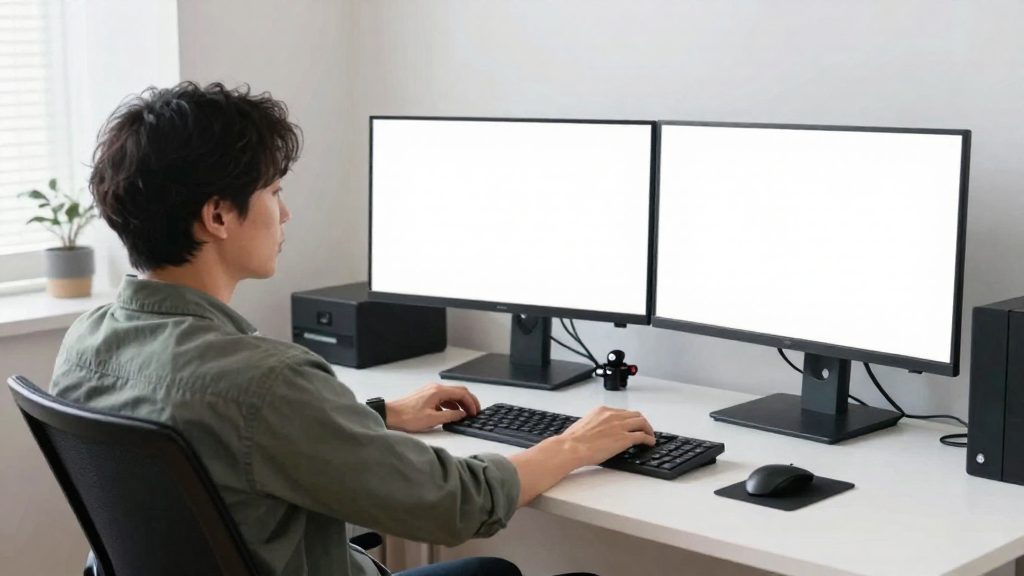
The top of the monitor should be at or just below eye level, according to OSHA guidance archived by UNT (2009-08-13). Adjust the screen height so you can read it without tilting your head. Use this height as the starting point and adjust it for your own seated position.
Keep frequently used items within reach
Overreaching is one problem this layout step addresses. Place your mouse, keyboard, phone, and any reference material you use constantly where you can reach them without extending your arm. Items you use occasionally can sit farther away. Arrange the desk in order of use: keyboard and mouse closest, followed by the documents you consult most often.
Choose equipment for the remaining problems
If rearranging the desk does not solve the problem, equipment can help. The table below lists three common options and the problem each one addresses.
| Equipment | Purpose at the desk | When to consider it |
|---|---|---|
| Monitor stand | Raises or lowers the screen so its top sits at or just below eye level | The monitor top stays above or well below eye level after adjusting the desk setup |
| Keyboard tray | Positions the keyboard so your wrists line up with your forearms while typing | Your wrists bend away from a straight line with your forearms while typing |
| Document holder | Keeps source material within easy reach and in view | You repeatedly reach for paper documents or turn your head to read them |
What is a good neutral posture at a desk?
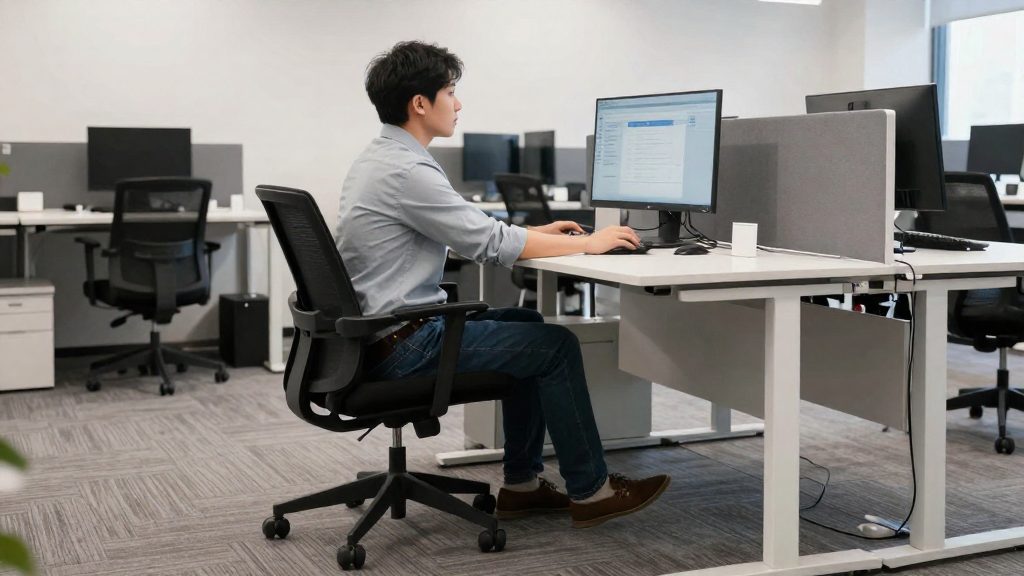
A neutral posture is a seated position in which the body is supported and joints are not held bent, twisted, or braced. OSHA guidance, archived by the University of North Texas and dated 2009-08-13, states that there is no single correct posture or arrangement that fits everyone. It does name three body reference points that define a sound seated position for computer work.
| Body part | Reference position |
|---|---|
| Feet | Rest flat on the floor |
| Lower back | Supported by the chair |
| Wrists | Line up with the forearms while typing |
Feet: Flat contact with the floor is the reference. If your feet do not reach the floor, the fix may be new equipment or furniture, such as a footrest, rather than a posture that leaves the feet unsupported.
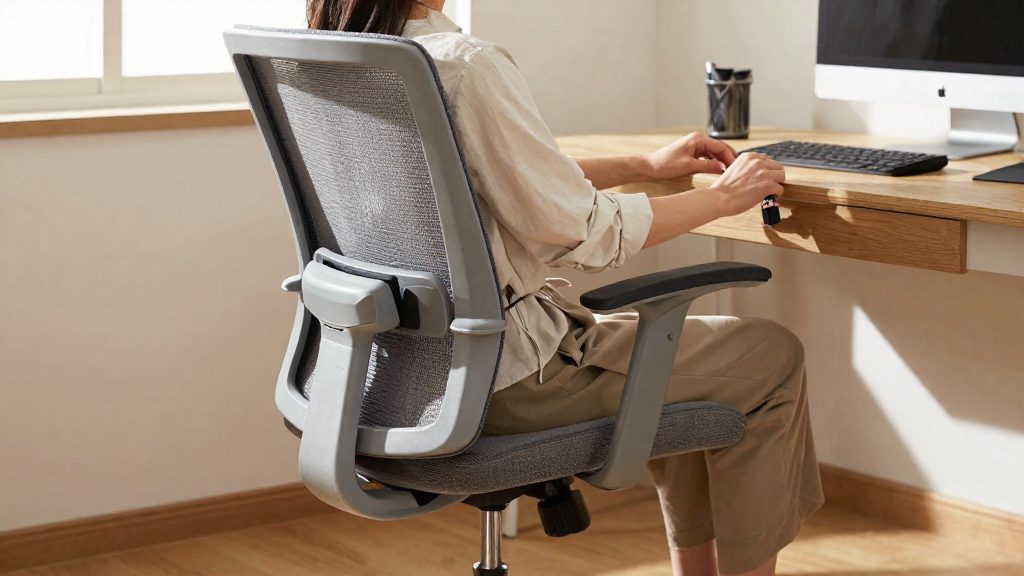
Lower back: The chair should support the lower back. Sitting with the lower back unsupported departs from this reference.
Wrist alignment: While typing, the wrists should line up with the forearms. A wrist bent upward, downward, or sideways from the line of the forearm is a departure from this reference.
These points are a reference for checking your position, not a fixed rule. The OSHA eTools that contain this guidance are described as guidance and do not create new OSHA requirements.
Take short breaks and stretch every hour
Taking short breaks every hour is supported by studies as a way to reduce discomfort during computer work. CDC/NIOSH reports that studies show short breaks every hour reduce discomfort for people who work at computers. A likely explanation is that a pause interrupts a static position, but the source only reports that hourly short breaks reduce discomfort.
Why frequency matters
Holding the same posture for a long period keeps the same muscles loaded and the same joints still. A short break every hour interrupts that pattern. The sources do not specify a break length or a number of stretches, so treat the routine below as general suggestions to adapt to your schedule, not as sourced guidance.
Stretches to use during a pause
Choose movements you can perform at your desk without special equipment:
| Movement | How to perform it | Body area it targets |
|---|---|---|
| Neck tilts | Lower one ear toward the shoulder, hold briefly, switch sides | Neck and upper trapezius |
| Shoulder rolls | Lift the shoulders, roll them back and down, repeat slowly | Shoulders and upper back |
| Wrist and forearm extensions | Extend one arm palm up, gently pull the fingers back, switch arms | Forearms and wrists |
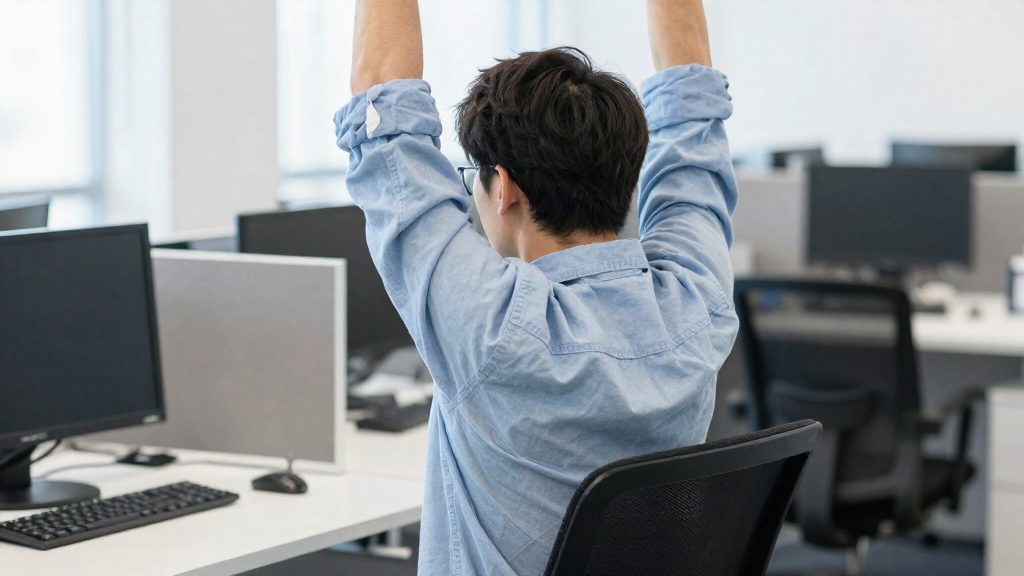
| Seated trunk twist | Rotate the upper body slowly toward the chair back, hold briefly, switch sides | Mid-back and sides of the torso |
Move slowly, stop at mild tension, and avoid bouncing. Repeat each movement a few times during the break rather than pushing into pain.
Standing and walking between breaks
CDC/NIOSH says workers should not have to sit or stand too long. Alternating between sitting and standing, or walking briefly during a break, avoids long periods in one position. Useful options include:
- Standing while you take a phone call or read a document
- Walking to refill a water bottle or to a printer or kitchen area
- Standing for part of a break, then returning to your seat
Does a home office need the same setup?
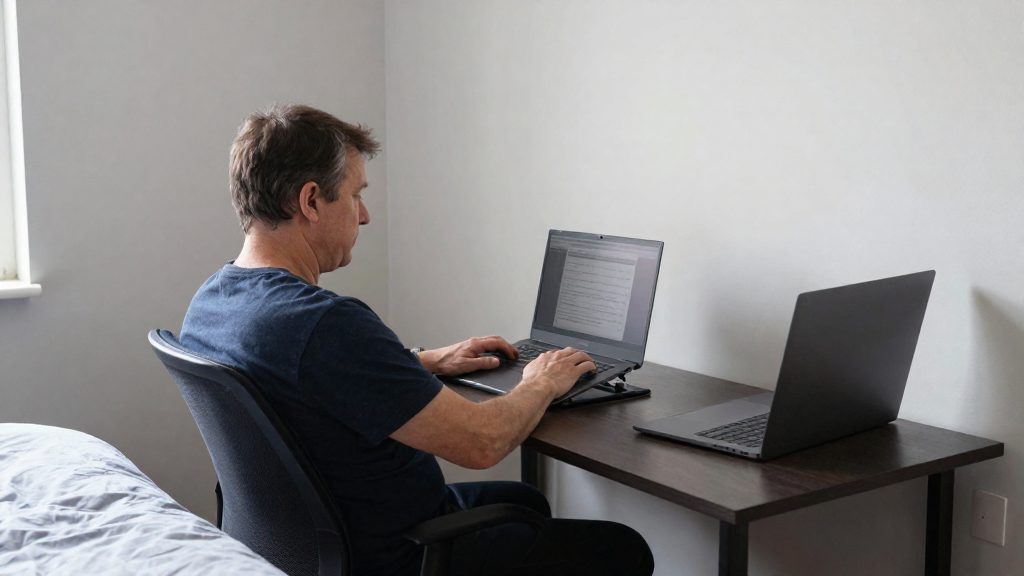
A home office does not need identical furniture, but it does need the same functional conditions. The goal is to reproduce what a dedicated office setup provides: a seat that supports the lower back, feet that rest flat on the floor, a work surface that lets your wrists line up with your forearms while typing, and a space where your work is not constantly interrupted. A home setup changes several of these at once.
| Constraint | Typical home situation | Dedicated office equivalent |
|---|---|---|
| Work surface height | Kitchen and dining tables are usually fixed height | Desk with adjustable height or a height matched to the chair |
| Seat support | Sofas and stools often lack lumbar support | Chair that supports the lower back |
| Screen position | Laptop screens often sit below eye level | Separate display that can be positioned independently of the keyboard |
| Interruptions | Shared rooms and household activity | Defined workspace with fewer interruptions |
Improvised surfaces
Kitchen tables and sofas lack adjustable height, so the seat and the work surface are rarely designed as a matched pair. The keyboard may sit too high or too low relative to your elbows, or the seat may leave your knees at a height that prevents your feet from resting flat. In a home setting, the practical fix is often a seat with lumbar support and a work surface at a stable height, rather than an extra accessory.
Laptop screens below eye level
Laptop screens are attached to the keyboard base, so they can end up below the recommended height, where the top of the monitor is at or just below eye level. Separating the screen from the keyboard lets you position each independently. Separating the screen from the keyboard allows each to be positioned on its own.
Shared spaces and interruptions
Shared household spaces are harder to manage, because family activity and frequent interruptions change your pace and reduce the control you have over your tasks. In shared spaces, interruptions can widen the mismatch between demands and the resources you have to meet them.
Ease job stress through work design
Work design reduces job stress by changing the job itself: the amount of work, the pace, how much say you have over tasks, and who you can turn to. These changes usually need a conversation with your manager rather than new equipment.
Adjust task demands and work pace
Task demands are the volume, complexity and timing of what you must deliver. Stress can build when demands exceed your resources, for example when several deadlines coincide, so one first step is to make the workload visible:
- List all open tasks with their deadlines and the level of concentration each one needs.
- Group high-concentration work into fixed time blocks, and batch low-effort interruptions such as routine messages.
- When the list exceeds what can realistically be finished, ask your manager to reprioritise, extend a deadline or reassign part of the work.
Presenting a written list with proposed trade-offs makes the request concrete and easier to answer.
Increase control over tasks and schedule
Job control is your ability to decide how and when work gets done. Where your role allows it, you can:
- Choose the order in which you handle tasks within a day.
- Agree on flexible start and finish times within the hours your team needs to be covered.
- Decide on the method for recurring work, such as a template or checklist you prefer.
CDC/NIOSH lists job control among the factors that matter, so gains in autonomy over sequencing or timing may help.
Build supportive interactions with colleagues and supervisors
Social support means being able to ask for help and receive a useful response. Practical actions include:
- Hold a short recurring check-in with your supervisor to confirm priorities.
- Ask a colleague to review a deliverable before its due date.
- Agree on one channel for urgent requests so that they do not arrive through every tool at once.
Short habits for the workday (not sourced as stress treatments)
These habits take about a minute each and complement ergonomic changes. They do not replace them. The habits below address the mental side of the workday.
Breathing exercises and mindfulness pauses
A breathing pause is a short, deliberate break in which you focus on your breath before returning to work. Let your shoulders drop, and breathe slowly through your nose, making the exhale longer than the inhale. Continue for a short, comfortable period.
A mindfulness pause uses the same approach with a quick body check. Notice where you hold tension, such as the jaw, hands or forehead, and release it before continuing. Keep the pause brief so it does not break your concentration.
Attaching the pause to an existing trigger, such as sending an email or saving a document, makes it easier to repeat without adding a separate task to your day.
Hydration reminders and healthy snacks
A hydration reminder works best when the water is already within reach. Keep a bottle at your desk, and set a phone alarm or calendar notification if you tend to lose track during focused work.
Choose snacks that can be eaten at the desk without a plate or utensils, such as fruit, unsalted nuts or plain yogurt. Store them in a closed container rather than in open view, so you eat from a deliberate choice instead of grazing. Keep sugary drinks and heavy snacks for occasional use rather than as a default during long screen sessions.
Brief gratitude journaling at the start of the day
Gratitude journaling takes about two minutes. Before opening your inbox, write down two or three things about your work or your colleagues that you appreciate. Keep each entry to one line, in a notebook or a note on your phone.
The habit moves attention from pending tasks to what is going well. Journaling does not change the conditions of your job, and the sources supplied do not show that it reduces stress. Treat it as an optional habit.
Frequently asked questions
How often should I take breaks during computer work?
According to CDC/NIOSH, studies show that short breaks every hour reduce discomfort for people who work at computers. The sources do not specify a break length or a number of stretches, so adapt the timing to your own schedule.
Can breathing exercises or journaling reduce my work stress?
The sources do not show that breathing, mindfulness, hydration, snack or gratitude habits reduce stress. CDC/NIOSH identifies personal interactions, work pace and job control as psychological factors that matter, so changes to those conditions are the ones the sources actually address.
How do I tell whether my setup or my workload is causing the problem?
OSHA eTools state that no single arrangement fits everyone, but the top of the monitor should sit at or just below eye level, the chair should support your lower back, and your feet should rest flat on the floor. If you still have to overreach after adjusting the layout, CDC/NIOSH notes that the fix may be new equipment or furniture, or a change to the tasks, which may point to a resource gap.