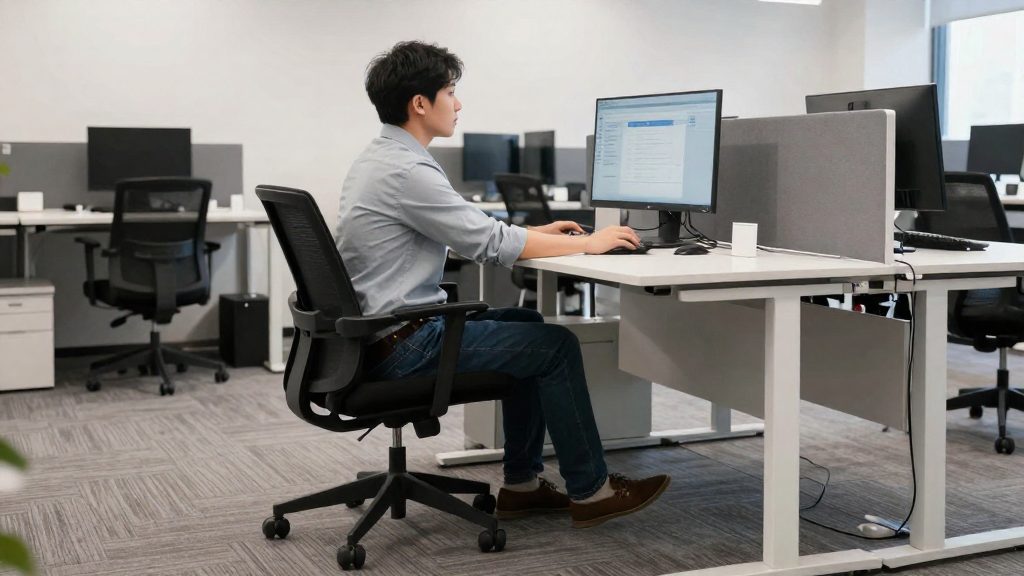
Office ergonomics belongs in a workplace wellness program. Desk-related strain is a health risk that can be prevented and tracked, so it fits alongside other wellness measures rather than being handled only as an equipment purchase.
Why does office ergonomics belong in a wellness program?
Kansas State University, relaying NIOSH, identifies musculoskeletal disorders as the single largest occupational safety and health problem in the U.S. Framing ergonomics as a measurable workplace health issue lets a program set targets and report results, rather than offering tips with no way to judge whether they work. Useful indicators include reported neck, back, shoulder or wrist discomfort, sick-leave days linked to musculoskeletal complaints, and the share of employees who have completed a workstation review.
Texas Mutual, a workers’ compensation insurer, lists stretch breaks (stretching for physically demanding jobs, walking for office workers) among its wellness program tips, along with healthy snacks, hydration, on-site flu shots, step challenges, health screenings, tobacco cessation help, stress management and staying home when sick. These tips do not all address the same risk. The table below sorts them by what they target.
| Tip group | Texas Mutual tips | What it addresses |
|---|---|---|
| Movement and physical load | Stretch breaks (physically demanding jobs), walking (office workers), step challenges | Physical activity and movement; only walking is aimed at office workers |
| General health | Healthy snacks, hydration, health screenings, tobacco cessation help | Overall health, unrelated to desk setup |
| Illness and mental load | On-site flu shots, stress management, staying home when sick | Infectious illness and stress, not musculoskeletal strain |
Ergonomics fits most directly within the first group, which targets physical load. Its scope in a wellness program includes assessing workstations, giving posture guidance, and encouraging regular movement. The other groups address general health and illness and are not specific to desk strain.
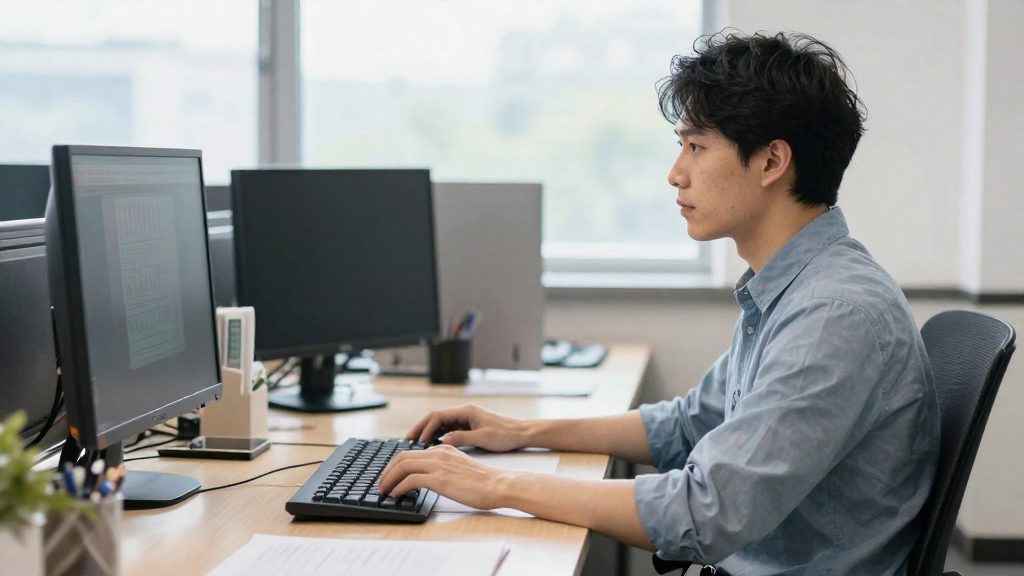
Start with employee input
Asking employees where they feel discomfort, which tasks strain them, and what support they want gives you a factual basis for choosing wellness measures. Before you pick stretch breaks, snacks, or programs, the feedback should show where the problems are concentrated, so that measures match real needs rather than general assumptions.
Run an anonymous survey on discomfort
An anonymous survey lets employees report pain or fatigue without fear of being identified. Keep it short and focused on what you can act on:
- Ask which body regions cause discomfort during or after work (neck, shoulders, lower back, wrists, eyes).
- Ask when discomfort appears: during the workday, at the end of the day, or after leaving work.
- Ask what equipment or conditions would help, such as a chair, a monitor position, or a document holder.
- Record whether the respondent works on-site, at home, or in a mixed arrangement, so that you can compare needs across settings.
| Survey area | What it reveals |
|---|---|
| Body regions with discomfort | Where to focus stretching and movement guidance |
| Timing of discomfort | Whether breaks are needed during the day or whether a setup problem appears by evening |
| Equipment requests | Which workstation items need review |
| Work setting | Whether home and office workers need different support |
Identify high-risk tasks and job roles
Use the survey results to find high-risk tasks and the job roles that perform them. Ask employees to name the tasks that cause the most strain, then compare those answers across roles. Office workers who sit for long periods and use screens for most of the day report different problems than employees who lift, carry, or repeat the same motion.
Choose stress and tobacco support from feedback
Include questions on stress and tobacco support so that the program offers options employees actually want. Ask which sources of stress affect their work and whether they would use stress management resources or tobacco cessation help.
Set up the workstation
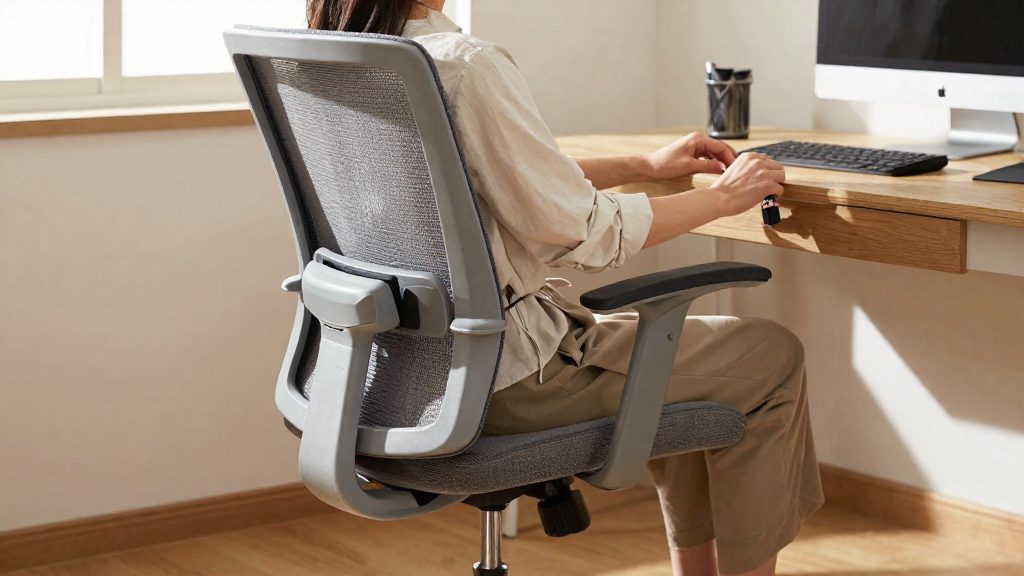
Adjusting the chair and monitor is a direct way to reduce strain on the body during desk work. Kansas State University’s office advice covers a stable base, the backrest, seat height, armrests and lumbar support for the chair, and screen height and glare control for the monitor. As a practical approach, adjust the chair first, then position the screen, so that the monitor is set relative to your seated position.
Chair settings
Check the chair base first. It should be stable, so the chair does not shift when you move. Then set the seat height, followed by the backrest, which should support your back while you work. Adjust the armrests so they support your arms while you type.
Lumbar support helps, so use the chair’s lumbar adjustment, if it has one, to fill the space behind your lower back. Lumbar support helps, so use the chair’s lumbar adjustment, if it has one, to fill the space behind your lower back.
| Element | Adjustment | Purpose |
|---|---|---|
| Chair base | Confirm it is stable and does not rock | Keeps the chair steady when you change position |
| Seat height | Set so your feet are supported | Supports the lower body while seated |
| Backrest | Adjust to support your back | Supports the upper body |
| Armrests | Set so they support your arms | Supports the arms while typing |
| Lumbar support | Fill the space behind the lower back | Helps support the lower back |
Monitor and glare
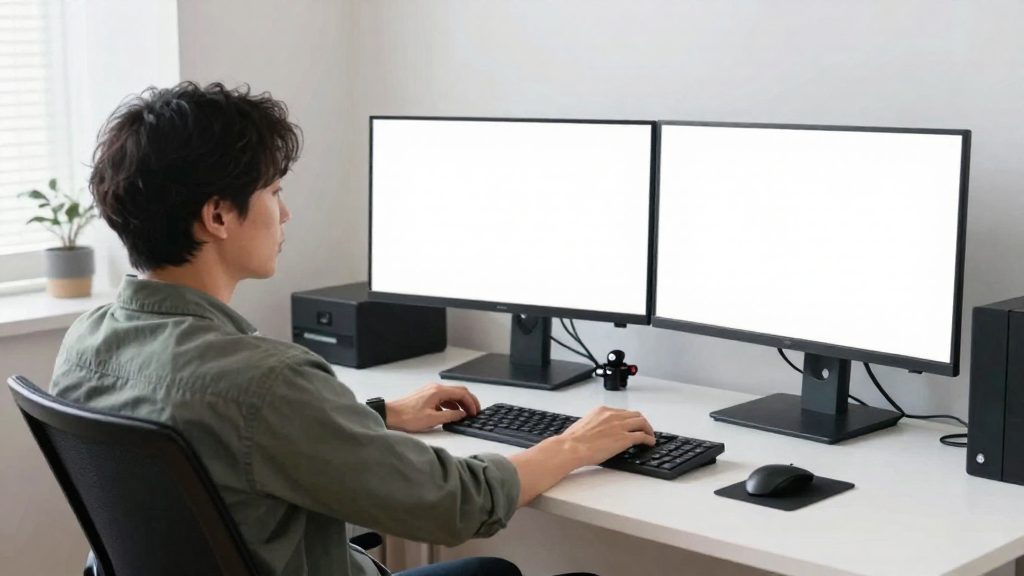
Place the top of the display slightly below eye level. Position the screen so that windows and lights do not reflect on it, because glare makes the display harder to read.
Posture and back pain prevention
Seated posture is one of the most direct ways to reduce back strain at a desk. Kansas State University’s workplace advice gives three body alignment targets you can check in under a minute: head position, elbow position and the shape of the lower back. Keeping these within the stated ranges helps limit the strain that builds up during long sitting sessions.
| Body part | Target | Quick check |
|---|---|---|
| Head | Tilted no more than 15 degrees forward | Head not pushed ahead of the shoulders |
| Elbows | Close to the body, at about 90 degrees | Forearms roughly level with the keyboard |
| Lower back | Keeps its natural curve | Back touches the backrest without slumping |
| Feet | Supported | Flat on the floor, or on a footrest |
Head and neck
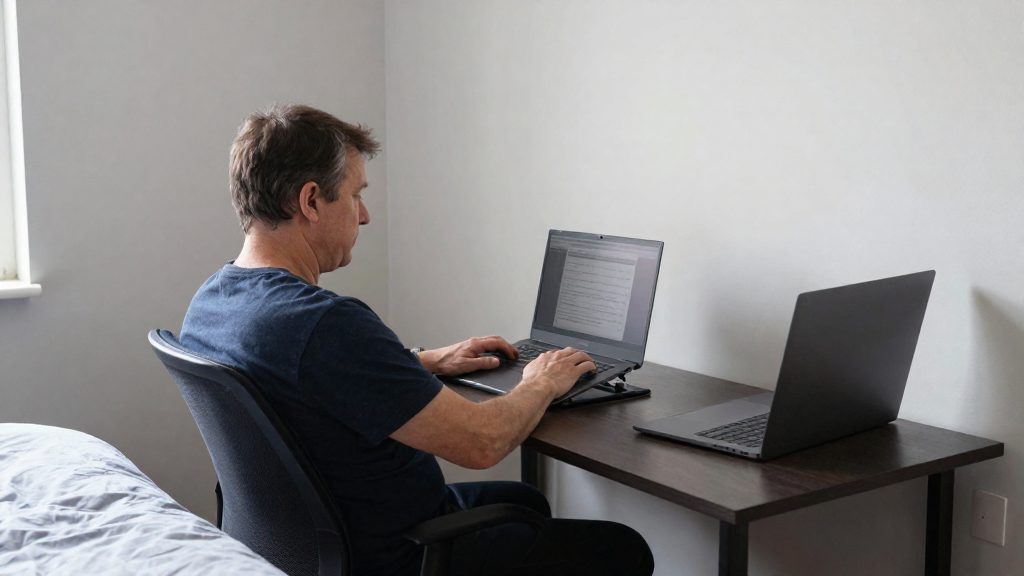
Keep the head tilted no more than 15 degrees forward. The most common deviation is leaning toward a laptop or a screen placed too low, which pushes the head ahead of the shoulders. Set the top of the display slightly below eye level and avoid glare, so the neck stays in line without tilting down.
Elbows and arms
Keep the elbows close to the body, bent at about 90 degrees. A desk that is too high or armrests set too wide lift the shoulders and move the arms away from the torso. Adjust the seat height first, then the armrests, so the forearms can rest with the shoulders relaxed.
Lower back and feet
Keep the natural curve of the lower back rather than rounding forward. The backrest should support the lumbar area while you sit upright. Support the feet, on the floor or on a footrest if the chair cannot be lowered enough. A footrest is the practical fix when the chair height cannot be lowered enough for the feet to reach the floor.
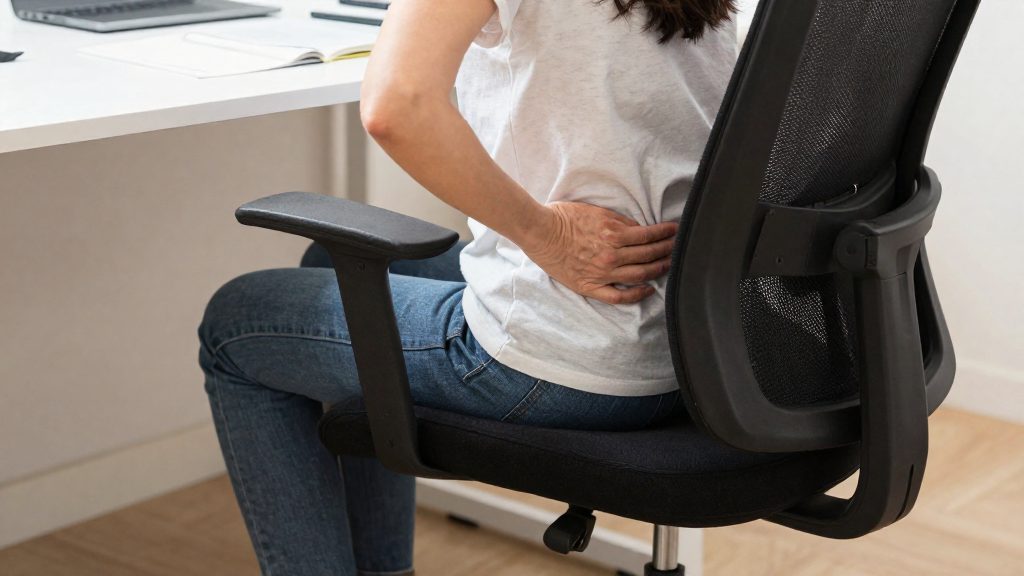
Which break types fit which kind of work?
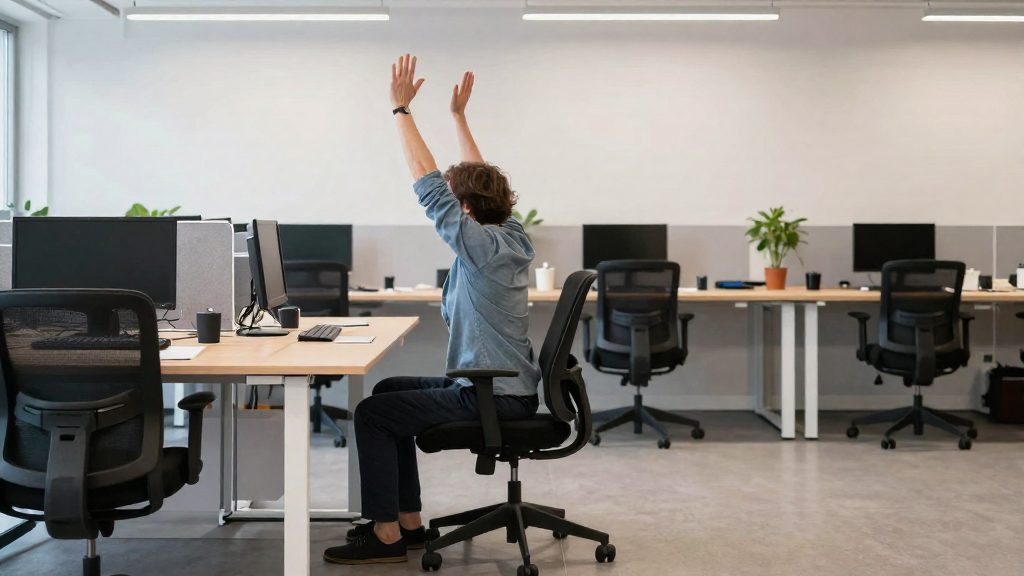
Short movement breaks serve different purposes depending on the work. Physically demanding jobs call for stretch breaks that target the muscles used most during the shift. Office workers benefit from walking breaks that interrupt long periods of sitting. Prolonged screen work calls for blinking more often, because screen users tend to blink less, which can cause dry eyes and fatigue.
| Work profile | Suggested break | Main goal |
|---|---|---|
| Physically demanding job | Stretch break | Relieve the muscles used during the task |
| Office or desk job | Walking break | Move the body away from the chair |
| Prolonged screen work | Blink more often (a reminder can help) | Counter reduced blinking |
Stretch breaks for physically demanding jobs
Stretch the muscle groups used most during the task, such as the back, shoulders, arms, hands or legs, depending on the job. Hold each stretch gently, without bouncing, and stop at mild tension rather than pain. Schedule the stretch at a natural pause in the work so it does not interrupt a movement mid-task.
Walking breaks for office workers
A walking break gives you a reason to leave the chair. A short walk to a printer, a colleague or another floor changes your posture and reduces time spent static. The fact base does not specify break durations, so choose a length that fits your schedule and repeat it through the day.
Blink reminders during prolonged screen work
Kansas State University reports that screen users tend to blink less, which can cause dry eyes and fatigue, and advises blinking more often. A blink reminder, such as a periodic on-screen notification, prompts this habit. When the reminder appears, blink fully, closing your eyes completely on each blink, rather than making partial blinks.
Support remote and hybrid workers with home workstation and sick-leave policies
Remote and hybrid employees work outside the office’s controlled setup, so employer support needs to cover the home workstation, the equipment used there, and the policy for days when someone is ill. The home workspace is a practical concern for any wellness program.
Home workstation setup
Employers can give remote staff a short written checklist to assess their home workspace instead of assuming it is adequate. The checklist should ask whether the employee has a dedicated place to work, whether that place allows a stable seat and a flat surface, and whether the screen can be positioned away from windows or lamps that cause glare. Employees who lack suitable furniture should be told what the employer can supply or reimburse, and who to contact.
Equipment consistency between office and home
A consistent setup means that the same input devices and display arrangement are available at home as in the office. Employees who switch between locations often tend to work on a laptop screen alone at home, which usually sits lower than eye level and encourages a forward head posture. Providing an external keyboard, mouse and monitor, or a laptop stand, lets employees keep a similar position in both places.
Staying home when sick
For hybrid teams, the practical step is a written policy that lets an employee who is ill work from home or take sick leave without penalty, so that illness is not carried into the office. Managers should be told how to handle these requests the same way they handle any other absence.
How do you measure results?
To tell whether a wellness program works, track outcome indicators that change over time. For the ergonomics side, the most useful signals are how employees feel at their desks and how often they are absent. Record a baseline before launch, then compare the same indicators at fixed intervals. Record a baseline before launch, then compare the same indicators at fixed intervals.
Discomfort reports and absenteeism trends
Ask employees to report discomfort in a consistent format: body area (neck, shoulders, lower back, wrists), severity on a simple scale you define in advance, and how often it occurs. Include eye strain as its own category. Keep the form short and use the same wording each time so results stay comparable.
Absence records are a second source. Where HR data allows, look at sick-leave days linked to musculoskeletal complaints or eye strain, and review trends by team rather than by individual. Read these alongside the discomfort reports. If reports fall but absences do not change, or the reverse, the program is probably affecting only part of the problem.
Health screenings and step challenge participation
Participation rates show whether the offer reaches people. Count attendance at screenings and enrolment in step challenges, then divide by the number of eligible employees. Low participation may indicate the program is not reaching staff, which is a different problem from the program failing to help them.
Keep participation data separate from individual health results. Screenings are personal, so report aggregated figures only.
Repeat surveys before and after
Run the same short survey before the program starts and again at fixed intervals after changes such as chair adjustments, screen height corrections or scheduled stretch breaks. Ask identical questions each time. Do not reword items between rounds, because a changed question makes the before-and-after comparison unreliable.
| Indicator | What it shows | When to measure |
|---|---|---|
| Discomfort reports by body area | Whether pain and strain change after workstation or break changes | Baseline, then each interval |
| Absence trends by team | Whether time off moves with reported discomfort | Regular review of HR records |
| Screening and challenge participation | How far the offer reaches employees | Per activity |
| Repeat survey scores | Change in self-reported comfort on the same items | Fixed intervals after each change |
Frequently asked questions
Why should office ergonomics be part of a workplace wellness program?
Kansas State University, relaying NIOSH, identifies musculoskeletal disorders as the largest occupational safety and health problem in the U.S. A program can track indicators such as reported neck, back, shoulder or wrist discomfort, sick-leave days and the share of staff who have had a workstation review, which makes results measurable.
Which Texas Mutual wellness tips apply to desk work?
Texas Mutual’s list includes stretch breaks, which the insurer frames as stretching for physically demanding jobs and walking for office workers. Walking is the only item clearly aimed at desk-based staff. Texas Mutual does not classify its tips by ergonomic risk, so you need to check each one against your own desk setup.
What desk setup guidance can a program share with employees?
Kansas State University advises a stable chair base with adjustable backrest, seat height and armrests, plus lumbar support. It also recommends placing the top of the screen slightly below eye level, keeping the head tilted no more than 15 degrees forward and keeping the elbows close to the body at about 90 degrees. Screen users tend to blink less, so employees should blink more often to reduce dry eyes and fatigue.