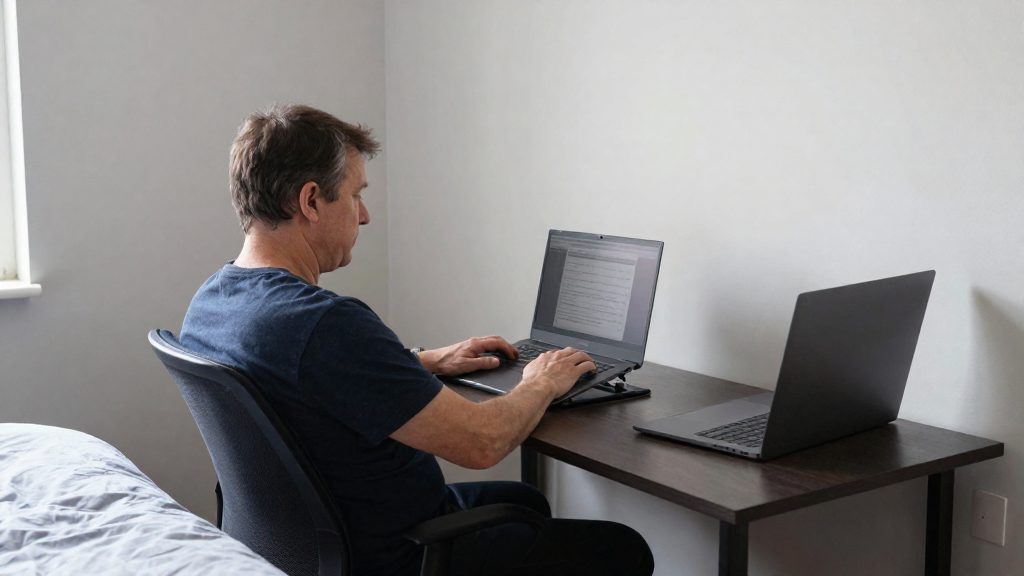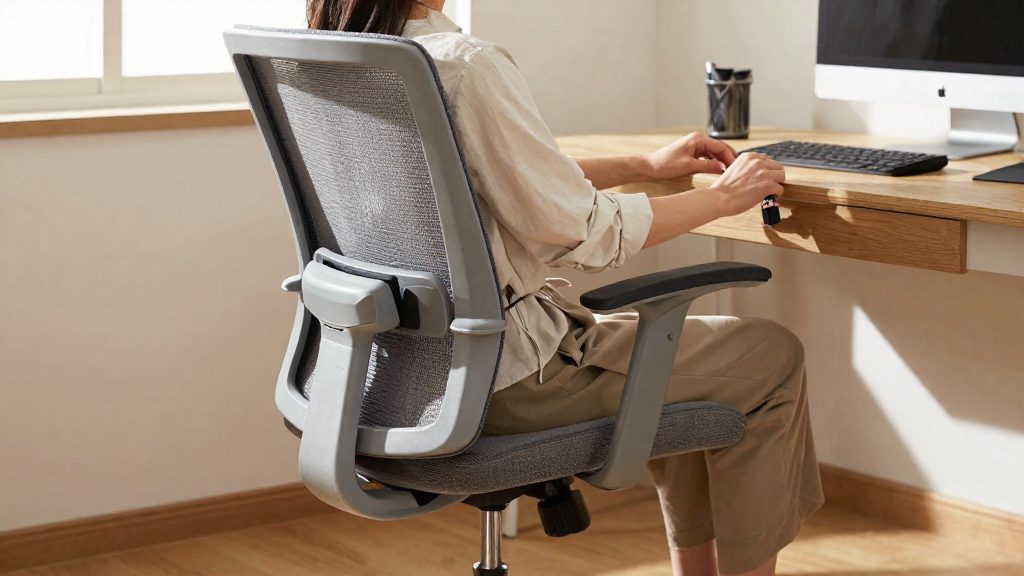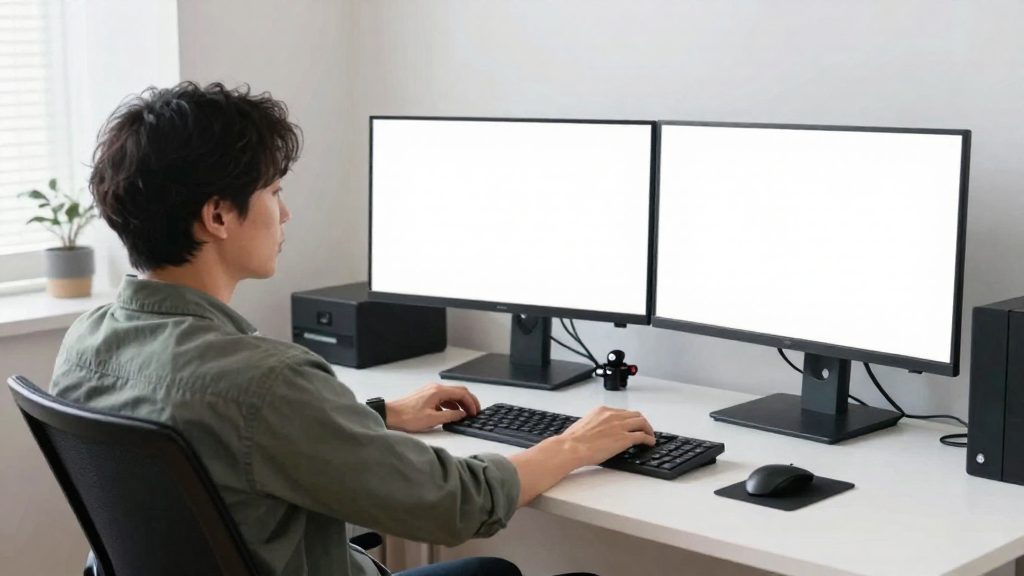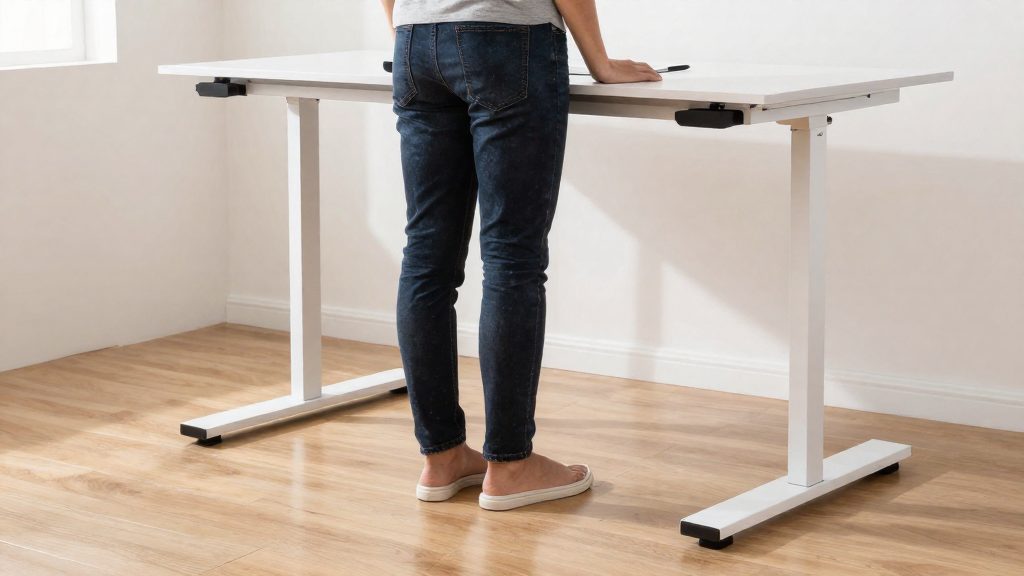
Tall users can get a comfortable setup by matching the desk to elbow height, setting the chair first, keeping the monitor top at or below eye level, and using retrofits only if the desk cannot be replaced.
Why standard desks fall short for tall people
A fixed-height desk does not adjust to limb length. For a tall user, the work surface tends to sit at the wrong level relative to the body, and the keyboard and mouse can end up further away than the arms comfortably reach. Two effects follow from this.
Reach distance to keyboard and mouse
Reach distance increases with arm length. A keyboard placed at a standard depth can sit beyond the range the forearms can cover without leaning, and the mouse may be pushed to the far edge of the surface. Each adjustment that brings the hands closer, such as leaning in or pulling the chair forward, changes the position of the whole upper body.
Forward reach and shoulder strain
When the hands must travel further, the arms stop hanging close to the torso and extend forward. Forward reach tends to raise the shoulders, because the upper arms are no longer relaxed at the sides while the hands work. Holding that position over a full workday keeps the shoulder and neck muscles under continuous load, which is why the desk’s height and depth matter as much as the chair.
Height limits on adjustable desks
The fact sheet gives these figures for standing desks, as reported by WorkWhileWalking (iMovR; manufacturer):
| Desk type | Height range | Note |
|---|---|---|
| Most standing desks | 22” to 47” | Follows the ANSI/BIFMA range; may be too low for users over about 6’2” |
| Taller standing models | about 49” to 51” | Available for users above the common range |
| Taller models with leg extension kits | 55” | Extends the range further |
When a desk is too low, the same source lists three fixes: a keyboard tray that rises above the desk surface, spacers under the desk’s corners, or extended footpads.

What desk height is right for your height?
For taller users, the key question is whether a desk can reach the height your body needs. The practical reference is elbow height: your forearms should rest on the work surface with your elbows relaxed and bent, without raising your shoulders or dropping your wrists. Measure the distance from the floor to your elbow, then compare that figure with the desk’s full height range.
Using elbow height as the sizing reference
- Measure from the floor to your elbow with your shoulders relaxed and your arm in your usual working position.
- Check the desk’s minimum and maximum height, not only the top figure.
- Consider how often you will switch between sitting and standing, since the desk must reach both heights comfortably.
Choosing fixed, adjustable or extra-tall models
Fixed-height desks work only if their single working height matches your elbow measurement. Adjustable desks allow you to match the surface to your elbow height and change it through the day. Extra-tall models are the option when the standard range falls short.
Leg extension kits
Leg extension kits raise the frame beyond the standard range, which is how some desks reach 55 inches. Confirm whether a kit is included or sold separately, and check that it matches your desk model before ordering.
How do you set seated desk height if you are tall?
For tall users, set the desk height after the chair, not before. Adjust the chair first so your feet and thighs are supported, then raise or lower the desktop to fit the position you have already chosen. Setting the desk first usually means readjusting both pieces of furniture, because the desk height depends on where you sit.
Set the chair height first
Sit fully back in the chair and adjust the seat height so your feet are flat on the floor or on a footrest. Keep the seat level and avoid perching on the front edge, which shifts your thighs and knees out of position. Only after this step should you judge how the desktop sits relative to your legs.
Check thigh and knee clearance under the desktop
With the chair set, slide your legs under the desk and check that your thigh clearance is free from the desktop, drawer units, and cable trays. Move your knees from side to side and bring your legs in and out to confirm that nothing catches. If the desktop presses on your thighs, the desk is too low for your seated position. Correct this by changing the desk height or the chair height, not by leaning forward to reach the keyboard.
Use a footrest when your feet do not reach the floor
If you raise the seat to support your thighs and your feet no longer rest flat on the floor, add a footrest. In that case, place a footrest under your feet so they rest flat and your legs are not dangling. A footrest supports the feet, but it does not fix desktop clearance, so always check the thigh clearance after adding one. A footrest is only needed if your feet still do not rest flat once the seat is set.
Check whether the desk range is enough
If the seated height you need cannot be reached on your desk, the limit may be the desk range. Check the maximum height of your desk before buying or rearranging furniture.
Standing desk limits and wobble at full height
Stability changes across the height range. According to WorkWhileWalking (iMovR, a manufacturer), desks wobble more near the top of their range, so a desk that feels steady at mid-height may move noticeably when raised to its maximum. Test stability at the height you actually use while standing, with your typical monitor and keyboard in place, rather than judging it only at a low or middle setting.
To set your standing keyboard height, stand upright with your forearms just under 90°, then measure from the floor to your fingertips. Adjust the desk until the keyboard surface sits at that measured height so your wrists stay roughly in line with your forearms while you type.
How high should a monitor be for tall users?
For tall users, the top edge of the screen is the reference point. According to the Canadian Centre for Occupational Health and Safety (CCOHS), whose guidance is Canadian rather than US-specific, the top of the monitor should not be higher than your eyes. It should sit at or slightly below eye level. A monitor placed too high causes more discomfort than one set slightly too low, so if you are unsure, err slightly low rather than high.
Tall users often fall outside the range of standard monitor stands and desk setups, which are typically designed around average eye heights. The position should therefore be checked from your seated or standing eye level, not from the stand’s default height.
| Check | Recommended position | Source |
|---|---|---|
| Top edge of the screen | At or slightly below eye level | CCOHS |
| Line of sight to the screen | About 15° below the horizontal line of sight, or slightly lower | CCOHS |
| Viewing distance | Roughly one arm’s length | CCOHS |
To set the tilt, sit upright, look straight ahead, and lower your gaze to the screen. The screen should sit about 15° below that horizontal line of sight, or slightly lower. If you are over 5’10” (178 cm), WorkWhileWalking (a resource published by the manufacturer iMovR) advises an extra-tall monitor arm so the top edge of the screen sits on the zero-degree sight line.
For viewing distance, keep the screen about one arm’s length away. If text is hard to read at that distance, increase the font size or zoom level rather than leaning in toward the screen, which keeps your head and neck in a stable position.
Can you fix a desk that is too low?
Yes. If the desk cannot be replaced, the fact sheet describes three retrofit options that raise the keyboard without changing the desk itself. They work differently, so the right choice depends on how your desk is built and whether you can lift or modify it.
Keyboard tray mounted above the desk surface
A keyboard tray rises above the desk surface, so the keyboard sits on a platform higher than the desktop. The desk remains unchanged, which makes this option the least invasive. Position the tray so the keyboard stays close to your body and your wrists stay straight while typing. Because the tray adds a second surface above the desktop, check that its mounting holds firmly under typing and mouse use.
Spacers placed under the desk corners
Spacers placed under the desk’s corners raise the entire desk top, so the keyboard rises along with everything else on the surface. Lift every corner by the same amount so the desk stays level. Uneven lifting can shift the surface and cause it to wobble, so test stability after each adjustment, before placing a keyboard or heavy equipment on the desk.
Extended footpads or casters
Extended footpads add height at the base of the desk. Casters are a separate option and typically add about 2.5 inches, according to the fact sheet. That figure is a typical value, not a guarantee for every model, so confirm the added height on your specific product before purchase. If you choose casters, lock them before typing so the desk does not roll under you.
Choosing between the options
A keyboard tray suits a desk that is rigid and should stay untouched. Spacers suit a desk with a stable frame and corners that can be lifted evenly. Extended footpads or casters suit a desk whose base can accept added height. In each case, confirm the desk stays stable at its new height.
Chair, legs and movement breaks
For tall users, the chair is often the component that fits least well out of the box. Seat depth, backrest height and how often you move all determine how your lower back and legs carry load over a working day. This section covers only those three points. Seat height, thigh clearance and footrests are addressed separately.
Seat depth matched to leg length
Seat depth is the distance from the front edge of the seat to the backrest. If the seat is too deep for your legs, its front edge presses into the back of your knees and you cannot rest against the backrest. If it is too shallow, your thighs get little support and your weight shifts onto your lower back.
To check the fit:
- Sit with your back fully against the backrest.
- Confirm there is a small gap between the seat edge and the back of your knees, enough for the knee to bend without pressure.
- If the chair has a seat-depth slider, adjust it. If it does not, a seat cushion can reduce the depth, though it changes the seat surface and should be checked for stability.
Backrest height and lumbar support fit
The backrest should support your back at the level where lumbar support sits in the hollow of your lower back. Many standard backrests end below the shoulder blades on a tall frame, which leaves the upper back unsupported. In other cases, the lumbar pad sits above the curve of the lower back.
To adjust:
- Sit fully back and note where the lumbar pad contacts your spine.
- If the chair has a height adjustment for the lumbar pad, move it until the pad sits in the lower back.
- If there is no adjustment, a rolled towel or a dedicated lumbar cushion can fill the gap, placed behind the lower back.
- Set the backrest tilt so you can recline without losing contact with the lumbar area.
Movement breaks and leg stretches
Sitting in one position for long periods keeps the legs static. Short, regular breaks interrupt this. Useful options include:
- Standing up and walking a few steps, such as to refill a water glass or to speak with a colleague.
- Shifting your weight and changing your sitting position within the chair.
- Seated leg stretches: extend one leg straight out, flex the ankle toward you, then repeat on the other side.
Set a reminder if you tend to lose track of time. Break frequency should suit your work pattern, so choose an interval you can keep consistently rather than a rigid schedule you will skip.
Frequently asked questions
Will a standard standing desk be tall enough if I am over 6’2”?
Most standing desks follow the ANSI/BIFMA range of 22” to 47”, which can leave users over about 6’2” short of the height they need. Taller models reach about 49” to 51”, and some reach 55” with a leg extension kit.
How do I work out the right keyboard height on a standing desk?
Stand with your forearms just under 90° and measure the distance from the floor to your fingertips. That measurement is the target height for the keyboard surface. Desks also wobble more near the top of their range, so check stability after you raise them.
My desk is too low. Can I fix it without buying a new one?
Yes. You can add a keyboard tray that sits above the desk surface, place spacers under the desk’s corners, or fit extended footpads. Casters typically add about 2.5” of height, so they can also help if the desk is only slightly low.