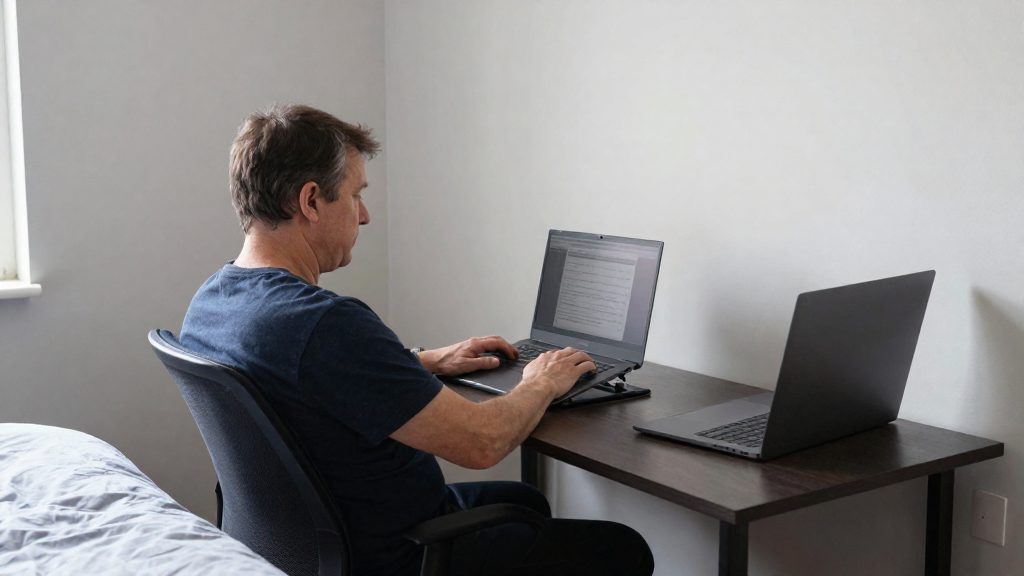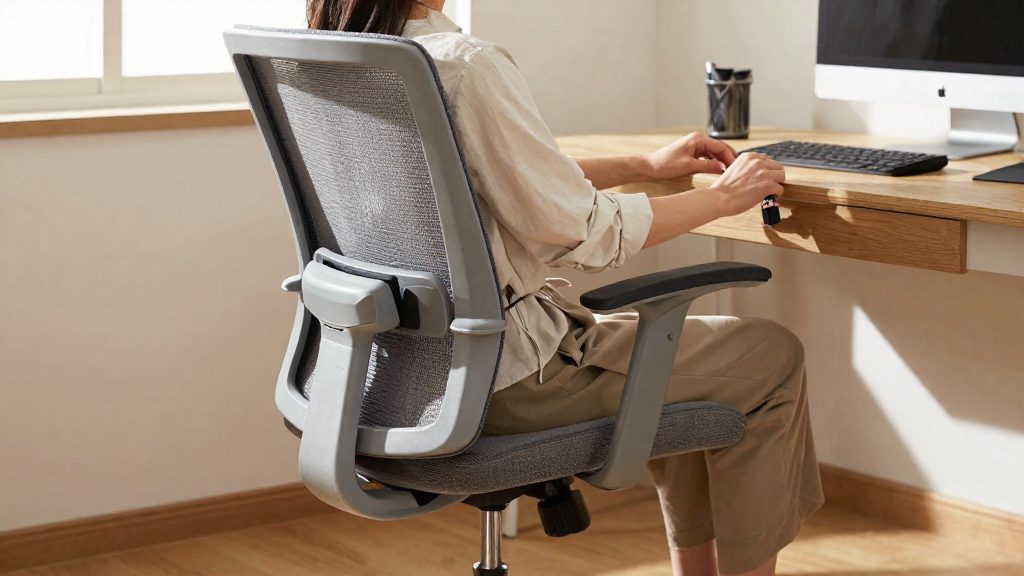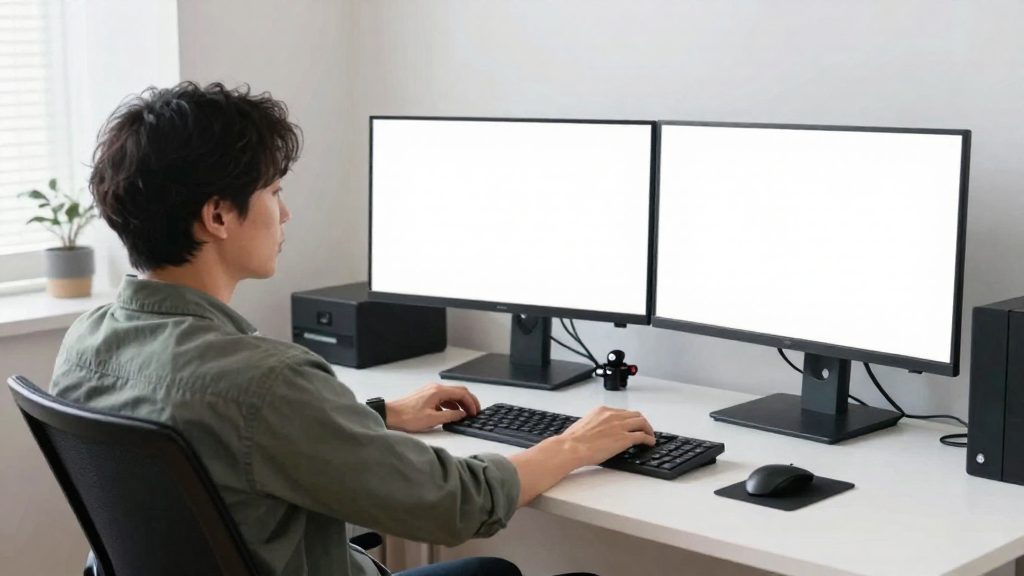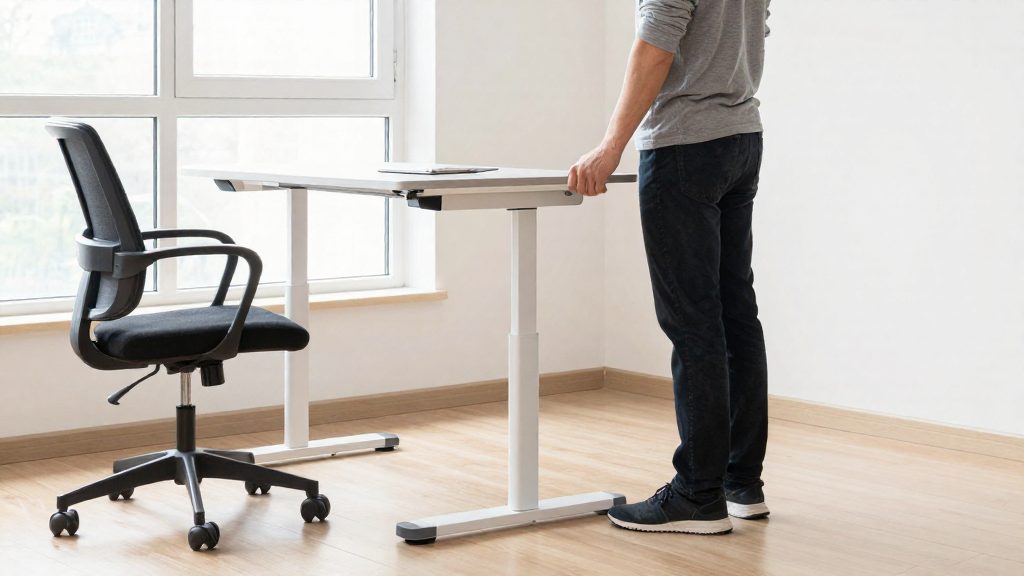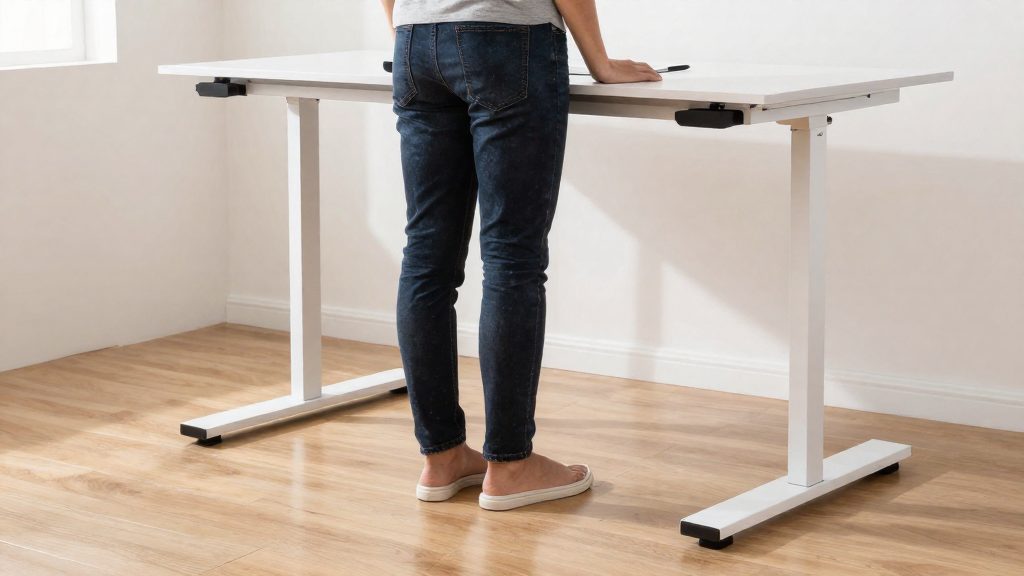
A standing desk can ease knee discomfort for some people, but mainly when it lets you change positions instead of holding one posture. The UChicago Medicine guidance (dated 2019-07-31) notes that people with arthritis may find that constant weight-bearing worsens joint pain, while regular movement can reduce stiffness. A standing desk therefore helps only as one option among several positions, not as a standalone fix for knee pain. Note that the source addresses arthritis-related joint pain in general, not knees specifically.
Can a standing desk help knee pain?
What the available guidance says
The UChicago Medicine article does not study desks specifically. It addresses joint pain in people with arthritis, noting that they may find constant weight-bearing worsens pain, while regular movement can reduce stiffness. For knee discomfort, the relevant factor is therefore whether the desk allows you to change position, not the height alone.
Who may benefit
The guidance addresses arthritis-related joint pain most directly. For these users, a sit-stand desk is most useful when it supports a gradual transition into standing and frequent changes of position. People who experience leg swelling need to be more careful.
Limits of desk changes alone
A desk adjustment does not change how you move. Standing motionless at a raised desk recreates the fixed-posture problem, only in a different position. The desk works best when combined with the following practices:
- Change position throughout the day rather than staying in one posture.
- Include regular movement between positions.
Why standing all day can hurt your knees
Standing for long periods can worsen knee pain because the joints carry your body weight in one fixed position. A standing desk does not remove this load. It changes the posture, and it can still aggravate symptoms if you stay in the same position for hours.
Constant weight-bearing is the factor the source highlights: people with arthritis may find it worsens joint pain, while regular movement can reduce stiffness. The source does not explain the mechanism in detail.
Leg swelling is a second factor. The source notes that long periods of standing can worsen leg swelling. It does not establish how swelling affects knee pain, so people who notice swelling should be cautious and shorten standing periods.
Is sitting all day better for sore knees?
Sitting may feel easier than standing for some people when joints ache, but the source does not address this, and the effect varies from person to person. Seated work has its own knee drawbacks, and whether sitting all day helps depends on your joint condition and on how long you stay in one position.
Sustained knee flexion while seated
A seated posture keeps the knees bent for long periods. Holding one flexed position without changing it may mean the joint gets little variation in movement, although the source does not address this. Shifting your posture and briefly straightening your legs during the day breaks up this static knee flexion.
Pressure points under the thighs
A seat edge that presses into the back of the thighs may add discomfort for some people, though the source does not address this. Check whether the front edge of your seat digs in when your knees are bent. A rounded or padded edge reduces this contact. If you feel tingling or numbness behind the knee, change your position.
When seated rest suits sore knees
Seated rest can be a reasonable phase when standing causes fatigue or discomfort, in line with the source’s advice to take breaks when fatigued.
| Situation | Seated position | Reason |
|---|---|---|
| Pain increases with weight-bearing | Often more comfortable | Reduces time under constant weight-bearing |
| Leg swelling after long standing | A seated break may help | Reduces time spent on your feet; the source only notes that long standing can worsen leg swelling |
| Long periods without any movement | Less suited | Static knee flexion with no variation |
Sitting all day is therefore not the best default. Use seated periods as one phase in a varied day.
How to alternate sitting and standing
The source advises alternating between sitting and standing throughout the day rather than holding one position for long periods. The goal is frequent, varied position changes, not maximum standing time. Build the habit in stages.
Set a switching schedule
Plan your position changes around your work rhythm. Good switch points include the start of a meeting, the end of a writing task, or a move between two kinds of work. A fixed pattern is easier to keep than switching only when discomfort builds up.
| Phase | What to do |
|---|---|
| Start | Sit for most of the session and stand for short blocks |
| Build | Lengthen standing blocks only after earlier ones felt comfortable |
| Maintain | Keep the alternating pattern |
Progress standing time gradually
The source advises moving to standing gradually and as tolerated. Begin with brief standing blocks and increase them only when the current length feels comfortable the next day. If discomfort persists after a standing block, shorten or pause standing periods, resume as tolerated, and see a clinician if the pain persists or gets worse. Changing one variable at a time, the duration of standing, makes it easier to identify what your body tolerates. Stop standing and take a break when you feel fatigued.
Recognise when to sit and rest
Take a seated break when any of these occur:
- Fatigue in your legs, feet, or lower back while standing
- Joint pain that increases the longer you stand
- Difficulty keeping your weight evenly balanced
- Strong urge to shift your weight repeatedly
Sitting down in these situations is part of the method, not a failure of it. Return to standing only after the fatigue has eased, and keep the block at the length you had already tolerated.
Is an anti-fatigue mat worth it?
An anti-fatigue mat changes how the floor feels under your feet while you stand, but the source material for this article does not establish a direct effect on knee pain. A mat may make standing more tolerable, which can support the movement and standing breaks that matter more for joint comfort. It should not be treated as a treatment for the knee itself.
Cushioning types
Mats differ mainly in the material that absorbs pressure and in the surface that contacts the floor.
| Feature | What it means | Practical trade-off |
|---|---|---|
| Foam | Compresses under each step and returns to shape | Softer foams can flatten over time and lose support |
| Gel | Spreads pressure through a dense, viscous layer | Typically heavier, so it is harder to move or clean under |
| Anti-slip base | Textured underside that grips the floor | Essential on hard or smooth floors; less needed on low-pile carpet |
Check that the top surface is also non-slip when wet or wearing socks, and that the base stays flat on the floor.
Thickness and density selection
Thicker is not automatically better. A very soft mat compresses under body weight, which can make your footing less stable and shift your posture. Look for a mat firm enough to hold its shape under your full weight, while still giving some give when you shift from foot to foot. Test the mat for a few minutes at your normal standing height before committing, and check that your monitor and keyboard remain at the same height with the mat in place. A mat that raises you can alter your desk height.
Placement and maintenance in front of the desk
- Place the mat where you stand most often, typically the area in front of the keyboard, so you do not need to step off it to reach your work.
- Keep the edges flat and the surface clear of cords and clutter to reduce trip risk.
- Wipe the surface regularly and dry it fully, following the manufacturer’s cleaning instructions.
- Replace the mat when it no longer springs back after you step off it, as a flattened surface provides little cushioning.

Desk setup tips for sore knees
Setting up your workstation so the neutral alignment of your knees, hips, and feet is maintained reduces the load that a fixed posture places on sore joints. Set each adjustment with your body in the position you actually work in, not from a reference diagram. Start with the chair, since seat height determines how the rest of the setup lines up.
Adjust the seat so your feet rest flat on the floor, or on a footrest if they do not reach it. Your knees should sit roughly level with or slightly below your hips, without pressing into the front edge of the seat. A seat that is too high leaves the feet unsupported and shifts weight onto the thighs. A seat that is too low pushes the knees above the hips, which may be uncomfortable for sore knees. This is general ergonomic advice, not something the source addresses.
The monitor and keyboard mainly affect the upper body, but they influence posture below the waist as well. Place the screen directly in front of you so you do not twist the trunk, since twisting shifts the pelvis and can load the hips and knees unevenly. Keep the keyboard close enough that your forearms stay roughly level and your shoulders stay relaxed.
Desk height needs separate settings for seated and standing work. For seated work, the forearms should rest level with the keyboard. For standing work, your elbows should stay comfortably bent with shoulders relaxed. A height-adjustable desk lets you save both positions, which makes it easier to return to a correct setup after changing posture. When standing, keep your knees soft rather than locked, and distribute weight evenly across both feet.
| Adjustment | Target position | Joint it mainly affects |
|---|---|---|
| Chair seat height | Feet flat or on footrest; knees level with or slightly below hips | Knees, hips |
| Footrest | Heels supported; lower legs not pressed against the desk edge | Knees, feet |
| Monitor height | Top of screen at or just below eye level, centered | Hips (via trunk rotation) |
| Keyboard height | Forearms roughly level; shoulders relaxed | Upper body, indirectly lower body |
| Desk height, seated | Forearms level with keyboard | Hips |
| Desk height, standing | Elbows comfortably bent; knees unlocked | Knees |
Easy movements and stretches for knee comfort
Short, low-impact movement such as walking and gentle stretching helps maintain knee mobility during work. The UChicago Medicine article (2019-07-31) notes that walking supports joint health even with arthritis. A standing desk is most useful when you move regularly, not when you stay in one position.
Walking breaks and low-impact options
Walking is the movement the source names directly. Short walks away from the desk, such as to a printer, a kitchen, or along a corridor, add movement without equipment. If walking is not possible during a break, these seated or standing options keep the knees moving with little impact:
| Option | How to do it |
|---|---|
| Walking break | Walk at a comfortable pace around the room, corridor, or building |
| Marching in place | Lift each knee alternately, holding the desk for support if needed |
| Seated knee extension | Sit tall, slowly straighten one leg, hold briefly, then lower it |
Quadriceps and hamstring stretches
To stretch the quadriceps (front of the thigh), stand beside the desk for support, bend one knee, and gently bring the heel toward the buttock while keeping the knees close together. To stretch the hamstrings (back of the thigh), sit toward the front of the chair, extend one leg with the heel on the floor, and lean forward slowly from the hips with a straight back. Switch sides and keep both movements slow and controlled.
Repetitions and hold durations
The source does not specify repetition counts or hold times, so start with a few repetitions and increase only as your comfort allows. Hold each stretch until you feel a steady pull, breathing normally, and avoid bouncing. Spread short sessions across the day rather than doing one long session.
When should you see a doctor?
Knee pain that persists, worsens, or comes with specific warning signs needs a medical evaluation, not only a change to your desk setup. A standing desk can change how much time you spend sitting, but it cannot identify the cause of joint pain. If you have arthritis, a clinician should assess your pain.
Some symptoms are red flags that call for prompt medical care:
| Symptom | Recommended action |
|---|---|
| You cannot put weight on the leg | Get urgent medical help |
| Very severe knee pain | Get urgent medical help |
| The knee locks (genuinely stuck and cannot move or straighten), not just a catching feeling | Get urgent medical help |
| Sudden or major swelling, or the knee has changed shape | Get urgent medical help |
| Redness or warmth over the joint, or fever with knee pain | Get medical care the same day |
Redness, warmth, and fever can signal infection or inflammation, so they need professional assessment rather than a desk adjustment. This red-flag list follows NHS guidance on knee pain, not the UChicago source.
Pain that continues for several weeks after you have made workstation changes also warrants evaluation. Keep a brief record of when the pain occurs, what activity precedes it, and whether it changes with rest. This information helps the clinician assess the problem more quickly.
Clinicians you can consult:
- Primary care physician: the usual first contact, who can examine the knee and refer you onward.
- Orthopedic specialist: appropriate for locking, persistent mechanical pain, or suspected structural damage.
- Rheumatologist: relevant when inflammatory arthritis is suspected.
- Physical therapist: can assess movement and posture after a medical referral.
Frequently asked questions
Can a standing desk help if my knees hurt?
The UChicago Medicine guidance dated 2019-07-31 covers joint pain in people with arthritis, not knee pain as a separate condition, so it does not confirm a benefit for your knees specifically. It links symptom relief to varied movement rather than to any single position, so a desk is most useful when it lets you change how you stand and sit.
I have arthritis. How should I start using a sit-stand desk?
Begin by standing for short periods and increase the time gradually, as tolerated. Alternate between sitting and standing throughout the day, and take a break when you feel fatigued. The same source also notes that walking supports joint health, even with arthritis.
What should I do if my legs swell when I stand for long periods?
The source notes that long periods of standing can worsen leg swelling, so shorten your standing periods and sit down when you notice swelling. If the swelling persists, see a healthcare professional. Get urgent medical help if swelling is sudden, severe or in one leg only without an obvious cause, and call emergency services if it comes with shortness of breath or chest pain (NHS guidance on oedema).