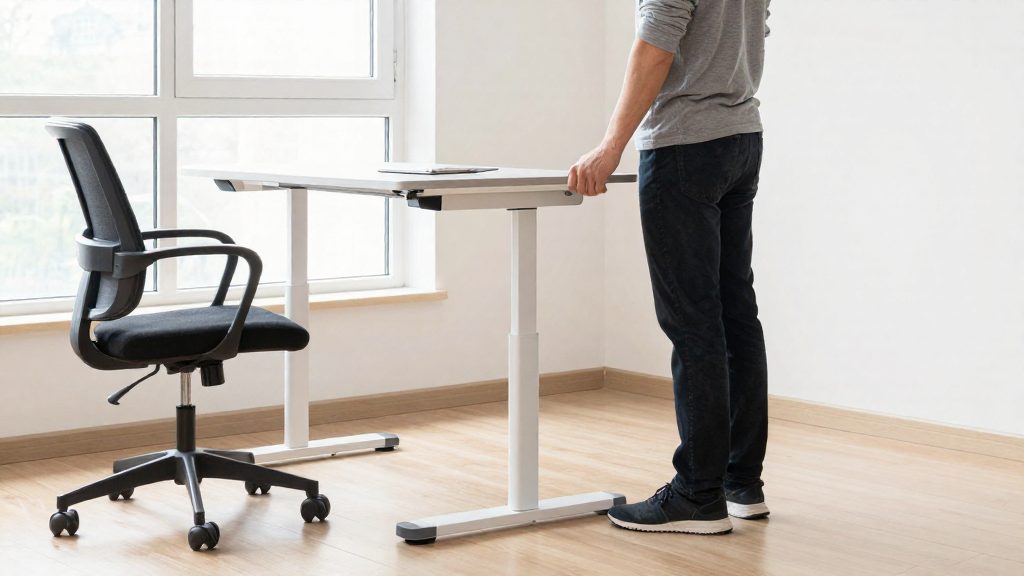
Standing still is more tiring than sitting still, according to Cornell University’s ergonomics guidance. Switching abruptly from a seated desk to long periods at standing height tends to cause fatigue and discomfort early on. A gradual transition, starting with short standing intervals and lengthening them over about two weeks, gives your body time to adapt and keeps discomfort low at the start. UPLIFT Desk, a manufacturer, states that most people adapt within 2–3 weeks.
Why ease into a sit-stand desk?
Cornell’s guidance also notes that static standing loads the body differently from sitting. Fatigue appears quickly when standing time jumps from none to hours. Its recommendation is to sit in a neutral posture and stand intermittently rather than for extended stretches.
A sudden switch also tends to cause discomfort in the lower legs and feet, which are not used to bearing body weight for long periods. Muscles and joints in these areas adapt gradually, so a short first session followed by slow increases is less likely to produce soreness than an immediate full-day standing routine.
Reference points for a gradual start
UPLIFT Desk, a manufacturer, gives the following figures for beginners. They describe the progression logic rather than a universal rule.
| Reference point | Figure | Source |
|---|---|---|
| Starting standing interval | 5 minutes | UPLIFT Desk (manufacturer) |
| Target standing interval after build-up | 8 minutes | UPLIFT Desk (manufacturer) |
| Time to build up to the target | About 2 weeks | UPLIFT Desk (manufacturer) |
| Typical adaptation period | 2–3 weeks | UPLIFT Desk (manufacturer) |
Increasing the interval in small steps lets you notice fatigue or foot discomfort before it becomes a problem. If discomfort appears, shorten the interval and resume the build-up once it fades.
What the evidence does and does not show
Cornell notes that there is only scant evidence that sit-stand furniture has cost-effective benefits. It reports some evidence of reduced back discomfort, and none showing improved wrist posture during keying or mousing. The transition should therefore be judged on comfort, not on guaranteed health outcomes.
What is a good beginner sit-stand schedule?
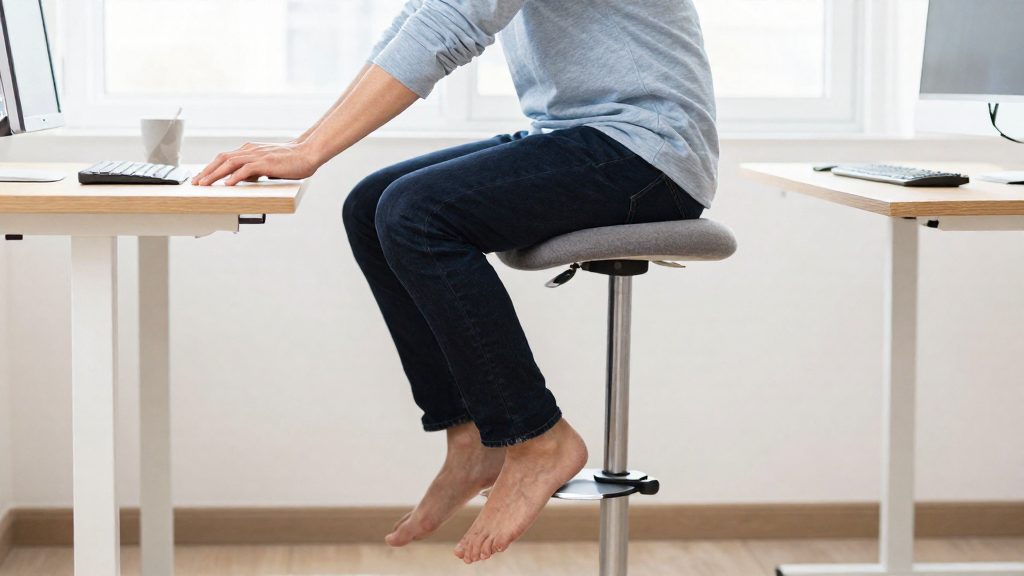
A good beginner schedule keeps most of the working day seated and reserves standing for low-demand tasks. Cornell’s guidance recommends sitting in a neutral posture as the default and standing only intermittently. For someone new to a sit-stand desk, the standing share of the day should therefore be clearly smaller than the sitting share.
Standing suits tasks that do not require sustained precise hand work. Cornell specifically recommends standing for phone calls and filing, so these are the natural starting points:
| Task | Suggested position | Reason |
|---|---|---|
| Phone calls | Standing, intermittently | Cornell recommends standing for this task |
| Filing | Standing, intermittently | Cornell recommends standing for this task |
| Keyboarding | Seated | Cornell advises against keyboarding while standing |
| Mouse use | Seated | Cornell advises against mousing while standing |
Keyboarding and mousing stay seated. Cornell advises against both while standing. It also reports no evidence that sit-stand furniture improves wrist posture during keying or mousing. Keep typing, spreadsheet work and mouse-driven tasks at seated height, and schedule standing periods around the tasks in the table above.
Start with fewer standing hours than sitting hours. A first schedule should give standing a smaller share of the day than sitting. Limit standing to the low-demand tasks rather than extending it across entire work blocks. This keeps the schedule aligned with Cornell’s guidance: a neutral seated posture as the base, with standing used intermittently.
FlexiSpot’s 30-day, four-week standing plan
FlexiSpot’s published 30-day plan introduces standing in four stages. Each week adds one change, so you can keep the previous week’s routine before layering the next. The first two weeks use hourly standing blocks, and the difference lies in how the standing time grows.
| Week | Action | How to apply it |
|---|---|---|
| 1 | Stand for 15 minutes each hour (FlexiSpot’s plan; UPLIFT suggests starting with 5-minute intervals) | Set an hourly timer and sit for the rest of the hour |
| 2 | Add 5 minutes per standing session, or cut 5 minutes of sitting | Pick one method; the first option makes each standing session 20 minutes |
| 3 | Alternate sitting and standing every 30 minutes | Change position at each half hour instead of once per hour |
| 4 | Add simple exercises such as calf raises while standing | Perform calf raises during your standing periods |
Week 1: fixed standing blocks. Use the first 15 minutes of each hour for standing. Keep the block fixed at the same time each hour so the change becomes a habit. Reserve it for tasks that do not involve typing.
Week 2: lengthen or reduce. Choose one adjustment and keep it for the whole week. Extending each standing session by 5 minutes increases your standing time; cutting 5 minutes from sitting is the alternative way to increase the share of standing in the hour. Either way, change only one variable so you can tell which adjustment your body tolerates.
Week 3: alternating cycle. Switch between sitting and standing every 30 minutes. This changes the rhythm from one standing block per hour to equal halves of sitting and standing. That is FlexiSpot’s manufacturer plan, and it puts standing at about half of each hour. Cornell’s guidance instead makes neutral sitting the default with intermittent standing, so shorten the standing blocks if fatigue or discomfort appears.
Week 4: adding movement. Include simple exercises during standing periods. The plan names calf raises as an example, so start with that movement and avoid adding others until the cycle feels routine.
What is the 20-8-2 rule?
The 20-8-2 rule is a sit-stand pattern that divides each 30-minute cycle into 20 minutes of sitting, 8 minutes of standing and 2 minutes of moving. UPLIFT Desk, a desk manufacturer, attributes the pattern to Alan Hedge of Cornell University. It is a schedule for alternating postures, not a medical standard, and its value comes from varying position across the workday.
The three phases
| Phase | Duration per 30-minute cycle | Purpose |
|---|---|---|
| Sitting | 20 minutes | Neutral seated posture at the desk |
| Standing | 8 minutes | Change of posture for suitable tasks |
| Moving | 2 minutes | Walking or light movement away from the desk |
Starting from five minutes
Beginners should start with 5-minute standing intervals, then increase them to 8 minutes over about two weeks. Keep the 20-minute sitting and 2-minute moving blocks in place while you ramp up. The cycle is shorter than 30 minutes until the standing portion reaches 8 minutes.

Breaks Cornell recommends during the workday
A standing session should be interrupted by regular breaks. Cornell’s recommendations use three break levels, each with a different interval and purpose.
| Break type | Recommended interval | What it involves |
|---|---|---|
| Micro-break | Under 2 minutes between typing bursts | A short pause from keyboarding before the next burst |
| Rest break | Every 30 to 60 minutes | Stand up and move around |
| Exercise break | Every 1 to 2 hours | A dedicated movement session |
Micro-breaks and rest breaks serve different functions. Micro-breaks occur within a task and interrupt sustained keying, while rest breaks change your position and the way your body is loaded. An exercise break is a longer interruption that adds deliberate movement on top of the rest breaks.
Rest breaks at 30 to 60 minute intervals fall naturally at the point where you change tasks.
Posture and setup while standing
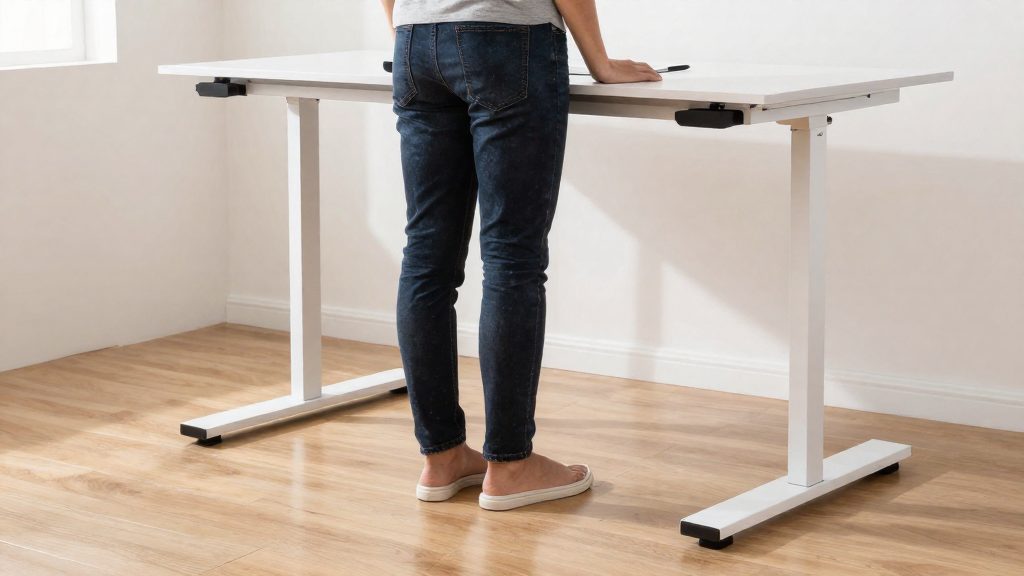
Standing posture depends first on how your weight is carried. Distribute your weight evenly across both feet instead of resting on one leg, leaning a hip against the desk, or locking your knees. Small weight shifts from foot to foot help you avoid holding one position for long periods.
Weight distribution and foot placement matter most in the first minutes of standing. Keep your feet apart enough to feel stable, with weight spread across the whole foot rather than the toes or heels. Keep your knees soft, and let your pelvis sit under your shoulders without pushing the lower back into an arch.
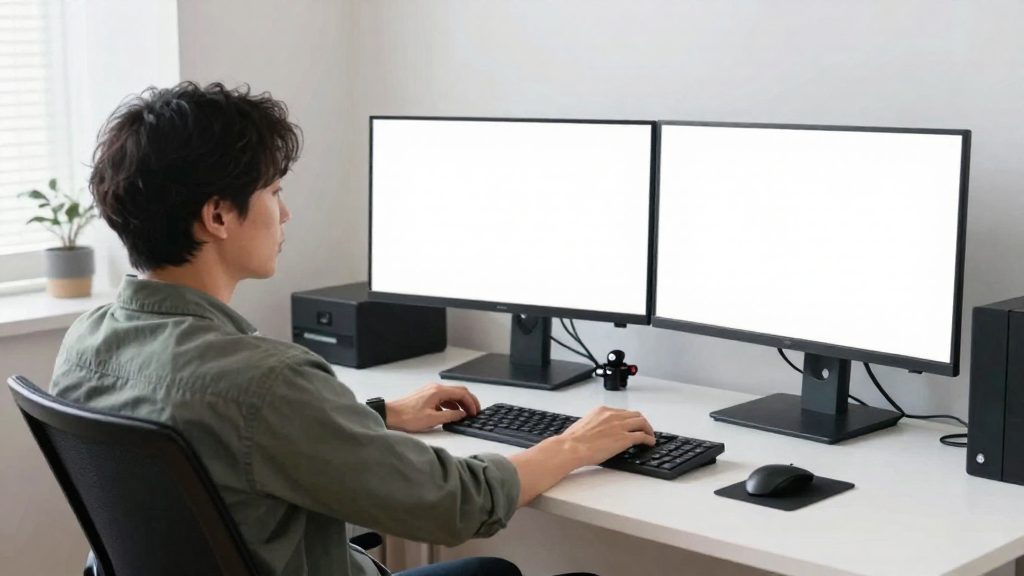
Monitor height is the second element. Set the top edge of the screen at or just below eye level so your gaze falls slightly downward and your neck stays in a neutral position. Eye level changes between sitting and standing, so recheck the screen height each time you change desk position.
Footwear and the floor surface complete the setup. Choose supportive, flat-soled, closed-toe shoes rather than going barefoot or wearing unsupportive slippers. An anti-fatigue mat can reduce the strain of standing on a hard floor. Choose a mat that is cushioned but stable, because a surface that makes you wobble increases the effort needed to keep your balance.
| Element | What to check |
|---|---|
| Weight | Even across both feet, knees soft |
| Feet | Stable stance, weight across the whole foot |
| Screen | Top edge at or just below eye level |
| Footwear | Supportive, flat-soled, closed-toe |
| Mat | Cushioned yet stable, no wobble |
Signs you are overdoing it
Some discomfort is expected when you start using a sit-stand desk. What matters is the direction of the symptoms. Normal adaptation produces mild fatigue that fades over time. Discomfort that persists or worsens is a warning sign.
| Symptom | Normal adaptation | Warning sign |
|---|---|---|
| Lower legs | Tiredness while standing that goes away after you sit down | Persistent swelling in the calves or ankles that remains after you sit |
| Feet | Soreness that lessens as you adjust | Foot pain that persists after standing |
| Lower back | Mild stiffness that eases over the following weeks | Pain that increases instead of easing |
| Overall trend | Improving across the first 2–3 weeks | No improvement after 2–3 weeks, or getting worse |
Persistent swelling or foot pain after standing is not part of normal adaptation. If these symptoms remain after you return to sitting, stop standing for that session and do not push through the discomfort. Repeated swelling or pain that does not resolve should be assessed by a healthcare professional.
Lower-back pain that worsens over time deserves particular attention. Cornell reports only some evidence of reduced back discomfort, so worsening back pain after you switch to standing should not be dismissed as normal adjustment. Possible causes include setup and routine, and a healthcare professional can help identify them. Check whether the top edge of your monitor is at or just below eye level, whether your keyboard height matches your posture, and whether you are shifting your weight or locking your knees.
Frequently asked questions
Do I need a fixed schedule, or can I stand whenever I want?
Cornell’s guidance favors intermittent standing over long standing stretches, with a neutral seated posture as the base. It suggests standing for tasks such as phone calls or filing, and advises against typing or mousing while standing.
Which schedule should a beginner pick: UPLIFT’s build-up or FlexiSpot’s 30-day plan?
UPLIFT starts at 5-minute standing intervals and builds to 8 minutes over about two weeks, while FlexiSpot’s week 1 begins at 15 minutes of standing per hour. Both are manufacturer plans, not Cornell standards, so the gentler UPLIFT start suits anyone who tires quickly, while FlexiSpot’s four-week plan adds exercises such as calf raises in week 4.
What should I do if my back pain increases after I start standing?
Cornell reports only some evidence that sit-stand furniture reduces back discomfort and does not establish the causes of back pain, so a rise in pain after switching does not by itself identify its cause. Shorten your standing intervals and have a healthcare professional assess pain that persists.