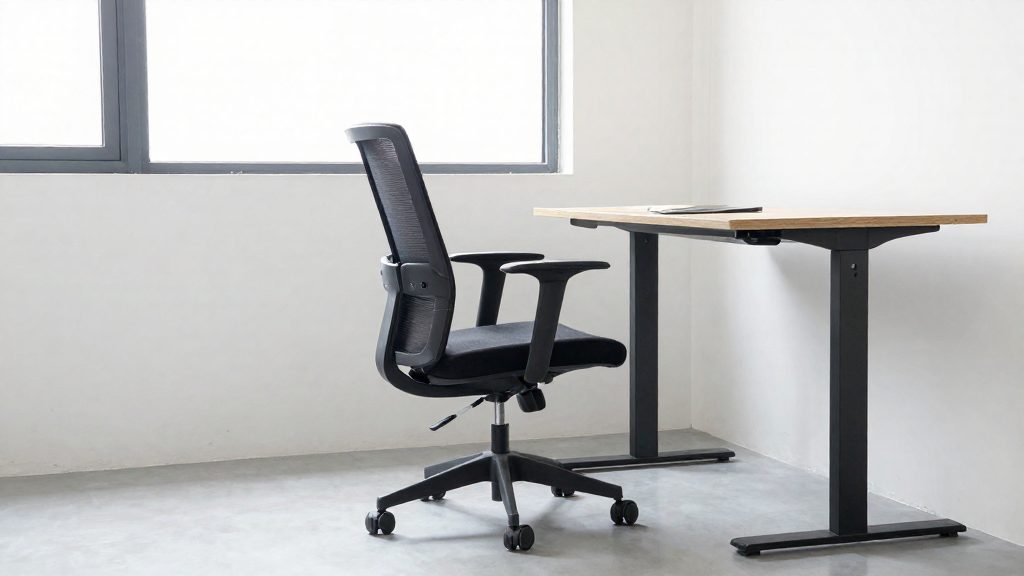
Desk work keeps the lumbar discs under compression for long periods while the body stays still. Intervertebral discs depend on fluid movement for their nutrition and for clearing waste, so a fixed seated position interrupts that exchange. Sustained loading also changes how the spine shares force between muscles, ligaments and discs. These mechanisms, not any single moment of poor posture, explain why extended sitting is hard on the discs.
How desk work affects spinal discs
Intradiscal pressure during prolonged seated posture
Prolonged sitting is listed as a risk factor for a herniated disk, and slumped postures are awkward postures that NIOSH identifies as a risk factor for musculoskeletal disorders. A seated posture held for hours keeps the disc under continuous compression rather than the varied loading of normal daily movement. Sitting with a rounded lower back changes how load is distributed across the disc.
Fluid exchange depends on alternating loading and movement
A disc behaves somewhat like a sponge. Compression pushes fluid out, and release draws fluid back in. This cycle carries nutrients into the disc and removes waste products. When a seated position stays fixed, the compression phase lasts far longer than the release phase, so the cycle slows. Standing up, shifting weight, or changing position restarts the alternation. Fixed positions reduce this exchange during the working day.
Muscle fatigue shifting load onto passive spinal structures
During sitting, the deep trunk and back muscles share the work of keeping the spine upright. As these muscles tire, they stop contributing their share, and the load moves onto passive structures: ligaments, joint capsules and the discs themselves. Passive structures do not contract or relax, so they absorb force without the active support that muscles provide. The CDC/NIOSH fact sheet states that musculoskeletal disorders can affect spinal discs.
| Condition | Effect on the disc |
|---|---|
| Sustained static sitting | Continuous compression; fluid exchange slows |
| Alternating load and movement | Compression and release cycle restores fluid exchange |
| Fatigued trunk muscles | Force shifts to ligaments, joint capsules and discs |
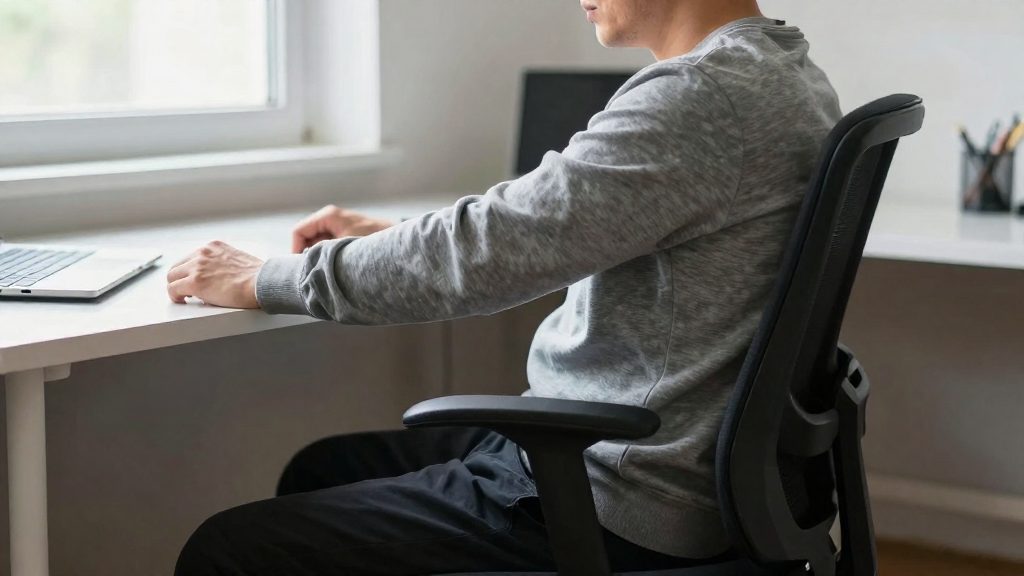
Can sitting all day cause a herniated disc?
Prolonged sitting is listed as a risk factor for a herniated disc, but the sources do not present it as a cause on its own. According to AAOS OrthoInfo (2025), a sedentary lifestyle appears in a list of risk factors that also includes being overweight, smoking, repetitive lifting, bending or twisting jobs, and lifting with the back instead of the legs. Sitting all day therefore adds to a broader risk profile. The source gives no duration of sitting linked to a higher risk, so no time threshold can be stated.
| Factor | What the source states | Source |
|---|---|---|
| Sedentary lifestyle | Listed among herniated disk risk factors, alongside other factors | AAOS OrthoInfo (2025) |
| Frequent driving | Grouped with prolonged sitting and vibration as a risk factor | AAOS OrthoInfo (2025) |
Vibration and prolonged sitting
AAOS OrthoInfo groups frequent driving with prolonged sitting and vibration, which makes it a distinct exposure for people who spend long hours in a vehicle. CDC/NIOSH (2025) adds that musculoskeletal disorders are caused by force, vibration, repetitive motion or awkward postures. Vibration is therefore one of the mechanisms named by that source. If your workday combines long periods seated with regular driving, you face both exposures.
Age-related loss of disc water
Age is a separate factor. AAOS OrthoInfo (2025) explains that discs lose water and flexibility with age, which makes them more likely to tear or bulge. The source describes this change as a main cause of herniation besides trauma. The sources do not specify an age at which the risk rises, so the timing of this change cannot be quantified from the available data.
Early herniated disc symptoms to watch for
A herniated lumbar disc often shows up first as lower back pain. It can progress to sciatica, numbness or tingling, and leg or foot weakness, though not every person follows the same course. Knowing this sequence helps you notice a change while the symptoms are still mild.
| Order | Symptom | Where it is felt |
|---|---|---|
| 1 | Lower back pain | Lower back, often the first sign (not always in this order) |
| 2 | Sciatica (shooting pain) | From the buttock down one leg |
| 3 | Numbness or tingling | In the affected leg |
Lower back pain as the usual first sign
Lower back pain is often the first symptom. It is not specific to a disc problem, so the pattern matters more than any single episode. Note whether the pain stays in the lower back, whether it keeps coming back, and whether it gradually worsens over time.
Sciatica: pain shooting down one leg
Sciatica is the stage where pain travels from the buttock down one leg. Sciatica is one way a herniated disk can show it is affecting a nerve, but its absence does not rule out a disc problem. Describe where the pain starts and where it ends, and whether it stays on one side of the body.
Numbness and tingling in the affected leg
Numbness or tingling is the next stage to watch for. It is a change in sensation, not pain, and it is felt in the leg on the side of the affected nerve. Record where it occurs (thigh, calf, or foot), how often it appears, and how long each episode lasts.
Set up your workstation to reduce awkward postures
Your workstation is one of the risk factors you can change directly. For the chair, desk and monitor, the aim is a supported, neutral spine with your joints at comfortable angles.
Adjust the components in this order, because the chair sets the reference height for everything else.
| Component | Target position | Ergonomic goal |
|---|---|---|
| Seat height | Feet flat on the floor or a footrest, thighs roughly level | Keeps hips and knees at a comparable height, reducing slumping |
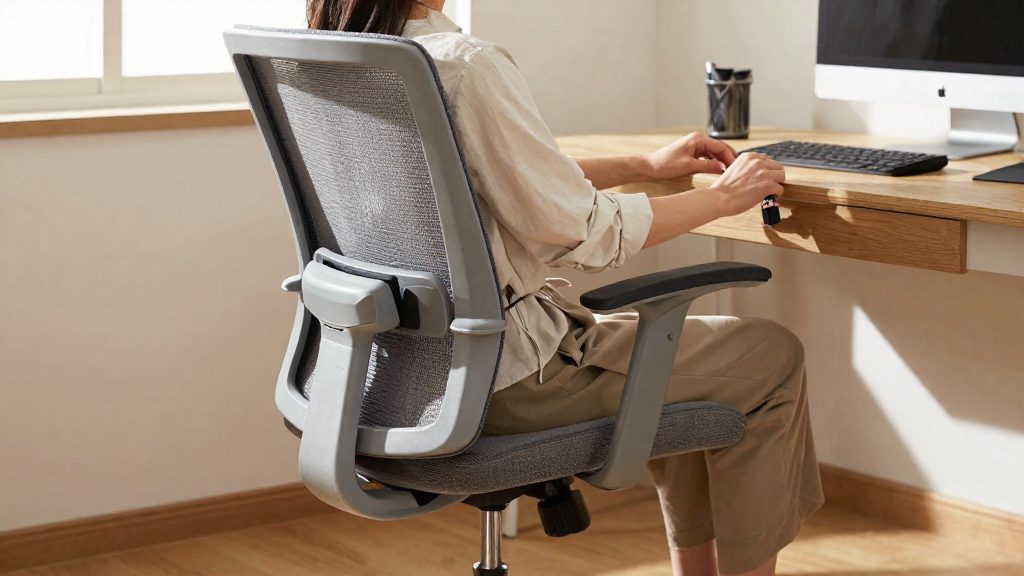
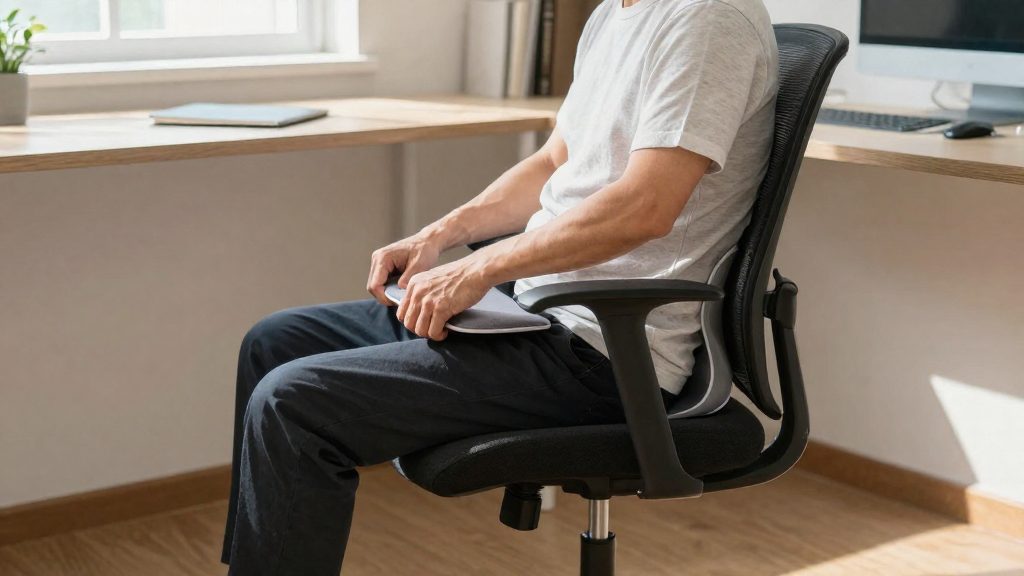
| Lumbar support | Pad sits in the inward curve of your lower back | Helps the spine hold a neutral position |
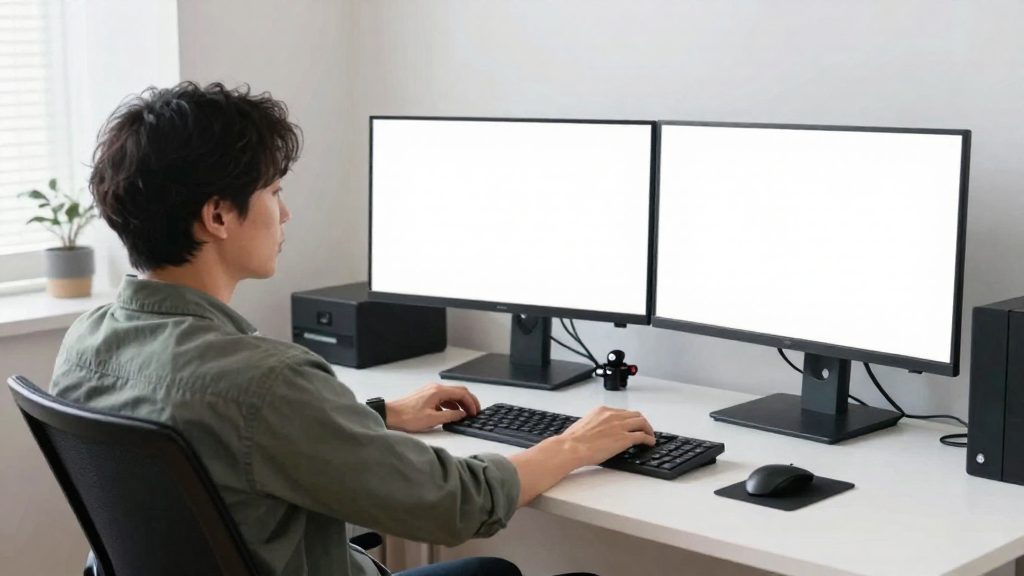
| Desk height | Forearms level with the keyboard when your shoulders are relaxed | Sets the height for the keyboard and mouse |
| Keyboard | Directly in front of you, at elbow height, elbows close to the body | Avoids raising or stretching the arms |
| Mouse | Beside the keyboard, at the same height | Keeps the shoulder from reaching outward |
| Monitor | Top of the screen at or slightly below eye level, centred in front of you | Limits neck and upper back flexion |
Seat height and lumbar support come first. If the chair has no adjustable lumbar, a small removable cushion can fill the gap, but it should support the curve rather than push your lower back forward.
Keyboard and mouse at elbow height keep your shoulders relaxed. If your elbows sit above the keyboard, the desk is usually too high or the chair too low. Re-check the seat height before raising the keyboard.
Monitor top aligned with eye level prevents you from tilting your head down for long periods. For a laptop used on the desk, a separate keyboard and stand help achieve the same alignment, and the same height principles apply.
Posture habits that reduce disc strain
Keeping your spine in neutral alignment during seated work and lifting is one of the most direct daily habits affecting the lumbar discs. The fact sheet lists bending or twisting jobs, repetitive lifting, and lifting with the back instead of the legs as risk factors for a herniated disk. The habits below address those specific loads. Because the sheet describes awkward postures and repeated loading as the underlying problem, these habits matter most when they are repeated across the day, not only during one heavy lift.
Neutral seated spine. Place both feet flat on the floor so your pelvis stays supported and your lower back keeps its natural curve. Slumping forward is an awkward posture, and the CDC / NIOSH describes awkward postures as a risk factor for musculoskeletal disorders. Chair adjustment is described in the workstation section above, so focus here on how you move your trunk while seated.
Avoid forward bending and twisting while seated. Reaching repeatedly toward the floor or to the side makes the trunk bend and rotate at the same time. Keep frequently used items within easy reach so you turn your chair rather than your torso. This directly targets the bending and twisting risk factor listed in the sheet.
Lift with your legs, not your back. Stand close to the load, bend at the hips and knees, keep the object close to your body, and straighten by pushing up with your leg muscles. The sheet identifies lifting with the back instead of the legs as a risk factor, and the same principle applies to repetitive lifting.
| Habit | Practical action | Risk factor named in the sheet |
|---|---|---|
| Neutral seated spine | Feet flat, lower back supported | Awkward postures (CDC / NIOSH) |
| Avoid bending and twisting | Keep frequent items in reach, turn the chair | Bending or twisting work (AAOS OrthoInfo) |
| Leg-driven lifting | Bend hips and knees, keep load close | Lifting with the back (AAOS OrthoInfo) |
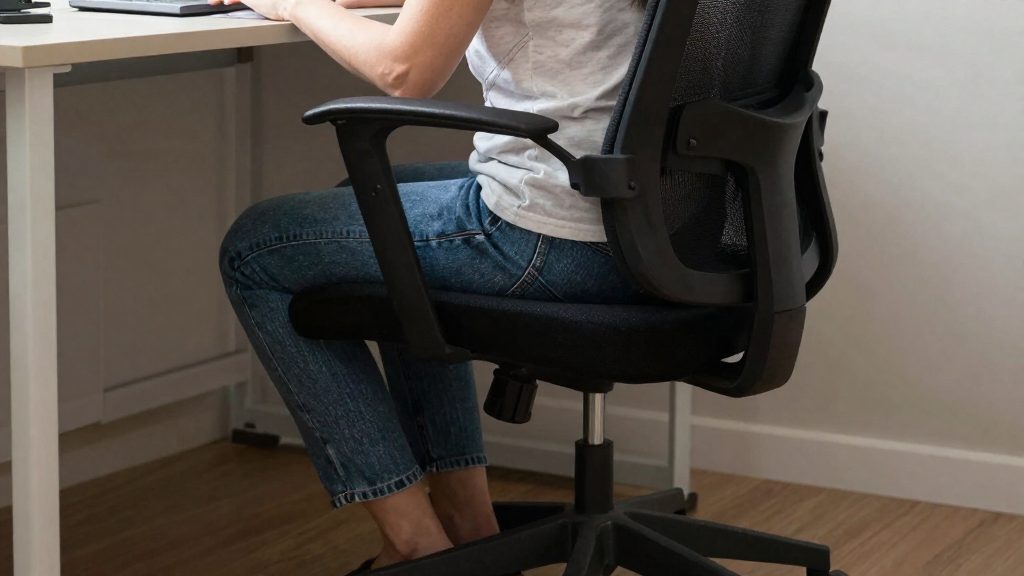
How often should you move or stretch?
Change position before you have stayed in one posture long enough to feel stiff or heavy in the lower back. The reference material for this article does not set a fixed interval, so a timer is less useful than noticing when your back starts to tighten. The goal is to break up long periods of static load rather than to sit perfectly for hours.
Movement breaks can be small. Stand up, shift your weight from one sitting bone to the other, adjust your seat, or move from a reclined position to a more upright one. These changes take a few seconds and still reduce time spent in a single position.
Short walks also help. Walking around the office or home between tasks, during a phone call, or to get water changes the load on your lower back and hips. It works better as a regular habit than as a single long break.
Use the following stretches between tasks. Move gently, and hold each position steadily without bouncing.
| Stretch | How to do it | What you should feel |
|---|---|---|
| Standing hip flexor stretch | Step one foot forward into a split stance, keep your torso upright, and gently move your hips forward. Switch sides. | Front of the back hip and thigh |
| Kneeling hip flexor stretch | Kneel on one knee with the other foot forward. Tuck your pelvis slightly, then shift your hips forward. Switch sides. | Front of the rear hip |
| Standing hip flexor stretch (repeat on each side) | Step one foot forward and gently move your hips forward. Check with a clinician first if you already have disc symptoms. | Front of the hip |
| Supine knee-to-chest | Lie on your back and bring one knee toward your chest. Return it and switch sides. | Lower back and buttock |
Home office tips for remote workers
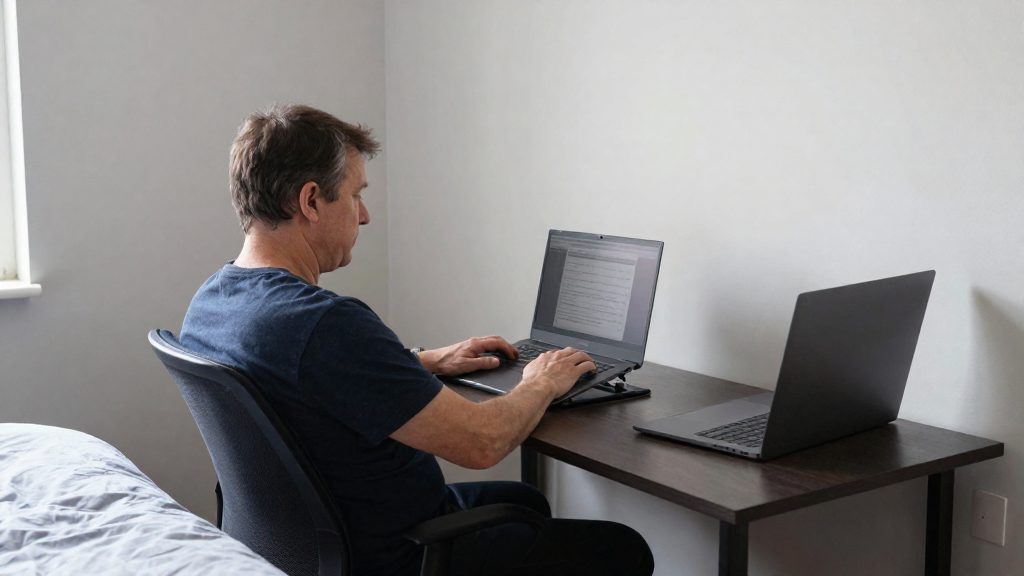
Home workspaces were rarely designed for work. A kitchen table, a sofa or a bedroom desk is set up for eating, resting or other tasks, so its fixed height, seat shape and distance to the screen often do not suit the body. NIOSH describes an ergonomics program as a systematic process to identify, analyze and control workplace risk factors for musculoskeletal disorders, including awkward postures and longer or more intense activity. Those same principles apply at home, where the setup is usually improvised.
Dedicated workspace versus shared living areas
A dedicated workspace keeps equipment in place, so you can set the desk and seat heights once and return to them each day. In a shared living area, equipment is often moved or packed away, which means the setup changes from day to day and is less likely to match your body. If a separate room is not possible, a fixed corner with a stable surface gives more control than a space rebuilt each morning.
Kitchen tables and sofas used as desks
| Setup | Typical ergonomic issue | First check |
|---|---|---|
| Dedicated room | Equipment stays set up | Desk and seat heights fixed once |
| Shared living area | Equipment moved daily | Fixed corner with a stable surface |
| Kitchen table | Fixed table height, no backrest | Firm chair, screen raised to eye level |
| Sofa | Soft seat lets the pelvis tilt back | Move to a firm chair and a raised screen |
Kitchen tables are usually built for dining, not typing, and they offer no back support. Soft seating allows the pelvis to tilt back, which makes it harder to keep the lower back supported. If a sofa or table is your only option, use a firm chair, a laptop stand and an external keyboard so the screen and keyboard can be positioned independently.
Systematic risk assessment at home
Apply the NIOSH approach in three steps:
- Identify: List each task you do at home, such as typing, video calls or reading documents, and the posture each one requires.
- Analyze: Note which tasks involve awkward postures and which run longer or more intensely than planned.
- Control: Change the setup to fit your body. The approach is to adapt the environment to the body, meaning adjust tools, equipment and the room to your capabilities, rather than adjusting your body to the furniture.
When should you see a doctor?
Some herniated disk symptoms need emergency care, some need prompt evaluation, and others need a scheduled medical appointment. A herniated lumbar disk often first shows as lower back pain. It can progress to sciatica (shooting pain from the buttock down one leg), numbness or tingling, and leg or foot weakness (AAOS OrthoInfo, 2025). The level of urgency depends on which of these signs appear and how they change.
Emergency signs: loss of bladder or bowel control
Loss of bladder or bowel control can signal cauda equina syndrome. The AAOS OrthoInfo source describes it as a medical emergency that needs immediate attention. If you lose control of your bladder or bowels while you have back pain, sciatica, or leg symptoms, seek emergency care now rather than waiting for a routine appointment.
Prompt evaluation: progressive leg or foot weakness
Leg or foot weakness is one of the recognized ways a herniated lumbar disk progresses. Weakness that worsens over time, such as a foot that drags or a leg that gives way, needs prompt medical evaluation. Weakness that comes with numbness or tingling warrants the same response.
Scheduled evaluation: symptoms that persist despite self-care
If pain, sciatica, or numbness continues despite the self-care measures you are already using, book a medical evaluation instead of continuing to self-manage. Persistence, not a single bad day, is the signal. Before the appointment, write down which measures you tried, how your symptoms changed, and where you feel pain, numbness, or tingling. This record helps your clinician see the pattern.
| Sign | Urgency | Action |
|---|---|---|
| Loss of bladder or bowel control | Emergency | Seek immediate medical attention |
| Progressive leg or foot weakness | Prompt | Arrange a prompt medical evaluation |
| Pain, sciatica, or numbness that persists despite self-care | Scheduled | Book a medical appointment |
Frequently asked questions
Does sitting all day on its own cause a herniated disc?
Not by itself. The AAOS lists a sedentary lifestyle as one risk factor among several, alongside being overweight, smoking, and repetitive lifting or bending. Disc degeneration with age, when discs lose water and flexibility, is also a main cause of herniation apart from trauma.
Which symptoms mean I should see a doctor quickly?
Lower back pain is often the first sign, and it can progress to sciatica, which is shooting pain from the buttock down one leg. Numbness, tingling, or weakness in the leg or foot also warrant a medical consultation. Loss of bladder or bowel control can signal cauda equina syndrome, a medical emergency that requires immediate attention.
What can I change at my desk to reduce the risk?
NIOSH identifies awkward postures and prolonged or intense activity as risk factors for musculoskeletal disorders, and its recommended response is to adapt tools, equipment and the work environment to the person. In practice, this means adjusting your chair, screen and keyboard so that you can hold a neutral posture without effort.