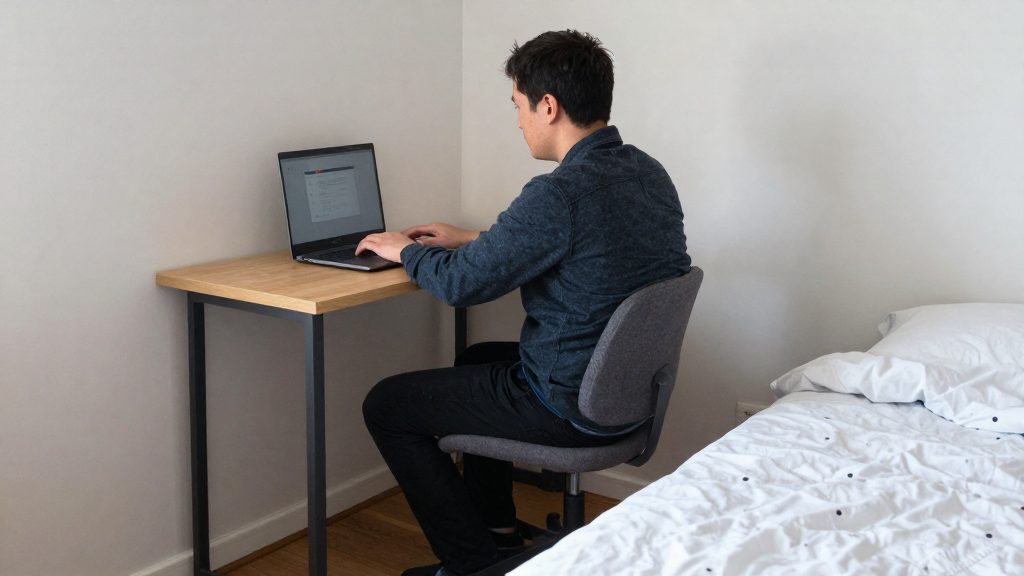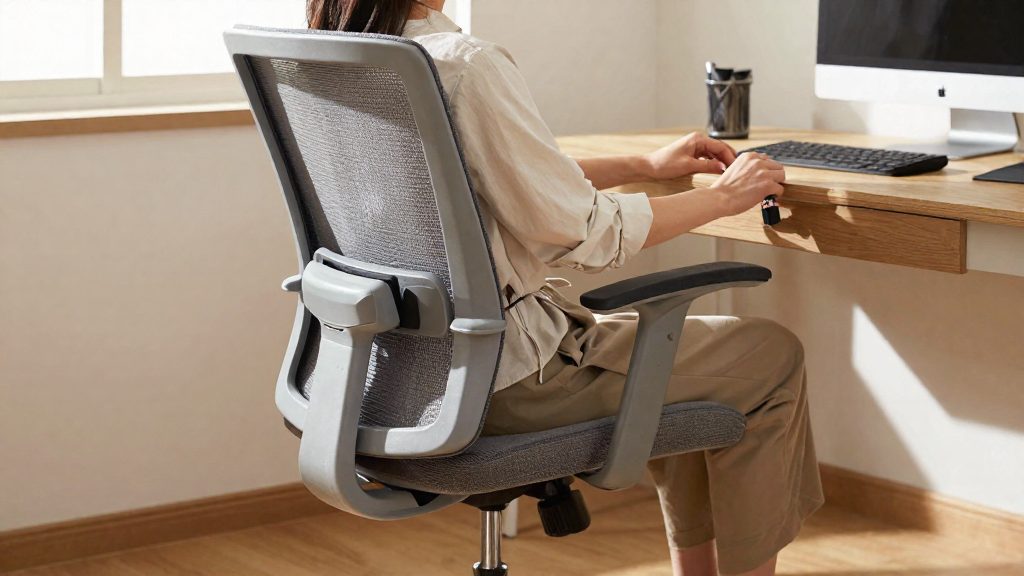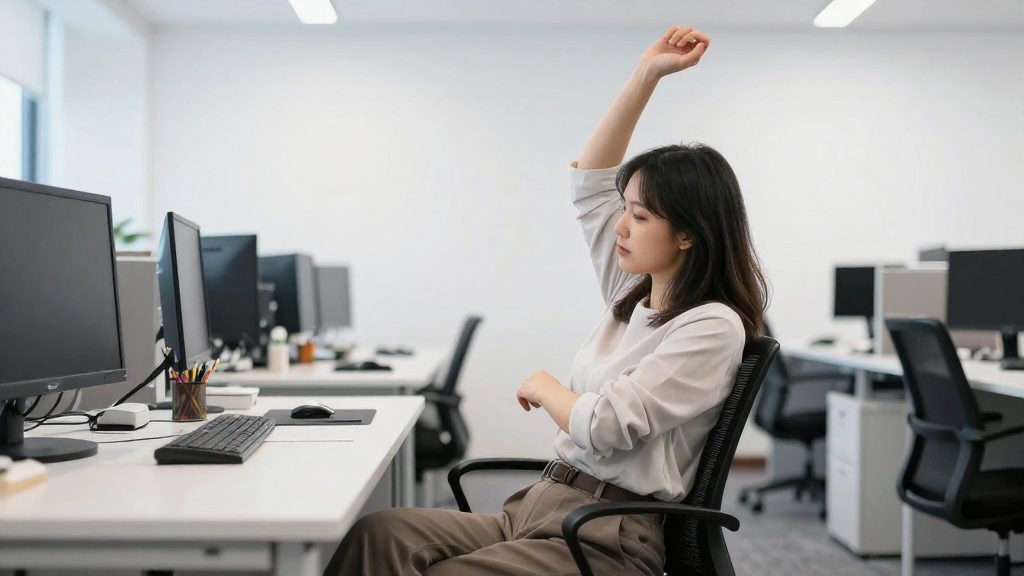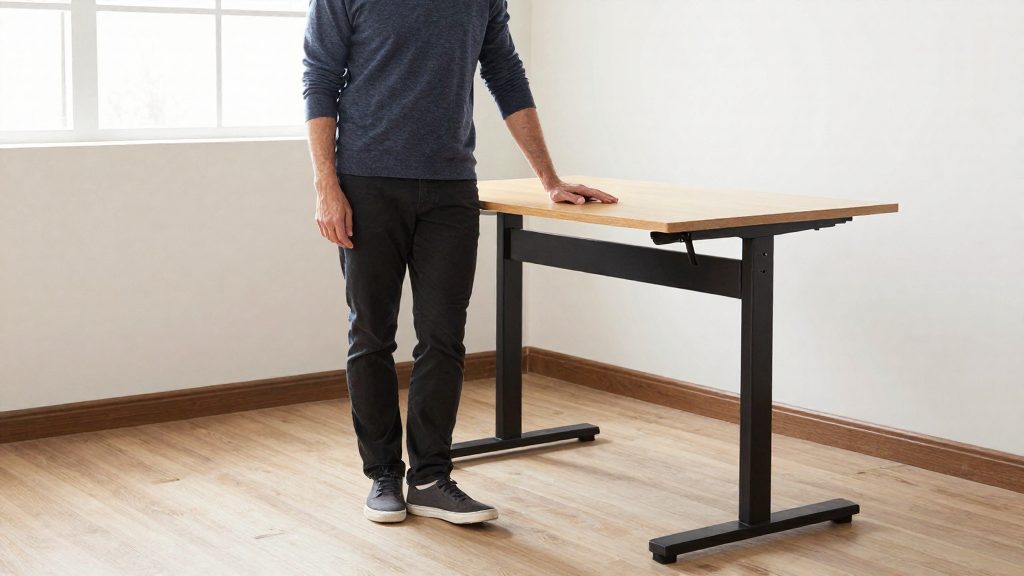
The University of Minnesota recommends beginning with 30 to 60 minutes of standing in total per day, spread across the working day, and increasing gradually. This total is the baseline for the rest of your schedule. It counts all standing periods added together, not one continuous session. Standing time does not replace other physical activity, and the sources do not establish a universally optimal standing duration.
How Long Should I Stand at a Standing Desk?
The daily total
| Reference point | Guidance | Source |
|---|---|---|
| Starting total | 30 minutes of standing per day | University of Minnesota, University Health & Safety |
| Upper value of the starting range | 60 minutes of standing per day | University of Minnesota, University Health & Safety |
| Maximum cited | No more than four hours per day | University of Minnesota; not established as a universal medical limit |
The four-hour figure is a ceiling mentioned in the same guidance, not a target. Start with the University of Minnesota’s suggested total of 30–60 minutes per day, spread throughout the day, and increase gradually as tolerated.
Counting standing time cumulatively
Standing time is cumulative: add up every standing period across the day. Short periods count toward the daily total in the same way as longer ones, so you do not need a single long session to reach the target.
Splitting the total into several blocks
Divide the daily total into several separate blocks rather than one long stretch. NIOSH’s literature review (2014-12-09) found that prolonged standing was consistently associated with low back pain, physical fatigue, muscle pain, leg swelling, and discomfort. Shorter, separated blocks limit the duration of any single standing period.
Limits of the current evidence
- The sources do not establish a universal sitting-to-standing ratio.
- Practical schedules from manufacturers such as Ergotron are examples, not validated safety thresholds.
- A standing desk does not, by itself, prevent or treat back pain.
How Often Should I Switch Positions?
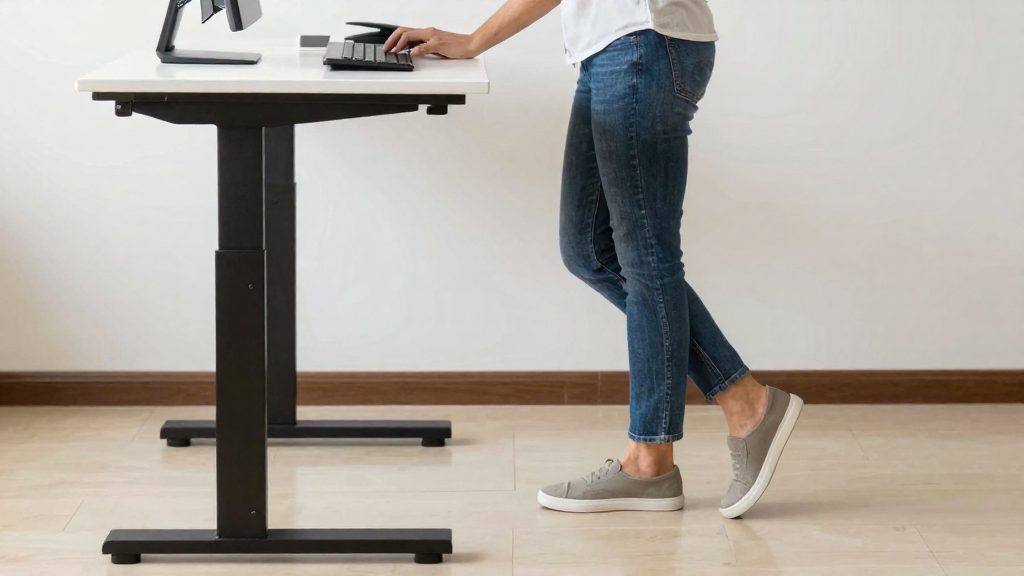
There is no validated schedule for changing position at a standing desk. Ergotron recommends setting a reminder every 20–30 minutes to prompt a change in posture or movement. NIOSH advises varying posture regularly throughout the workday and working standing up periodically to interrupt prolonged sitting (CDC / NIOSH, 2020-11-20).
Reference intervals
| Source | Guidance | Reported finding |
|---|---|---|
| Ergotron | Reminder every 20–30 minutes | Prompts a change in posture or movement |
| NIOSH (CDC, 2020-11-20) | Hourly five-minute breaks added to the conventional twice-daily rest breaks | Significantly reduced musculoskeletal discomfort and eyestrain in NIOSH research |
Setting up timers or calendar alerts
A reminder only helps if it triggers a specific action. To set one up:
- Recurring alerts: Create a repeating calendar event or use a desktop timer at the interval you choose, such as 20 or 30 minutes.
- Defined action: Decide in advance what each alert means, for example standing up to read messages or shifting your weight from one foot to the other.
- Manufacturer features: If your sit-stand desk has a built-in reminder, check the manufacturer’s manual for how to enable and adjust it.
Start With Short Standing Sessions
Begin with standing blocks you can finish comfortably, and lengthen them only after your body has adapted to the current length. The University of Minnesota advises increasing standing time gradually (University of Minnesota, University Health & Safety), so the first weeks are about building tolerance, not reaching a daily total. No single standing duration is validated for everyone, so your own session notes are the practical guide.
Build Tolerance in Small Steps
- Start with short blocks. Stand for a few minutes at a time, then return to sitting or walk, rather than committing to one long stretch.
- Hold each length for several sessions before adding time, so each new length feels routine.
- Add time in small increments. Extend one block at a time, not every block at once.
- Change position within each block. NIOSH’s literature review identified dynamic movement, including opportunities to walk and switch postures, as the most promising approach for reducing health problems linked to prolonged standing (CDC / NIOSH, 2014-12-09).
Note How Your Legs and Back Feel
After each session, record how your legs and lower back feel, using a simple note or a 0 to 10 scale of your own choosing. Compare entries over several days.
- Note leg tiredness, heaviness, or tension, and back stiffness or fatigue.
- Extend the next block only when the previous one felt manageable.
- If fatigue increases from one session to the next, shorten the next standing block or take a break from standing work. Stop the standing session if pain develops.
Build a Sitting, Standing, and Movement Routine
Ergotron, a standing-desk manufacturer, gives an example hourly template of 30 minutes sitting, 20 minutes standing, and 10 minutes stretching or filing. The split adds up to 60 minutes, but repeating it every hour would exceed the University of Minnesota’s starting total of 30–60 minutes of standing per day. Beginners should distribute that daily total across selected hours and increase gradually as tolerated; Ergotron’s template is an example, not a validated safety threshold. No established standard sets a universally optimal ratio of sitting to standing.
| Block (per 60 minutes) | Duration | Activity |
|---|---|---|
| Sitting | 30 minutes | Seated computer work at the desk |
| Standing | 20 minutes | Standing work at the raised desk |
| Stretching or filing | 10 minutes | Stretching, or filing paper documents |
To fit this template into your day, start from the rest breaks you already take:
- Keep your existing rest breaks. If your workplace provides morning and afternoon rest breaks, keep them in your schedule. Keep them in your calendar.
- Add a five-minute break every hour. According to CDC/NIOSH (2020-11-20), adding hourly five-minute breaks to conventional twice-daily rest breaks significantly reduced musculoskeletal discomfort and eyestrain in NIOSH’s research. These breaks are additional to the scheduled ones, not a replacement for them.
- Use the break for a posture change. Stand up, stretch, or look at a distant object to rest your eyes. The 10-minute stretching or filing block in Ergotron’s example can absorb one of these breaks.
- Return to the standing or sitting block. After the break, resume the next block in your planned sequence.
The hourly breaks and the rest breaks work together: the scheduled breaks give longer recovery, while the hourly breaks interrupt long periods at the same posture.
Can Standing Too Long Cause Pain?
According to CDC / NIOSH (2014), a literature review found that prolonged standing was consistently associated with increased reports of low back pain, physical fatigue, muscle pain, leg swelling, and general discomfort. The review describes an association with reported symptoms. It does not establish that a standing desk alone causes these problems, and it does not establish that standing desks prevent or treat back pain.
Symptoms Reported With Prolonged Standing
- Low back pain: reported more often in people who stand for long periods.
- Leg swelling: included among the symptoms reported with prolonged standing.
- Muscle pain: included among the same reports.
- Physical fatigue: reported more often with prolonged standing.
Recognizing Discomfort Before Symptoms Persist
The NIOSH review does not identify a point at which standing becomes harmful, so your own body signals are the most practical guide. Use this sequence:
- Note when discomfort first appears in your lower back, legs, or feet during a standing session.
- Sit down or return to your seated setup at that point instead of standing through the discomfort.
- If discomfort recurs or does not ease after changing position, consult a qualified healthcare professional. Seek medical advice right away for new or worsening swelling in one leg, or swelling with redness or warmth. Seek immediate medical care for back pain accompanied by loss of bladder or bowel control, numbness around the groin, or new or worsening leg weakness. Seek emergency medical help for shortness of breath or chest pain.
Set Up Your Desk for Comfortable Standing
Your screen setup matters as much when you stand as when you sit. NIOSH advises positioning an external monitor about one arm’s length away, with the top of the screen at or below eye level. Keeping the top of the screen below eye level helps you avoid tilting your head back to view it.
| Element | Recommendation | Source |
|---|---|---|
| Monitor height | Top of the screen at or below eye level | CDC / NIOSH (2020-11-20) |
| Monitor distance | Approximately one arm’s length away | CDC / NIOSH (2020-11-20) |
| Wrists | Neutral when typing or using the mouse | CDC / NIOSH (2020-11-20) |
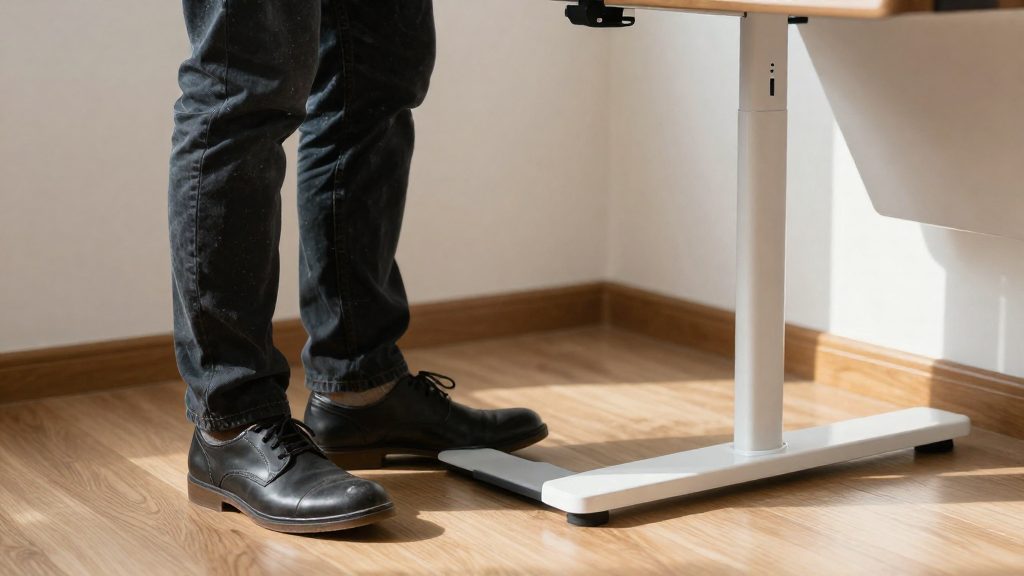
| Knees | Relaxed, not locked | Ergotron |
| Footwear | Supportive shoes | Ergotron |
Keep your relaxed knees by bending them slightly while standing rather than locking them straight. Locked knees put strain on the joints over time, and Ergotron advises avoiding them for standing work. Pair this with supportive shoes, which Ergotron also recommends for standing work.
For the monitor, place the screen at the distance of one arm’s length so that you can read text without leaning forward. When the monitor sits on a fixed stand or desk surface, check whether the stand can be raised or lowered to reach the recommended height.
Keep Moving Beyond Your Standing Desk
NIOSH, the U.S. National Institute for Occupational Safety and Health, reviewed the research on prolonged standing and identified dynamic movement as the most promising approach for reducing the health problems associated with it, according to CDC / NIOSH (2014). In this context, dynamic movement means shifting position, switching postures and walking, rather than holding one posture still for long periods. The review did not establish that movement eliminates these risks. It identified movement as the most promising option among those examined.
Why movement works better than static holding
- Static holding keeps the same muscles under load and gives the body no change in position.
- Dynamic movement alternates load across muscles and joints. NIOSH’s review pointed to opportunities to walk and switch postures as the practical way to apply this.
Walking opportunities during the workday
Walking fits into a workday without a dedicated exercise block. Options include:
- Taking phone calls on your feet and walking while you talk, if your setup allows it.
- Walking to the printer, a shared file cabinet or a colleague’s desk instead of sending a message.
- Holding one-to-one meetings as walking meetings when no shared screen is needed.
- Placing frequently used items out of arm’s reach, so that you stand up to reach them.
Changing postures through active movement
Active posture changes are small, deliberate shifts rather than long periods without motion. Shifting weight between your feet and moving between standing and sitting both count as posture changes.
| Approach | What to do | Guidance source |
|---|---|---|
| Walking | Short walks during calls, meetings or errands | CDC / NIOSH (2014) |
| Switching postures | Alternate between sitting and standing rather than staying in one position | CDC / NIOSH (2020) |